Planned Camera Language
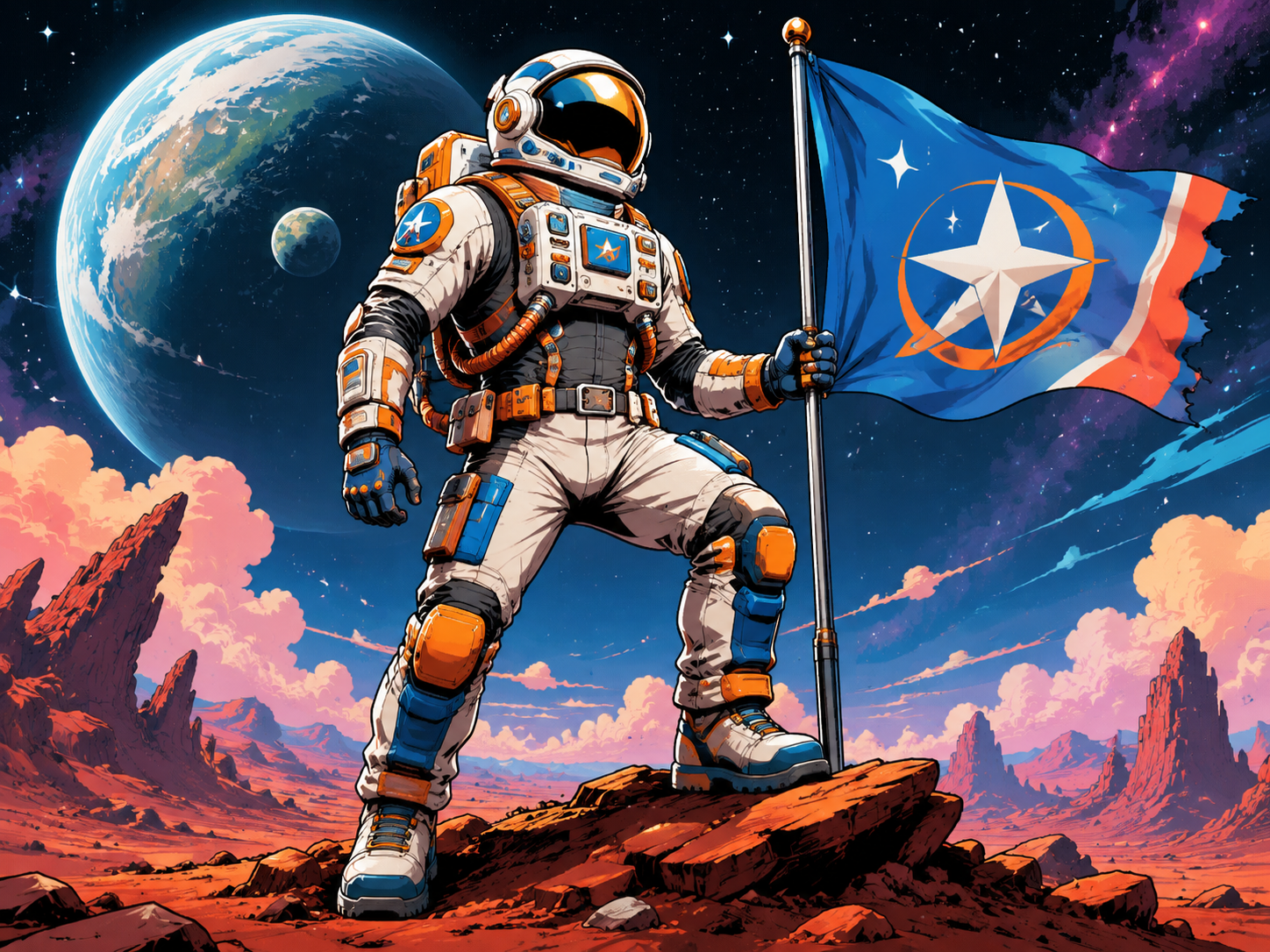
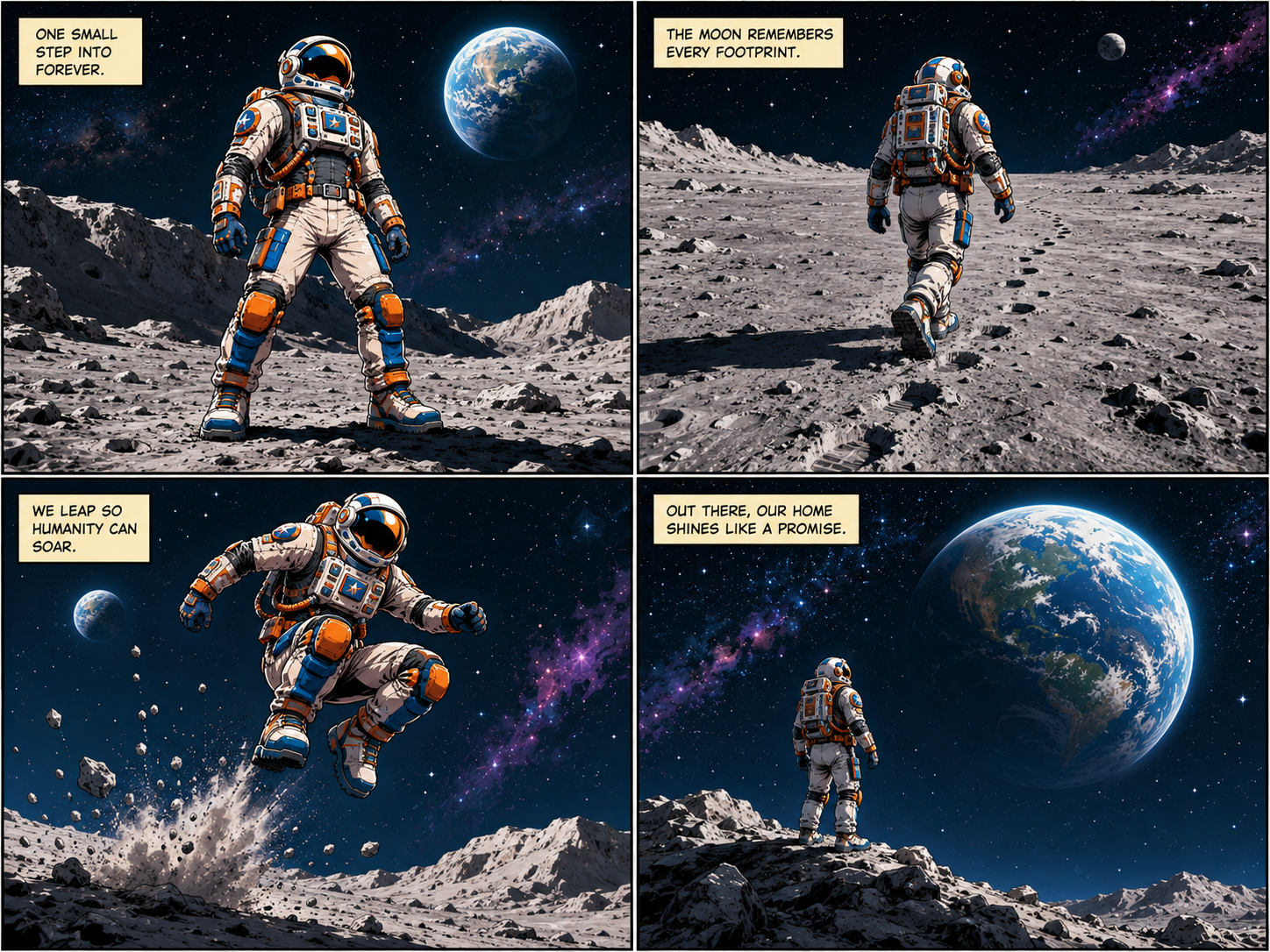
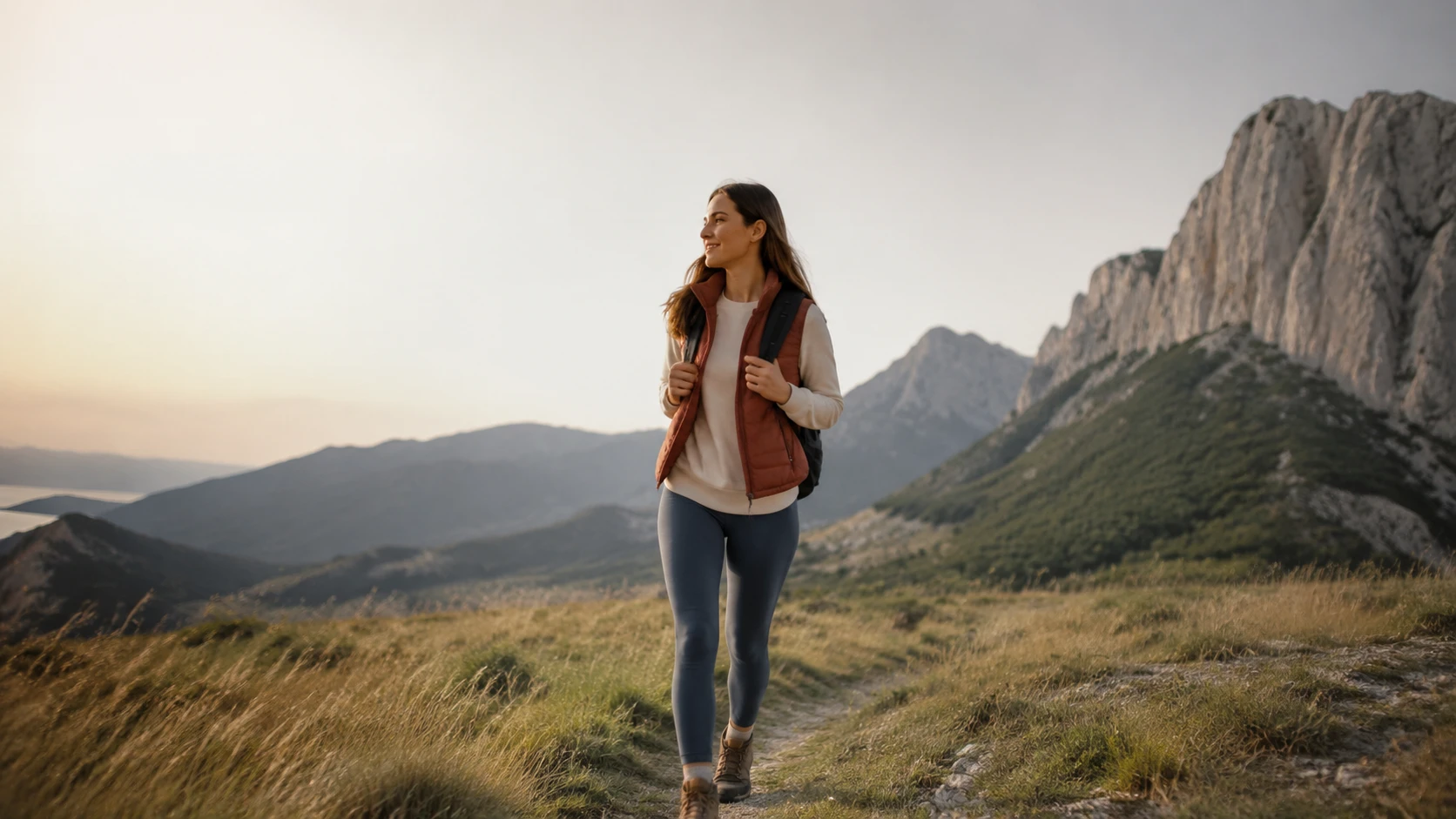
Choose movement cues such as pan, push in, orbit shot, dolly, close up, or wide shot. The ai movie maker applies those cues across the sequence so the camera work supports the product or story.

PhotoGenerator turns a production brief into a structured video output with shot order, camera positions, lighting direction, and reusable characters or scenes. The ai movie maker is built for teams that need professional product ads, social edits, pitch previews, and story content without planning every frame manually.
Get Started
Describe the product, scene, character, audience, and intended output. The ai movie maker reads the brief as a production direction, not only as a single scene request.
PhotoGenerator builds a shot sequence with wide shots, close ups, push ins, orbit shots, pans, and camera positions. You can refine the pacing before generating the final video.
Confirm the storyboard ai structure, lighting, and subject continuity. The ai movie maker then generates a commercial video output ready for review, campaign testing, or client approval.
These controls help the generated video feel planned, consistent, and commercially usable instead of stitched together scene by scene.
Choose movement cues such as pan, push in, orbit shot, dolly, close up, or wide shot. The ai movie maker applies those cues across the sequence so the camera work supports the product or story.
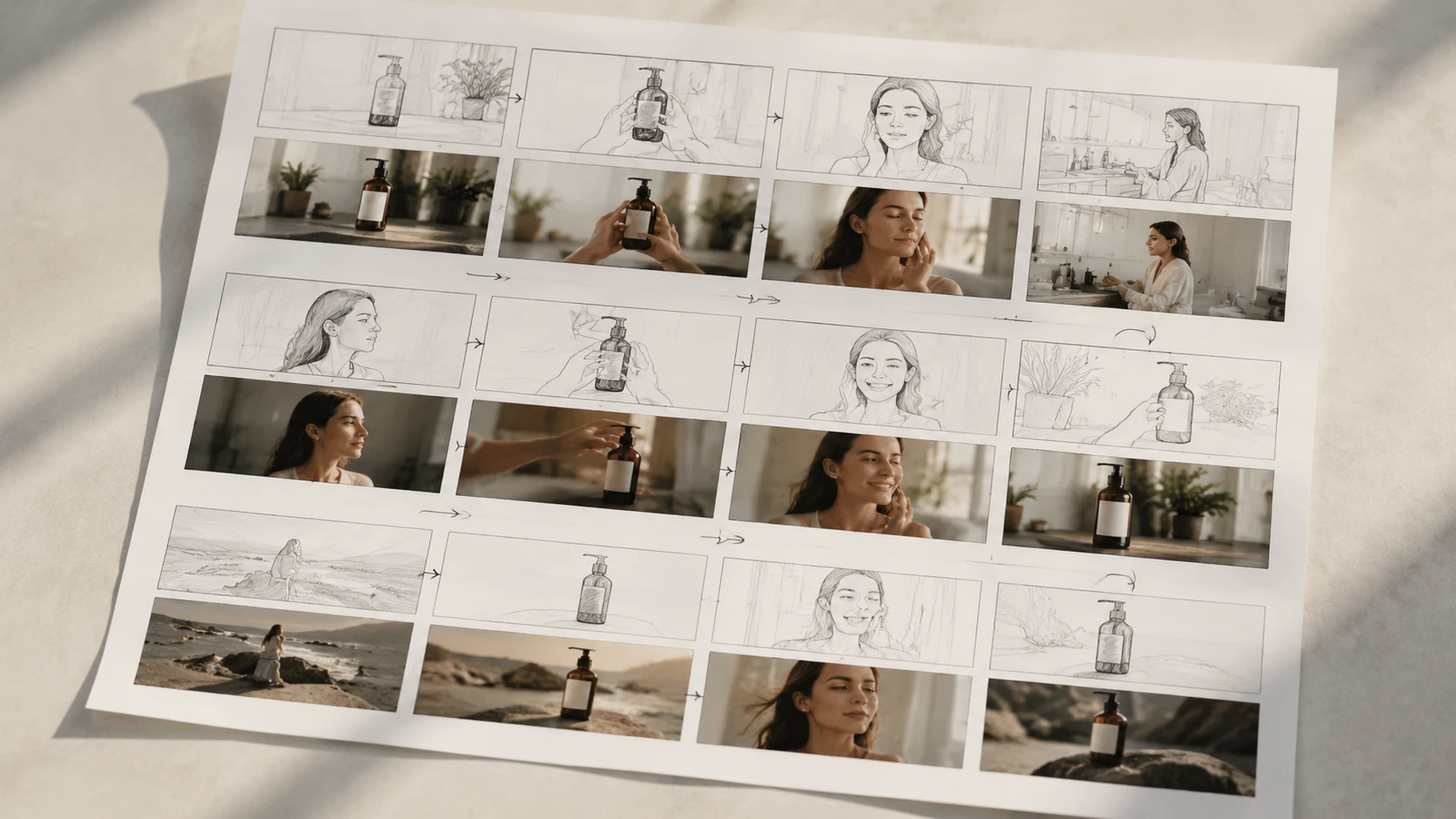
Generate a complete shot plan with storyboard frames, shot order, camera positions, and transition intent. The ai storyboard generator works best when your prompt states the goal, duration, and scene priority.
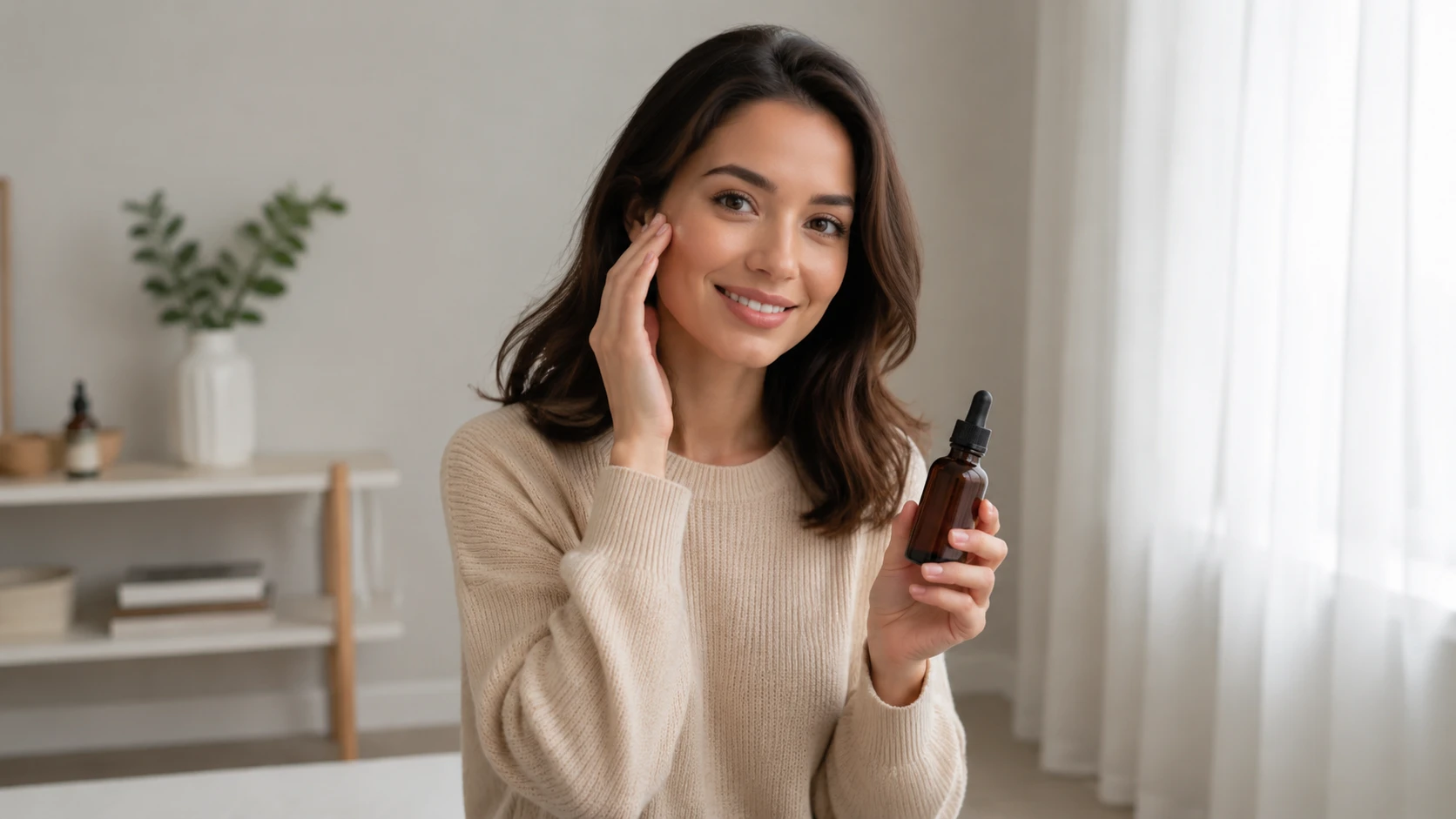
Reuse a host, product, room, or outdoor setting across a series. The ai movie maker keeps the video more consistent when each prompt names stable visual details and repeatable wardrobe or set cues.
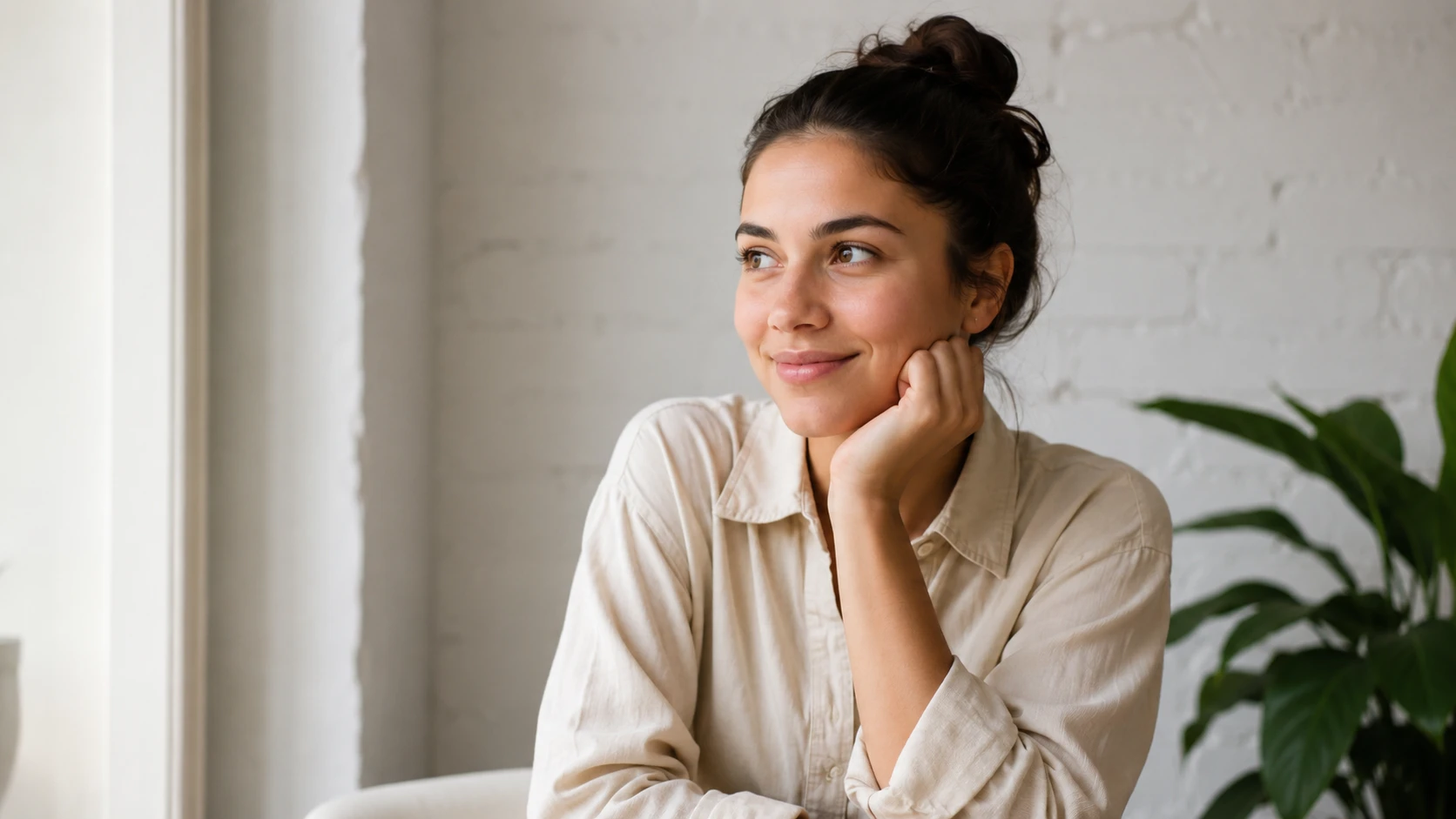
Specify studio lighting, natural window light, retail shelf light, or cinematic contrast. PhotoGenerator uses the lighting prompt to improve detail, quality, and professional output across the generated shots.
Use PhotoGenerator when the result needs a clear shot structure, not just a single moving image.
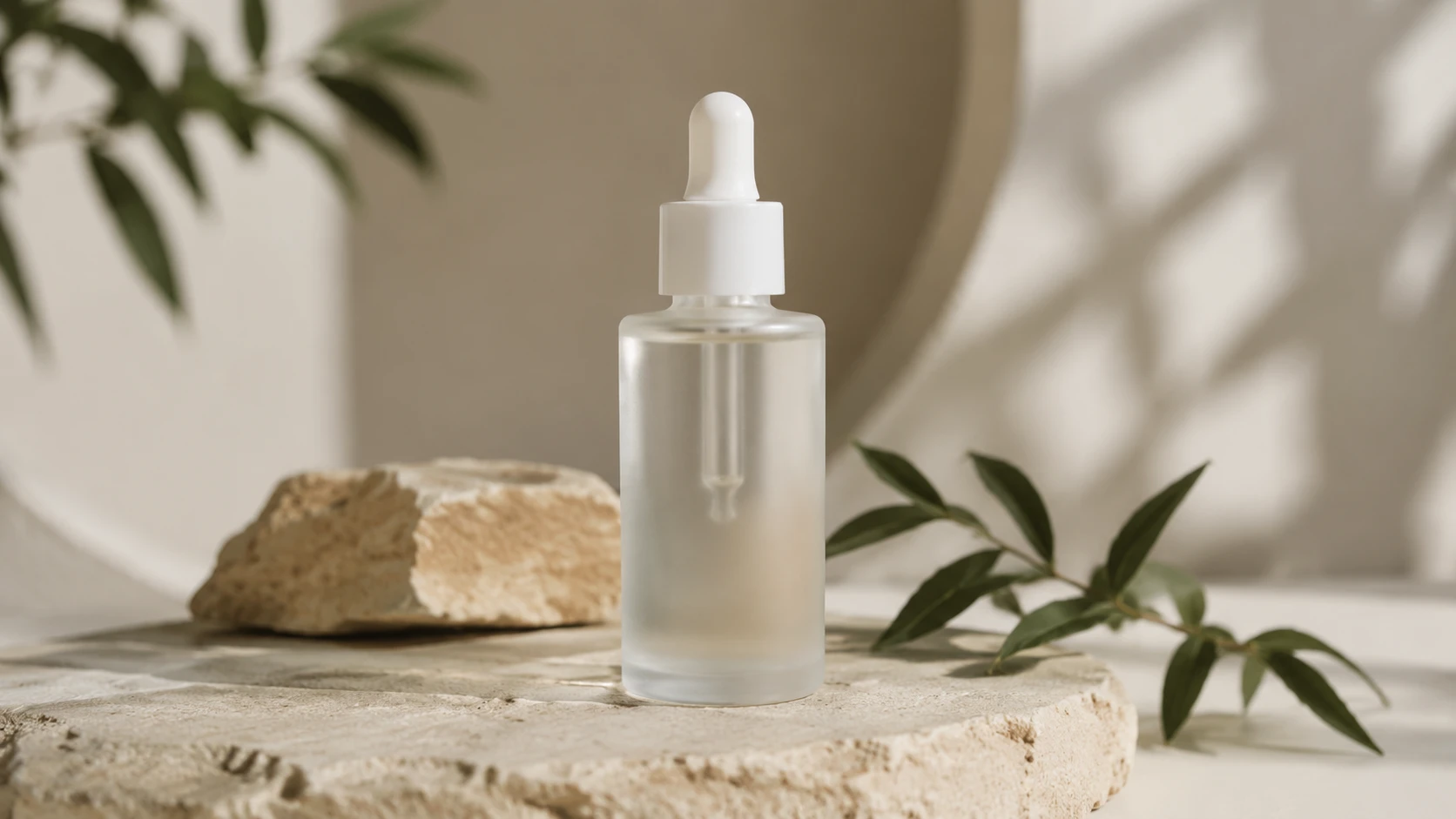
Create a short product video with a hero shot, usage detail, and final pack frame. The ai movie maker helps ecommerce teams test angles before booking production time.
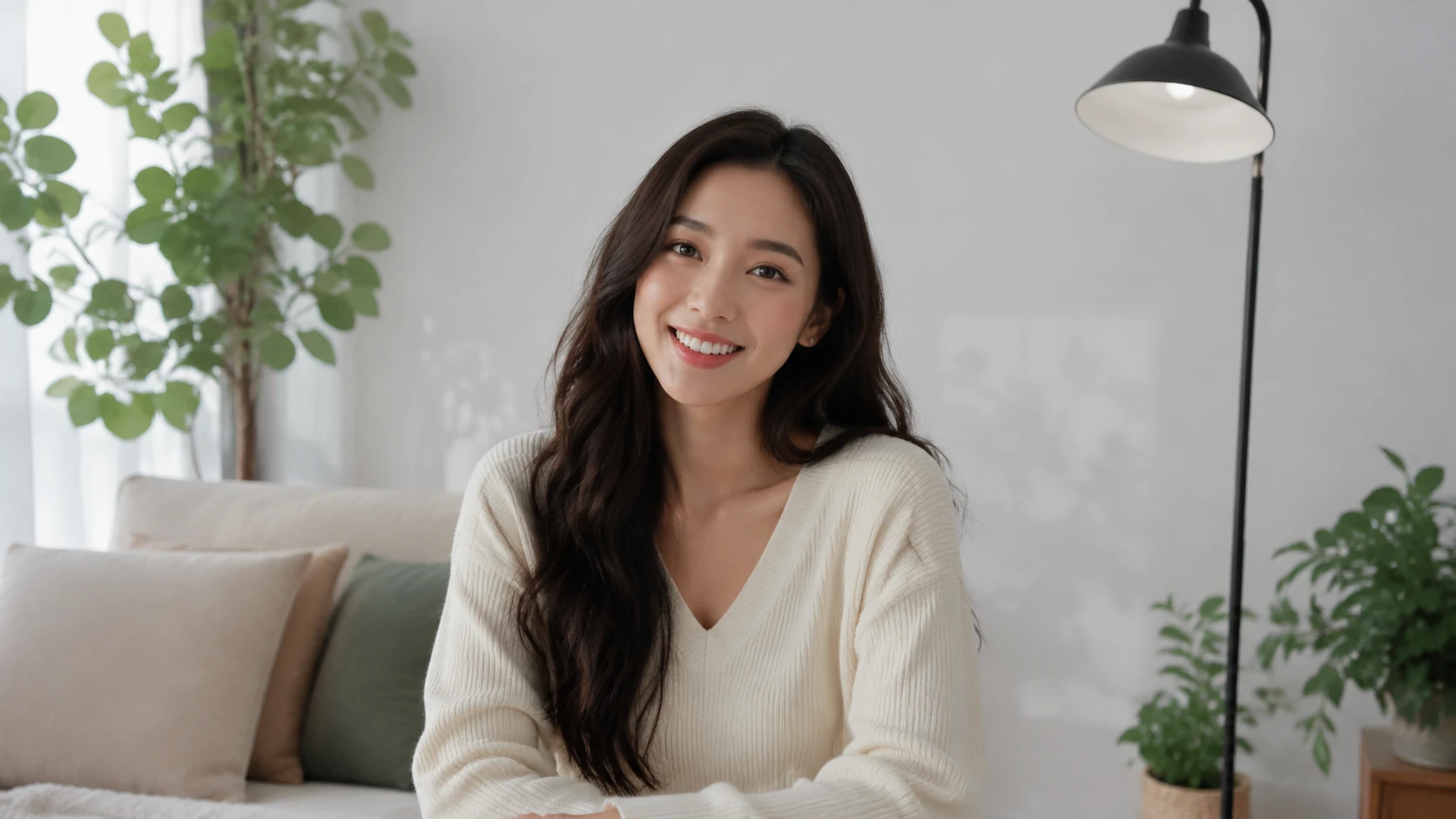
Keep an AI influencer, room, and visual tone consistent across recurring posts. PhotoGenerator supports a repeatable prompt system for weekly content with stable character and environment details.
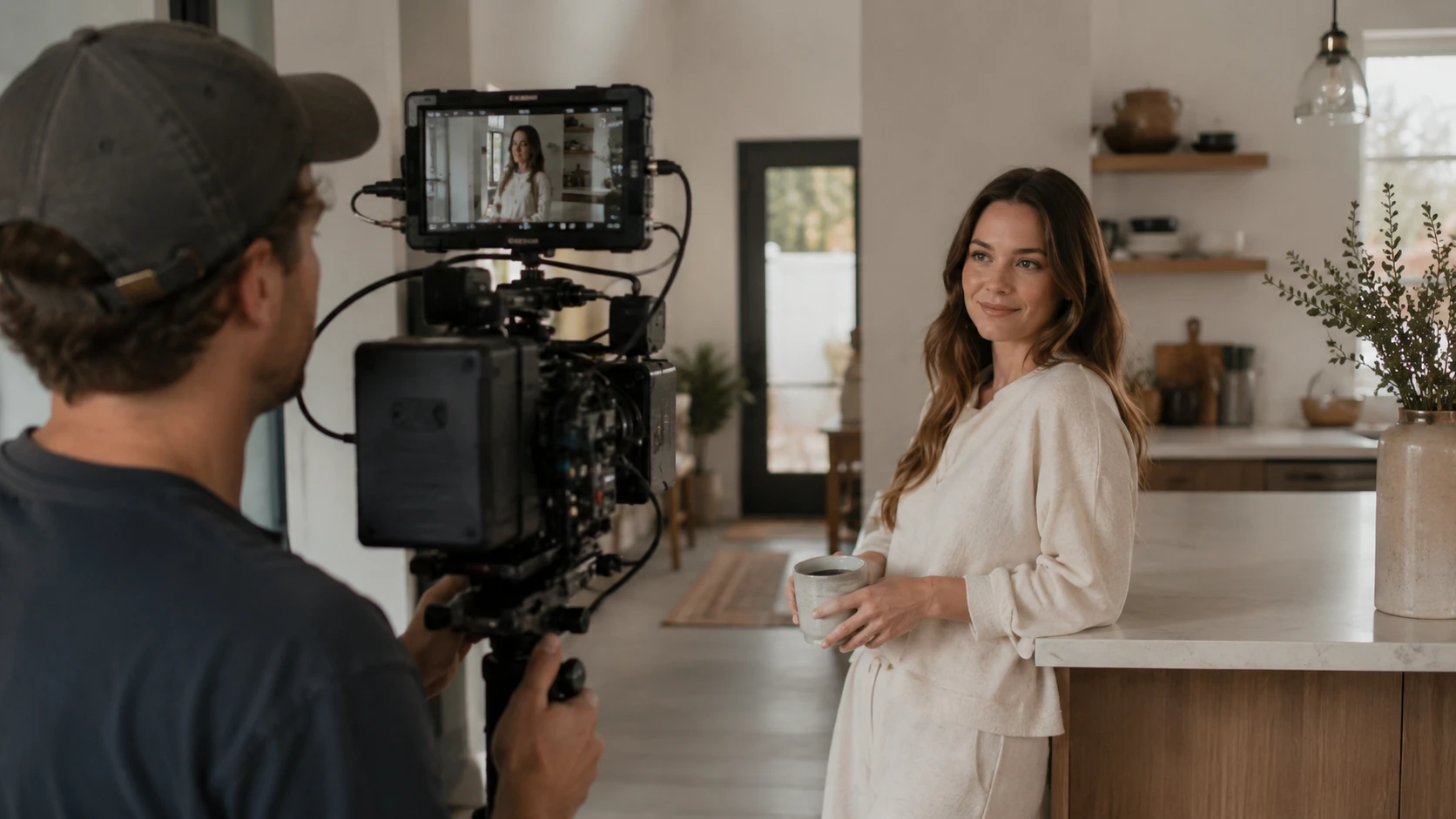
Turn a script beat into a reviewable storyboard generator sequence before a shoot. Directors and marketers can compare framing, camera flow, and pacing earlier in the planning process.
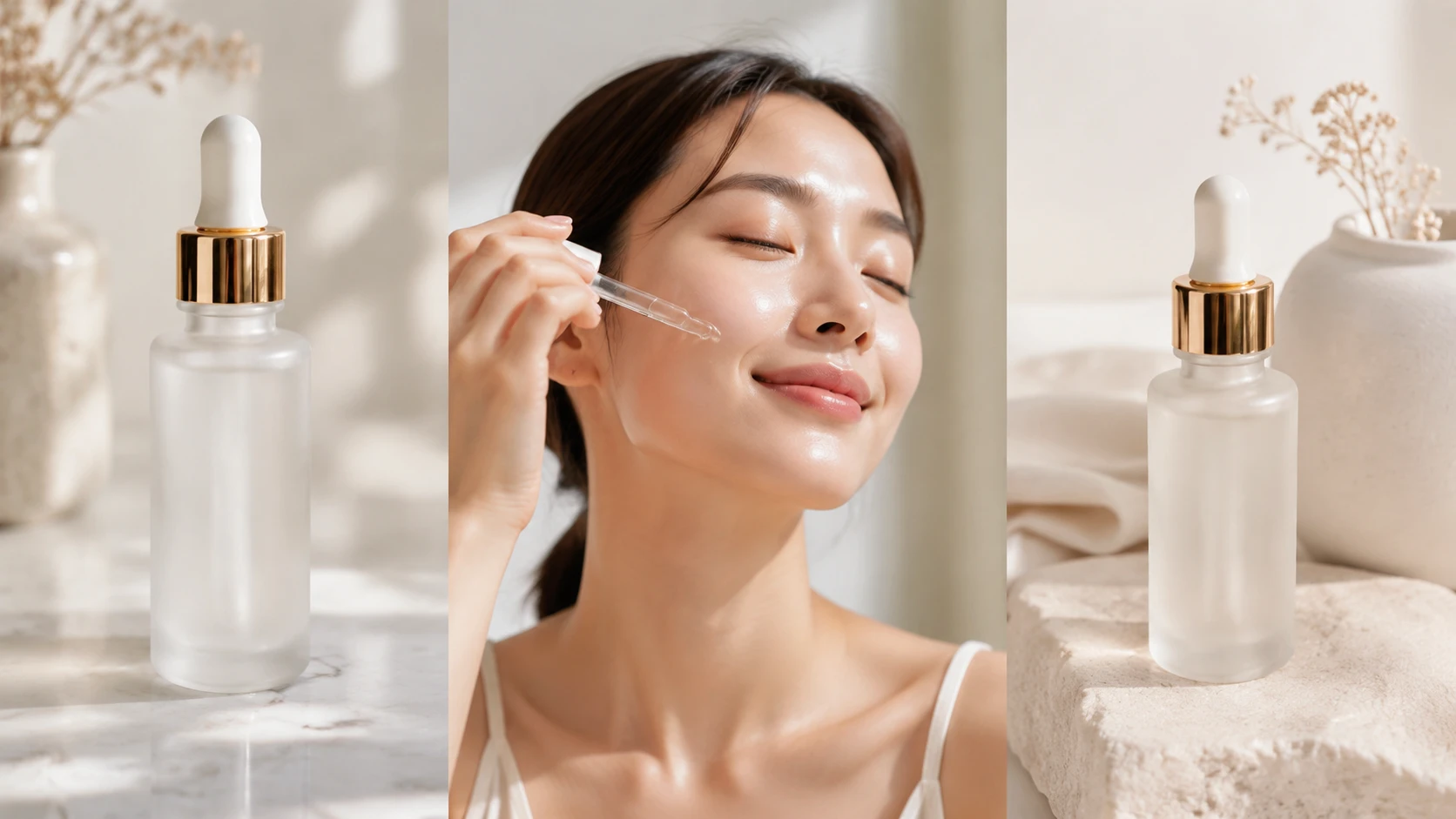
Generate a concise marketplace video that shows the product, a use moment, and a clean final frame. The ai movie maker is useful when many SKUs need consistent structure and lighting.
These examples show how a prompt can become a concrete video output with planned shots and commercial detail.
Point 1
Generate a polished product reveal where the camera moves around the item, catches texture, and ends on a clear frame. The ai movie maker works well for premium packaging and hero visuals.
Point 2
Create a short founder style video in an office, studio, or retail setting. Add an ai director note for eye line, gesture, camera distance, and lighting continuity.
Point 3
Use the ai b roll generator approach to build supporting shots around a product or location. PhotoGenerator can plan texture, hand movement, shelves, counters, or street details around the main message.
Point 4
Move from ai storyboard frames to a generated video with clear opening, middle, and final shot. This gives clients a stronger review asset than a static board alone.
Write a clear prompt, choose the intended output, and let PhotoGenerator turn an ai movie maker plan into a photorealistic video with professional lighting, camera movement, and commercial detail.
Get Started