
Ecommerce Seller
Ecommerce Seller
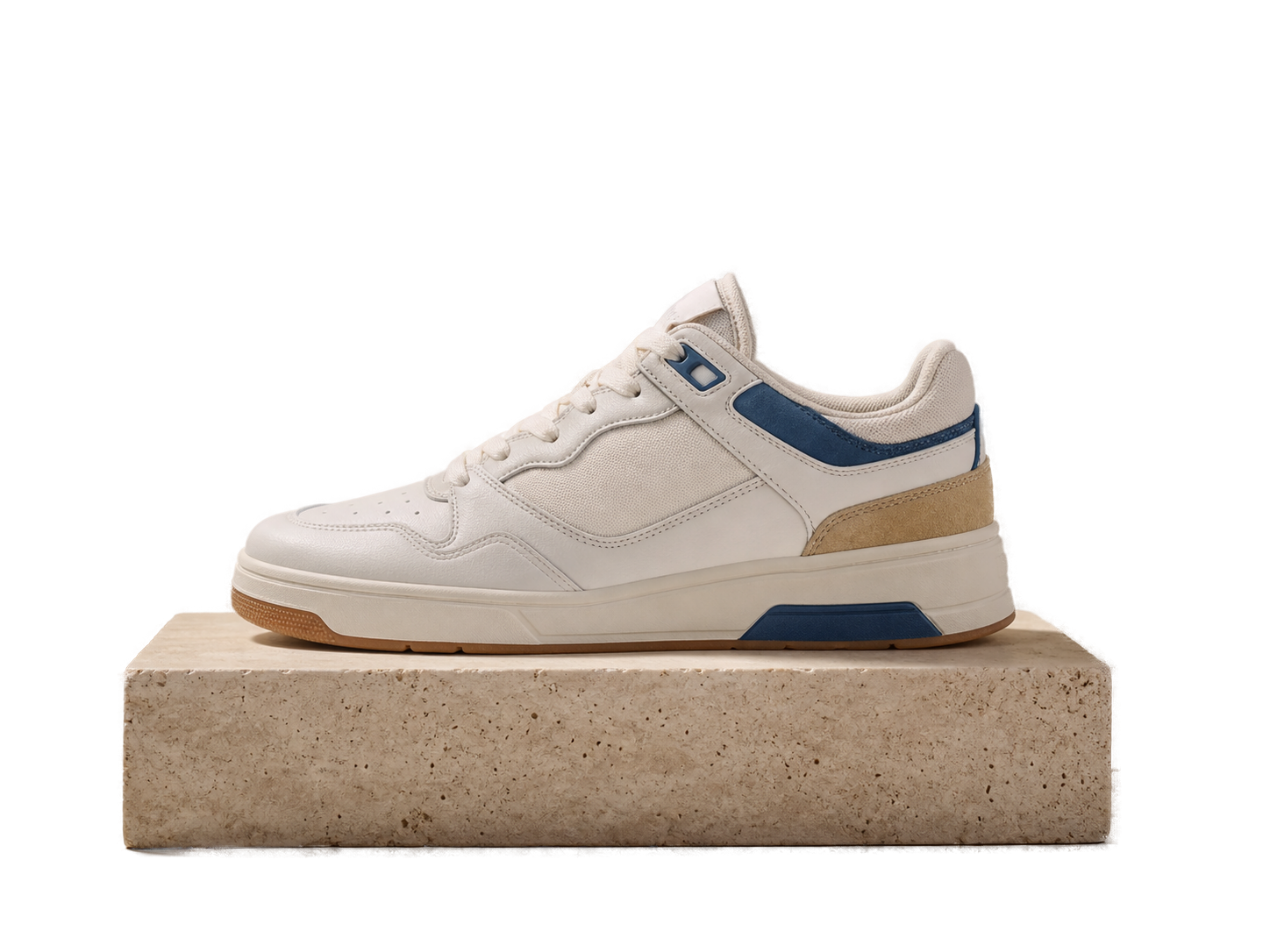
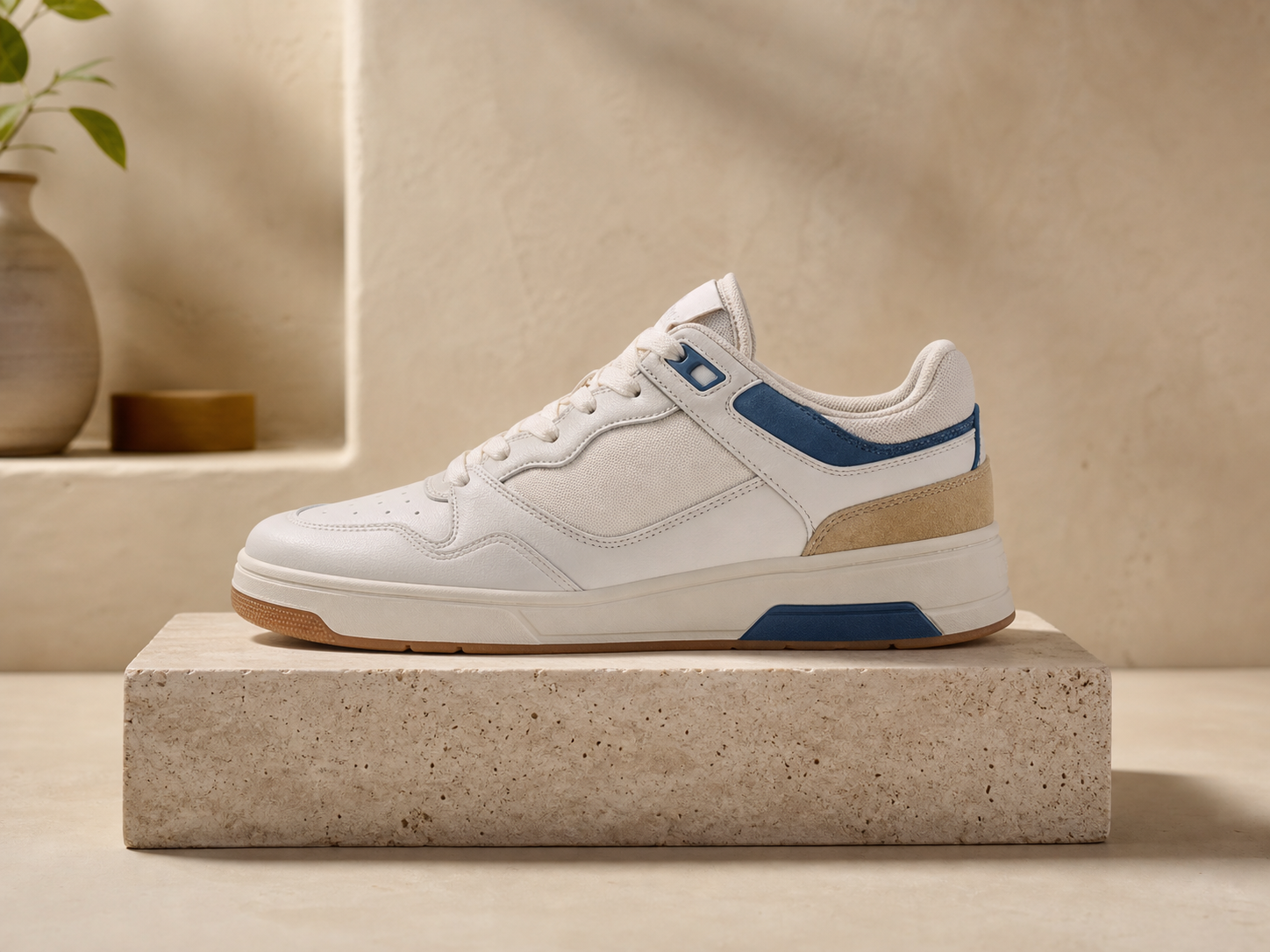
An ecommerce seller can prepare product images for marketplaces, shop pages, and printed catalogs. The background remover helps isolate the product so listings look consistent across mixed source photos.

Use PhotoGenerator background remover to remove background from product photos, headshots, logos, and design assets, then export a transparent background PNG ready for pages, catalogs, and campaign layouts.
Get Started
Ecommerce Seller
An ecommerce seller can prepare product images for marketplaces, shop pages, and printed catalogs. The background remover helps isolate the product so listings look consistent across mixed source photos.

Brand Marketer
A brand marketer can turn campaign photos, icons, and logo assets into reusable transparent PNG files. That output is easier to place into ads, landing pages, presentations, and social posts.

Independent Professional
A consultant, freelancer, or student can use the photo background remover to clean a headshot for LinkedIn, a resume, or a profile page. The subject stays ready for a simple professional layout.
Each PhotoGenerator background remover feature focuses on the quality of the final cutout, not decorative effects or video output.
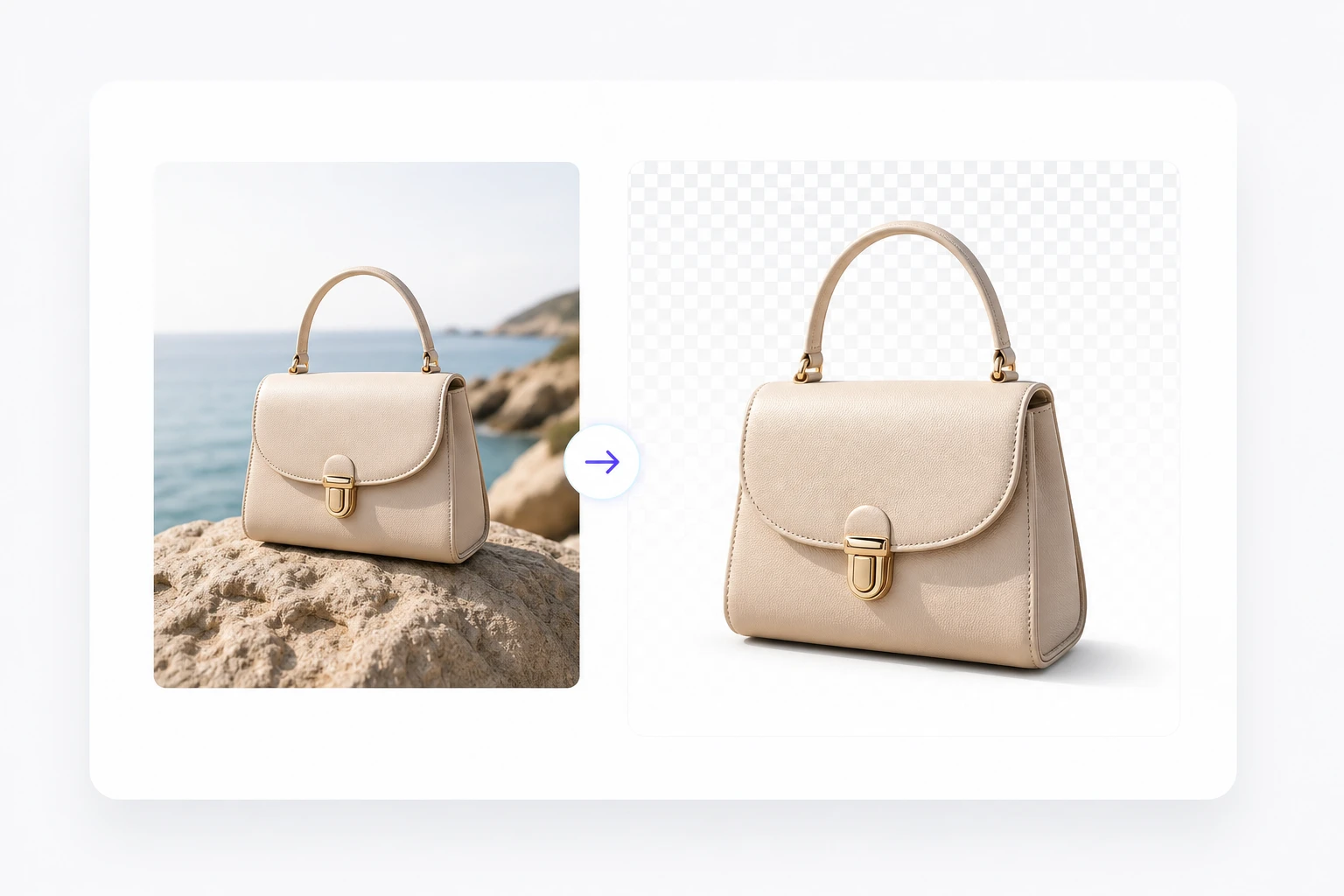
The tool identifies the main person, product, or object and removes the surrounding scene. This works best when the source image has clear lighting and a visible subject edge.
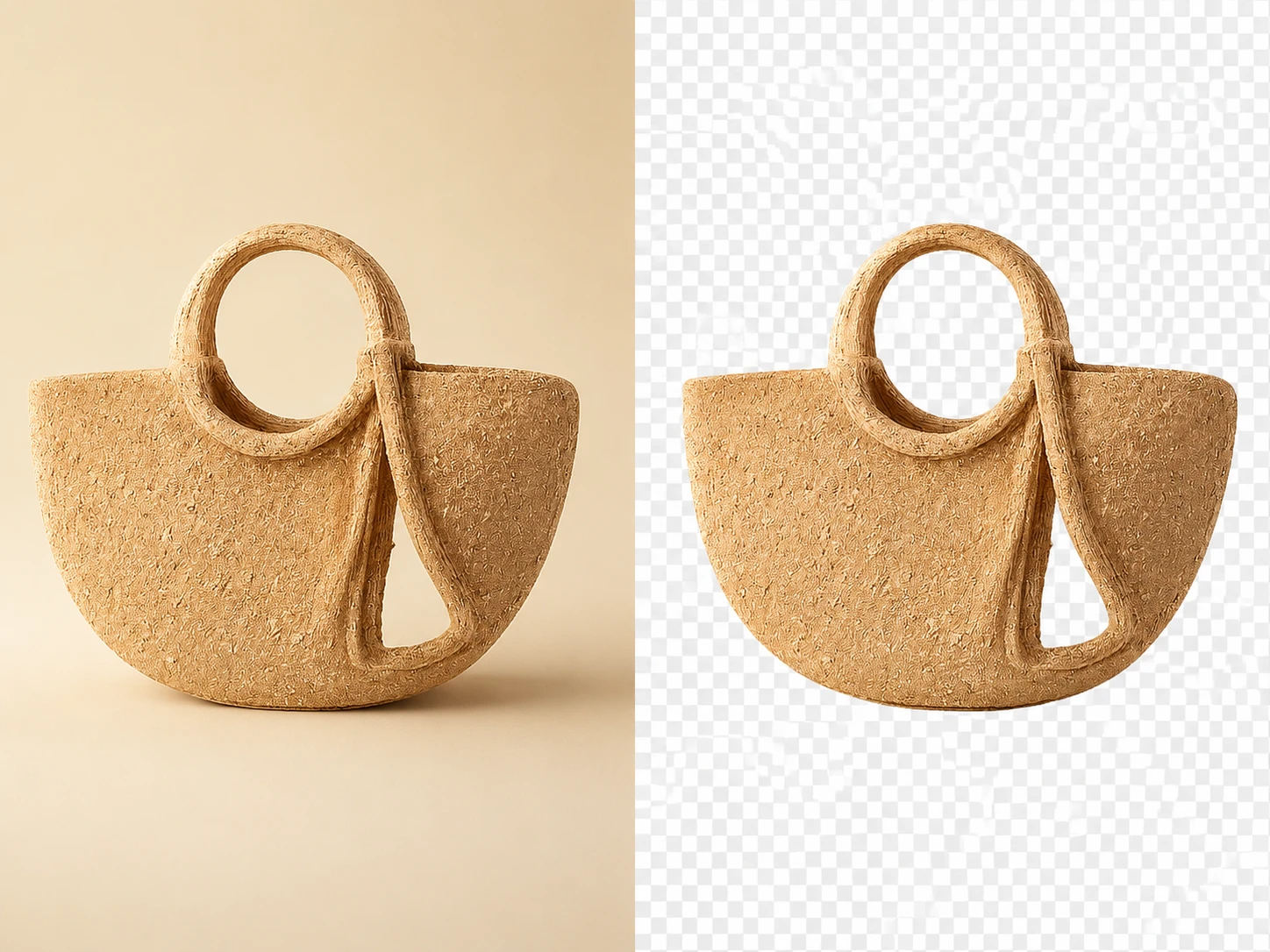
Export as a transparent PNG so the cutout can sit on a product tile, pitch deck, catalog page, or profile layout without a visible box around it.
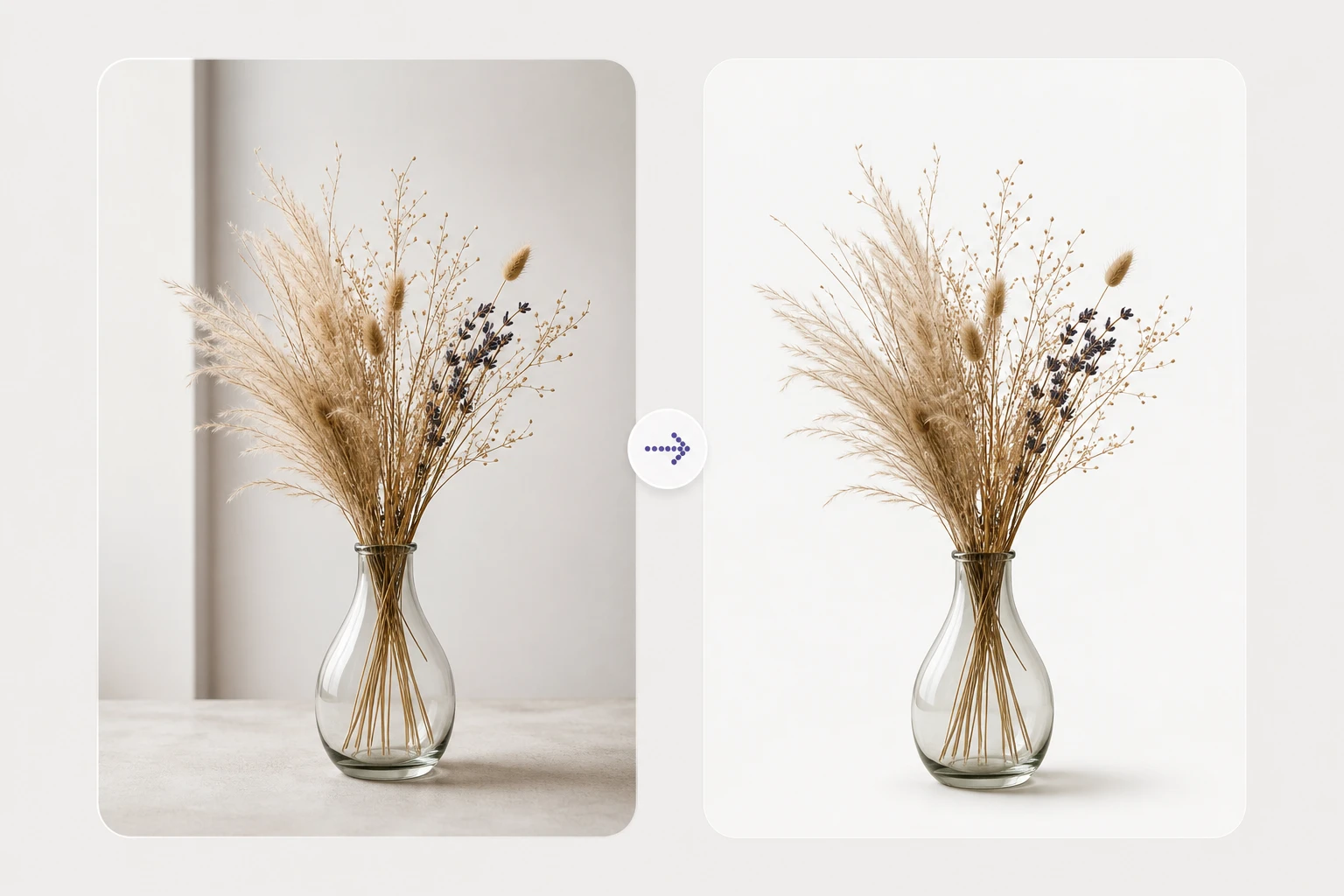
PhotoGenerator keeps attention on hair, fabric, product corners, and fine object outlines. The background remover gives cleaner output when the original image has enough resolution and contrast.
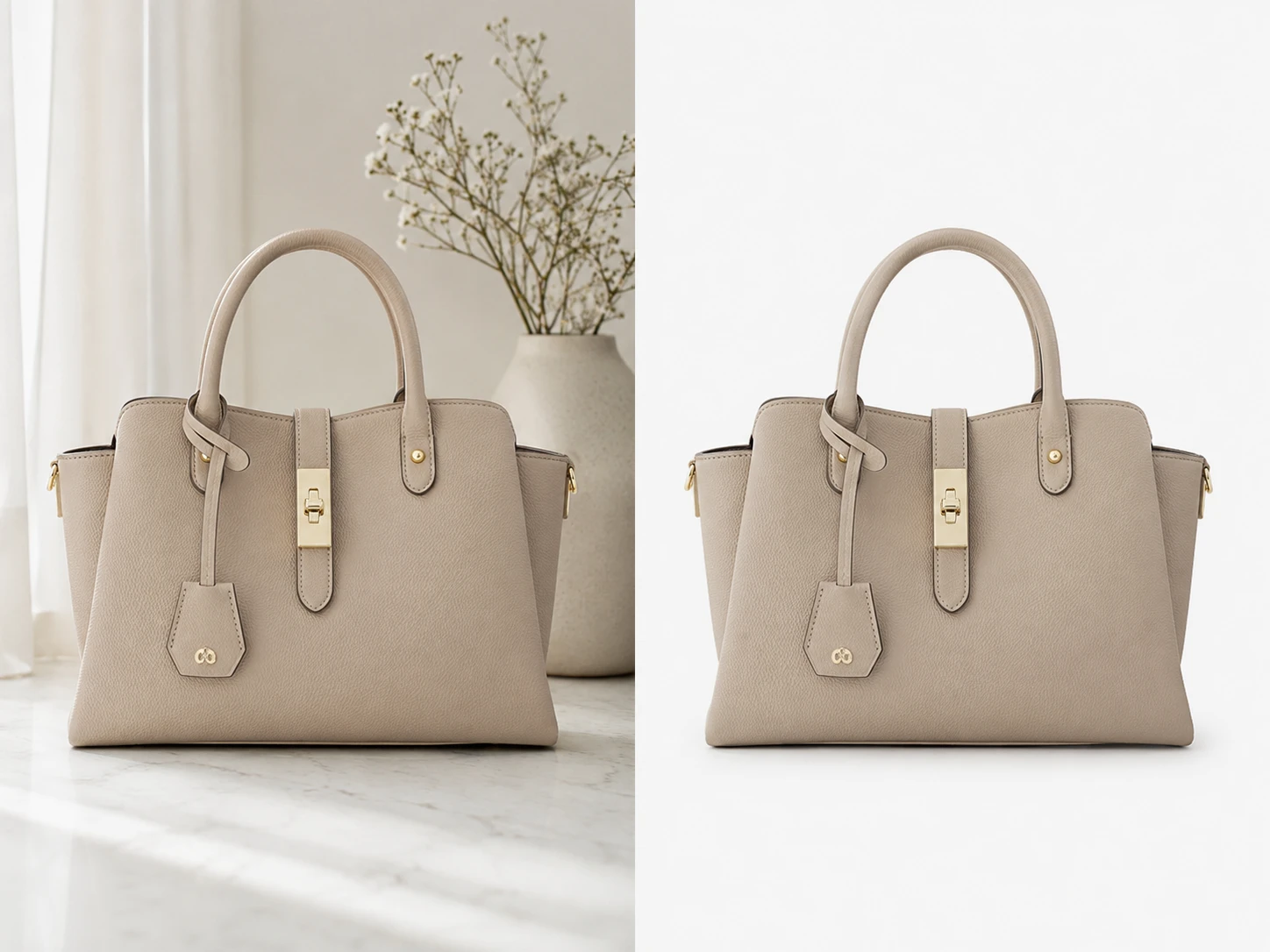
Upload from a desktop or a phone browser after login, then generate the cutout online. People who search for ai background remover usually need this quick image preparation step before design work.
These background remover examples show practical still image outputs for ecommerce, profiles, branded assets, and marketing layouts.
Point 1
Remove a distracting room, tabletop, or shelf behind a product photo. The background remover output can then be placed on a clean listing layout with consistent spacing.
Point 2
Clean up a selfie or portrait before placing it on a neutral page. The finished PNG helps the face and clothing read clearly in a professional profile context.
Point 3
Cut out a product, device, or person for a presentation slide. The isolated image can sit beside data, pricing, or campaign copy without dragging in the original background.
Point 4
Separate a logo, icon, or brand graphic from a flat source image. The background remover export makes it easier to test the mark on light, dark, or colored layouts.

Upload an image, let PhotoGenerator isolate the subject, and export a transparent PNG for the page, profile, catalog, or campaign you are building.