Point 1
Frame editing
Manual mouth edits can work for a hero spot, but they slow down every language, script change, and product update. PhotoGenerator gives ecommerce and training teams a faster lip sync app workflow for repeatable clips.

Use lip sync ai for product explainers, multilingual ads, virtual presenters, training clips, and singing content without frame by frame edits. Describe the face, voice, language, and shot style, then generate output that keeps expression, timing, and visual detail consistent for commercial review.
Get Started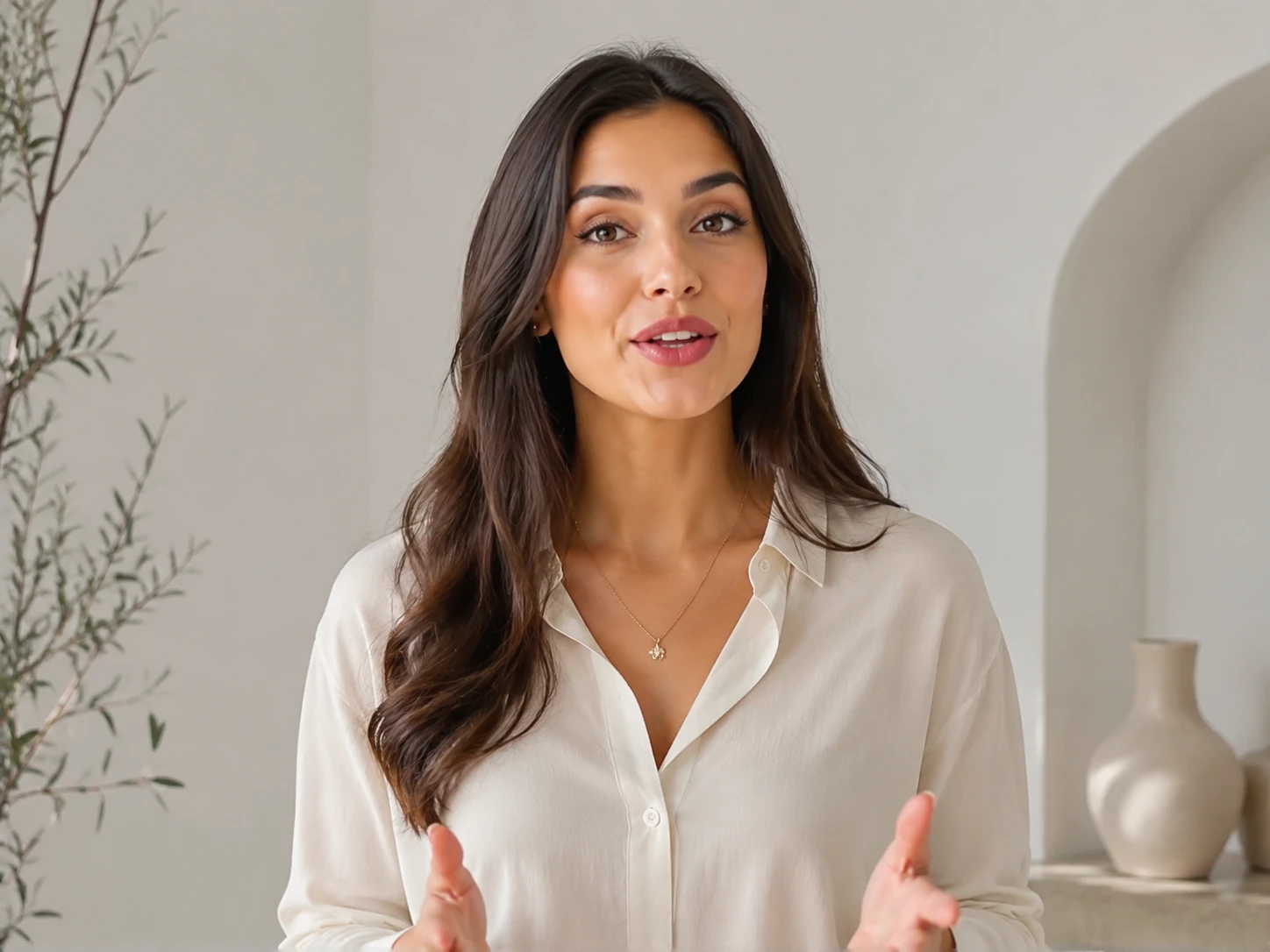
Start with the person, character, or object you need, then add the script, audio type, language, and camera framing. A clear prompt helps ai lip sync match the intended tone instead of producing generic mouth motion.
PhotoGenerator reads the voice rhythm and builds lip sync animation around syllables, pauses, and facial expression. You can test a talking photo ai concept from a still portrait or create a new presenter from a written brief.
Check resolution, lighting, mouth closure, and expression before you approve the final clip. For catalog, education, or campaign delivery, keep prompt notes consistent so future clips align with the same brand presence.
These controls focus on the visible parts that make a generated presenter credible in a professional video.
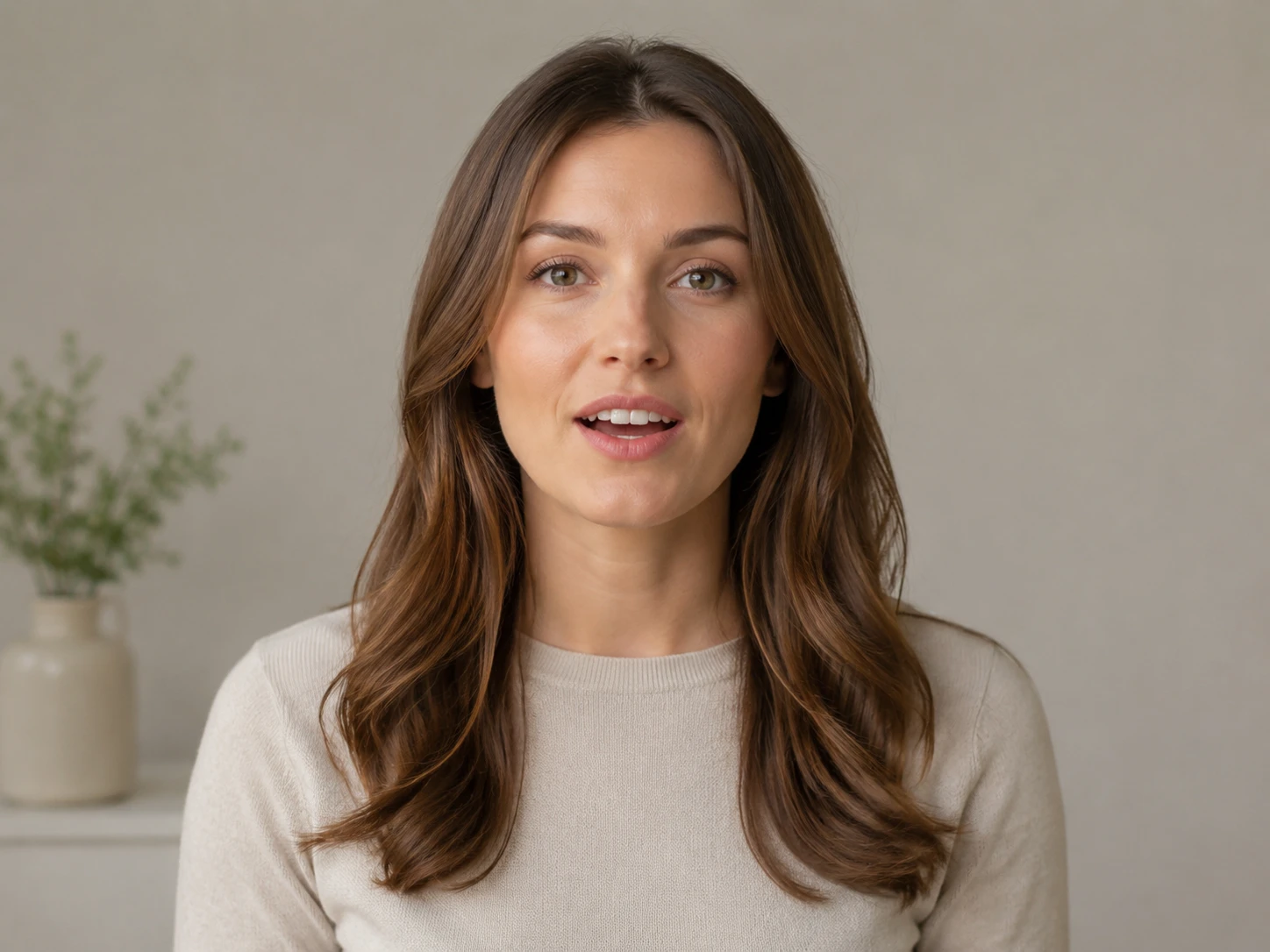
Create dubbed clips where mouth shape follows the selected language rather than only the original speech rhythm. This supports ai lip syncing for product launches, training modules, and regional campaign variants when the audio track is clean.
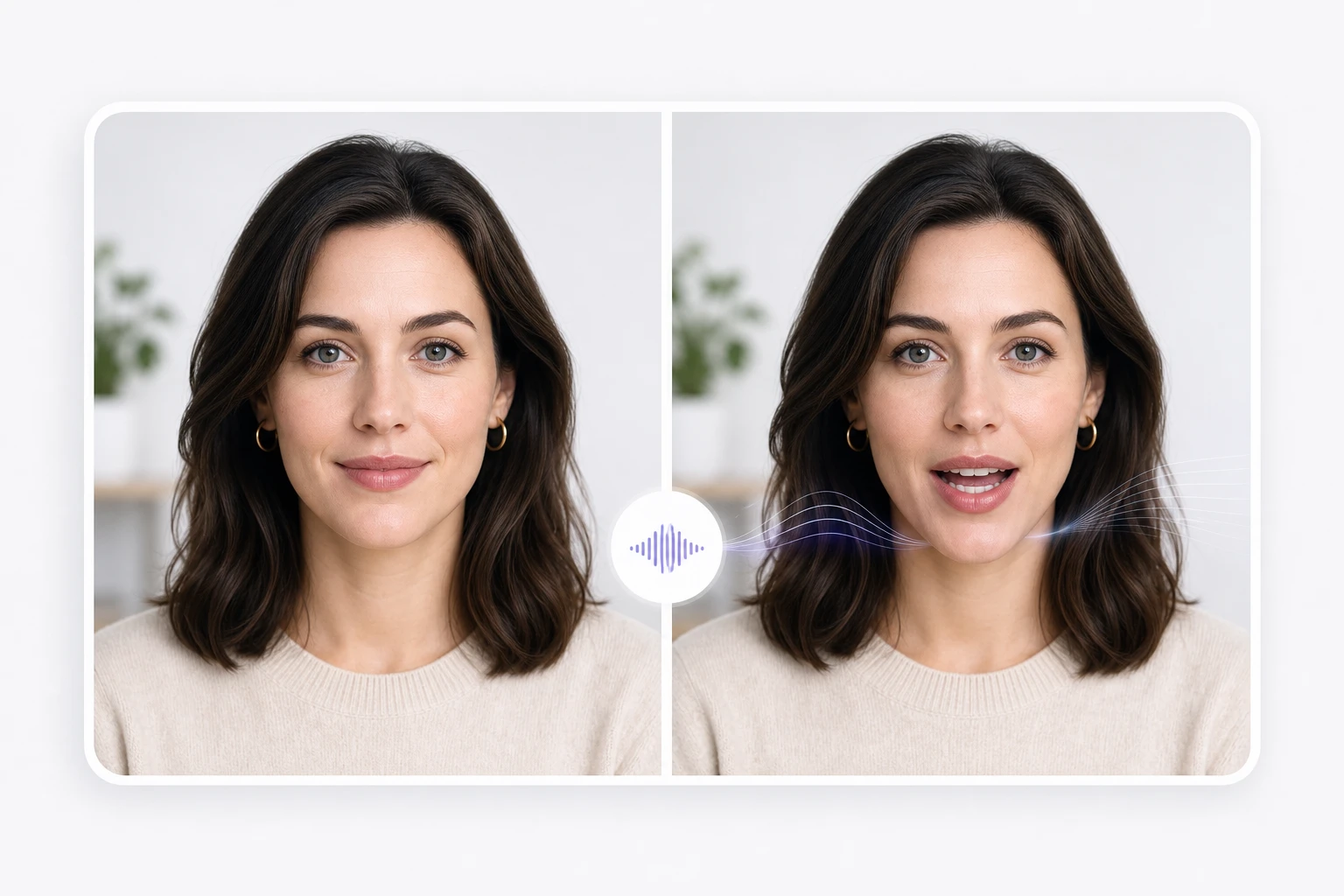
Make photo talk from a product founder headshot, brand ambassador portrait, or digital host reference. The stronger the source face detail and lighting direction, the more stable the speaking output looks.
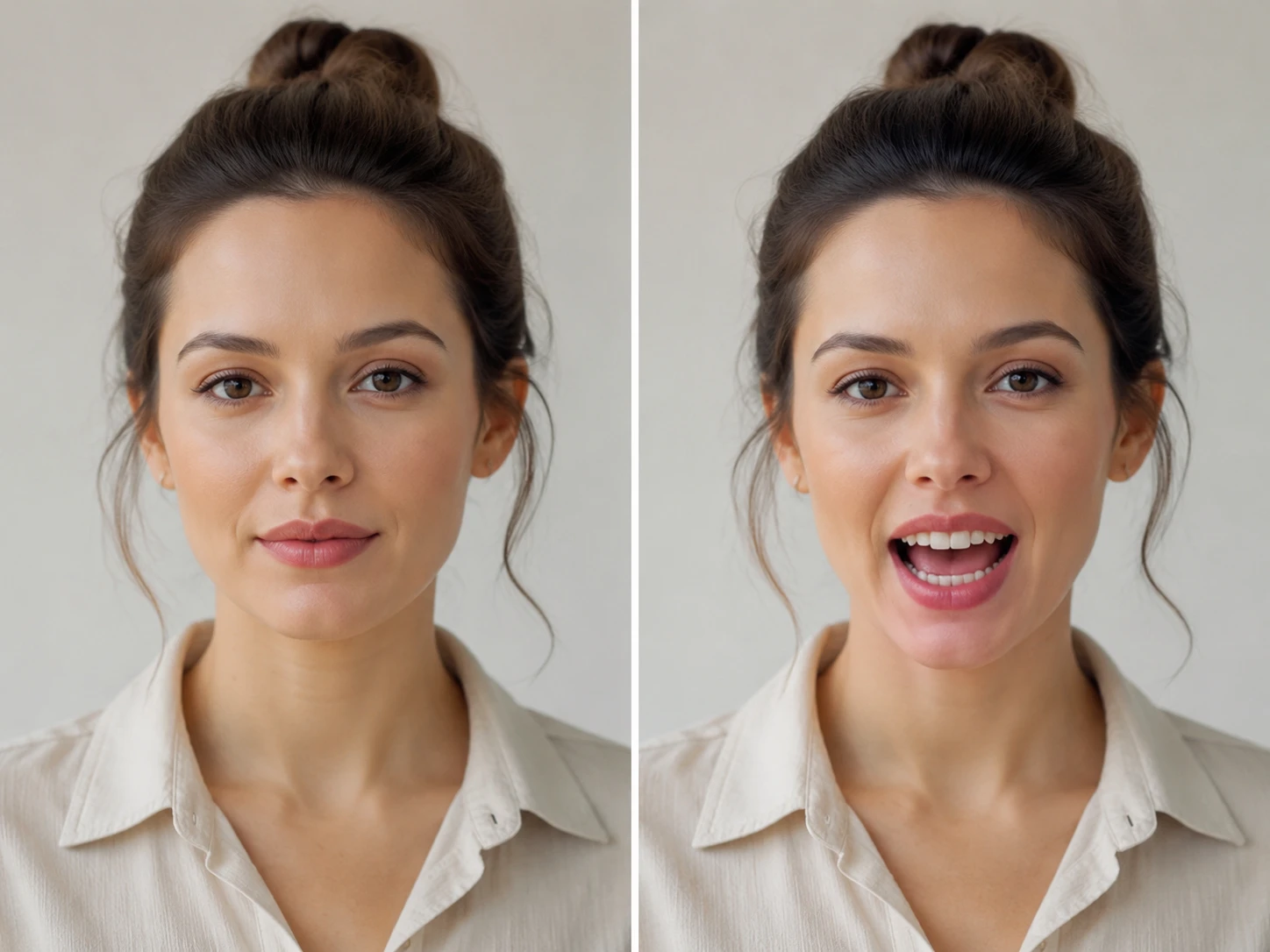
Use voiceover, narration, or singing audio when the clip needs a host, character, or mascot to perform. PhotoGenerator shapes lip sync motion around pace changes, held vowels, and expressive beats.

Keep clothing, background, lighting, and camera angle aligned across a series. A repeatable prompt helps a talking avatar ai workflow produce videos that look like one campaign rather than disconnected tests.
The page is built for teams that need usable talking video output without rebuilding every mouth frame by hand.
Point 1
Manual mouth edits can work for a hero spot, but they slow down every language, script change, and product update. PhotoGenerator gives ecommerce and training teams a faster lip sync app workflow for repeatable clips.
Point 2
A generic avatar generator may prioritize a template face over image quality, lighting, or commercial detail. PhotoGenerator keeps the prompt tied to the required headshot, presenter style, and delivery context.
Point 3
Replacing audio alone can leave a visual mismatch that distracts viewers. With an ai lip sync generator, the mouth movement, pauses, and expression can follow the localized track in the same finished video.

Write the presenter prompt, add the audio direction, and generate a video with matched mouth motion, clear lighting, and professional detail for review.