

Ecommerce Producer
Ecommerce Producer
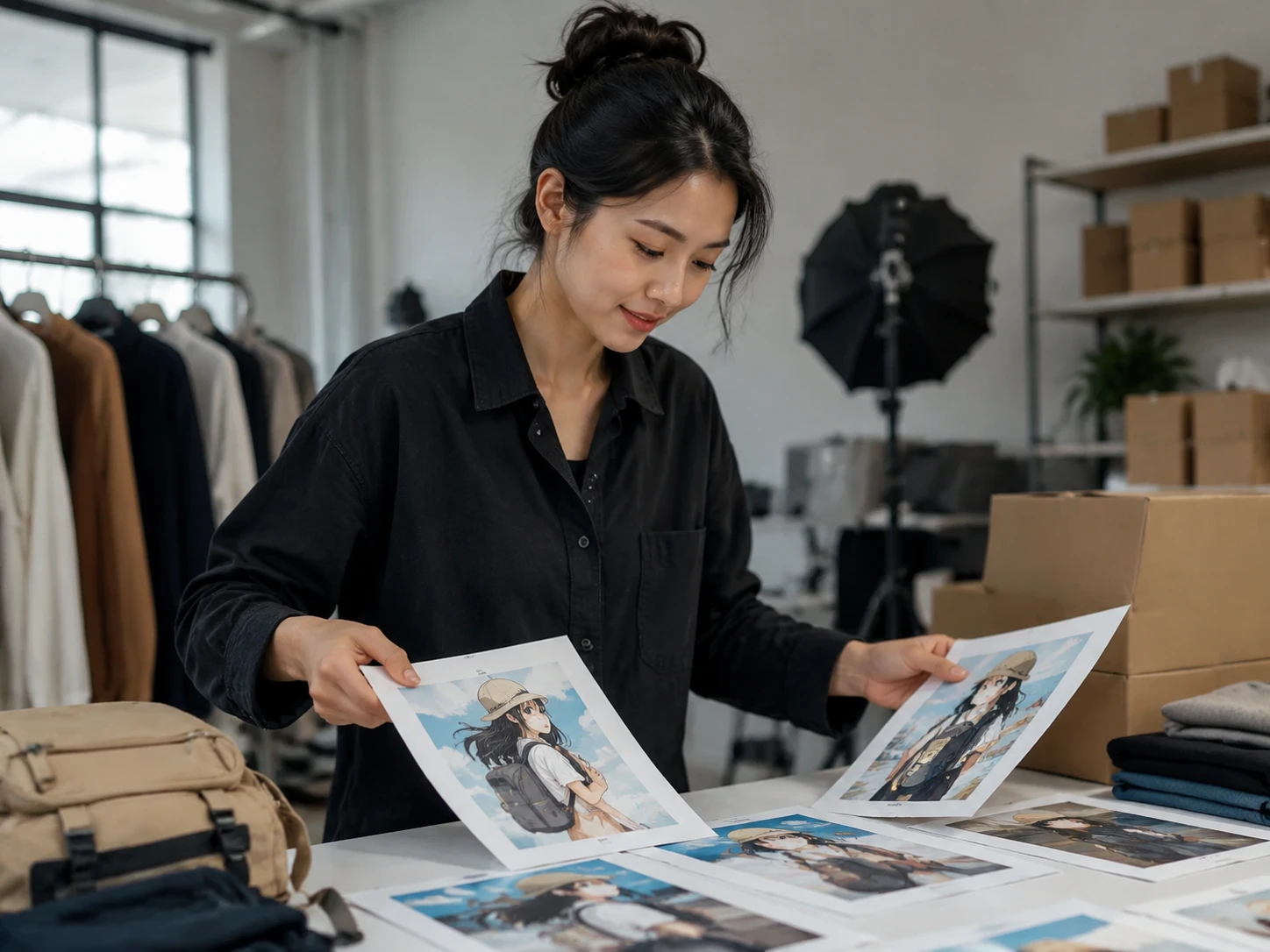
Turn product demos into anime styled clips without reshooting the item. The original hand movement, camera angle, and product reveal stay readable while the image gains a cleaner commercial look.

PhotoGenerator helps teams create video to anime edits from a prompt or reference image. Control style strength, lighting, texture, and mood so the output is consistent enough for campaigns, catalog clips, paid social, and brand review.
Get Started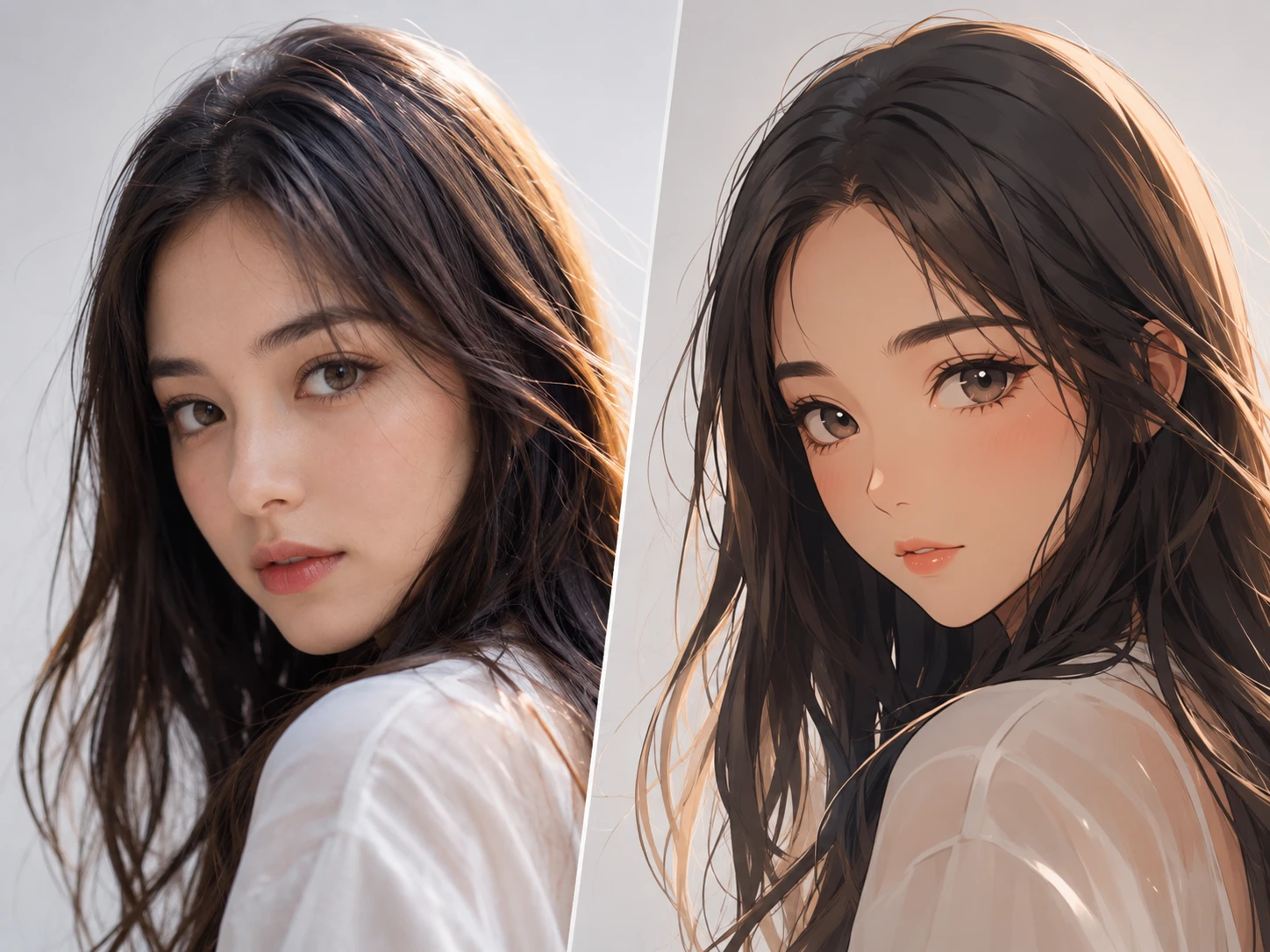
Ecommerce Producer
Turn product demos into anime styled clips without reshooting the item. The original hand movement, camera angle, and product reveal stay readable while the image gains a cleaner commercial look.
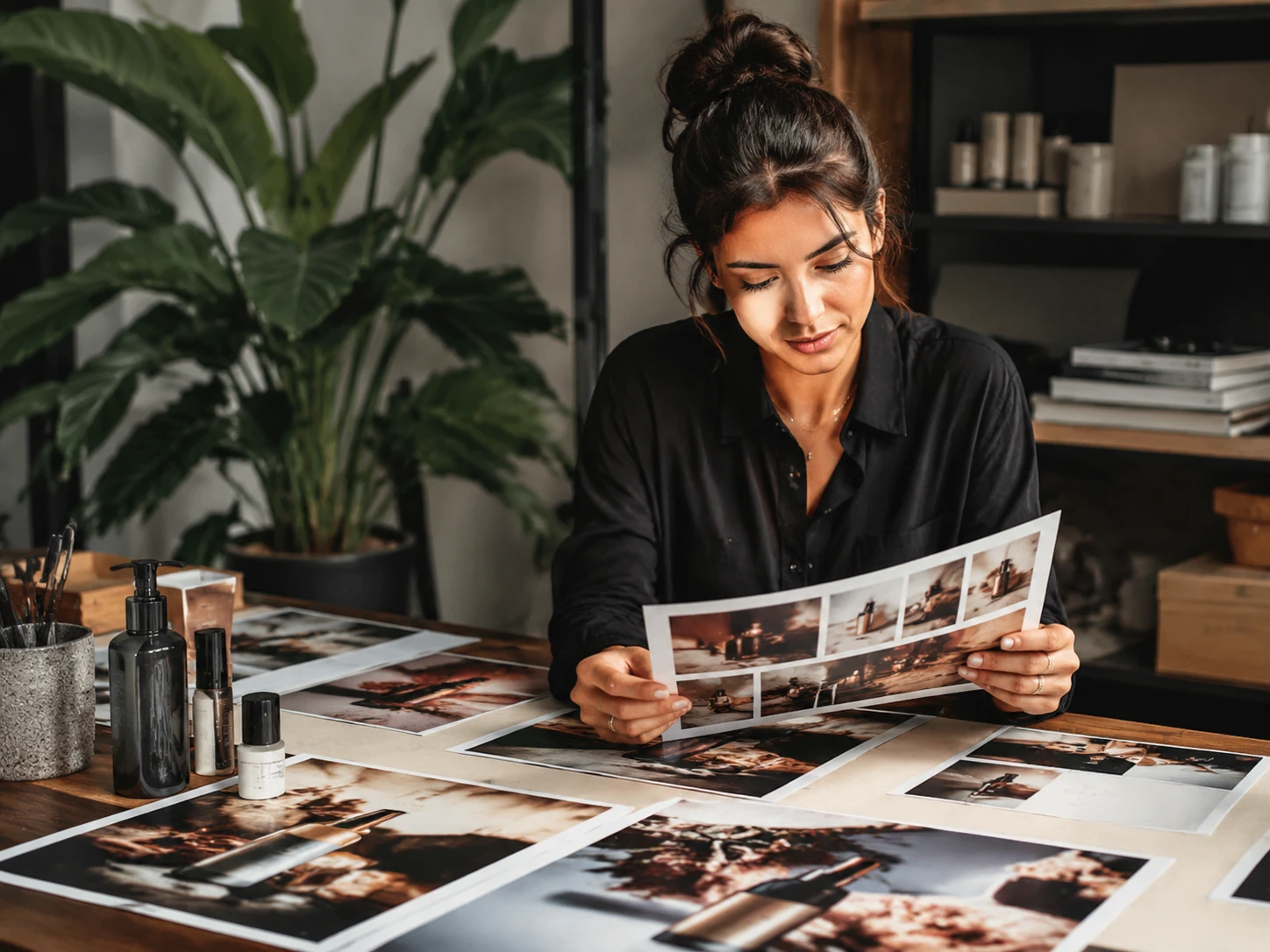
Brand Marketer
Adapt one campaign video into a more expressive social version. A prompt can guide color, lighting, and texture while PhotoGenerator keeps the motion consistent for approval rounds.
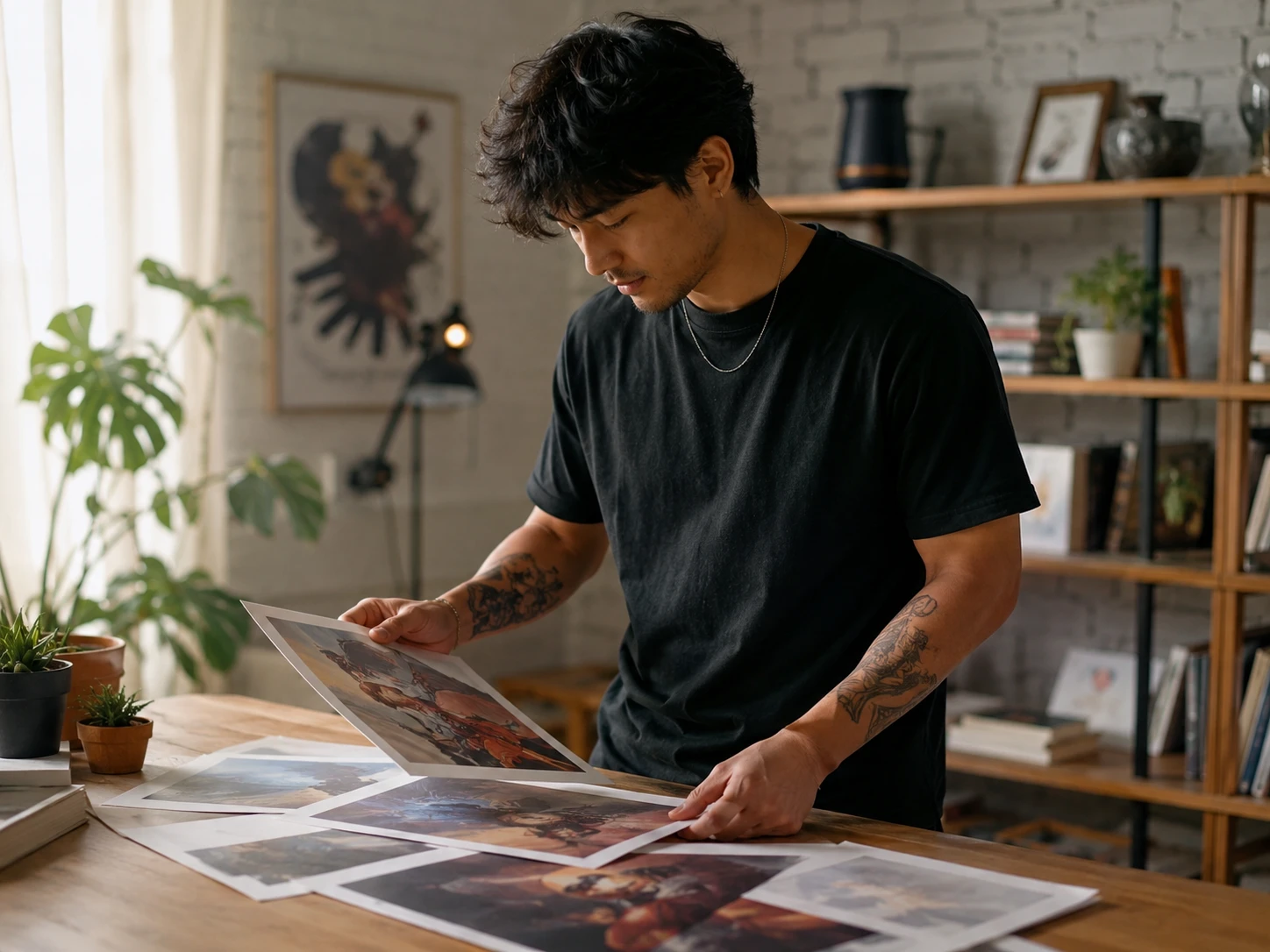
Independent Creator
Build a recognizable visual format for reels, shorts, and portfolio clips. video to anime gives a creator a stylized look without rebuilding the scene frame by frame.
These workflows focus on finished footage that needs a new style, not a new performance.
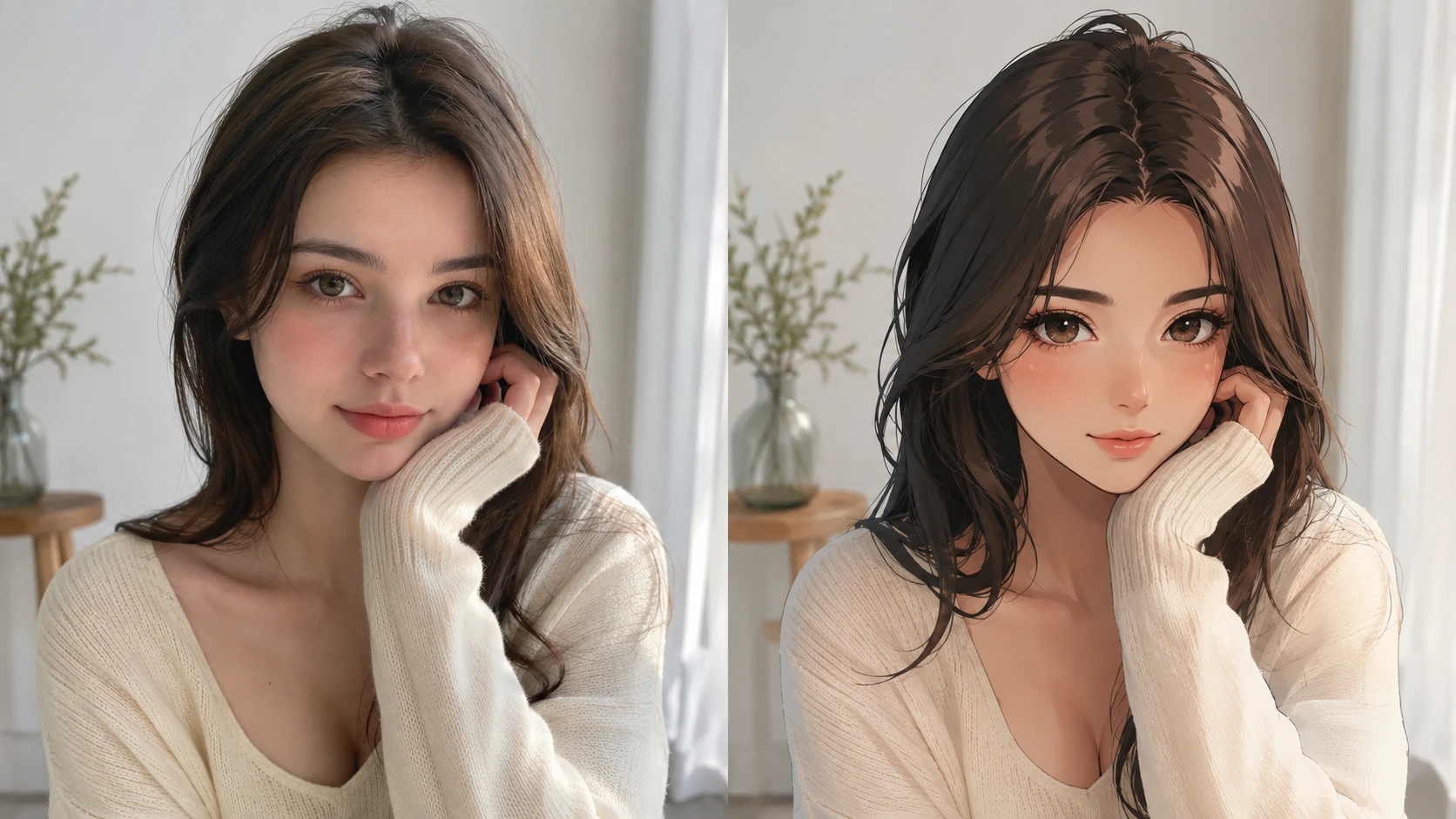
Convert a standard product clip into an ai anime video generator result for a seasonal post. Keep the same gesture, pacing, and reveal while changing the visual tone.
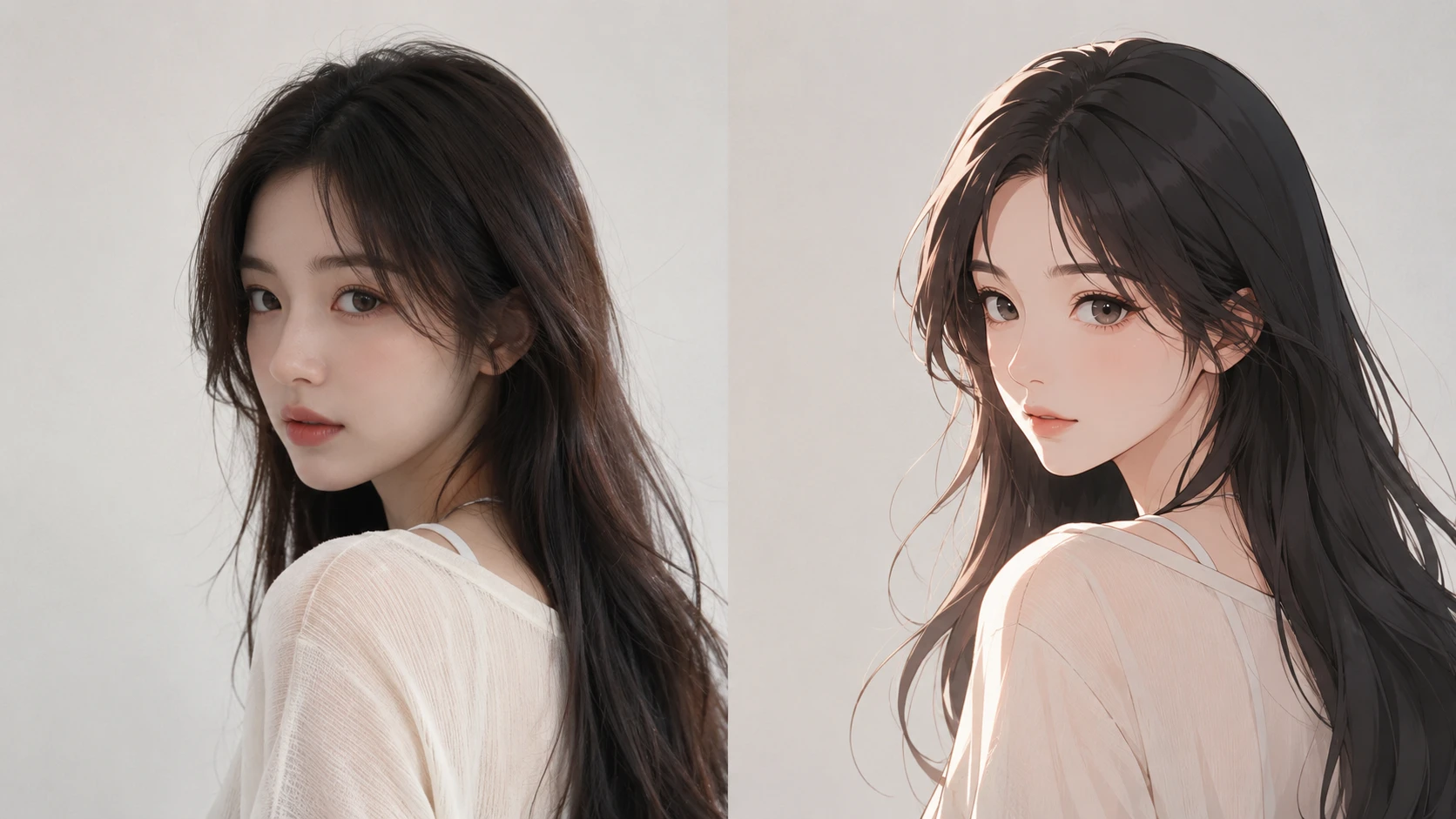
Upload a reference image so PhotoGenerator can read its palette, material feel, and atmosphere. Apply that direction to video to anime output with adjustable strength.
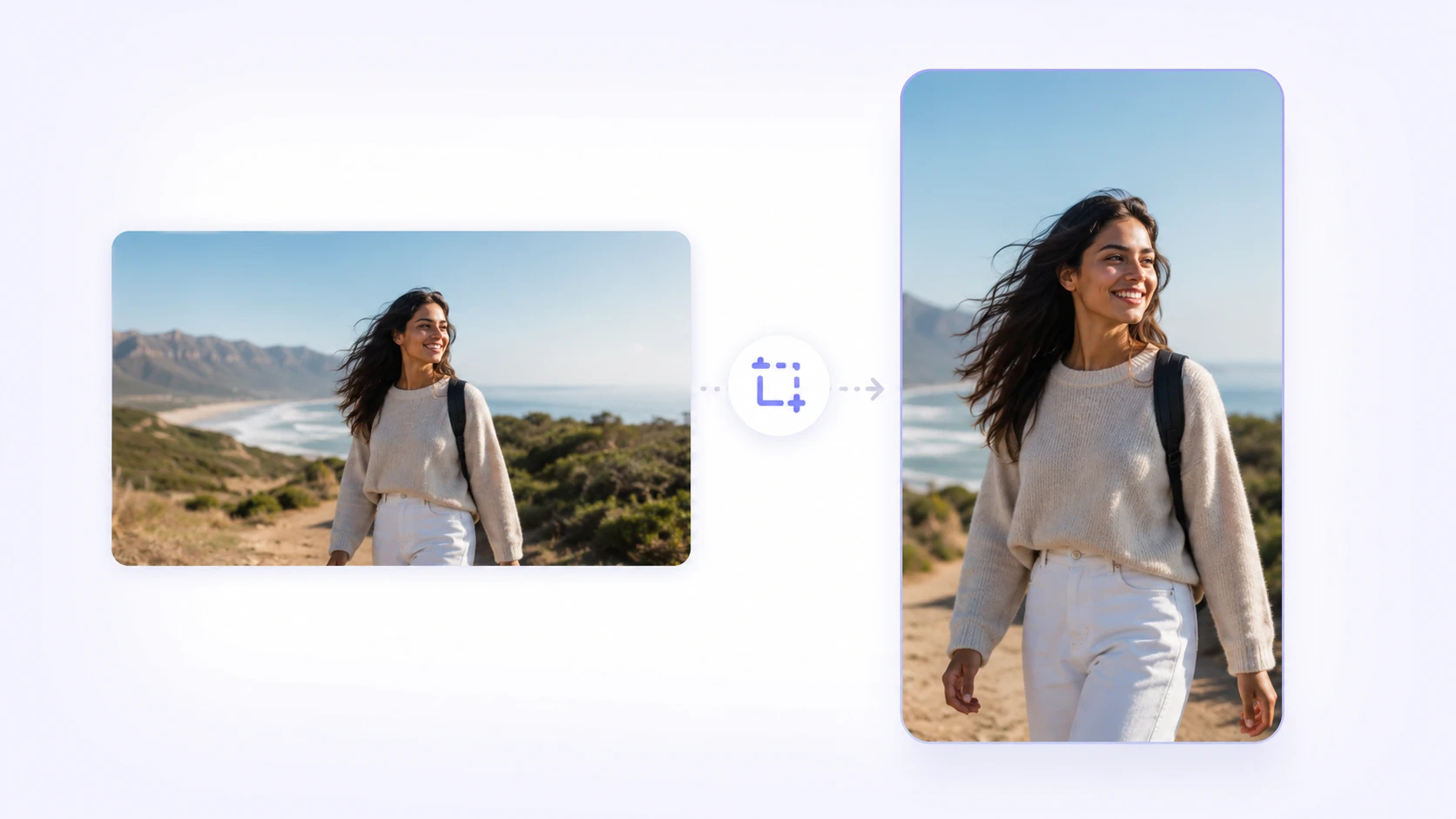
Use video style transfer after reframing a horizontal clip for a vertical feed. The ai video filter keeps motion stable so the edit feels intentional on mobile.
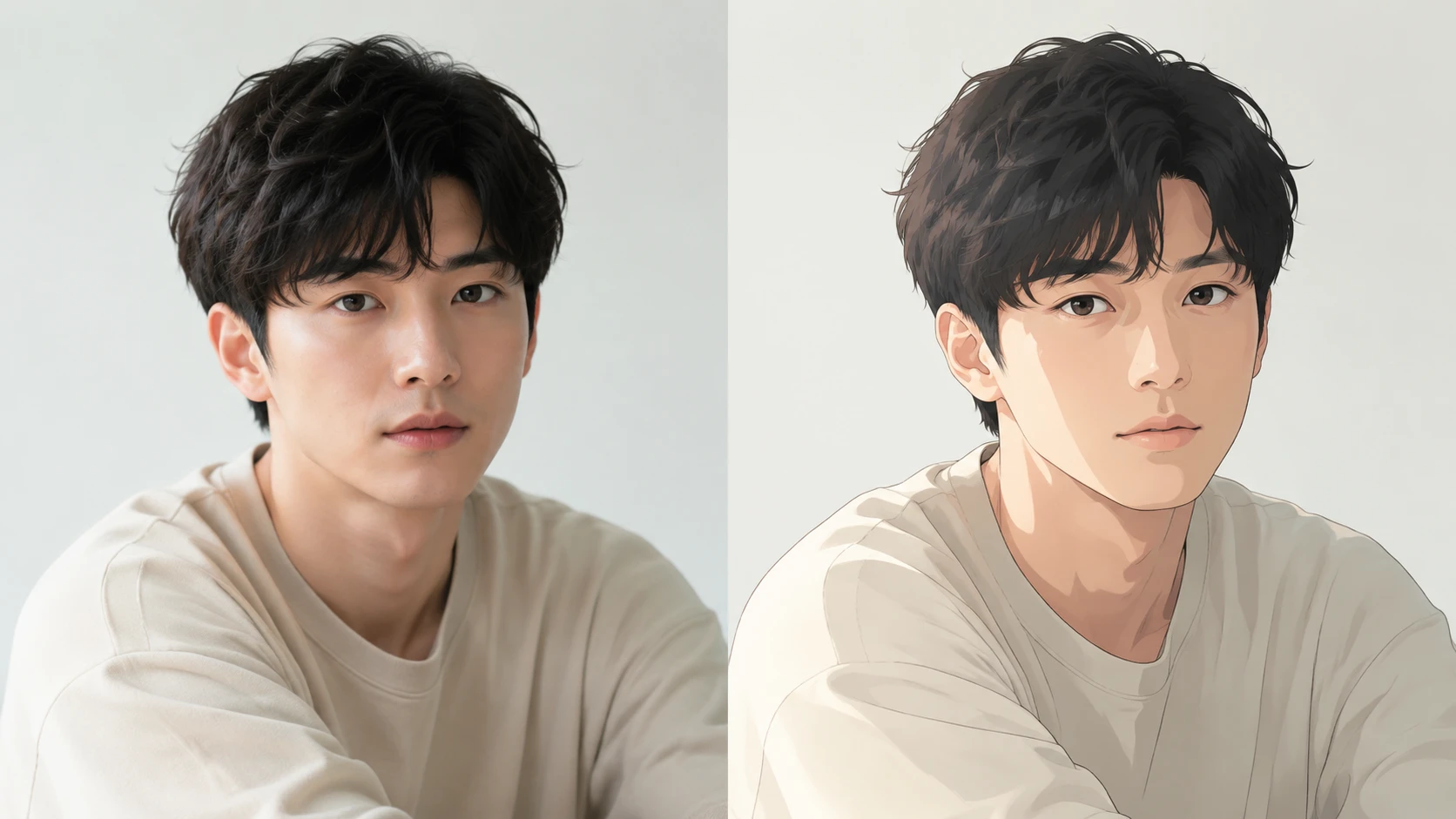
Apply ai video style transfer across recurring clips so a series holds one look. Prompt notes can define line quality, color temperature, and background mood.
Choose a direction that supports the message, then tune the prompt for commercial clarity and consistent detail.
Point 1
A hand held product reveal becomes a crisp ai cartoon video with controlled shadows and readable packaging. This is useful when the product must stay clear in motion.
Point 2
A staff welcome video can shift toward a polished character film look while preserving expressions and camera movement. The result feels designed without losing the human performance.
Point 3
A short tabletop promo can gain clay like texture, soft studio lighting, and tactile detail. PhotoGenerator keeps the object path and timing aligned across frames.
Point 4
Turn a video into anime inspired pixel art for a launch countdown or stream bumper. The output can keep the same scene structure while changing the surface style.

Use PhotoGenerator to generate a consistent styled video from a prompt, reference image, and clear commercial direction.
Generate