Prompt To Speech Generation
Type any script and generate spoken audio in the cloned voice. This text to speech workflow is useful for revised narration, product explainers, and internal drafts when recording again would slow the schedule.

PhotoGenerator helps teams create new spoken audio from a written prompt while preserving tone, rhythm, accent habits, emotion, and natural pauses. Use voice cloning for narration, product videos, podcasts, audiobooks, and marketing messages that need consistent quality.
Get Started
Create product video narration without booking a new session for every catalog update. A consistent speaker can read revised descriptions, launch notes, and seasonal promotions while your team keeps audio quality aligned across listings.
Turn campaign copy into spoken ads, social cuts, and landing page audio with a repeatable brand voice. You can test several lines, control pacing, and keep the final output suitable for commercial review.
Prepare pickups, intros, and sponsor reads when the original speaker is not available. The cloned voice can match delivery style closely enough for practical edits, provided the source sample is clear and authorized.
PhotoGenerator focuses on the details that make generated speech useful in real production: clean source input, prompt accuracy, emotional control, and export ready audio.
Type any script and generate spoken audio in the cloned voice. This text to speech workflow is useful for revised narration, product explainers, and internal drafts when recording again would slow the schedule.
Adjust speech speed and pause behavior so the output fits the edit. Voice cloning works best when the prompt includes punctuation and direction for emphasis, especially in instructional or sales audio.

Set the delivery toward calm, confident, warm, or urgent readings without changing the speaker identity. The result keeps more human detail when the source sample contains steady pronunciation and natural expression.
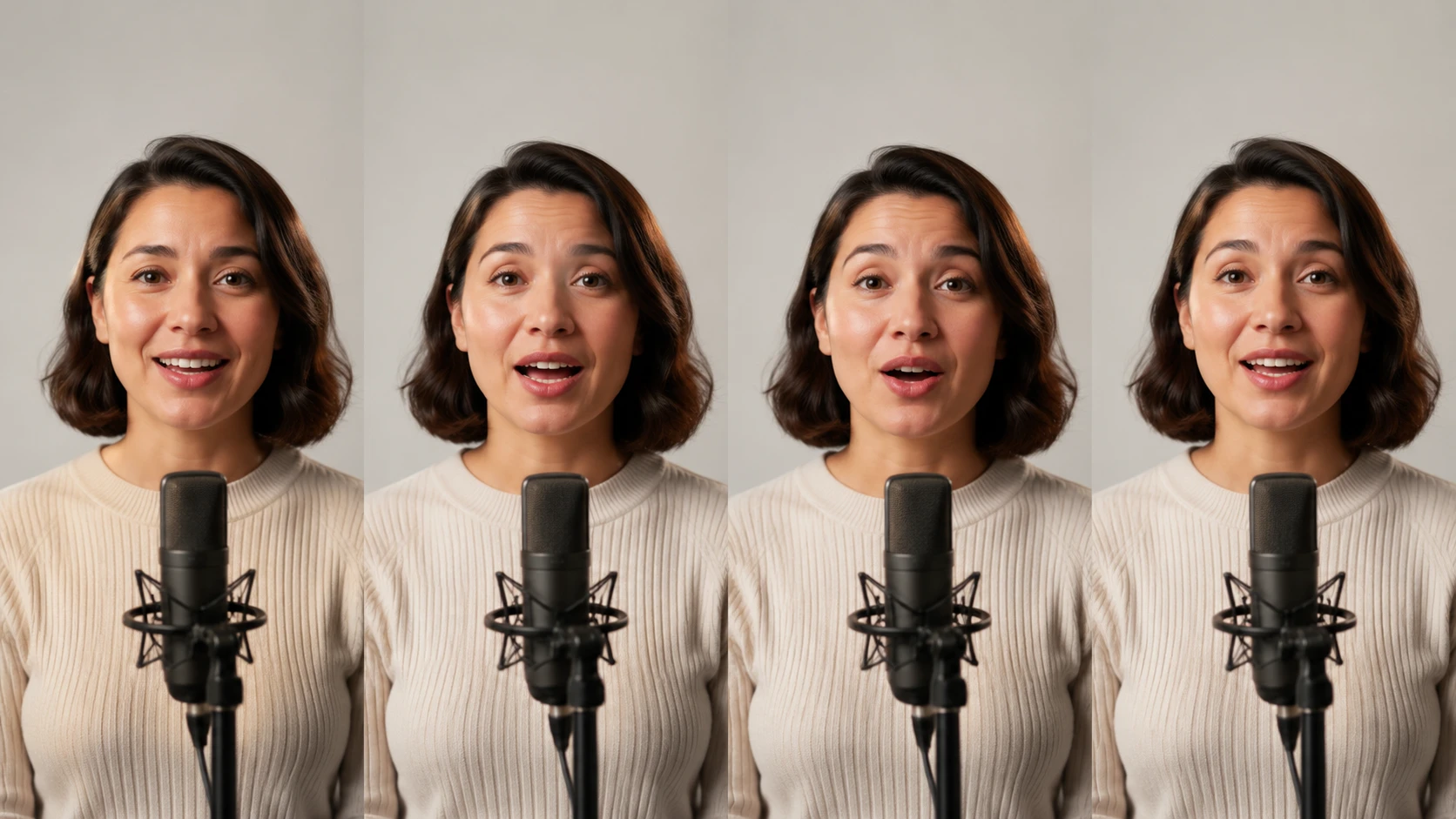
Generate multilingual versions of a script while keeping the recognizable voice profile. This helps regional campaigns, support explainers, and audiobook samples stay consistent when one voice needs several language outputs.
Voice cloning does not replace every studio session. It gives teams a faster option for controlled updates, repeat scripts, and commercial drafts where consistency matters more than a new live performance.
Point 1
Traditional retakes need scheduling, setup, direction, and post production before one line can change. A cloned voice lets approved teams revise small script sections quickly while keeping the broader recording style intact.
Point 2
Standard text to speech can sound clear but often lacks a known speaker identity. Voice cloning keeps the output closer to a specific voice, including cadence, pronunciation habits, and familiar pauses.
Point 3
Localization teams often rebuild audio from scratch for each market. With a controlled clone voice workflow, they can prepare regional reads from translated scripts and review consistency before final production.
In practice, a short clean sample can be enough to start a voice clone, but better source quality improves the result. Record in a quiet room, avoid background music, and use speech that shows normal pacing and pronunciation.
You can clone your voice for scripts you are authorized to use, then generate new spoken content from text. Commercial teams should keep consent, rights, and brand approval clear before publishing the audio.
Absolutely, ai voice cloning can preserve emotional cues when the source sample includes natural expression. You can also guide the output with tone instructions, but exaggerated emotion may need extra review.
Here is how to plan it: use clean source audio and export in the format your editor or publishing system expects. For catalog, podcast, or ad delivery, check sample rate, bit depth, loudness, and final file type before approval.
A single voice clone can support multilingual speech generation when the model and language pair are available. Review pronunciation carefully, because names, technical terms, and local phrasing can still need manual direction.
For many campaign drafts and approved short spots, a voice cloning app is enough to create usable audio quickly. Final broadcast work may still require legal review, loudness checks, and brand signoff.
An ai voice clone generates new speech from text instead of capturing a live performance. That makes it practical for frequent script changes, while live recording remains stronger for complex acting and fresh direction.
Use voice cloning ai for repeatable narration, localized variants, pickups, and test reads. the tool is most valuable when a team needs consistent speech output without rebuilding the entire recording process.
Turn a short authorized sample and a written prompt into commercial audio for videos, podcasts, ads, and product narration with controlled tone, pace, and detail.
Start Generating