
Point 1
Clean Product Background
Turn a cluttered product shot into a clean catalog image with better lighting and a consistent background. Use ai background changer controls when each SKU needs the same visual treatment.

PhotoGenerator works as an ai photo editor for teams that need sharper product images, consistent headshots, cleaner backgrounds, and realistic lighting without rebuilding each file by hand. Write what should change, review the generated image, and keep refining until the output is ready for commercial use.
Get Started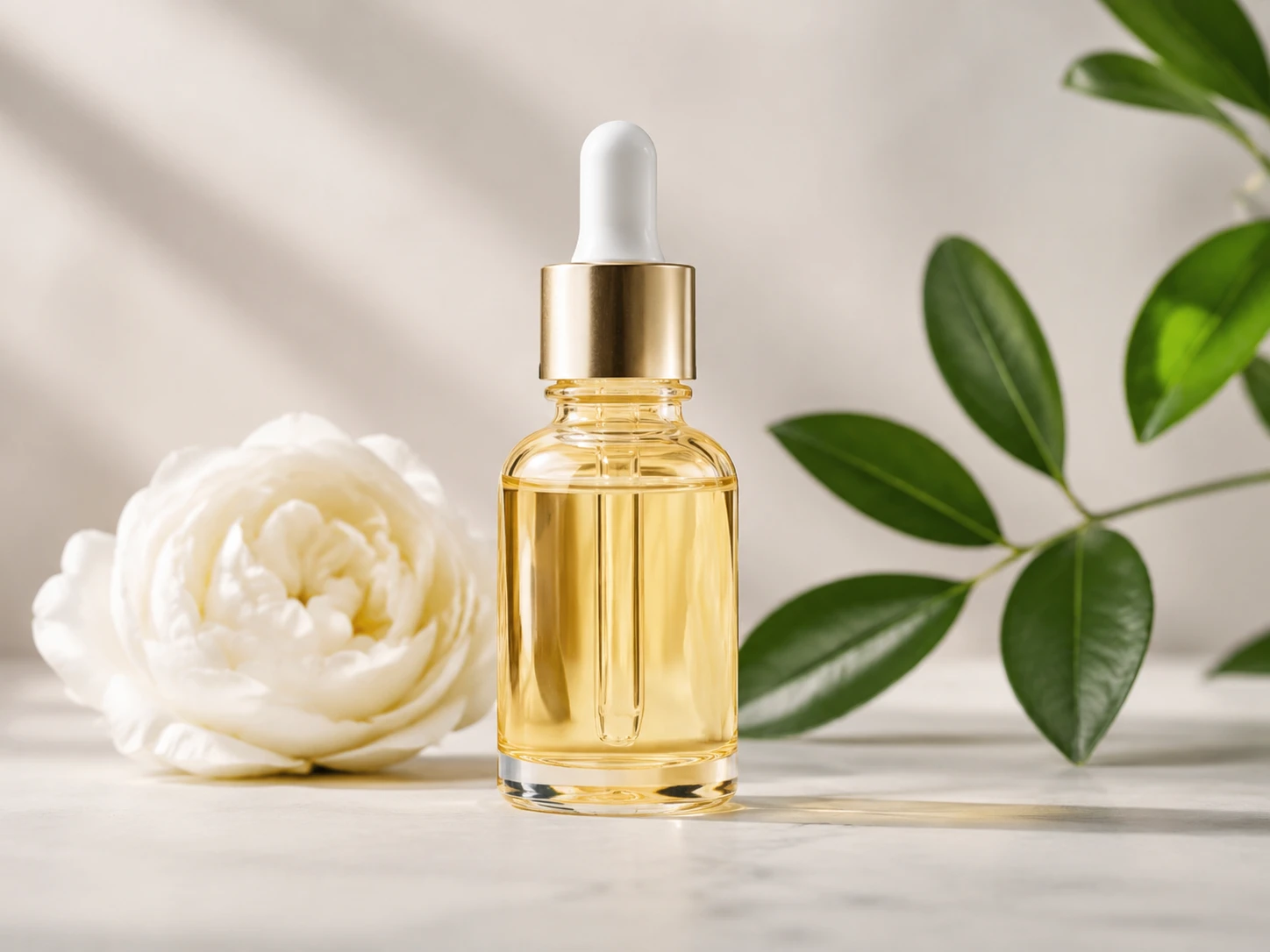
An ecommerce manager can remove a distracting prop, switch a background, or refine a product angle while keeping the item recognizable. The ai photo editor helps catalog images stay consistent across SKUs and seasonal listings.
A brand marketer can adapt campaign visuals for ads, landing pages, and social placements with the same lighting and style direction. The ai photo editor makes ai image editing faster while preserving a professional look.
An independent consultant can create a polished headshot, adjust clothing, or clean a presentation image from one practical prompt. The ai photo editor supports professional output without a full design workflow.
Describe the exact change you need, such as replace the studio backdrop, remove the bottle reflection, or make the headshot lighting softer. This is where edit image with text becomes a practical production step.
PhotoGenerator generates a revised image that aims to blend new elements with the original light, shadow, color, and perspective. Use the ai photo editor to check identity, product shape, edge quality, and detail before final delivery.
Adjust the prompt, target a smaller area, or ask for higher resolution when the image needs print, catalog, or campaign use. The ai photo editor supports repeat edits so the final output can match a commercial specification.
These examples focus on images a team can actually publish. PhotoGenerator is useful when the final result needs to look photographed, not assembled from obvious edits.
Point 1
Turn a cluttered product shot into a clean catalog image with better lighting and a consistent background. Use ai background changer controls when each SKU needs the same visual treatment.
Point 2
Remove packaging glare, stray props, hands, labels, or surface marks while keeping the product shape intact. The ai object remover use case is strongest when the surrounding scene still needs to look natural.
Point 3
Update a headshot with improved lighting, cleaner clothing, or a different office background while keeping the person identifiable. This helps teams build consistent profile images across sites and sales materials.
Point 4
Convert one approved visual into a cinematic, realistic, or brand aligned variation while keeping the main composition. This gives marketers a faster way to test ai photo editing directions before production.
Sure. PhotoGenerator lets you describe the change in plain language, then the ai photo editor generates a revised product image. You can ask for a cleaner background, corrected lighting, object replacement, or sharper detail.
For catalog work, start with the highest resolution source you have and export the final image in the format your channel requires. The ai photo editor can support sharper commercial output when the prompt includes resolution, crop ratio, background color, and lighting notes.
In practice, the ai photo editor is designed to preserve face shape, facial features, and general identity while changing hair, clothing, lighting, or background. Review the output closely when the image will represent a real person or brand spokesperson.
You can target a specific part of the image, such as a sleeve, product label, shadow, expression, or background section. The ai photo editor is most effective when the instruction names the area, the desired change, and what must remain untouched.
PhotoGenerator covers ai image editor tasks, but this page focuses on photorealistic commercial revision. It is built for people who need an image editor ai workflow that can produce usable product, portrait, and campaign output.
You can use consistent prompts across a set of related images, especially for SKU backgrounds, lighting style, crop ratios, and brand color direction. Batch quality still depends on source consistency and review, so teams should approve a sample before scaling.
Not always. The ai photo editor can reduce repetitive cleanup, background changes, and prompt based revisions, while a specialist may still handle strict compliance, complex compositing, or final prepress checks for demanding campaigns.
Absolutely. PhotoGenerator can generate a new photorealistic image from a prompt, then continue with ai picture editor style refinements such as background changes, object removal, detail enhancement, and higher resolution output.

Use PhotoGenerator to generate and refine commercial images with realistic lighting, consistent detail, and output that fits product, headshot, and campaign needs.
Generate