Ecommerce Manager
Ecommerce Manager
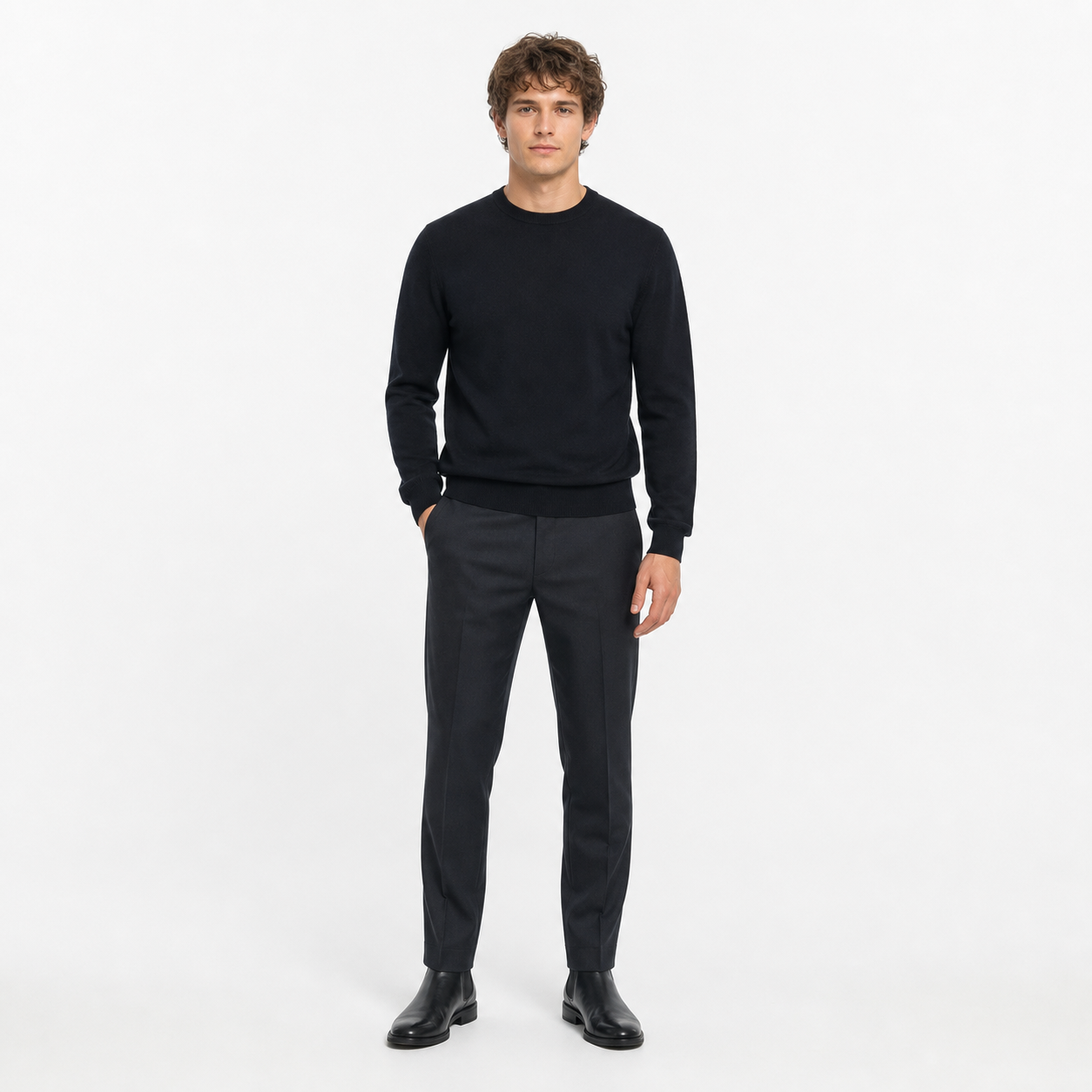
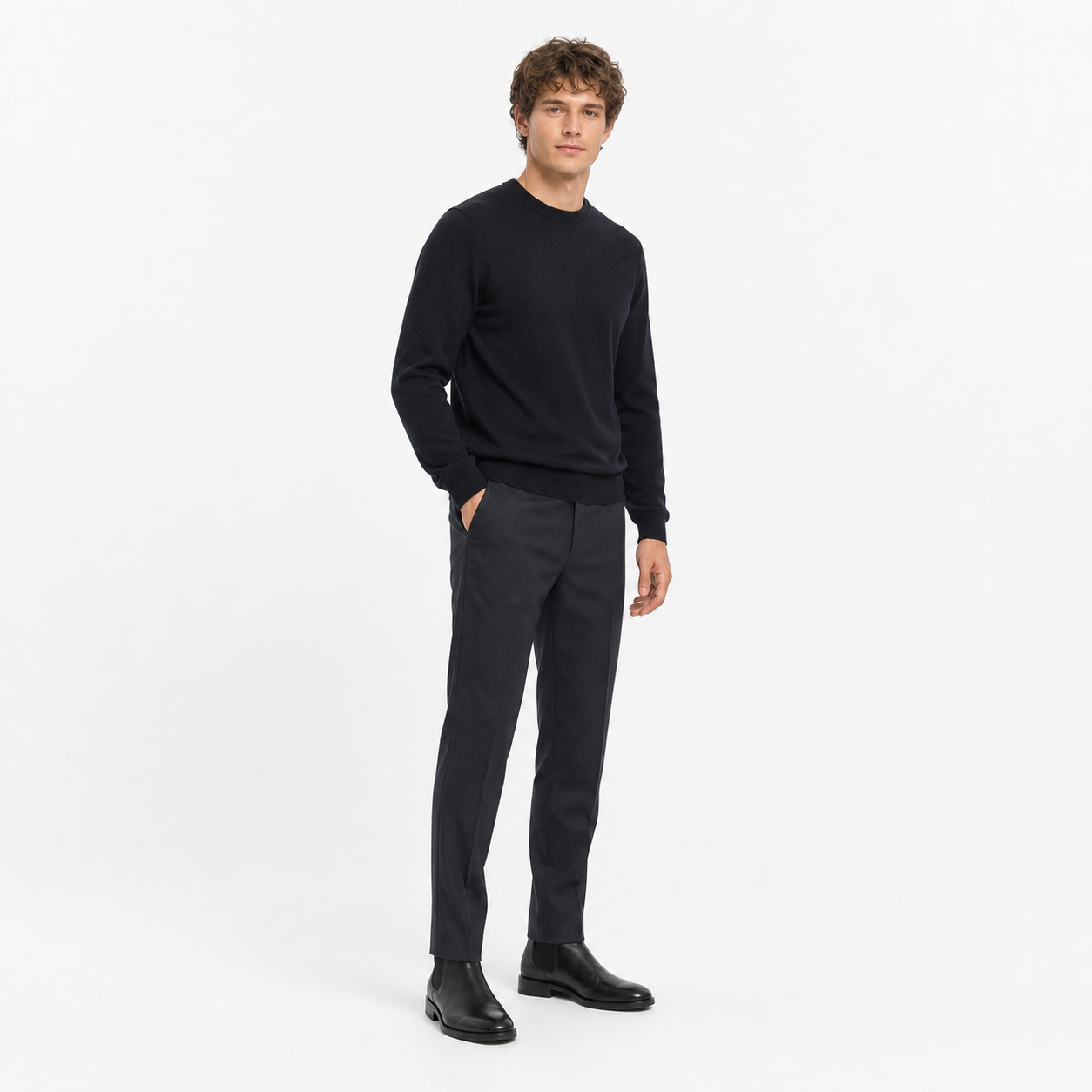
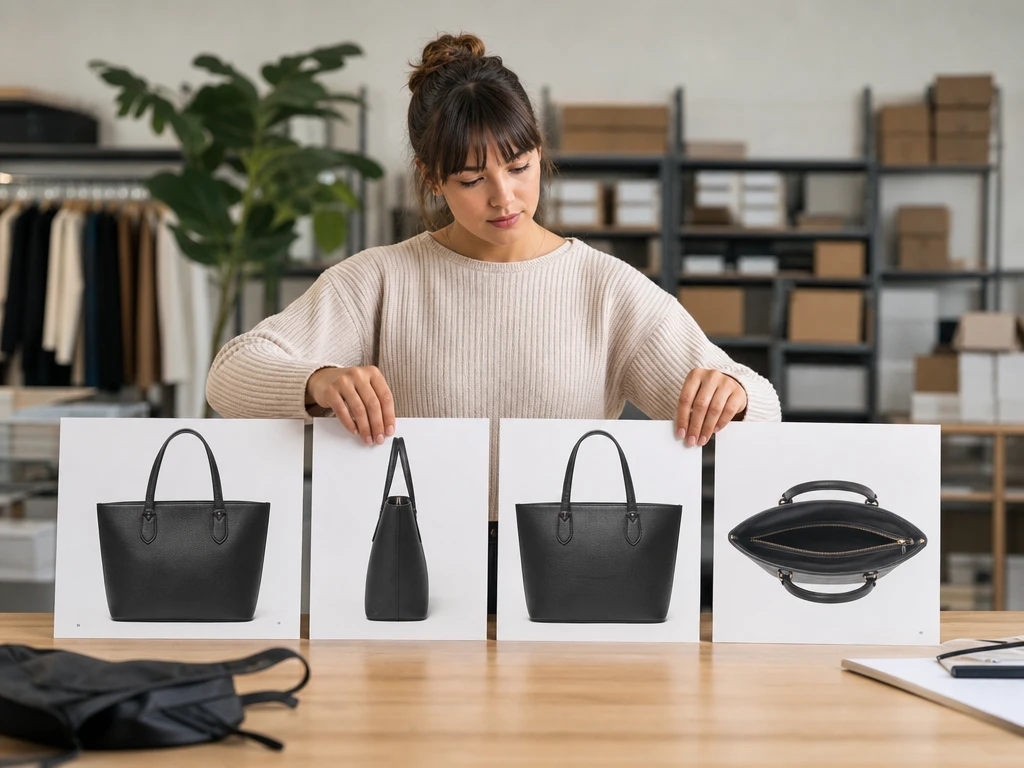
Turn one product shot into front, side, rear, and overhead options for listing review. The output helps teams change photo perspective while keeping shape, material, and lighting consistent.

PhotoGenerator helps you change photo perspective from a single image or written prompt, so ecommerce and marketing teams can test front, side, rear, overhead, and close up views without reshooting.
Create Image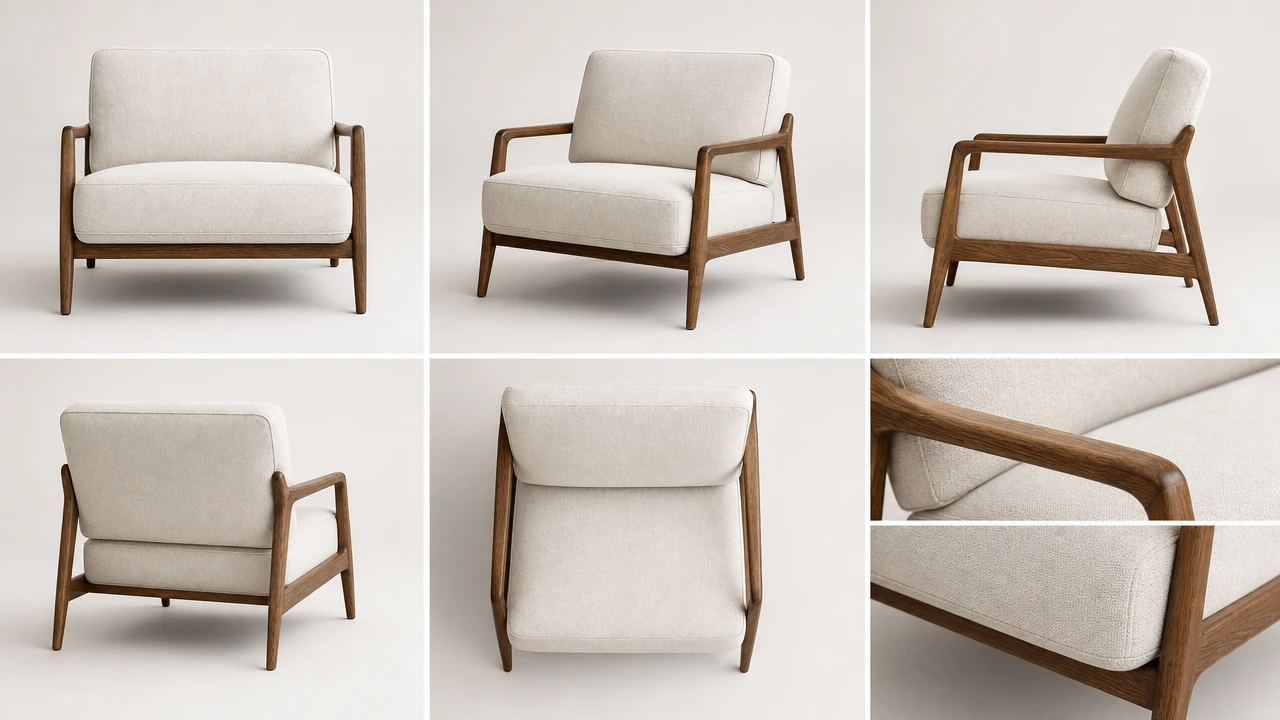
Ecommerce Manager
Turn one product shot into front, side, rear, and overhead options for listing review. The output helps teams change photo perspective while keeping shape, material, and lighting consistent.

Brand Marketer
Create angle variants for ads, landing pages, and seasonal layouts without booking another shoot. Use change photo perspective to test which view gives the product more commercial clarity.
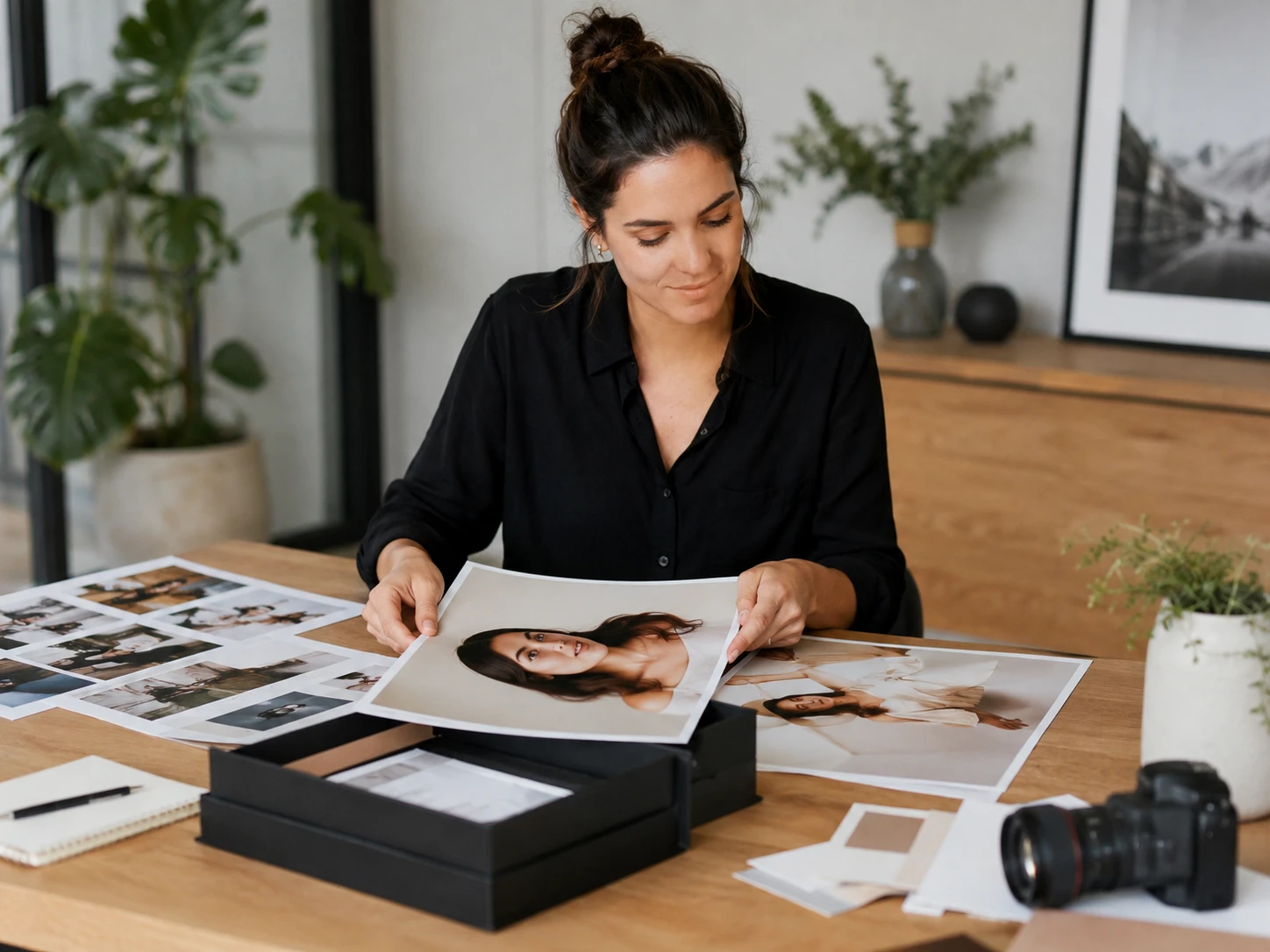
Independent Consultant
Prepare profile images, product mockups, or presentation visuals from a single approved source. PhotoGenerator lets a consultant change photo perspective with prompt control and a professional review path.
PhotoGenerator focuses on angle control, photorealistic quality, and commercial review before final output.
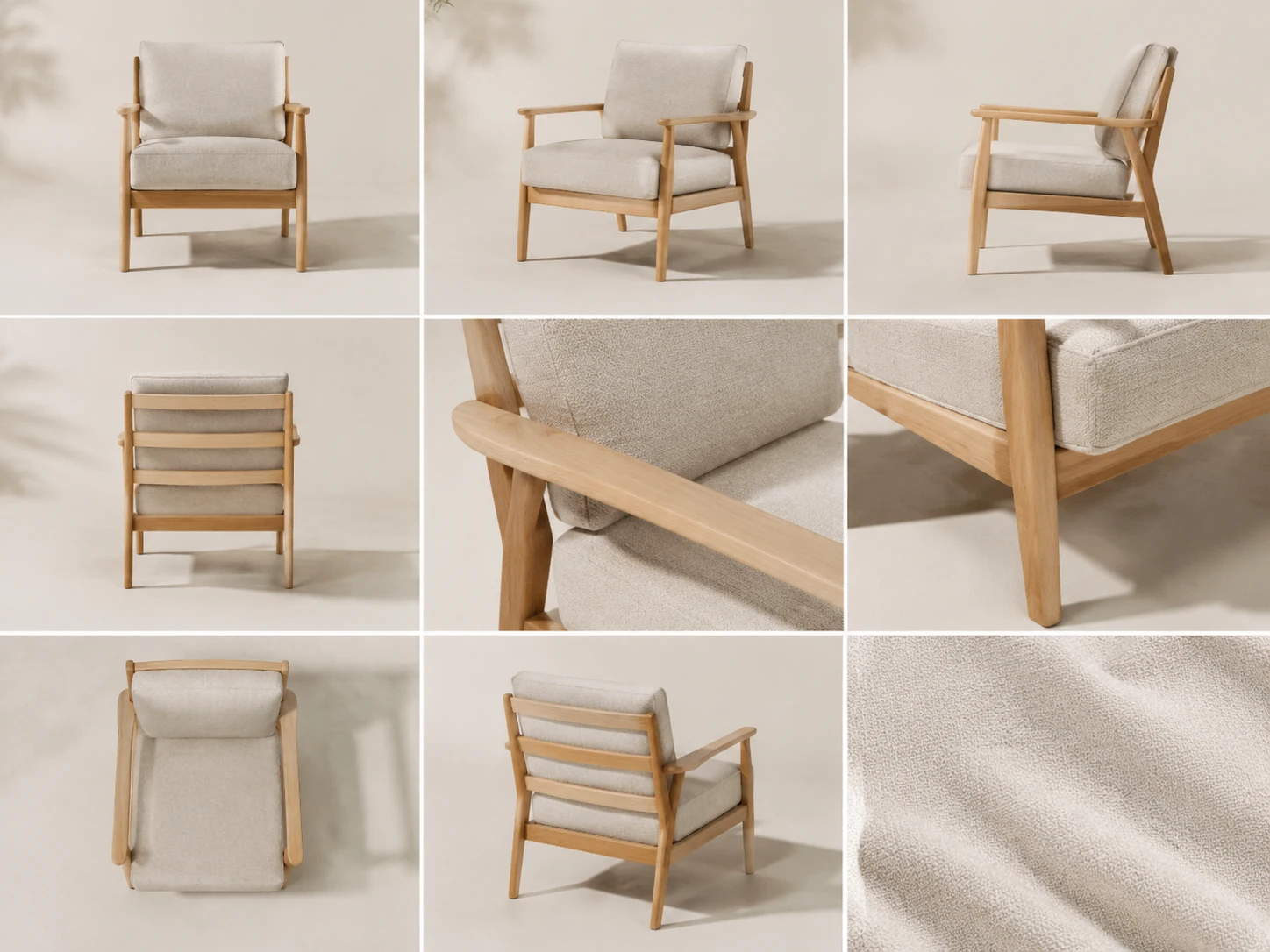
Write the camera view you need, such as bird view, rear view, side view, close up, or front to side. This is the practical photo angle changer for teams that need to change angle of photo without reshooting.
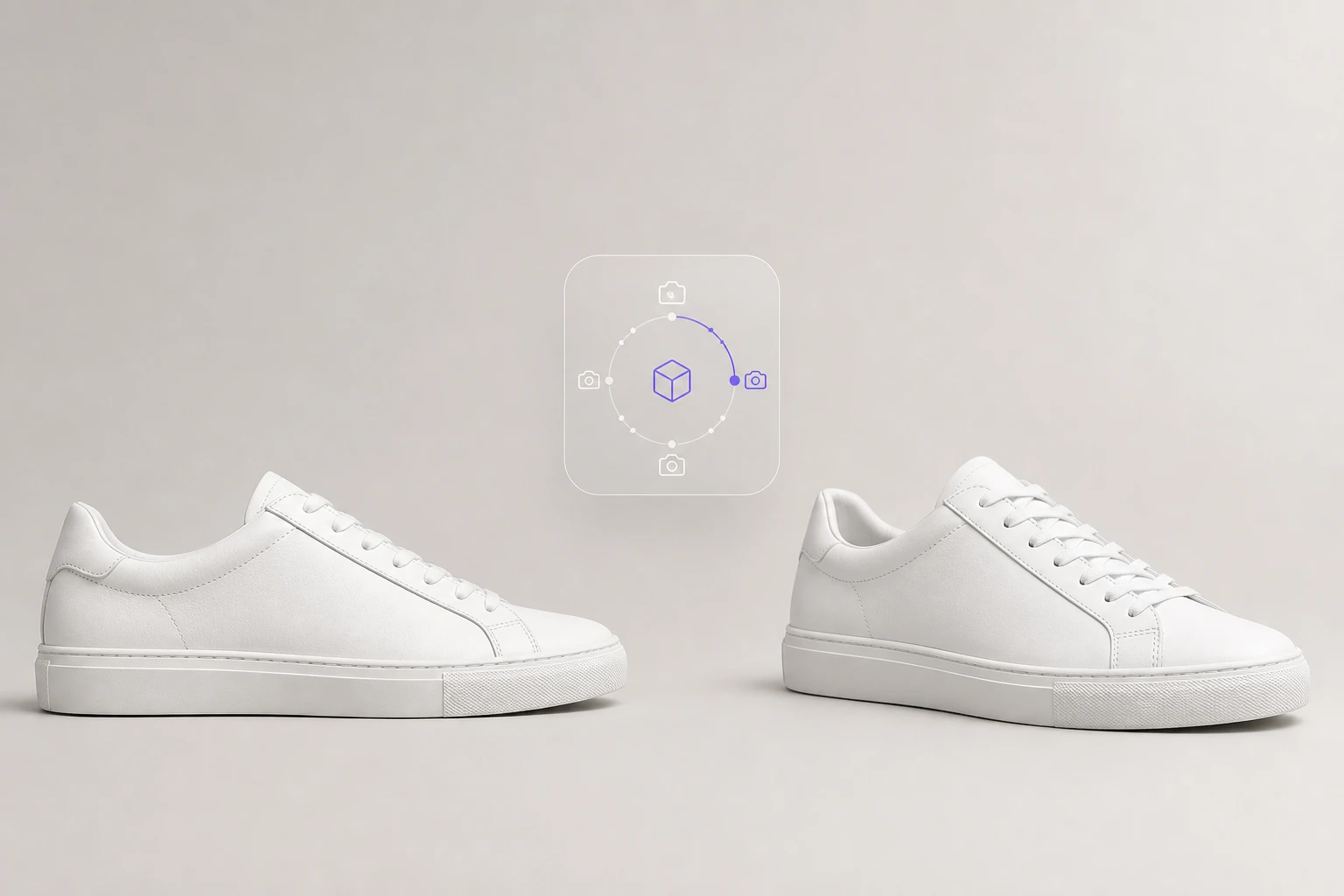
Generate a new angle while keeping the visible identity of the item intact. When you change photo angle for a shoe, bag, bottle, or device, review edges, logos, and proportions before approval.
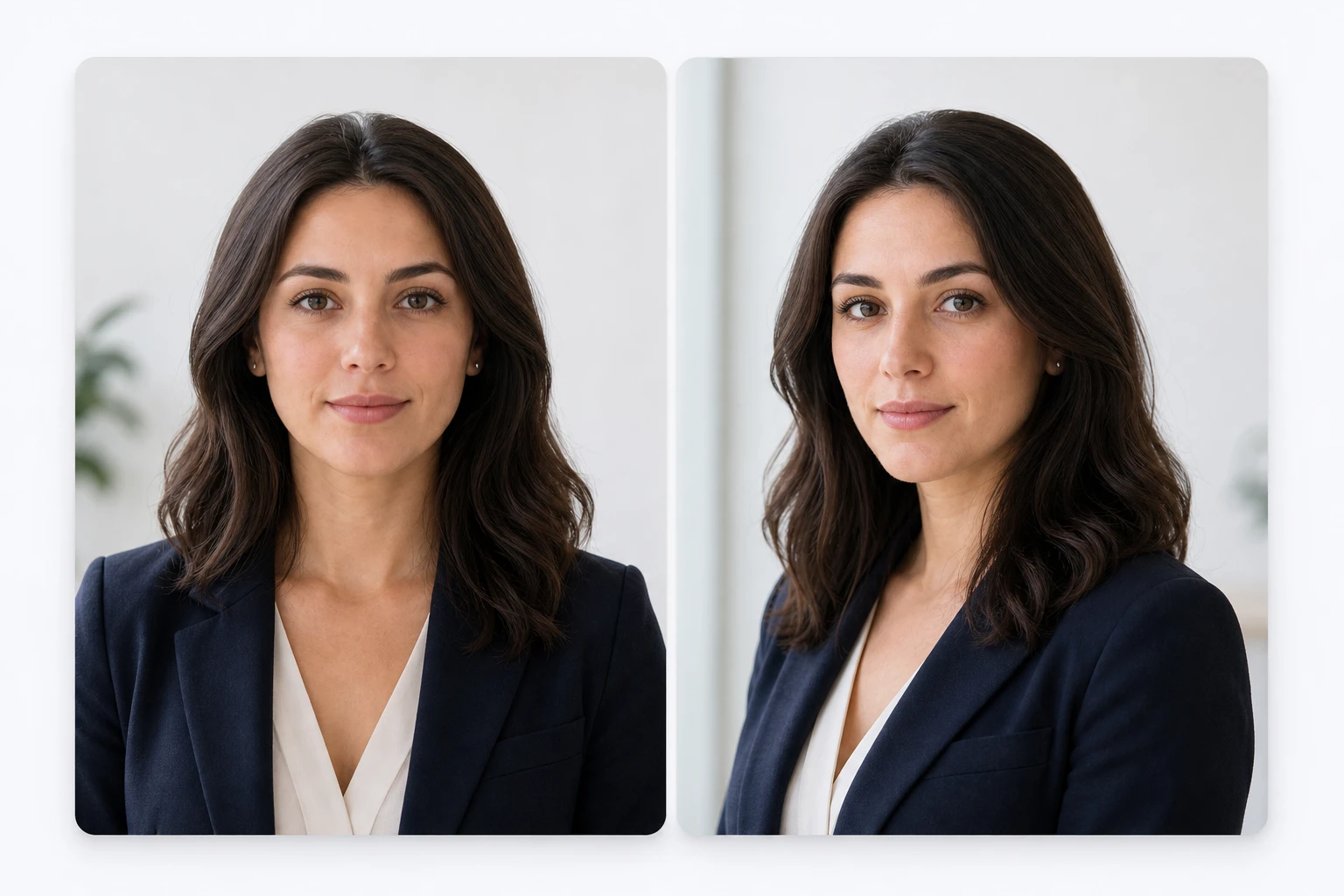
Use a headshot or selfie as the source and create a slightly different camera direction for professional use. PhotoGenerator can change photo perspective while preserving face structure, lighting direction, and skin detail.
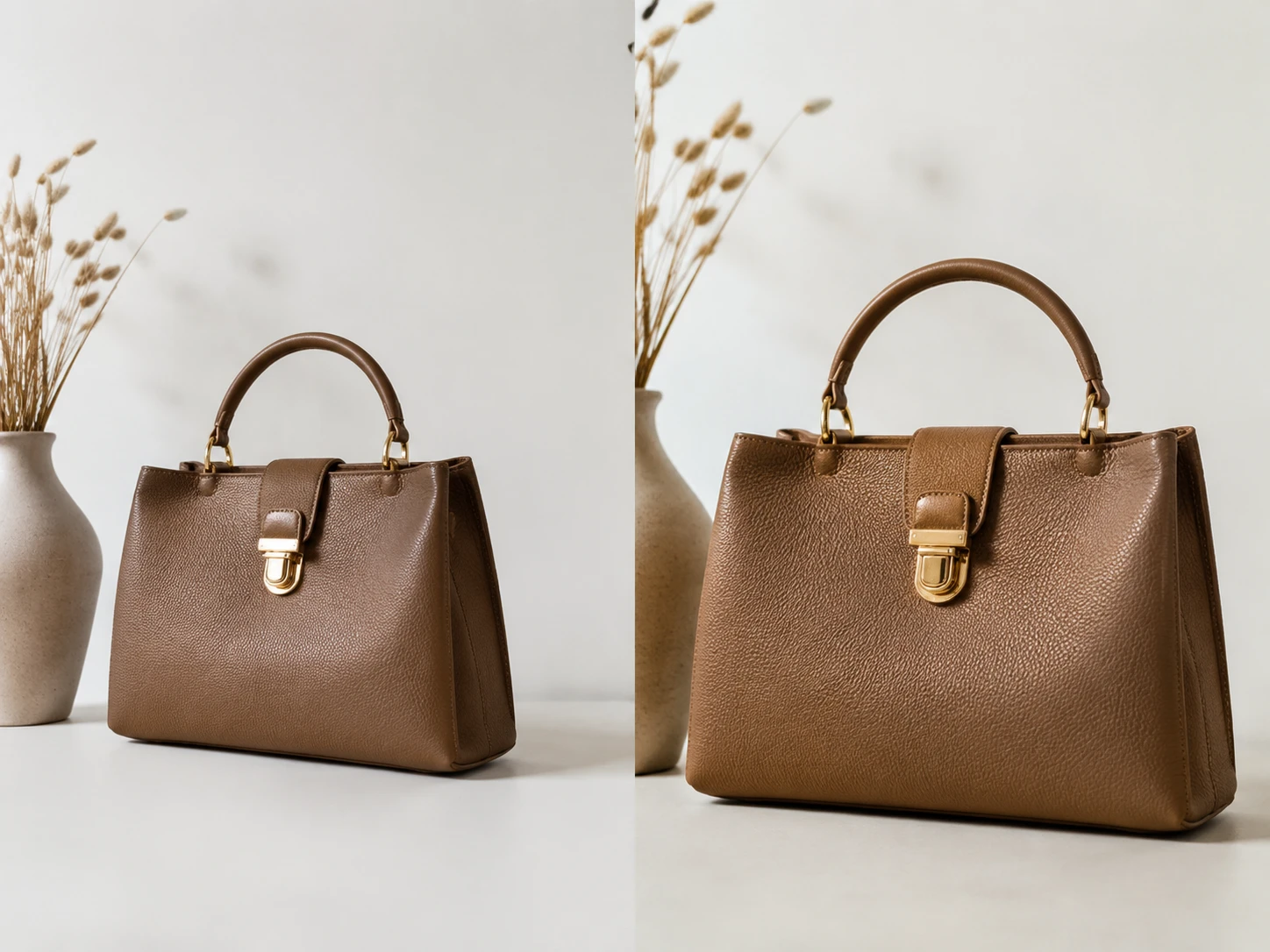
Check output resolution, lighting, surface detail, and commercial usability before saving final images. This helps teams adjust photo perspective for web catalogs, pitch decks, and print draft review.
This page is for creating a new still image angle from a photo or prompt, not for video clips or general photo repair.
Point 1
A reshoot can solve complex perspective needs, but it adds scheduling, samples, studio time, and approval cycles. PhotoGenerator helps change photo perspective earlier, so teams know which angles are worth producing at scale.
Point 2
A warp can stretch pixels, but it rarely invents hidden surfaces naturally. A generated angle can produce a more complete commercial image when the source and prompt give enough detail.
Point 3
Expansion tools often focus on adding space around the frame. This workflow is different: it uses change perspective ai to change picture angle and create a new viewpoint for review.
Professionals use PhotoGenerator when a single approved image needs more angles for commercial decisions.
We had one approved bottle photo and needed a rear view for a retailer deck. PhotoGenerator gave us a clean angle to evaluate before the final shoot.
For paid social tests, I can change photo perspective and compare side views against front views without slowing the campaign calendar.
Our apparel previews need natural fabric direction and believable light. The generated side angle gave us enough detail for internal selection.
I use it for client headshot options when the original angle feels too flat. The result still looks like the person, which matters most.
For interior concept boards, changing the camera view helps us present a room from a more useful angle before a render budget is approved.
Character reference sheets move faster when I can generate a side view from a front image and keep costume details close to the source.
Sure. Start with a sharp source image or a precise prompt, then review the generated output for shape, lighting, and fine detail before it enters a catalog workflow.
For catalog and print draft review, use the highest resolution source available and export the final image in the format your team requires. Check dimensions, edge detail, and lighting before commercial handoff.
In practice, keep prompts, camera wording, and review criteria consistent across the batch. Similar source images help PhotoGenerator produce more consistent SKU angle sets.
Absolutely. Describe the target viewpoint, such as overhead, side, rear, or close up, and use the generated preview to judge whether the new angle is commercially usable.
You can guide the angle with text, an uploaded image, or both. A prompt like front view to side view gives clearer direction than vague camera wording.
For professional portraits, the strongest results come from clear faces, balanced lighting, and realistic angle changes. Use the output for profile selection, team pages, and campaign drafts.
In practice, change photo perspective in batches after you lock the angle prompt and review standard. That keeps throughput high while preserving quality checks for each image.
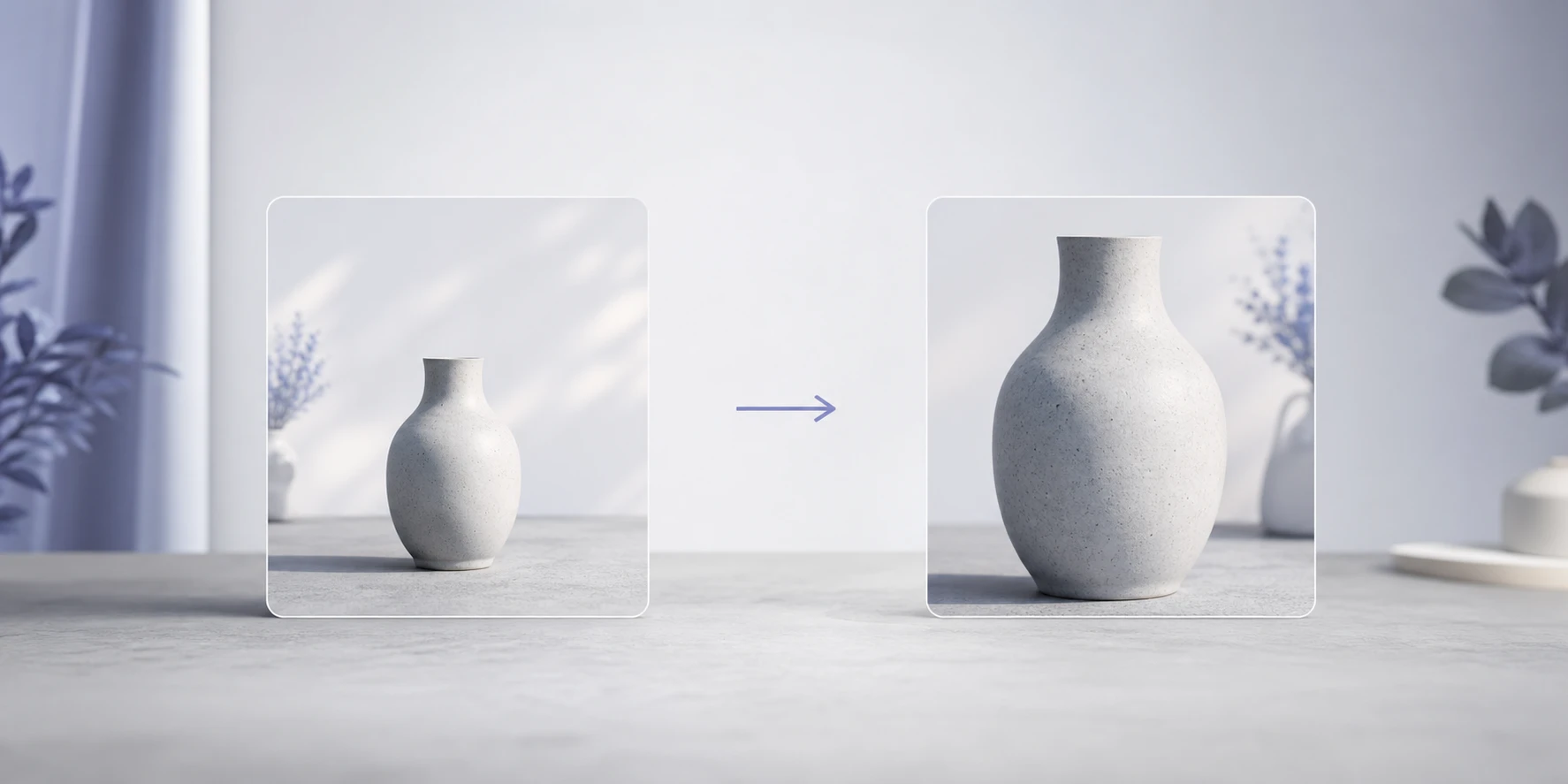
Use PhotoGenerator to change photo perspective from one source image or prompt, then review commercial lighting, resolution, and detail before you generate final output.