Social Video Narration
Convert short scripts into energetic voiceover tracks for reels, shorts, and paid social. The pacing can match fast cuts without sounding rushed.

PhotoGenerator helps teams produce text to speech output without a microphone or recording session. Write the prompt, choose a voice, set the delivery style, and generate audio that fits brand videos, tutorials, ads, and social posts.
Generate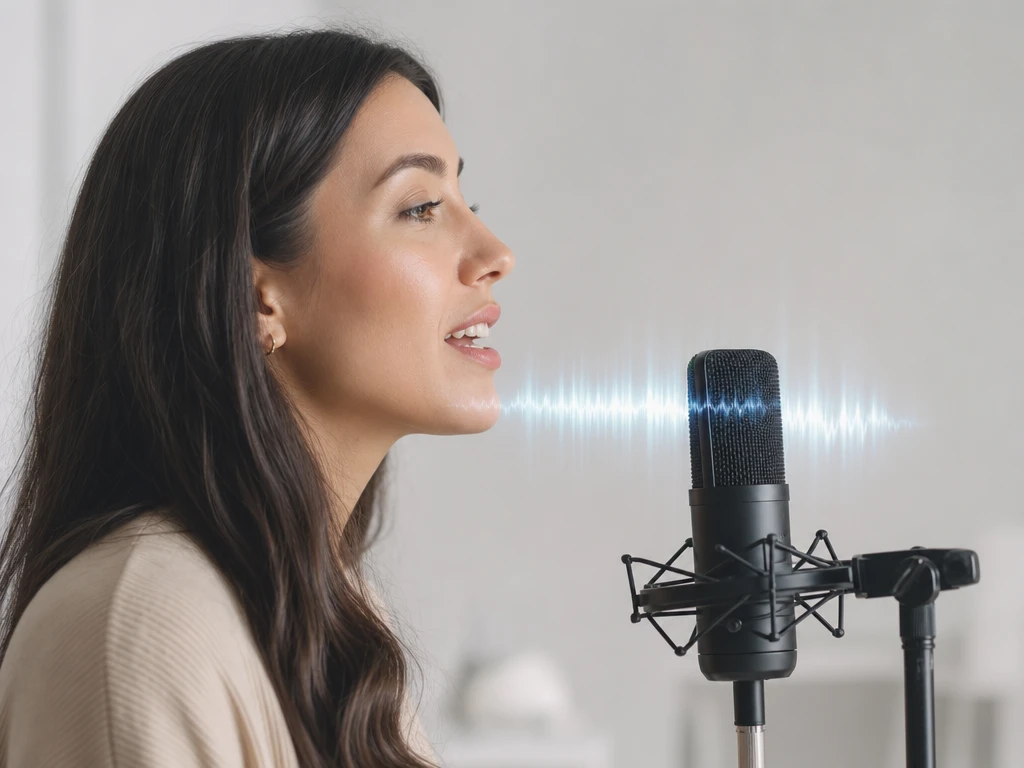
Add the script, mark key pauses, and define the audience. The text to speech setup turns written intent into a clear delivery brief.
Choose a corporate narrator, friendly guide, social presenter, tutorial voice, ad read, or multilingual option. Adjust tone so the output matches the message.
Preview the voiceover, refine pronunciation or pacing, then export audio for editing, publishing, or review. The result is consistent enough for repeat production.
Use one workflow for the voice tasks that slow content teams down. PhotoGenerator keeps production fast while leaving room for tone control and brand review.
Convert short scripts into energetic voiceover tracks for reels, shorts, and paid social. The pacing can match fast cuts without sounding rushed.
Marketers, educators, and production teams use PhotoGenerator when scripts need reliable audio fast. These comments focus on repeatable voice quality, not studio logistics.
We use PhotoGenerator for weekly product clips. The voice keeps a professional rhythm, and our editors get usable audio before the video timeline is locked.
For tutorials, the pause control matters most. I can make a step feel calm, direct, and easy to follow without recording every revision myself.
The social scripts need speed and clarity. PhotoGenerator gives us a voice that sounds ready for paid placements after a few prompt adjustments.
Our brand ads need a warmer read than a standard voice generator usually gives. The tone settings help us keep the delivery confident but not stiff.
I use it for multilingual explainers when the copy changes late. The audio output stays consistent enough for client review and quick delivery.
The cloned voice option helps our course intros sound familiar across modules. It saves studio time while keeping the lesson tone steady.
Absolutely. PhotoGenerator uses text to speech to turn written scripts into audio with controlled pacing, pauses, pronunciation, and tone, so the output feels closer to a recorded narrator than a flat read.
In practice, an ai voice generator may focus on picking a voice, while this page focuses on complete script to audio production. You write the prompt, define the delivery, and generate text to speech output for a commercial use case.
Sure. Use the voiceover generator workflow for brand ads, product videos, and social placements where timing and emotion matter. You can create ai voice over drafts before final approval.
You can guide text to voice output with delivery notes such as calm, confident, friendly, urgent, or instructional. Those choices help text to speech ai match the setting instead of using one generic sound.
Here is how to judge it: check sample rate, file format, clean pronunciation, even volume, and background silence. For batch tts work, consistent settings make the audio easier to place across product pages, tutorials, and print linked media.
For approved use cases, voice cloning and personalization can keep narration familiar across campaigns. PhotoGenerator still needs a clear script and usage rights before ai voiceover output is used commercially.
Sometimes, but business teams usually need review control, voice consistency, and export quality. A free text to speech test can help validate a script, while ai text to speech production should match brand, channel, and rights requirements.

Use PhotoGenerator to create a controlled ai voiceover generator workflow for ads, tutorials, product videos, and social content. Choose the voice, shape the delivery, and produce audio your team can review and publish.
Generate