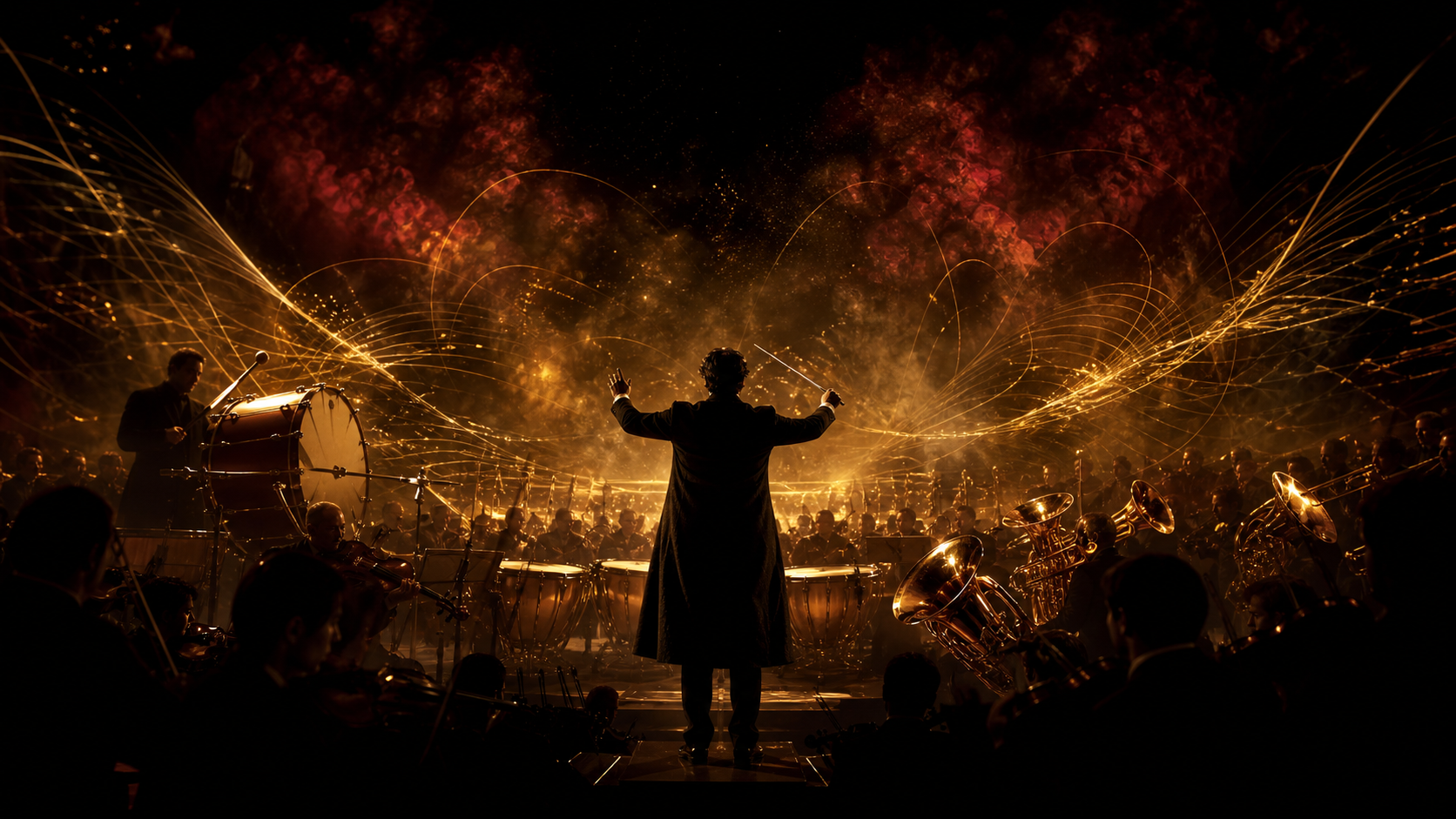
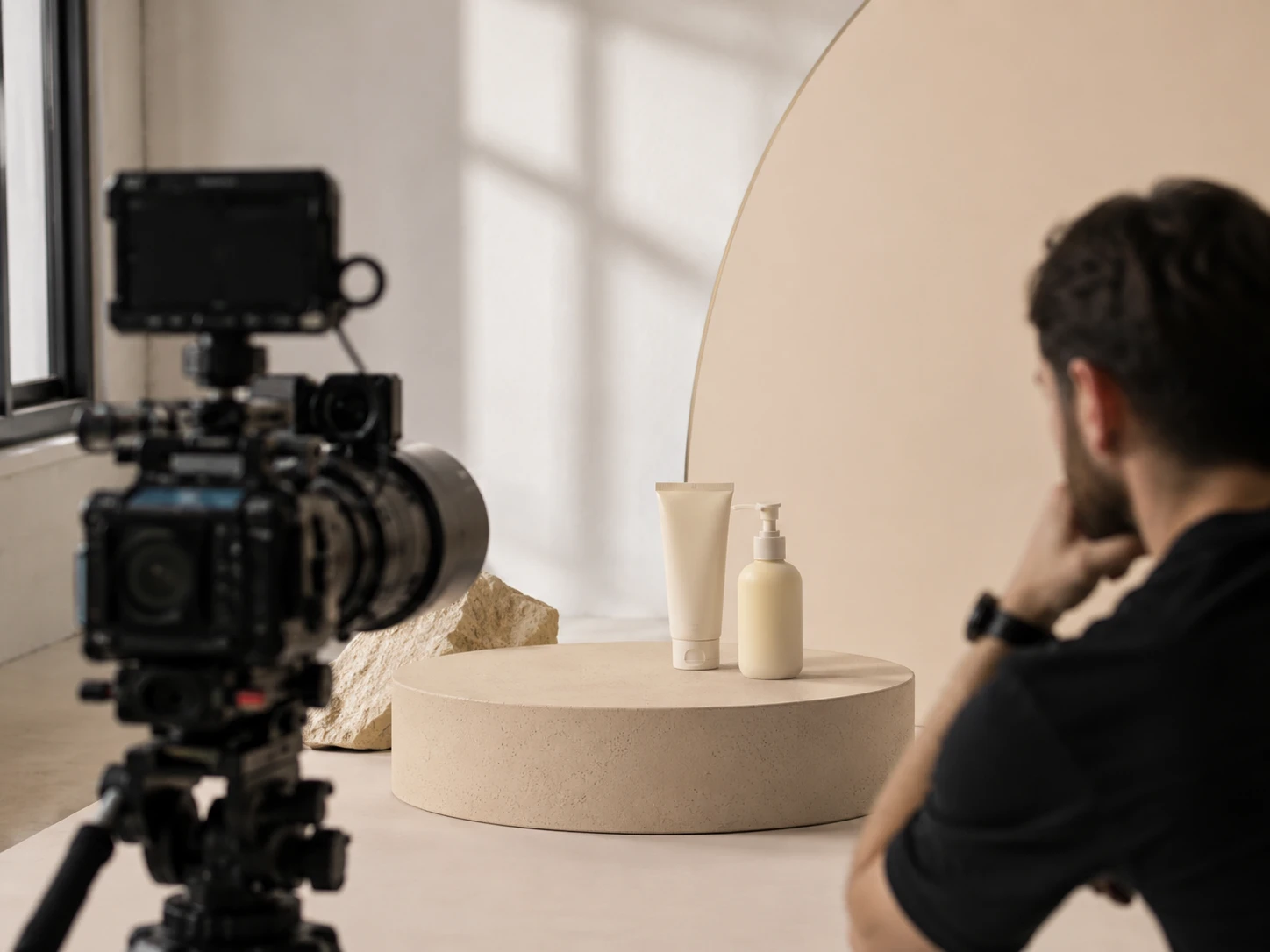
Brand short film
A marketer can use the ai music maker to score a product launch video with a consistent mood from opening shot to final frame. The ai music generator helps the track feel planned around the edit.

PhotoGenerator works as an ai music generator for teams and creators who need audio that serves the picture. Upload a clip, guide the prompt, then generate a soundtrack with the style, length, and commercial fit your project needs.
Get Started
Add a clip so PhotoGenerator can read the scene, pace, and emotional direction. The ai music generator uses that context to suggest a prompt that fits the visual story.
Choose a style such as cinematic, electronic, hip hop, jazz, orchestral, acoustic, or R&B. The ai song generator turns your written direction into music that feels tied to the content instead of a generic track.
Listen to the output, refine the wording, adjust duration, and generate another version when the mood is not quite right. Export ai generated music once the timing and tone support the edit.
This music generator is built for projects where music has to match a specific clip, audience, and platform. Use the ai music generator when stock tracks take too long to find or license.
A marketer can use the ai music maker to score a product launch video with a consistent mood from opening shot to final frame. The ai music generator helps the track feel planned around the edit.
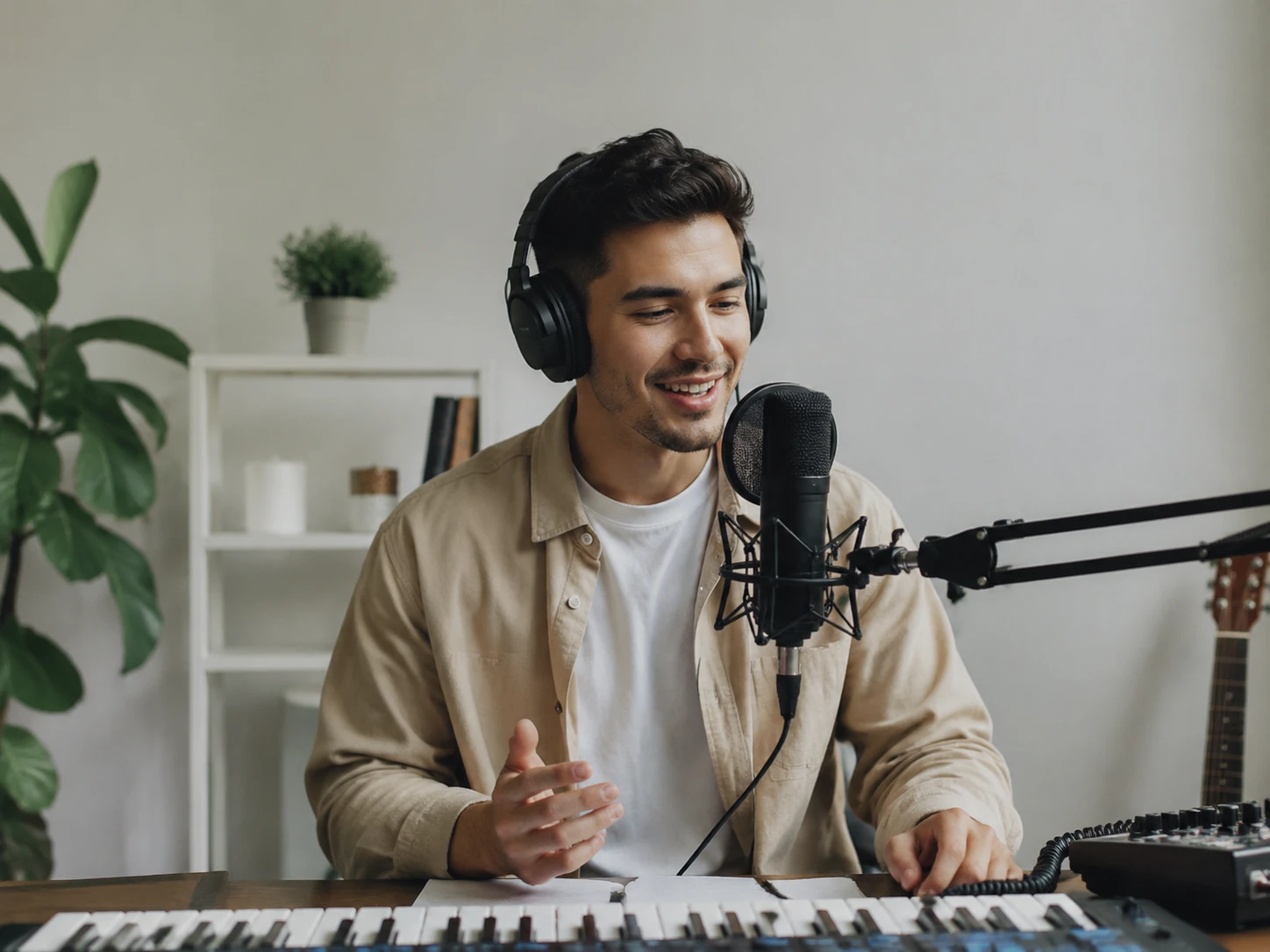
A creator can prepare branded intro music, scene beds, and transition audio for recurring streams. The ai song maker keeps each cue aligned with the channel tone and video rhythm.
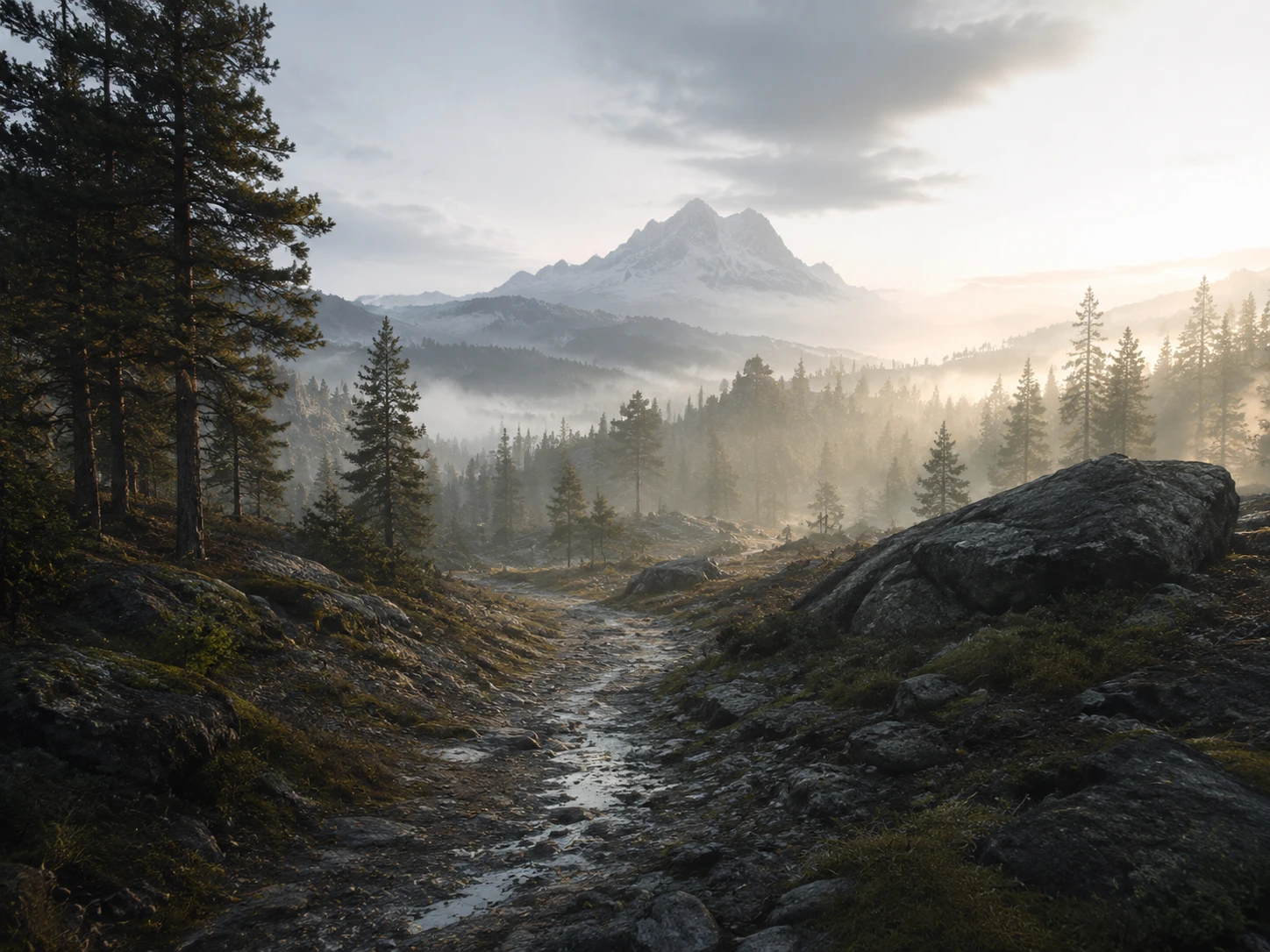
A developer can describe a forest, city, battle, or puzzle scene and generate music that supports play. The ai music generator helps match pacing, tension, and atmosphere without waiting on a full score cycle.
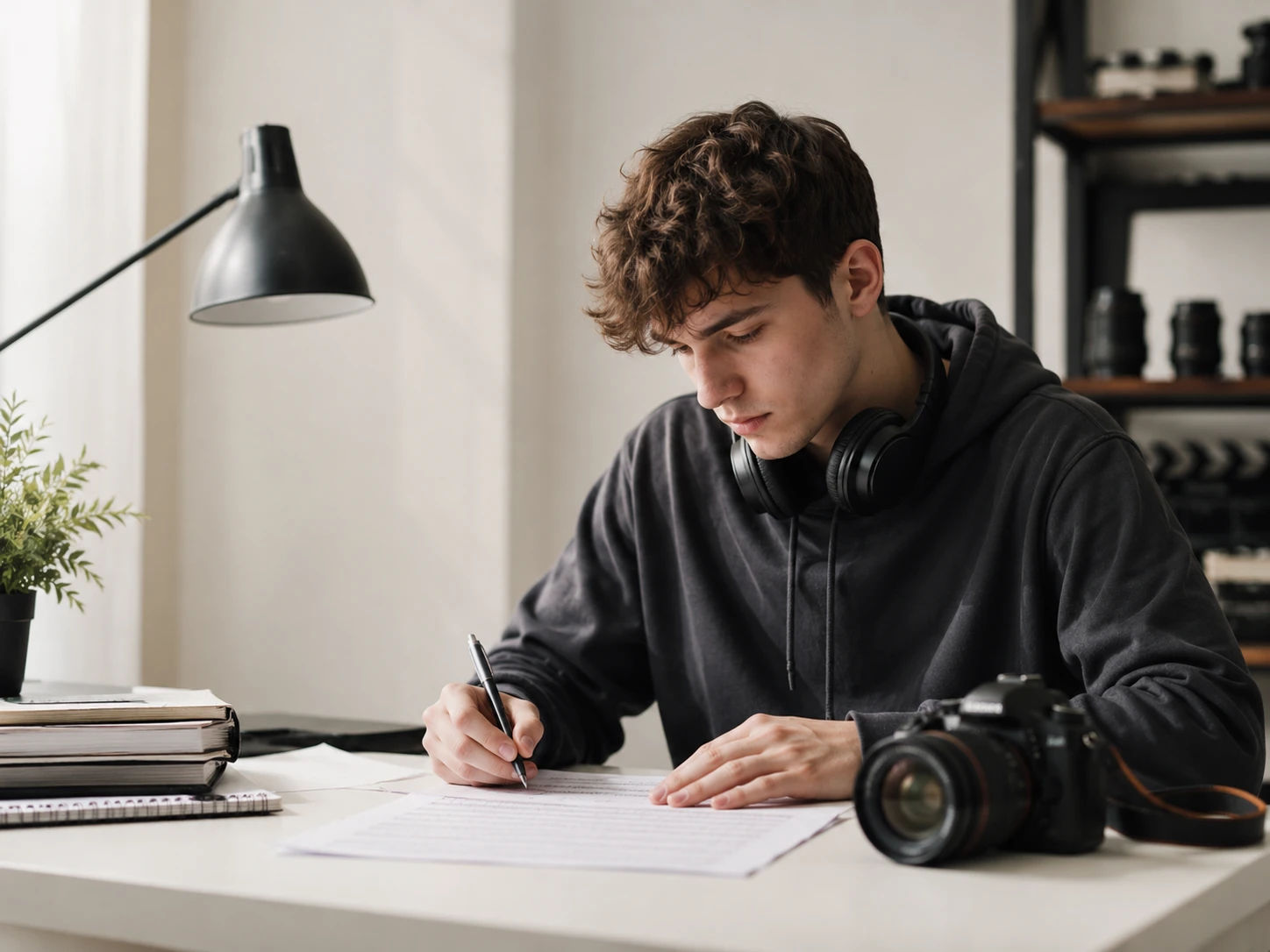
A student can create a practical soundtrack for class projects, portfolios, and personal edits. The ai music generator lowers setup time while leaving room to refine the prompt and creative direction.
The music ai workflow is strongest when the output is tied to a finished context. These examples show how the ai music generator can support different video stories without acting like a stock library.
Point 1
Generate a controlled build for a hero product reel, with restrained opening tones and a stronger finish. The ai music generator can follow the edit structure instead of forcing a fixed song shape.
Point 2
Create a soft loop for a lesson, study session, or quiet creator video. The ai music generator can keep the track steady enough for narration while adding enough detail to avoid a flat background.
Point 3
Build a repeatable cue for a menu, level, or interactive scene. The ai music generator can aim for momentum, atmosphere, and a loopable structure that fits the play environment.
Point 4
Generate a warm opening theme for an educational video or product walkthrough. The ai music generator can keep the sound professional without making the intro feel oversized.
People use PhotoGenerator when they need music that supports a clear publishing goal. For many teams, the ai music generator shortens the path from first edit to usable audio.
Marina Holt
Brand Video Producer
Our product reel needed music that rose with the lighting changes. The ai music generator gave us a stronger first direction than browsing libraries for hours.
Darius Chen
Indie Game Designer
I test level moods before the art is final. The ai music generator lets me hear whether a scene needs tension, space, or a cleaner rhythm.
Elena Rossi
Online Course Editor
For course videos, I need audio that stays out of the way. PhotoGenerator helps me create calm beds that do not fight the voiceover.
Samir Patel
Live Content Producer
My stream scenes feel more consistent now. I can generate a cue for each segment and keep the channel sound aligned.
Priya Shah
Film Student
I used to cut music manually to fit short films. Now I start with the scene length, then refine the prompt until the pacing feels right.
Jon Bell
Agency Content Lead
For weekly social campaigns, the ai music generator helps us create fast options that still feel matched to each edit and client style.
Sure. The ai music generator can analyze the clip mood, pacing, and scene direction, then suggest a prompt or generate music from your own description. That helps the soundtrack support the edit instead of sitting behind it as generic background audio.
You can guide style with terms such as pop, electronic, hip hop, cinematic, classical, jazz, acoustic, orchestral, country, or R&B. The ai music generator responds best when the style is paired with scene details, pace, and emotional intent.
Choose the format and audio resolution that fit the destination, such as compressed audio for social previews or higher quality output for product demos, catalog clips, and paid campaigns. The ai music generator workflow is meant to support practical publishing specs.
In practice, duration control is useful when your edit has a fixed structure. The ai music generator can create music closer to the video length, reducing manual trimming, repeated loops, and timing repairs.
For commercial use, check the license terms for your account and project type before release. The ai music generator creates original output that can reduce the need to search stock libraries, but publishing teams should still keep records for approval.
Teams can use shared prompt patterns for recurring formats such as product updates, social clips, lessons, and live segments. The ai music generator makes it easier to keep a consistent sound while still adjusting mood and timing for each video.
Here is how the ai music generator process usually works: generate a first version, listen for mood and timing, then revise the prompt with clearer style, energy, instrument, or duration notes. Each pass can move the soundtrack closer to the picture.
Both are possible depending on the project. Short background beds work for social clips and livestream scenes, while longer soundtrack ideas can support games, films, lessons, and online works that need a fuller audio arc.
Not for every job. Detailed audio mixing, stems, and advanced mastering may still need specialist software, but ai music generation is practical for creating strong music direction quickly before final review or production polish.
Upload a clip, guide the prompt, and generate music that follows your video mood, length, and publishing goal with PhotoGenerator ai music generator.
Get Started