
Photo Video Maker
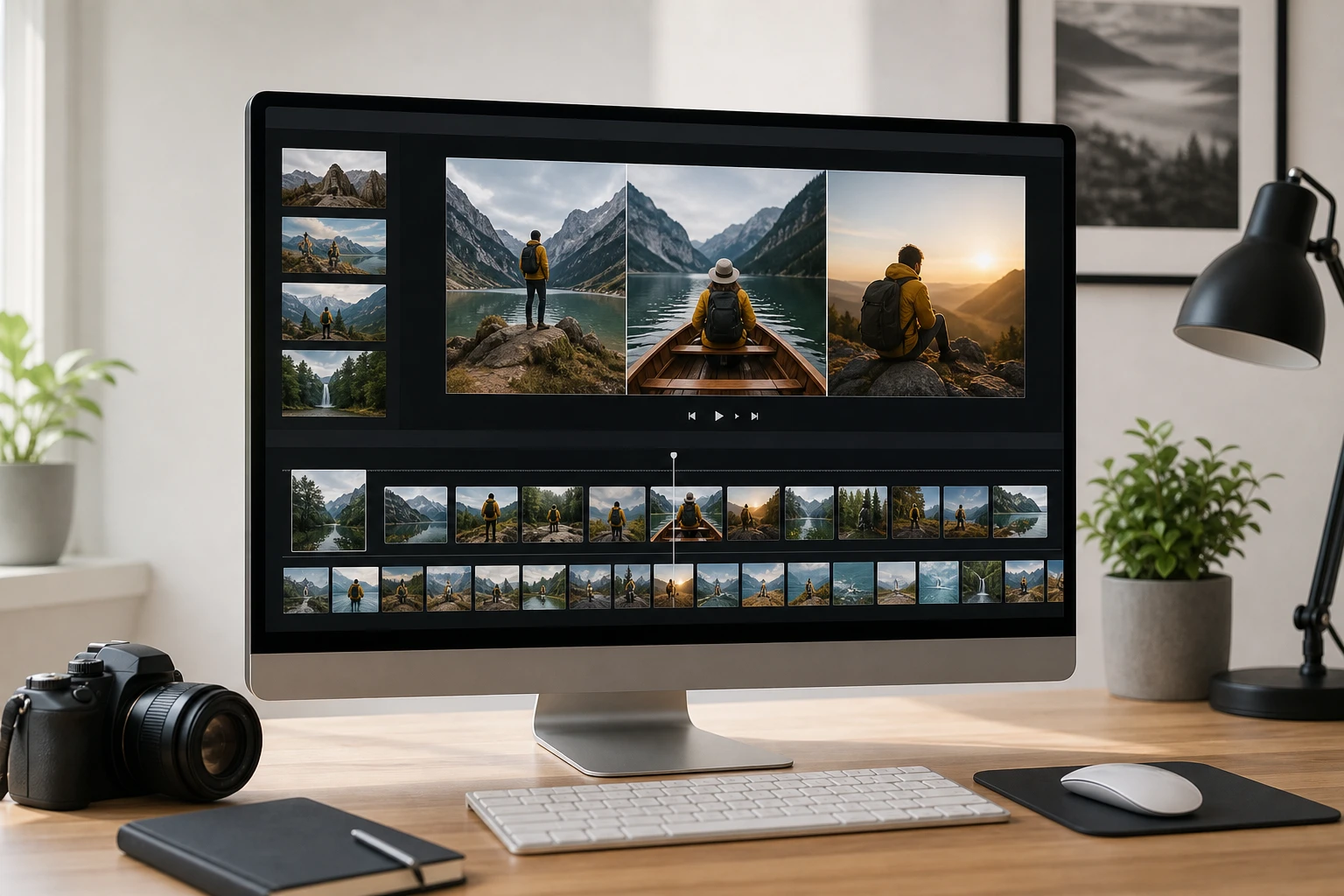
PhotoGenerator AI works as a photo video maker for creators who want a structured picture movie. Upload your images, arrange the sequence, and preview the pacing in your browser. The photo video maker handles the arrangement logic so your opening frame sets the scene, your middle photos carry the story, and your closing shot lands cleanly. Use this photo video maker to build family albums, event recaps, or lightweight portfolio sequences without complex timeline editing.
Where a Photo Video Maker Fits Work
A photo video maker covers the gap between a raw folder of images and a video worth sharing. These scenarios show where the workflow pays off most. Review them to find where the tool fits your production needs.
Family and Travel Album Video
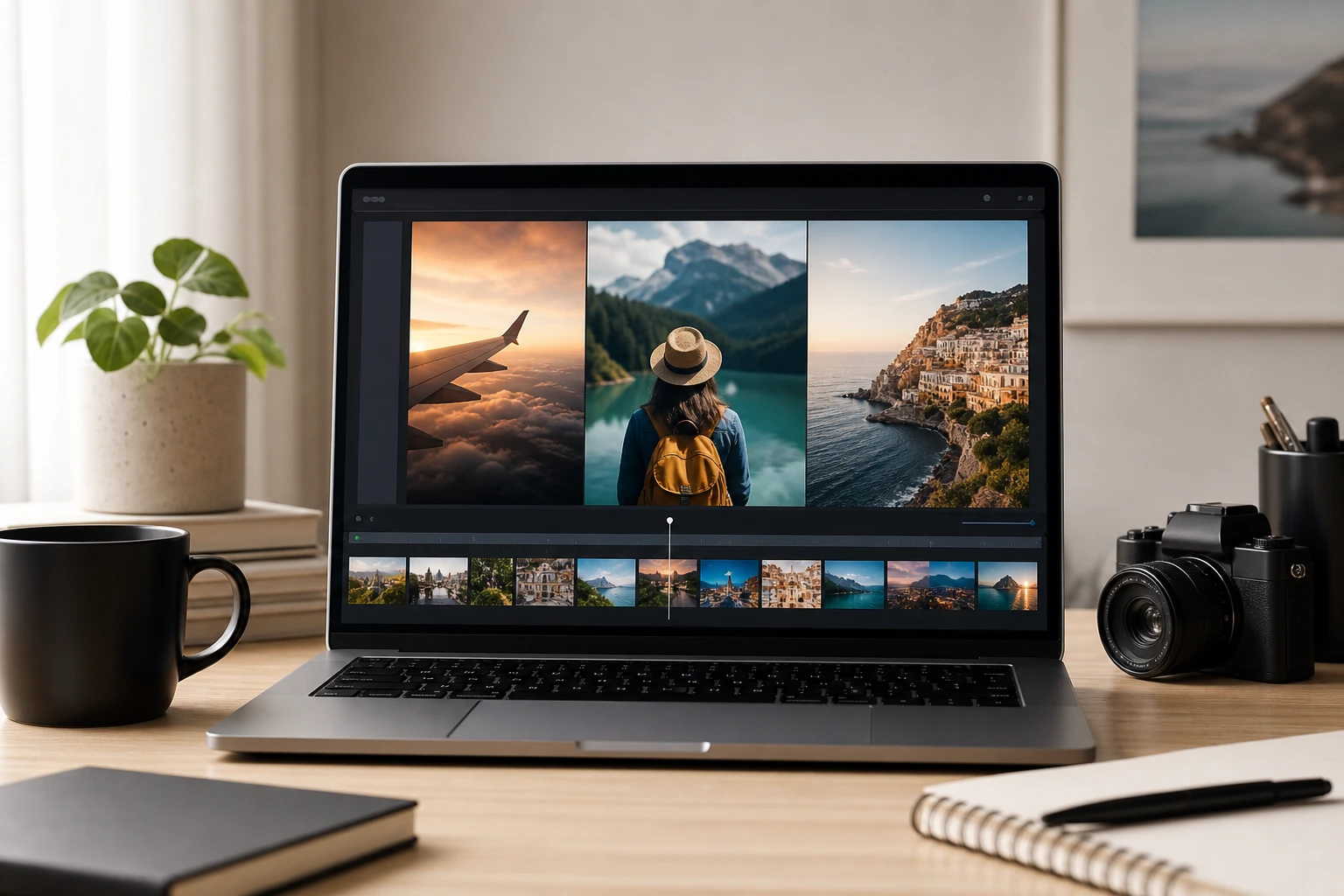
You return from a trip with forty photos and need a way to share the story without a full editing suite. PhotoGenerator AI lets you sequence those images into an album video with a photo video maker workflow that runs entirely in the browser. The exported file is ready to send or post. When your photo album maker project has a clear timeline, the sequence builds naturally from arrival to departure.
Event Recap Picture Movie
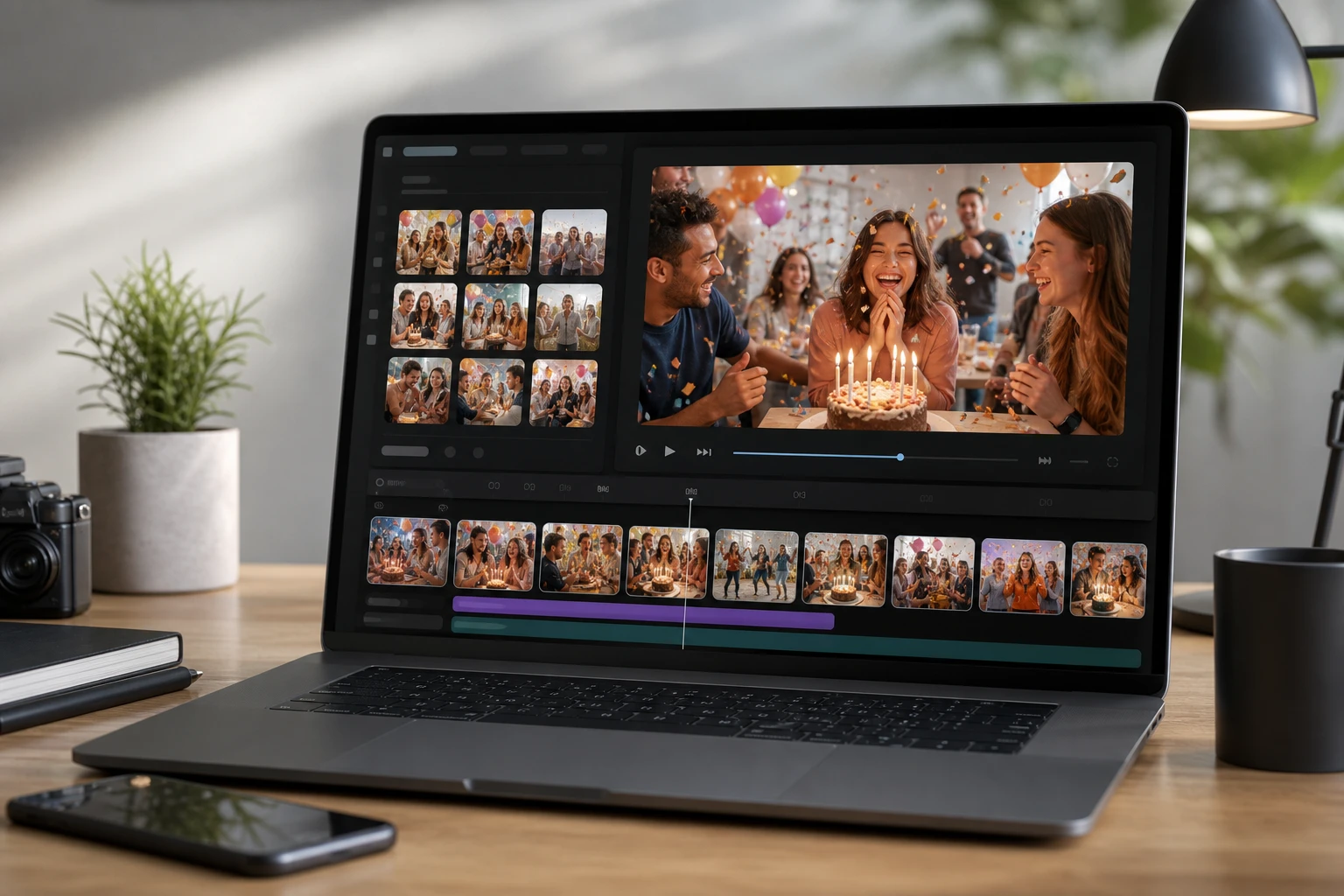
Birthdays, weddings, and graduation parties leave behind photo sets that deserve a short picture movie. PhotoGenerator AI reads your ordering and outputs a picture video maker result you can preview before committing to export. The recap is short enough to export and share as a video file. This workflow works best when photos cover distinct moments rather than repetitive group shots.
Social Media Photo Sequence
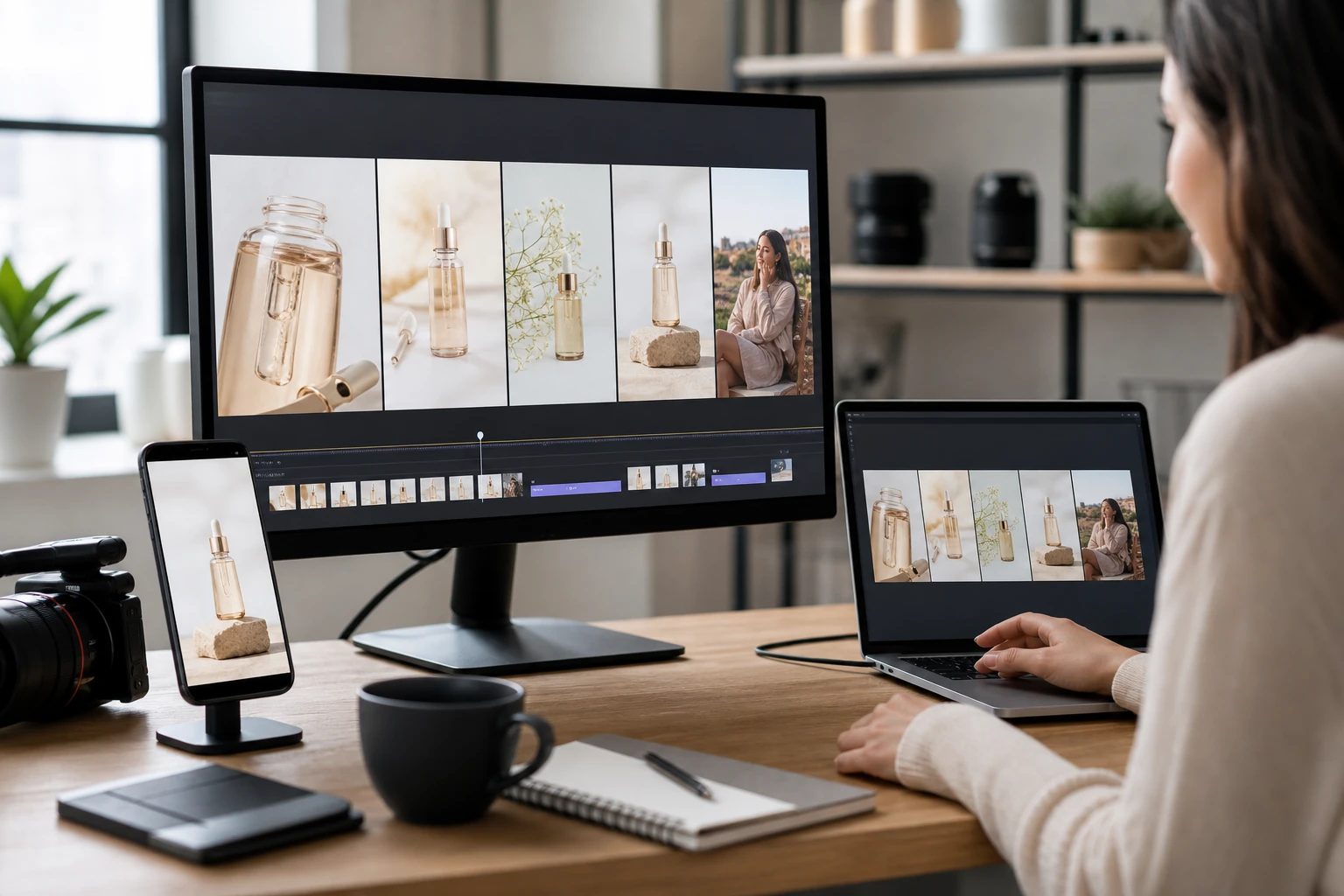
Content teams often need to turn a campaign shoot into a short clip without spinning up a full editing timeline. PhotoGenerator AI functions as a pic video maker for those sets, letting you fix the sequence order and export a file formatted for short video platforms. If your set has a clear product story from detail shot to context shot, the photo video maker output lands close to ready on first preview. Manual posting to your chosen network is still required.
Lightweight Portfolio Image Video
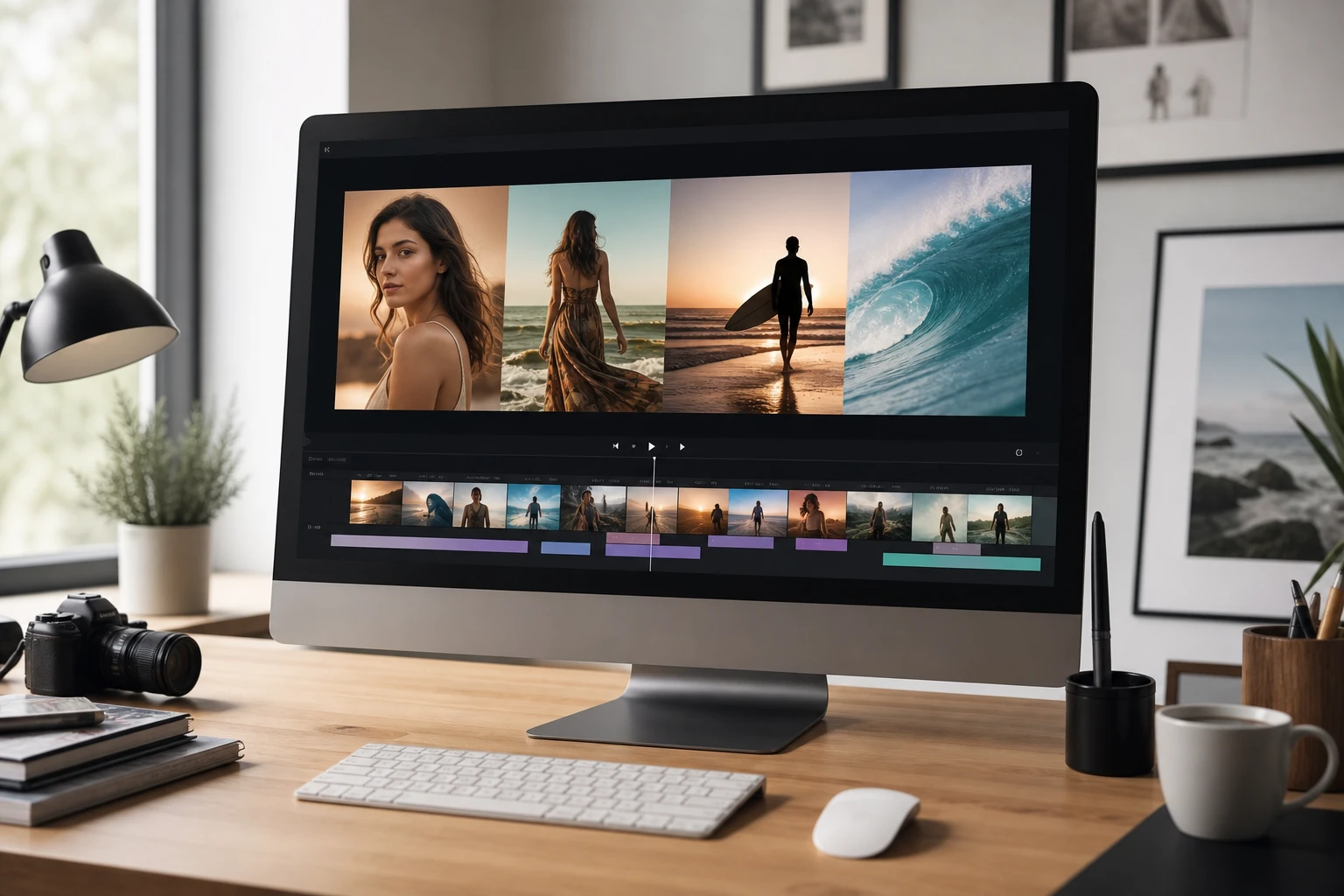
Freelancers sometimes need a video maker from photos to present a project portfolio quickly without building a full case study page. PhotoGenerator AI turns those images into a shareable picture to video maker output that shows the project arc from brief to result. The photo video maker workflow keeps the focus on the work itself. Output quality improves noticeably when source images share consistent framing and resolution.
Photo Video Maker Outputs Worth Making
Each example shows how a photo video maker output lands when sequence decisions are intentional. Review these common formats before starting your own project. The right structure makes the final video far more engaging than a raw slideshow.
Animated Photo Album for Weddings
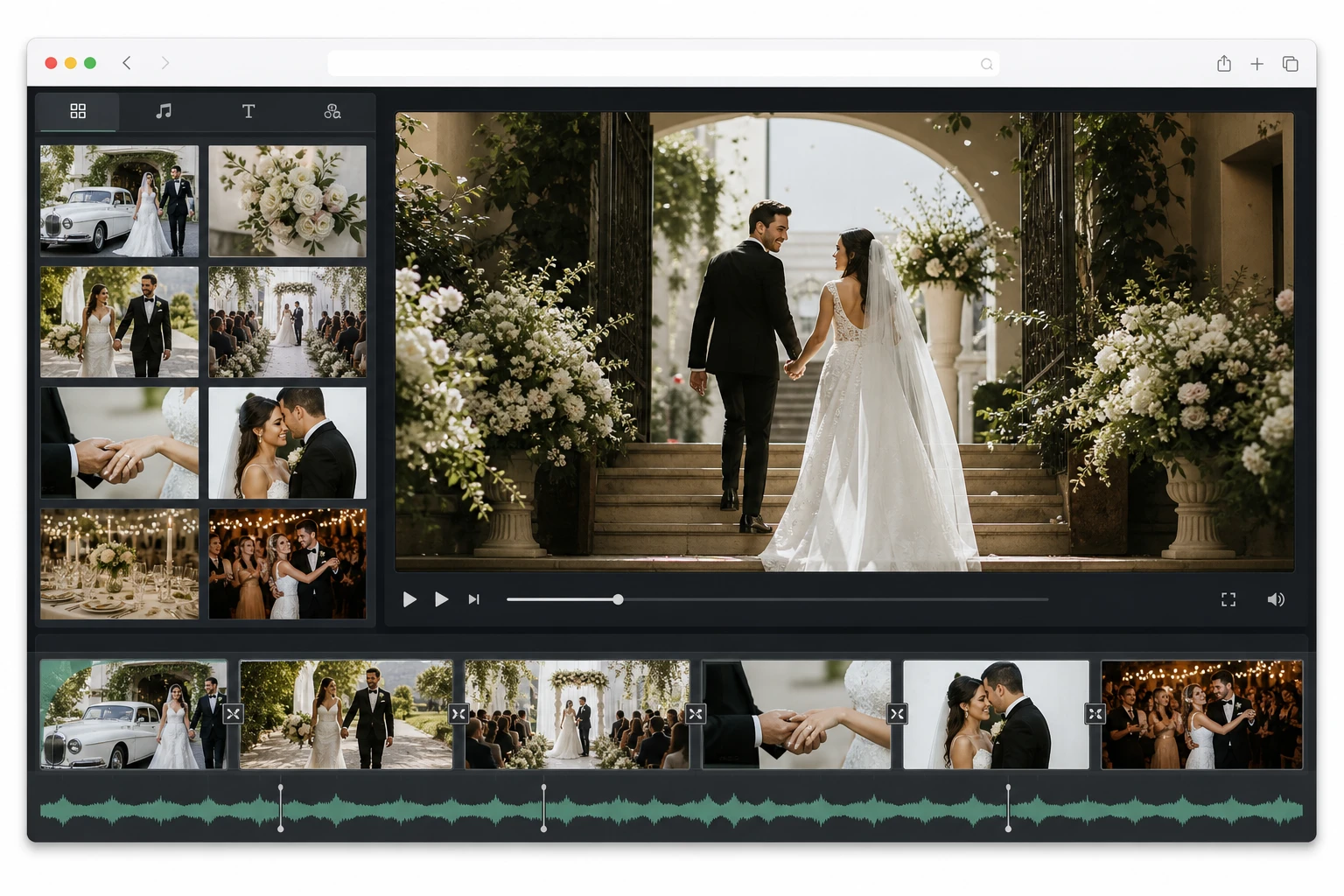
An animated photo album from a wedding works when it starts with venue arrival and closes on the reception floor. PhotoGenerator AI sequences those photos into a photo album animation that holds the emotional order the photographer intended. The output reads as a cohesive album video rather than a shuffled gallery. This photo video maker result relies on having distinct scene phases rather than repetitive posed shots throughout.
Picture Movie from a Road Trip
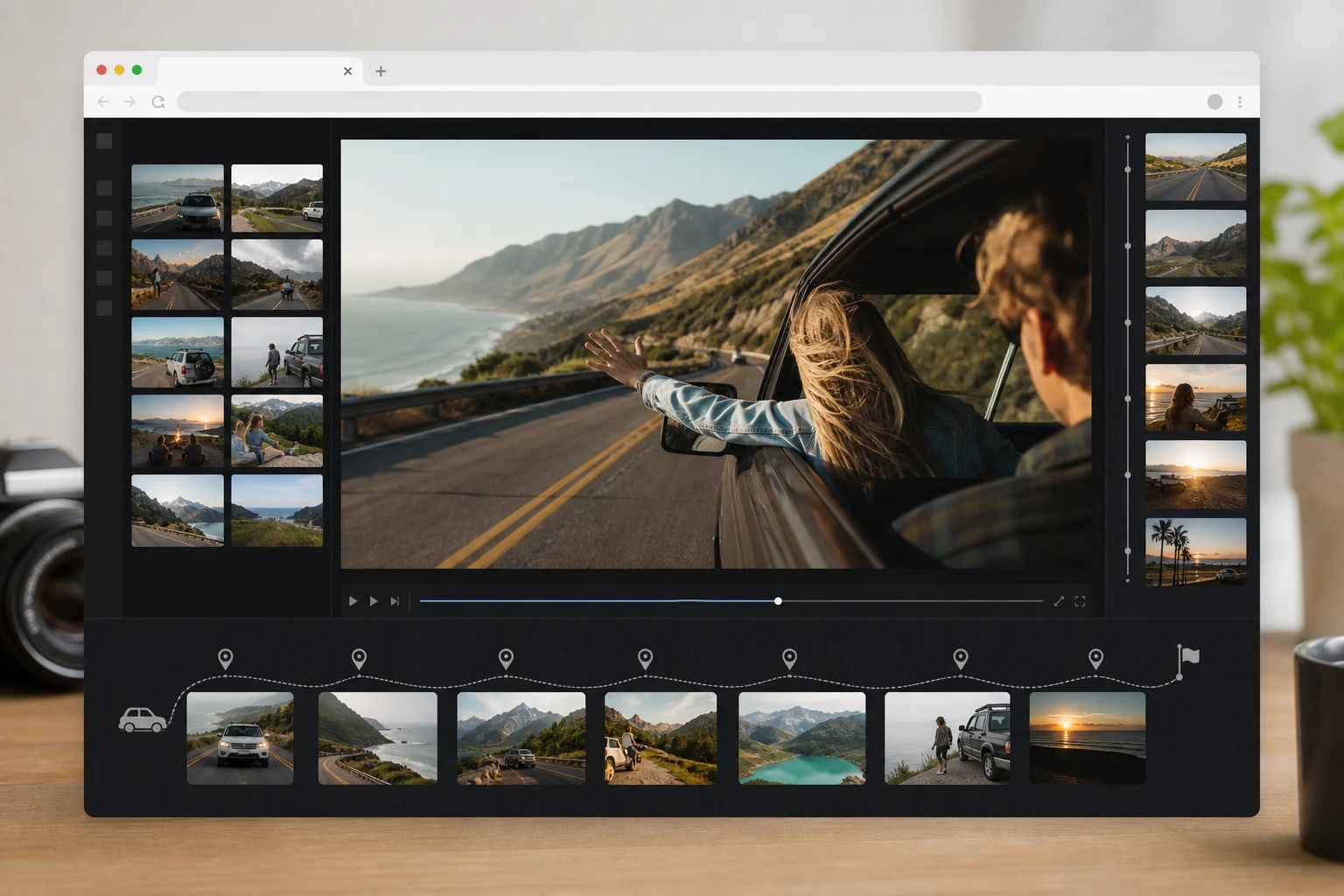
A road trip photo set often has a clear geographic story from departure city to final destination. That geographic order becomes the backbone of a picture movie maker result where each location gets its representative photos in sequence. PhotoGenerator AI keeps that order intact through the export. The photo video maker output is compact enough for common sharing workflows after export. Varied location shots give the video its forward momentum.
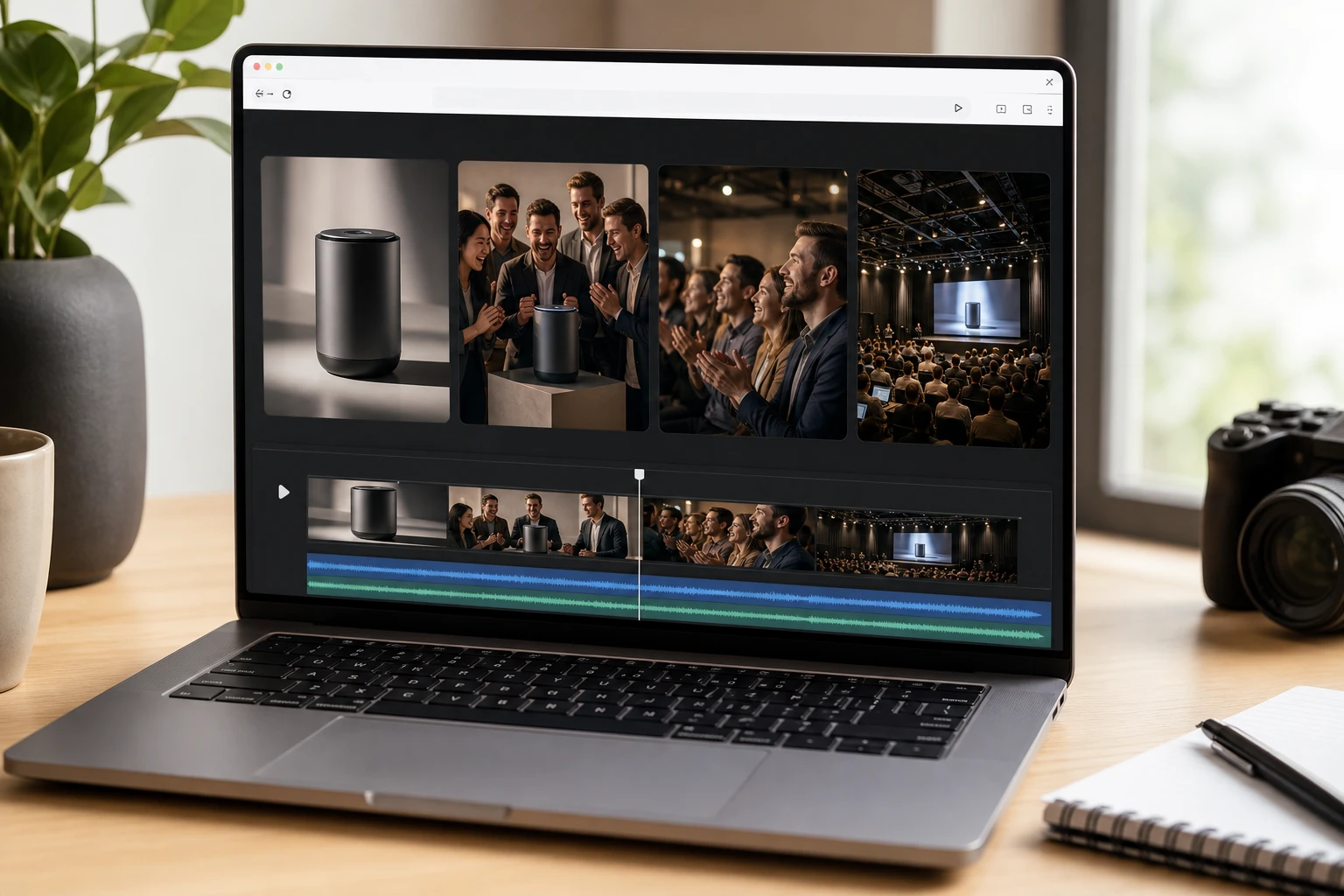
Photo Album Video for Product Launches
A product launch photo set typically covers the product itself, the team behind it, and the audience reaction at the event. PhotoGenerator AI handles that as an ai photo video maker sequence where each phase gets visual weight. The result is a photo movie that a brand team can use as a recap asset. The photo video maker output is close to shareable on first preview when the photography is clean and well lit.
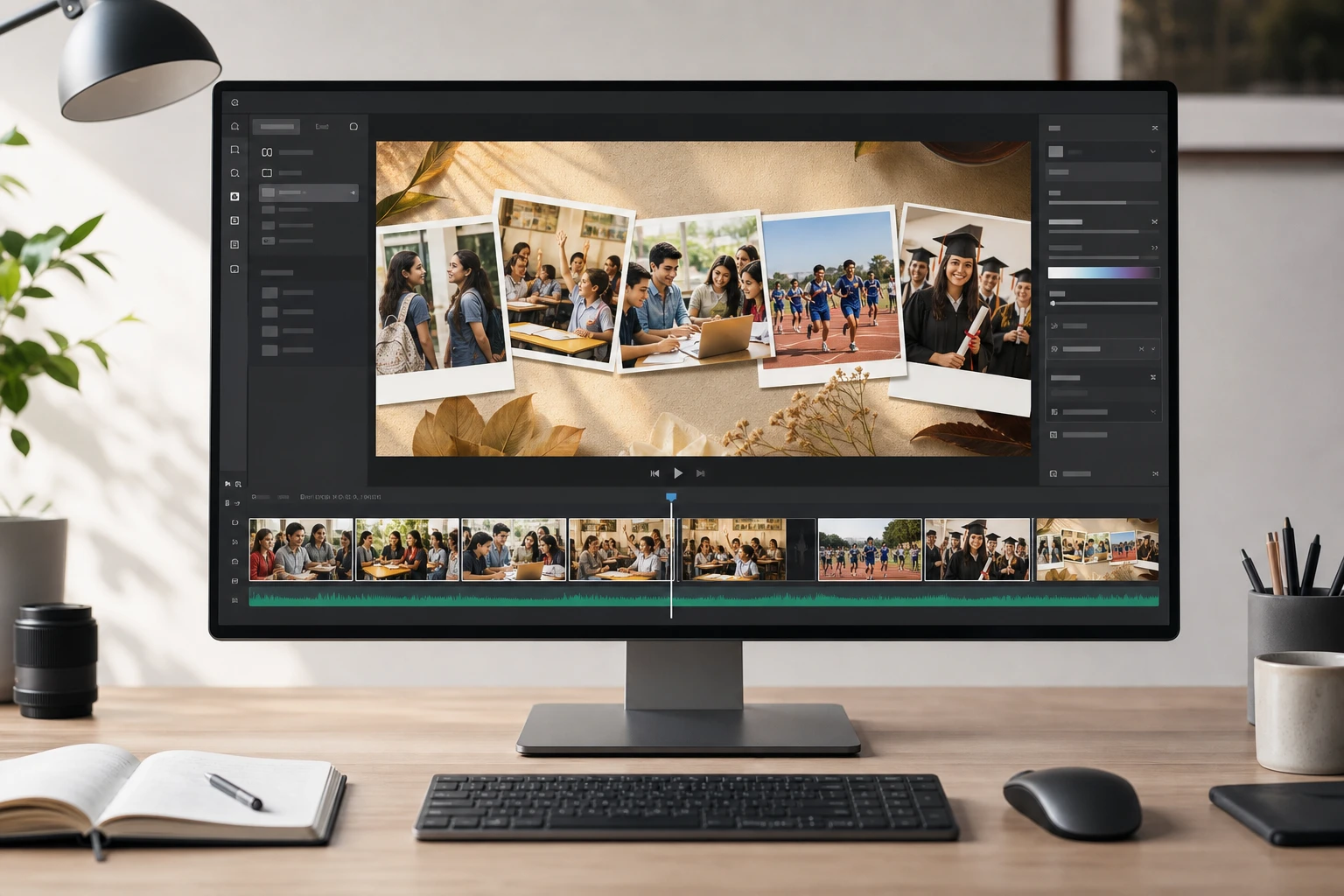
Graduation Year Picture Video
Educators and class coordinators sometimes need an app to make video with pictures that covers an entire academic year from orientation through graduation day. PhotoGenerator AI lets you order those photos as a sequence where each chapter gets its own section. The video output works as a class memory artifact that families can keep. When the set covers a clear timeline, the online photo video maker workflow makes the chronological order easy to review before export. Account login is required.
Photo Video Maker vs Older Workflows
Understanding what a dedicated photo video maker does differently helps you decide when it fits your project. Compare it against other common production methods to see where the workflow decisions diverge. Choose the right approach for your specific video goals.
PhotoGenerator AI vs Manual Slideshow Software
Slideshow software requires you to set transition timing, adjust each slide duration manually, and export through a separate render step. A photo video maker inside the browser handles sequence arrangement and preview in one place without a separate render queue. You see the pacing result before committing. The photo video maker trades granular per slide timing control for a faster path from photos to video.
PhotoGenerator AI vs Desktop Photo Movie Tools
Desktop photo movie tools require a download, installation, and often a project file before you can preview anything. A browser based photo video maker skips those steps and keeps the photos to video maker workflow entirely online. PhotoGenerator AI reads your uploaded images and lets you arrange the sequence without starting from a desktop timeline. The desktop approach gives more export format options; the online photo video maker gives faster first previews.
PhotoGenerator AI vs Single Photo Animation
Some ai video maker from photos tools focus on a single image to generate motion within that one frame, such as a subtle camera drift across a portrait. That is a different task from what an online photo video maker handles. PhotoGenerator AI on this page is designed for multi photo sequences where the story comes from order and pacing across the set. Use a photo video maker for albums and recaps, not for generating motion inside one portrait.
Photo Video Maker Questions Answered
Try the Photo Video Maker Today
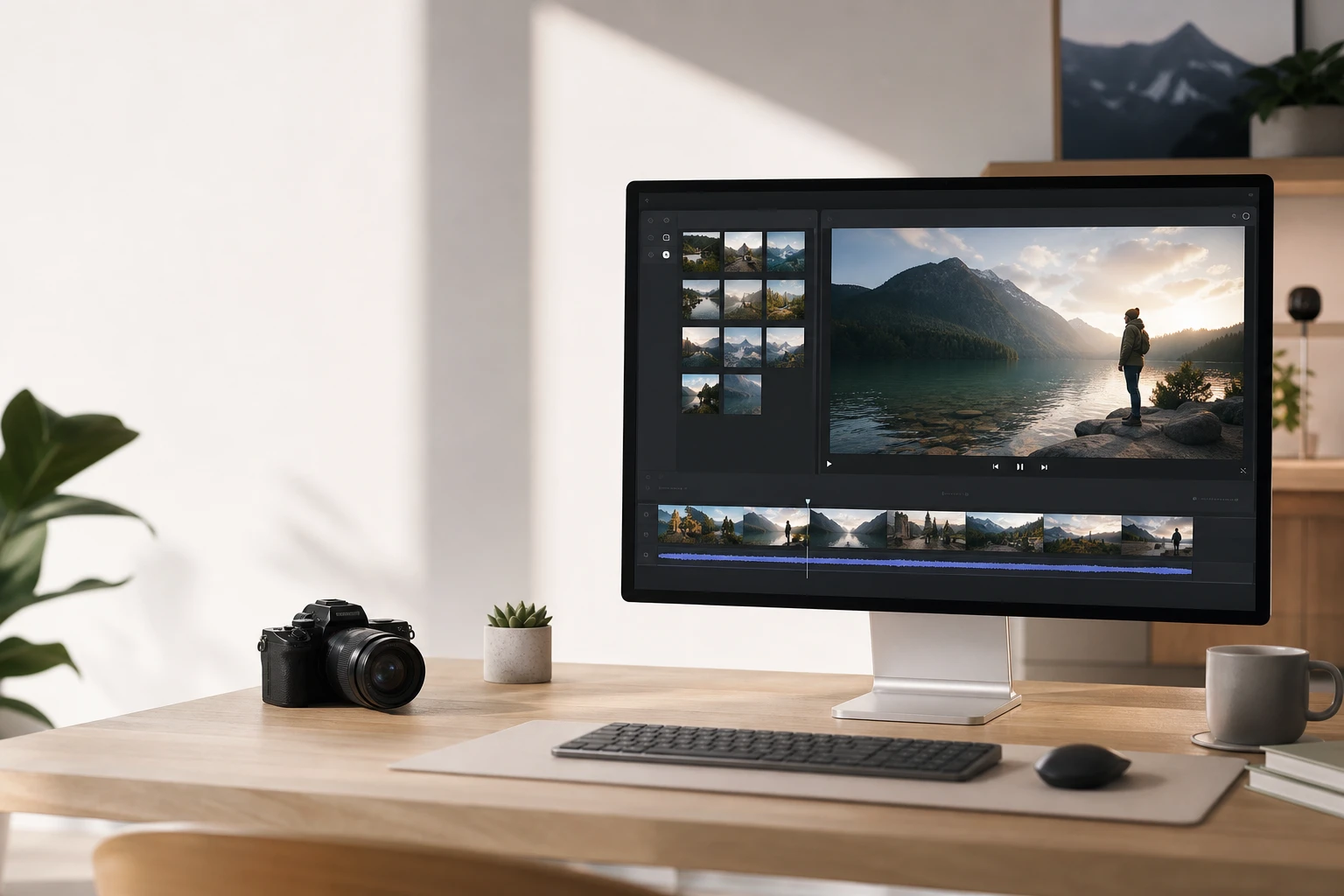
Upload your photos, arrange the sequence, and export a video file ready to share. PhotoGenerator AI handles the photo video maker workflow in your browser so the result feels like a picture movie from the very first preview.
Get Started