
Photo to Video AI
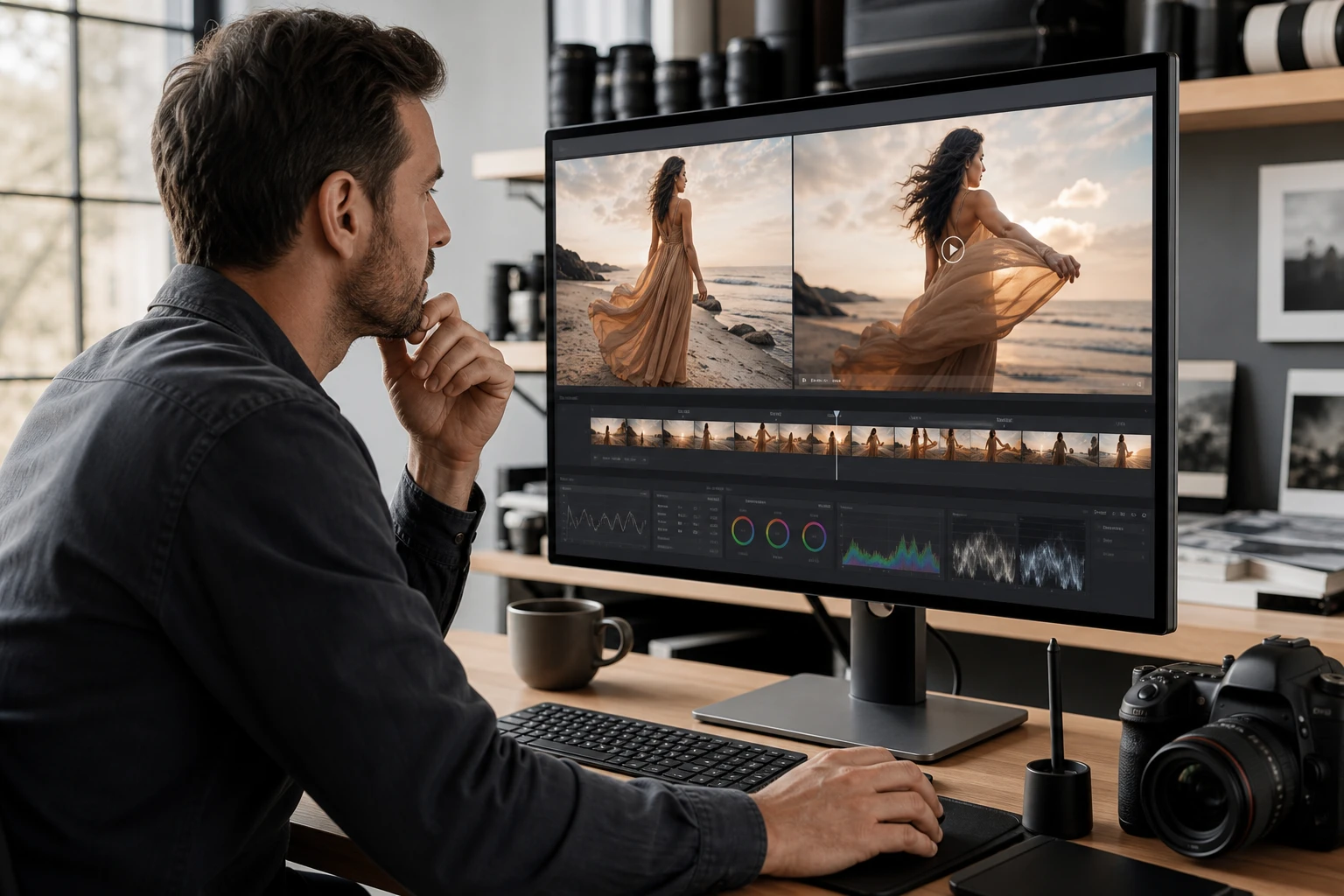
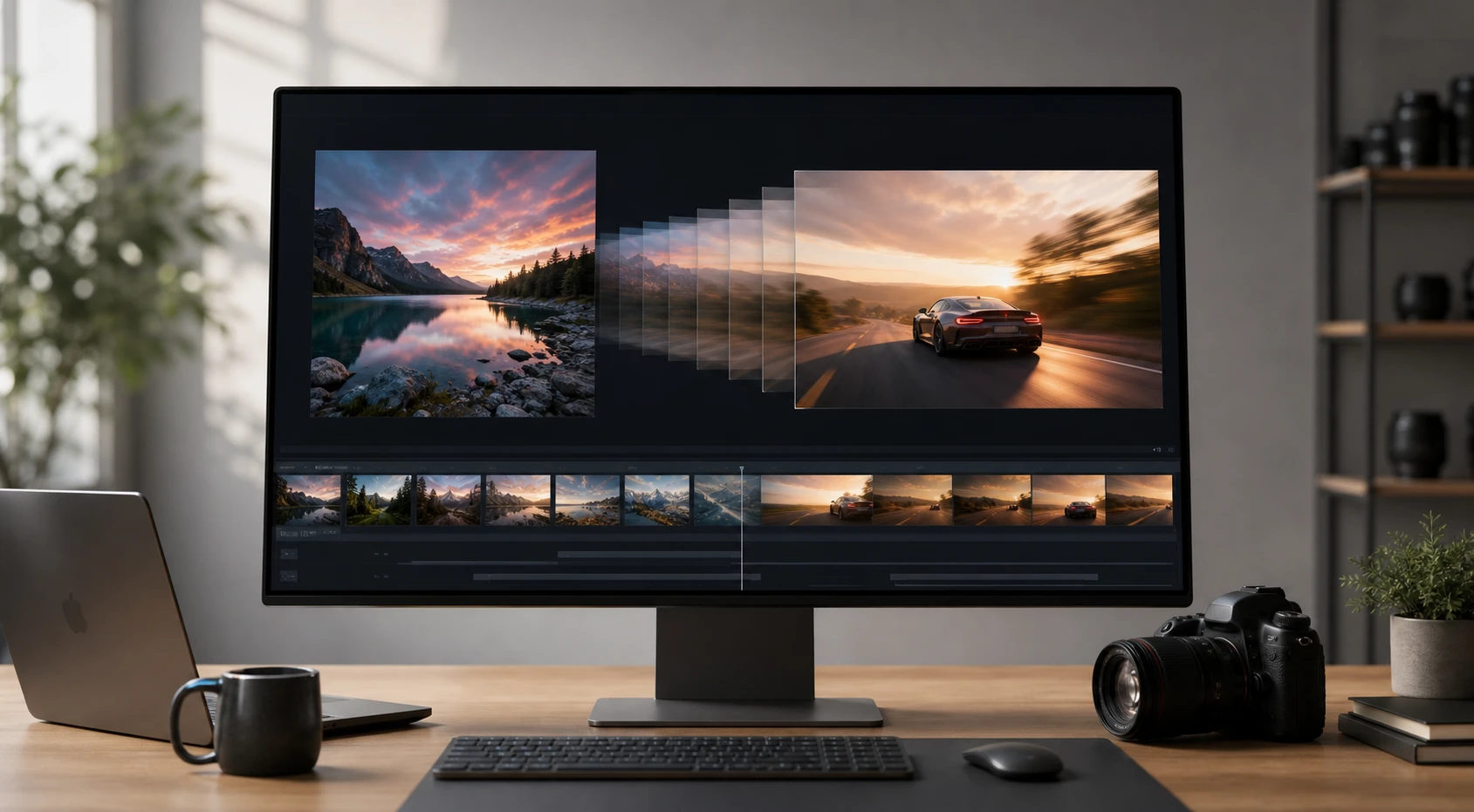
PhotoGenerator AI reads the lighting and texture in your source image to generate natural motion. Use a photo to video ai workflow that keeps the original subject, surface detail, and scene mood in view. The system separates the foreground subject from the background environment automatically. You can review pacing, motion direction, and export quality before you make photo into video.
Who needs scene motion workflows
Commercial Photographers
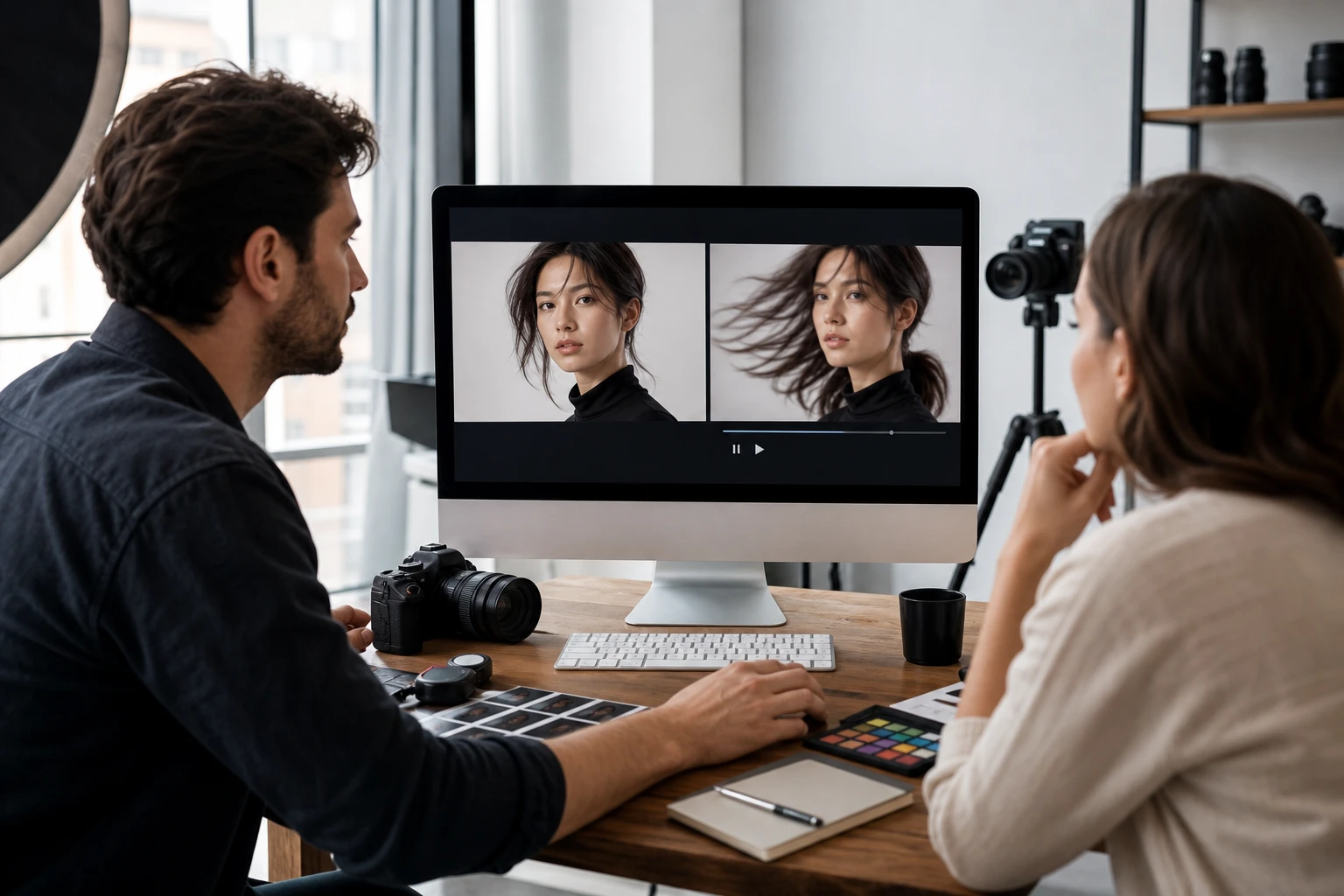
You capture high quality stills but clients increasingly ask for motion deliverables. Upload your existing commercial stills and review how the motion reads before committing to a reshoot. PhotoGenerator AI lets you turn photos into video while respecting the lighting direction in the original frame. You can turn photo to video for concept review, social previews, or client discussion.
Advanced photo to video ai features
Control the motion in your clips using a photo to video ai approach that preserves your original photography.
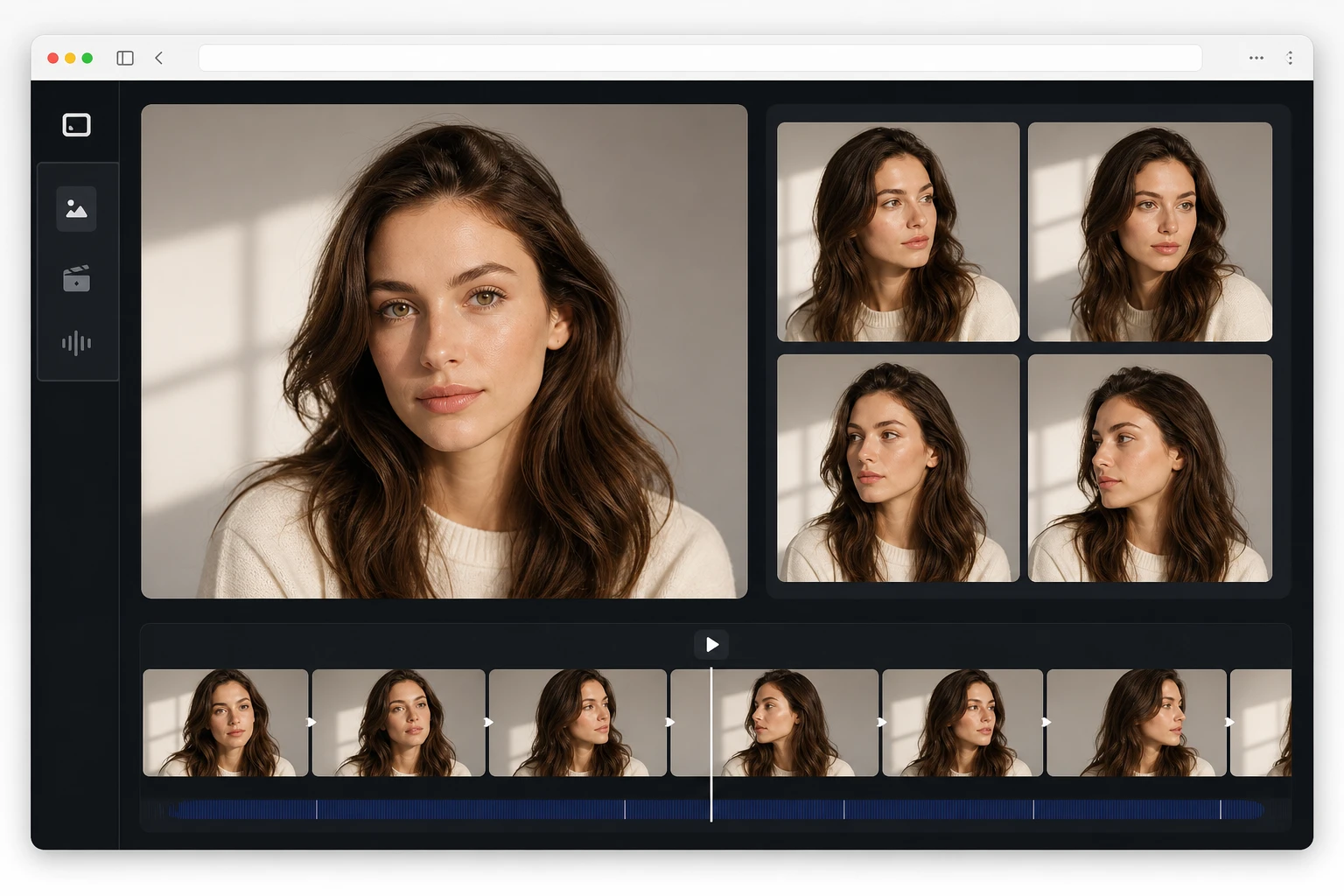
Lighting Continuity Hold
The ai photo to video engine analyzes the direction of your original light sources before applying movement. The generated clip maintains consistent shadows as the camera shifts. Works best with images that have a single clear primary light source. You spend hours getting the practical lighting right on set. The photo to video ai generation respects that effort entirely.
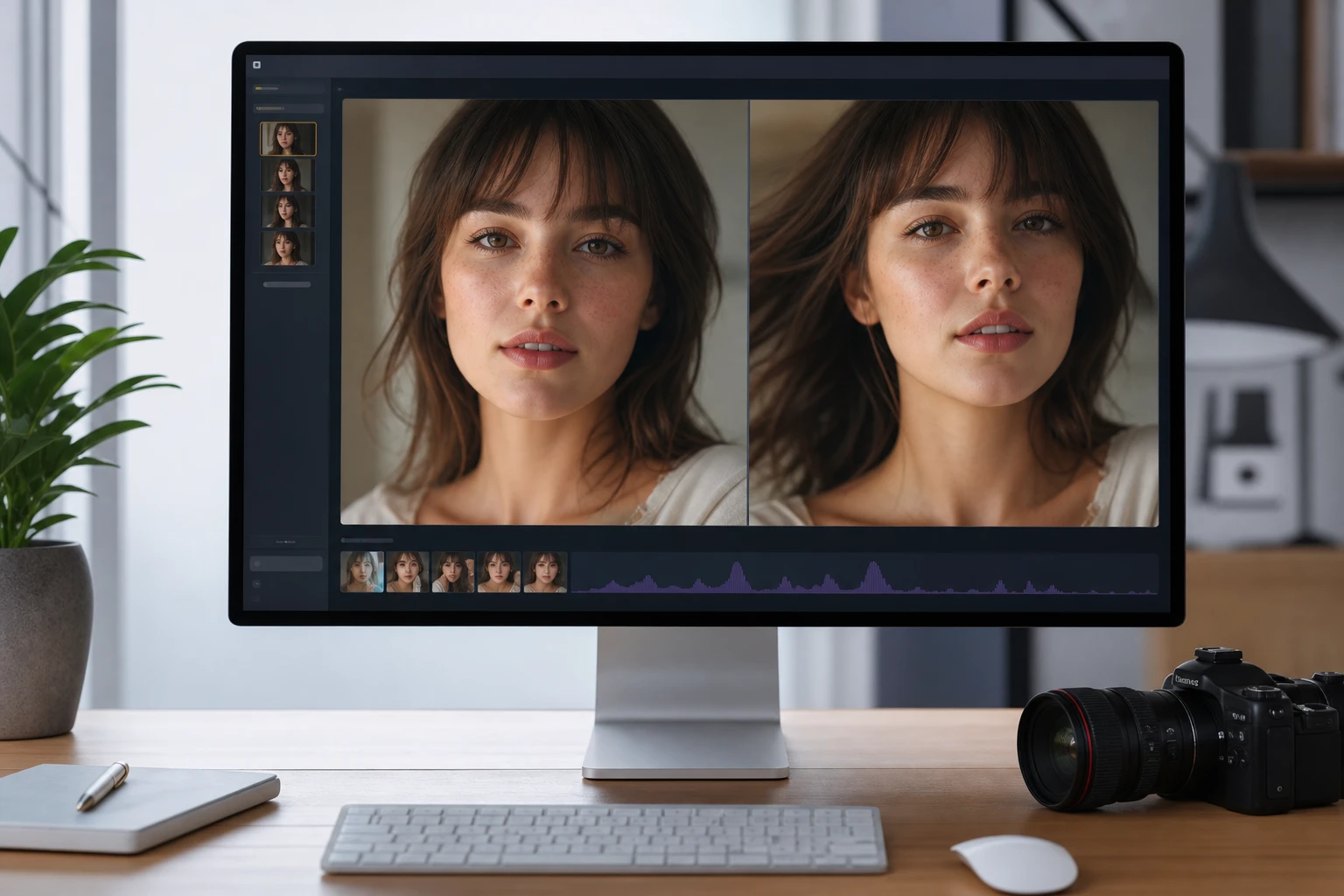
Portrait Surface Preservation
Skin texture and facial proportions can warp when static images move. PhotoGenerator AI maps facial landmarks to hold the subject steady while the background shifts. Images with heavy noise might lose some fine details during the photo to video ai generation process. Maintaining human likeness is critical for portrait work. The system prioritizes eye stability during camera pans.
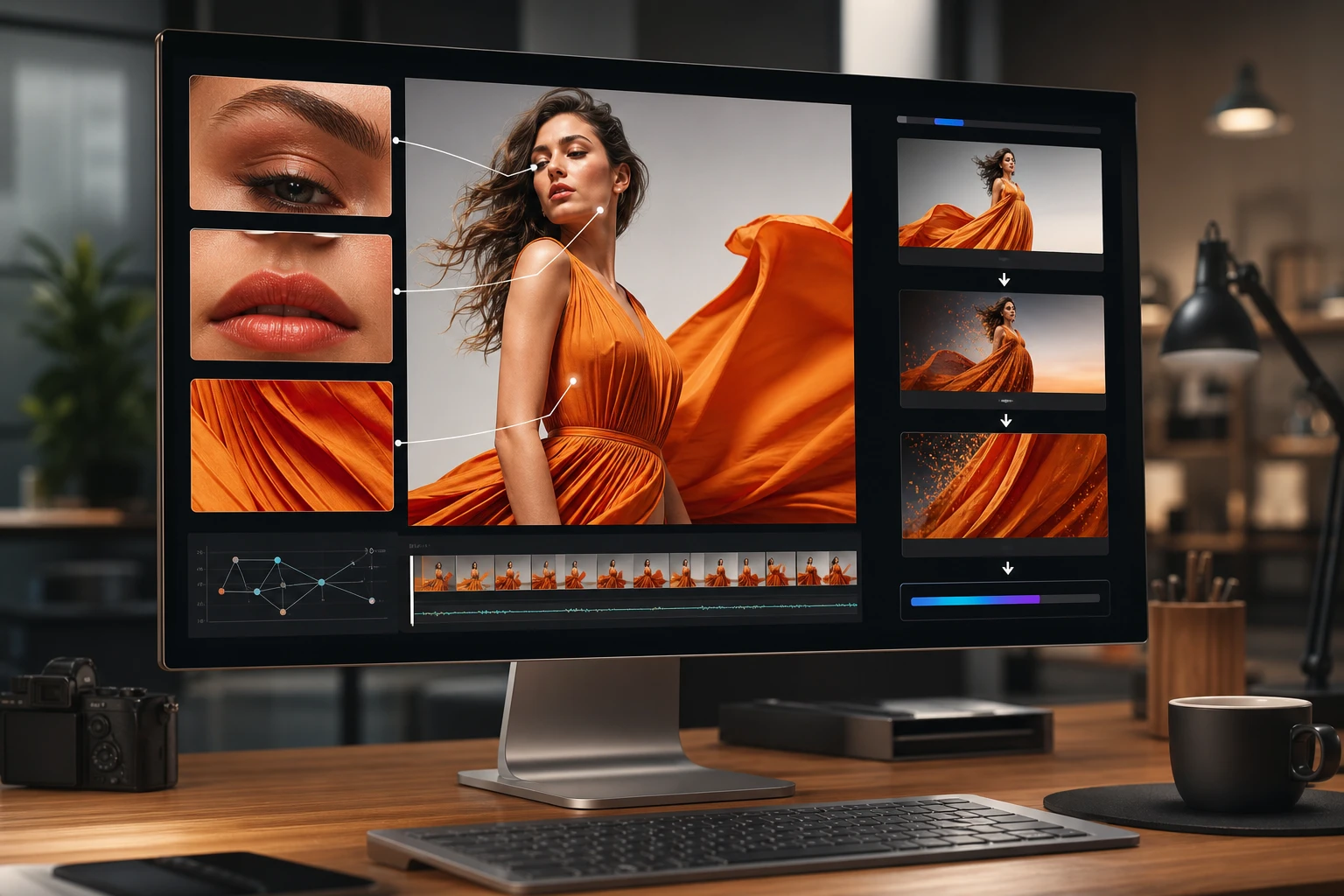
High Resolution Source Handling
Upload large commercial files directly when you need to evaluate fine product texture, hair detail, or fabric grain. Your photo to video ai export should be reviewed at the intended delivery size before publication. Processing may take longer for massive commercial files. The ai video generator from photo handles the motion pass while you check whether the result still fits the brief.
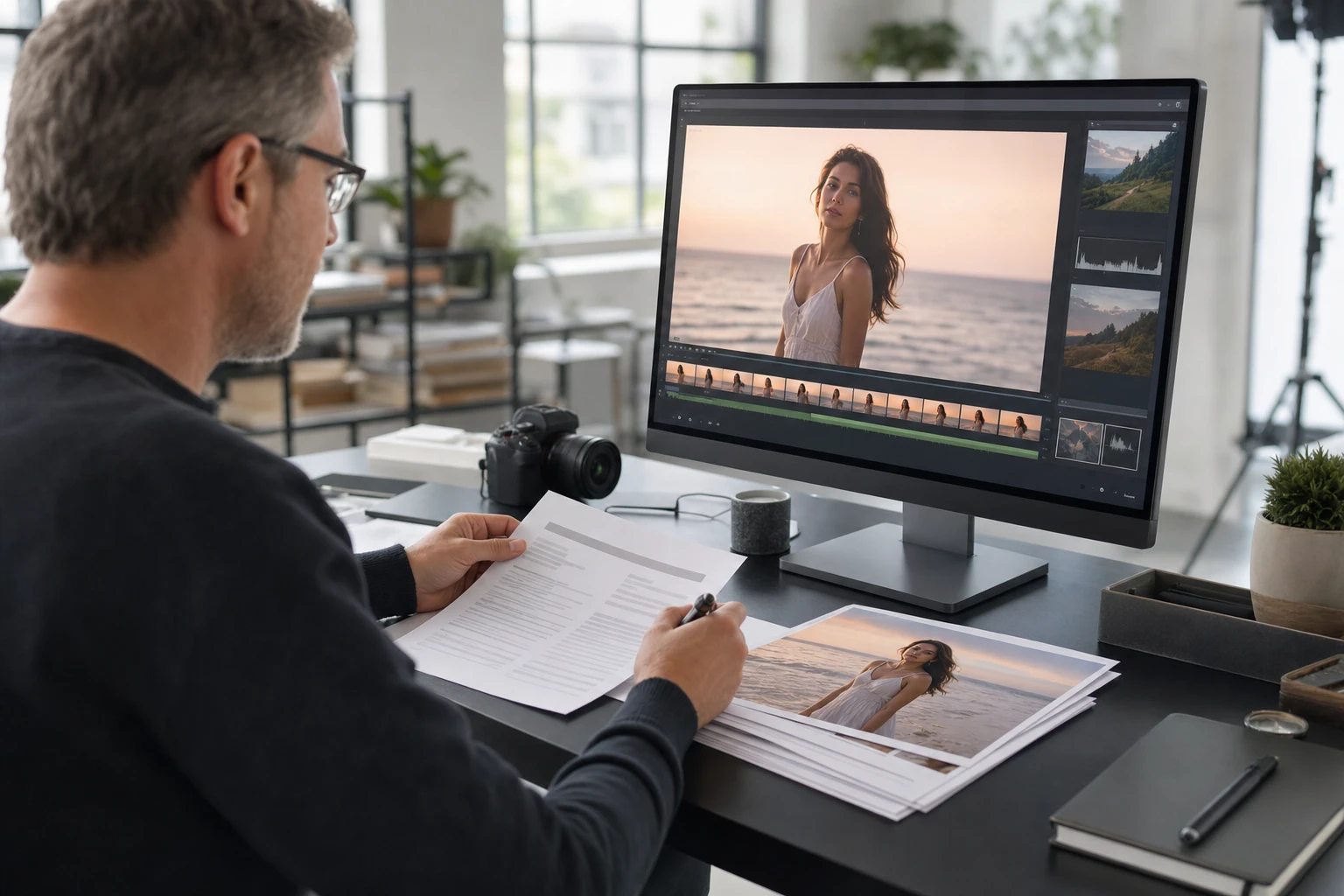
Commercial Rights Verification
Before you turn photo into video assets for a campaign, verify your source licenses, model releases, and brand usage rights. An ai turn photo into video process requires clear subject separation to avoid blending background elements. Protecting intellectual property is a core part of the photo to video ai workflow. Always review the final clip carefully.
Real photography motion results
See how static images translate into moving clips across different commercial scene motion applications.
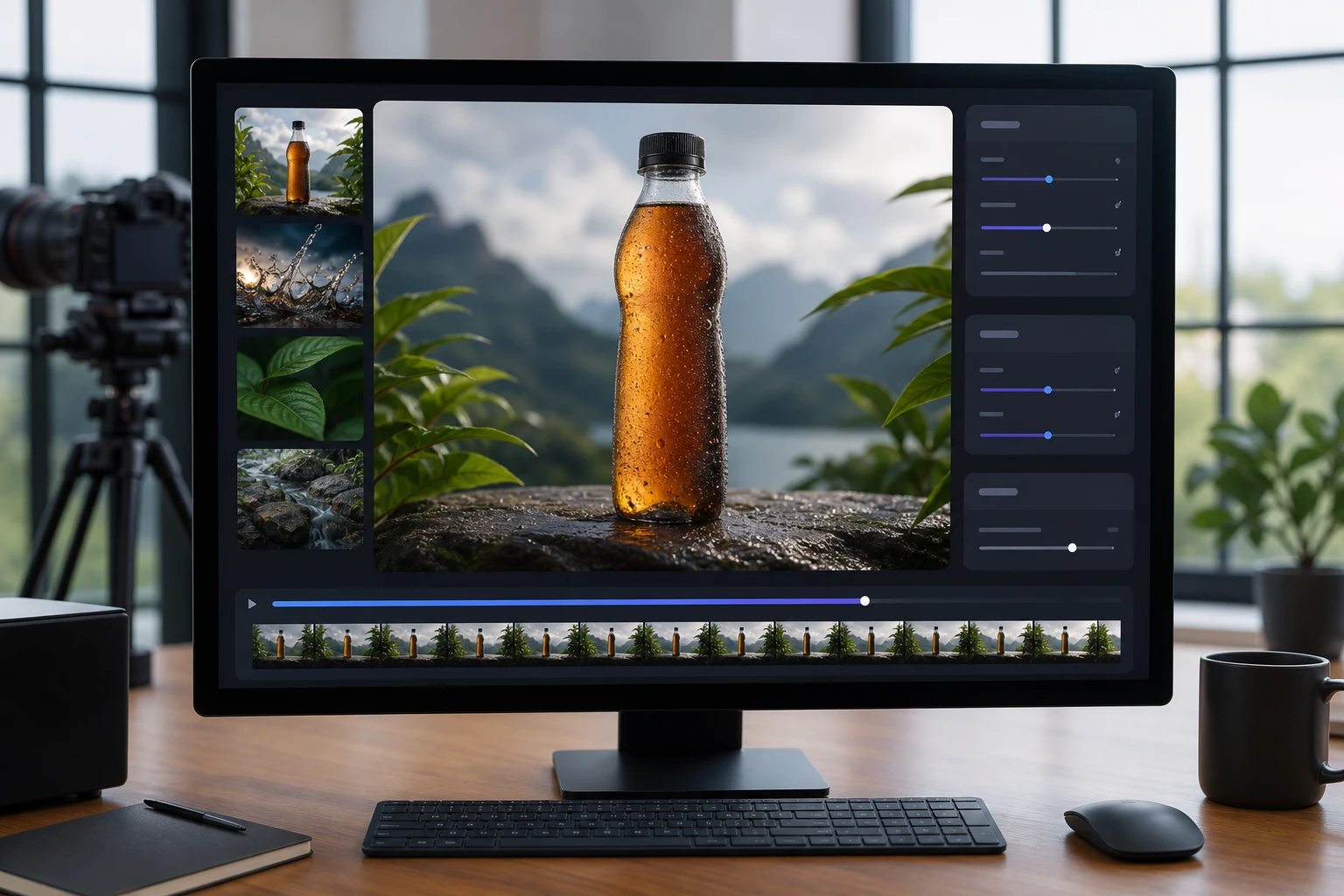
Product Studio Shot
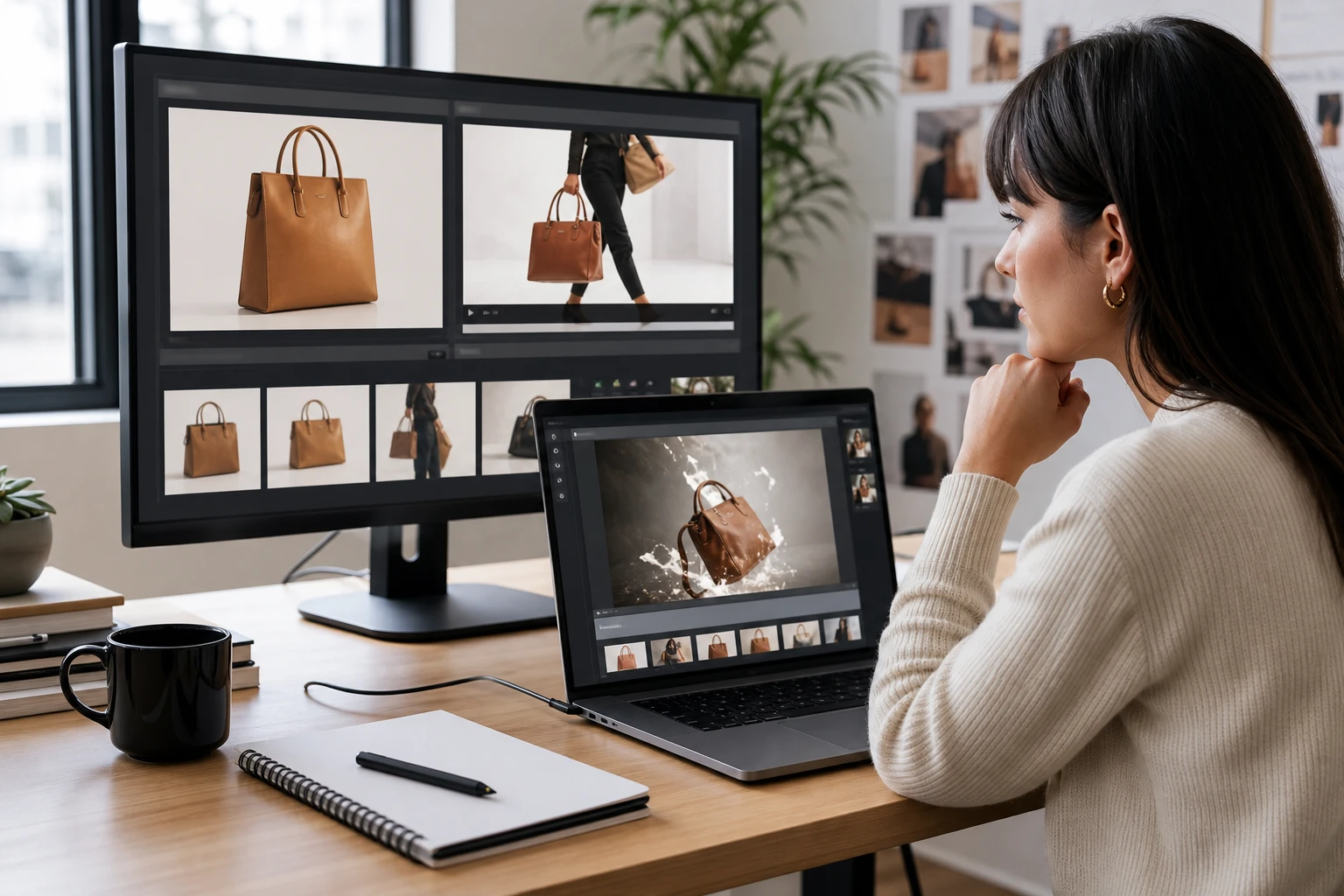
A static beverage bottle on a studio sweep becomes a dynamic clip with a slow camera push. The photo to video ai process keeps the viewer focused on the condensation droplets and glass reflections. You can create ai video from photo assets for product previews, then inspect edges, highlights, and labels before publishing.
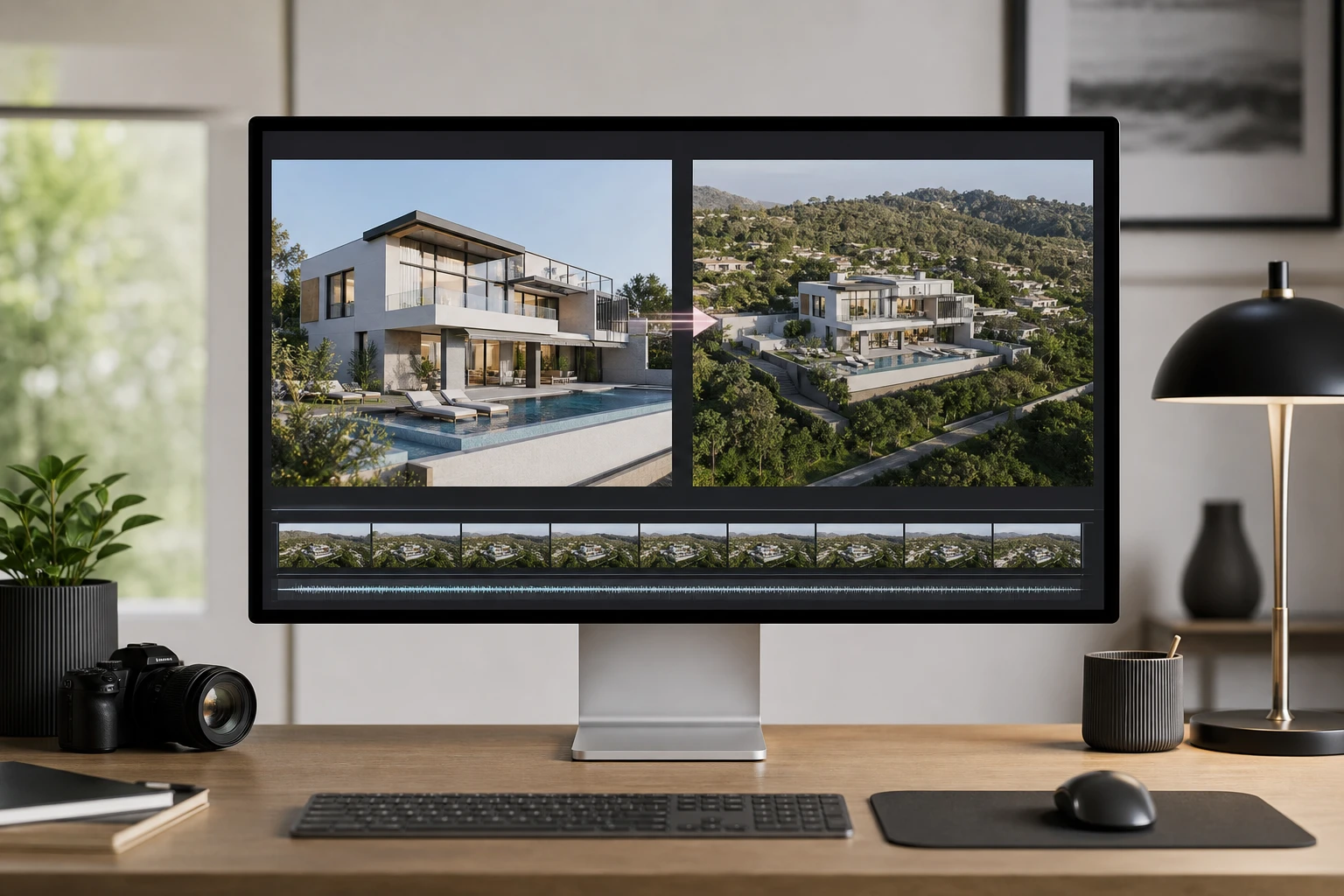
Real Estate Exterior
An architectural photograph gains a subtle drone style pull away effect. A live picture to video conversion gives potential buyers a better sense of property scale. The photo to video ai system ensures the structural lines remain straight and true. Viewers experience the space with natural depth perception.
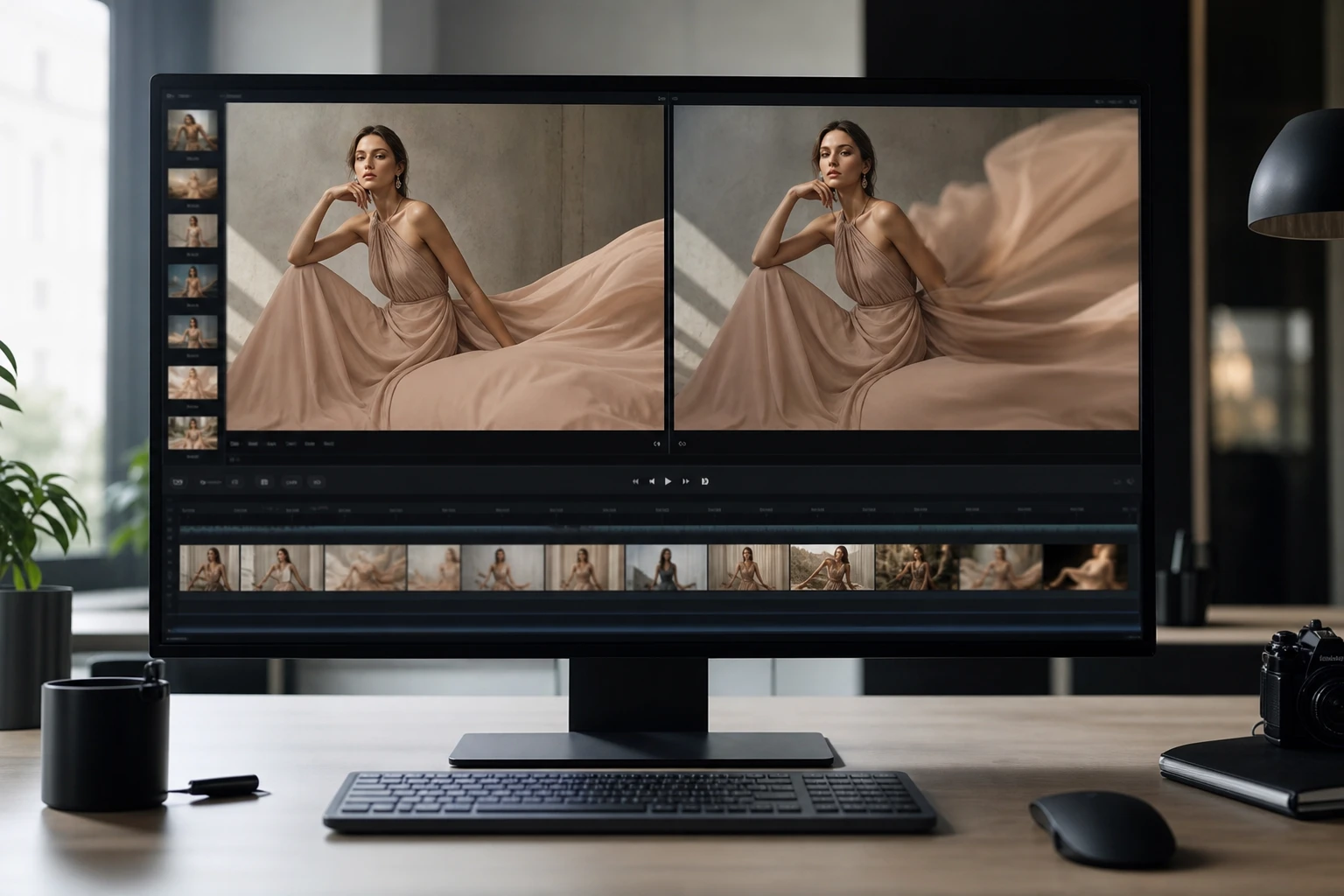
Editorial Fashion Still
A high fashion editorial image transforms into a runway style motion clip. The ai turn picture into video process keeps the fabric drape consistent throughout the movement. The model retains their original expression while the motion engine adds atmosphere. The resulting asset fits premium digital campaigns.
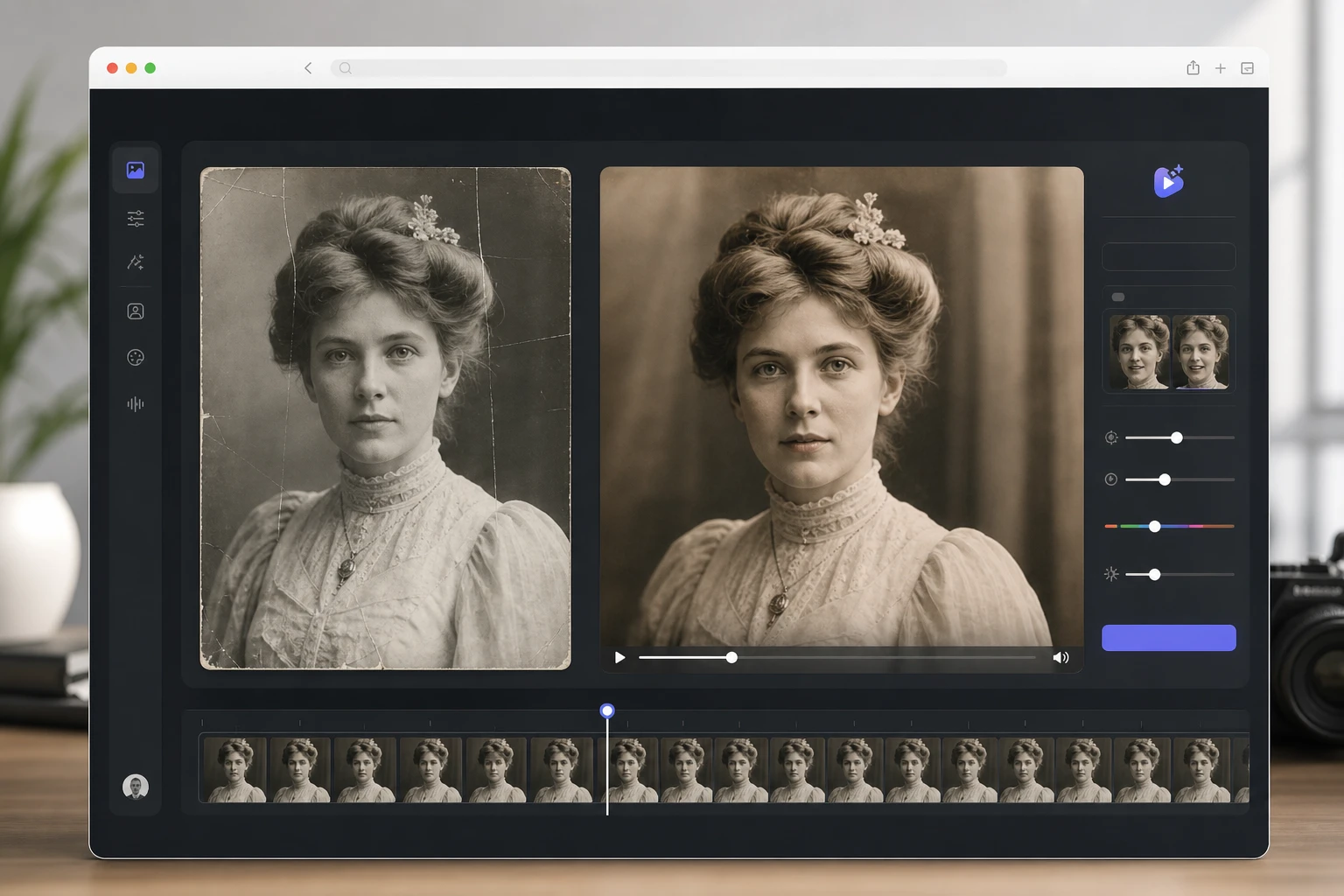
Archival Portrait Conversion
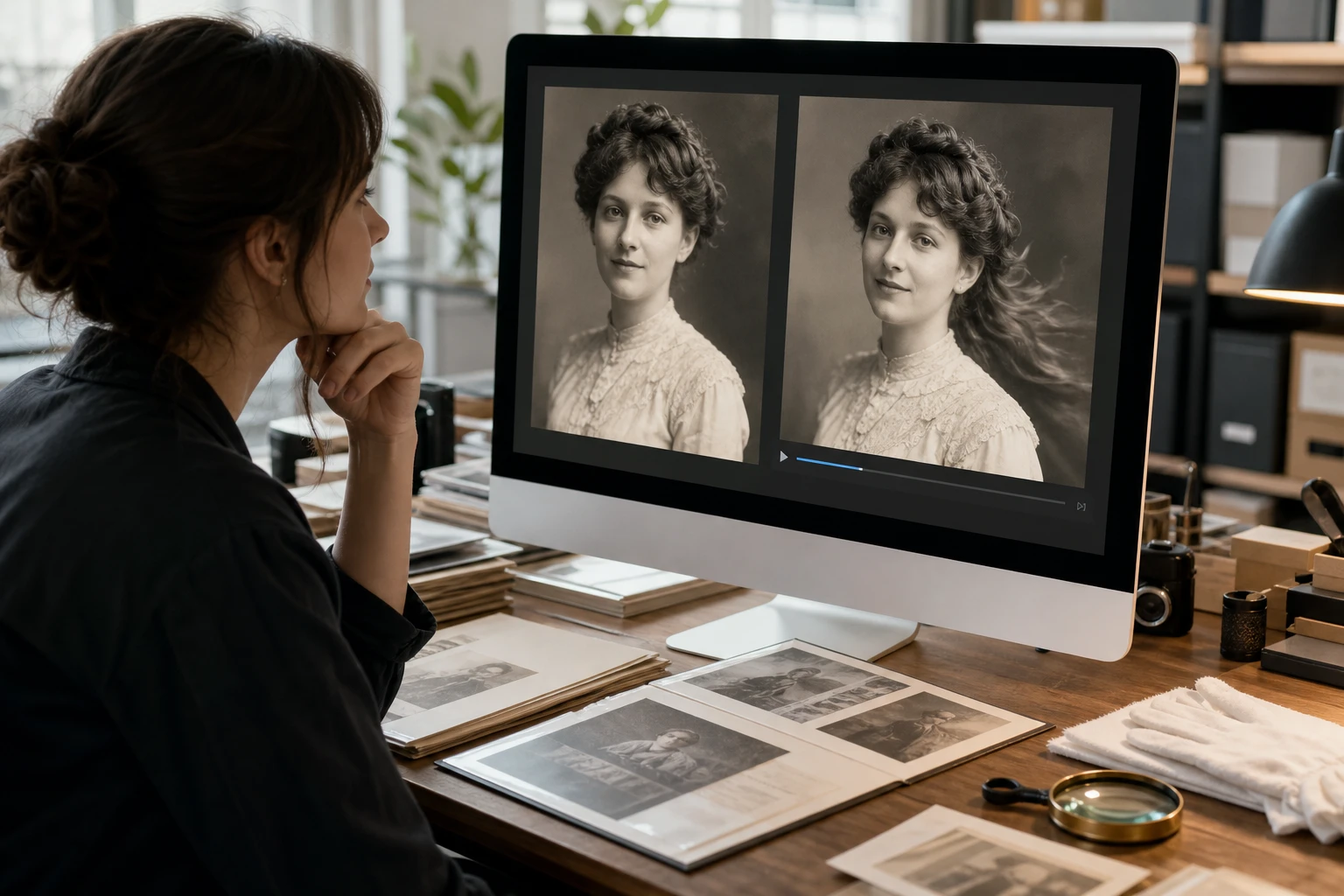
A scanned historical photograph receives gentle breathing motion and a slight background shift. Generating an ai video from photo brings the subject forward without distorting their original structure. The vintage contrast remains intact within the photo to video ai workspace. The final clip honors the original analog aesthetic.
Photo to Video AI Production Questions
Start your photo to video ai project
Upload a high resolution still to make ai video from photo assets today. Review how the photo to video ai system handles your lighting and export your final motion asset.
Get Started