
Animate Photos
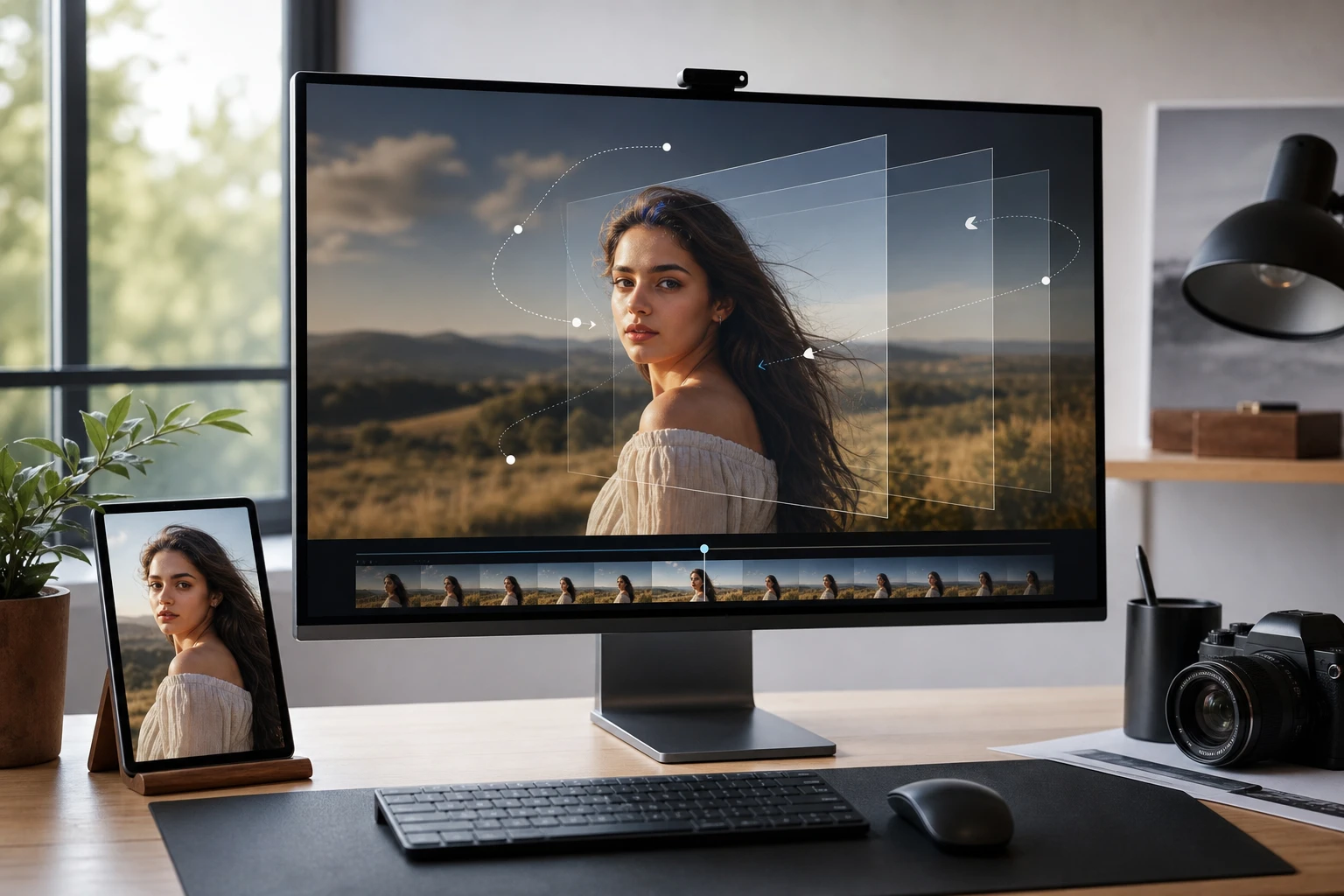
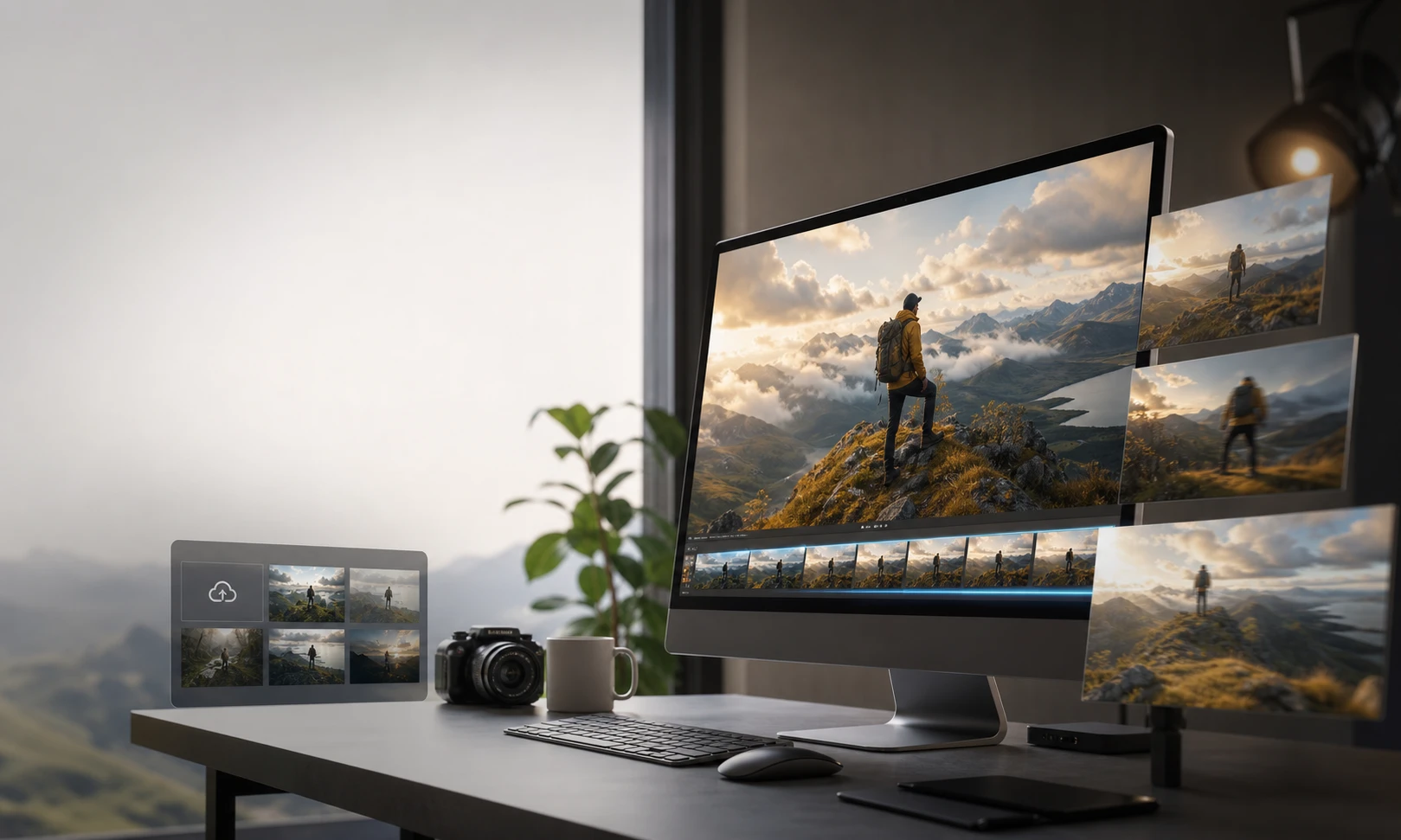
PhotoGenerator AI reads the depth in your image and applies natural camera shifts to animate photos quickly. You can ai animate photos and convert photo to animation before exporting the final video clip.
Who Needs to Animate Photos
Social Media Marketers
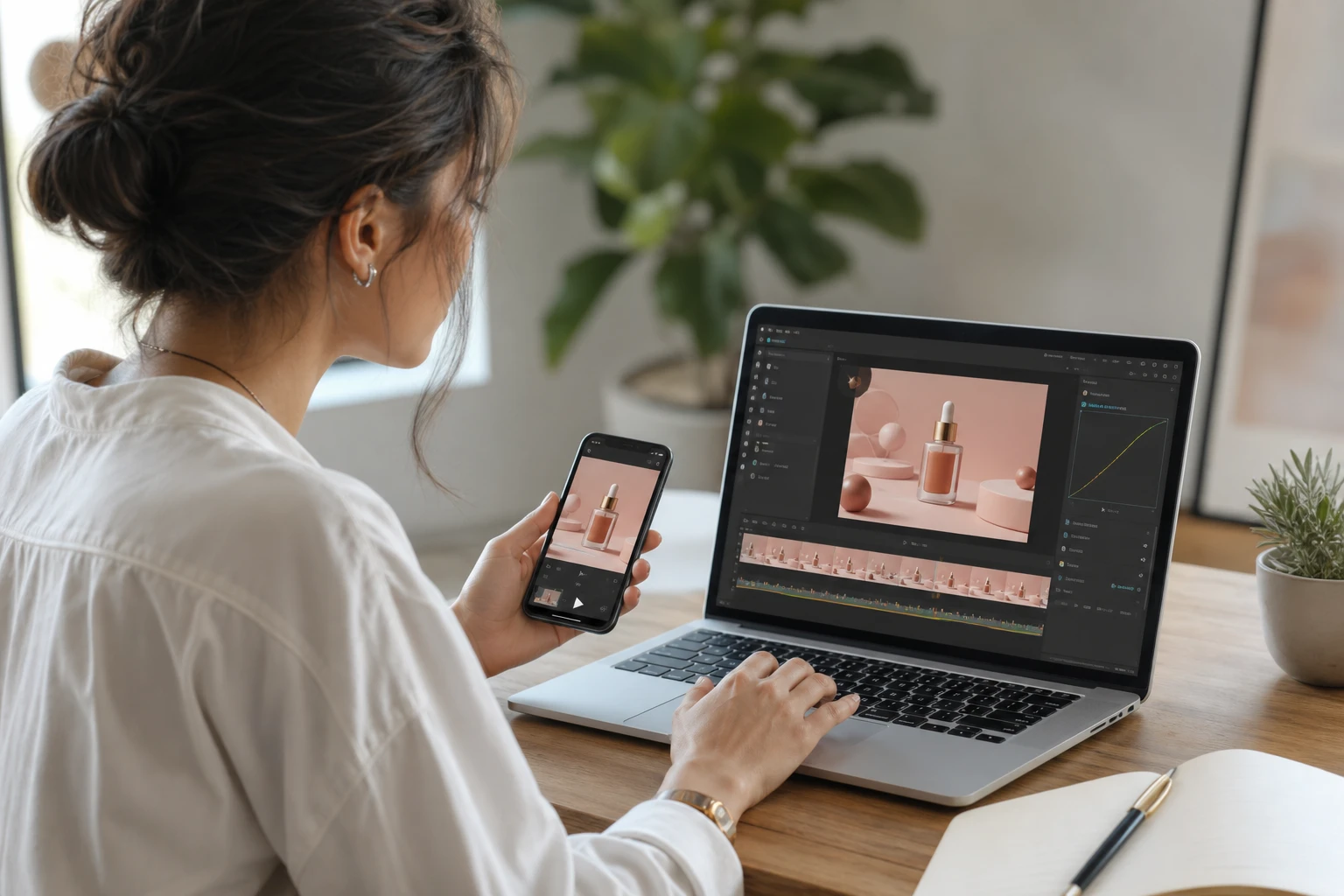
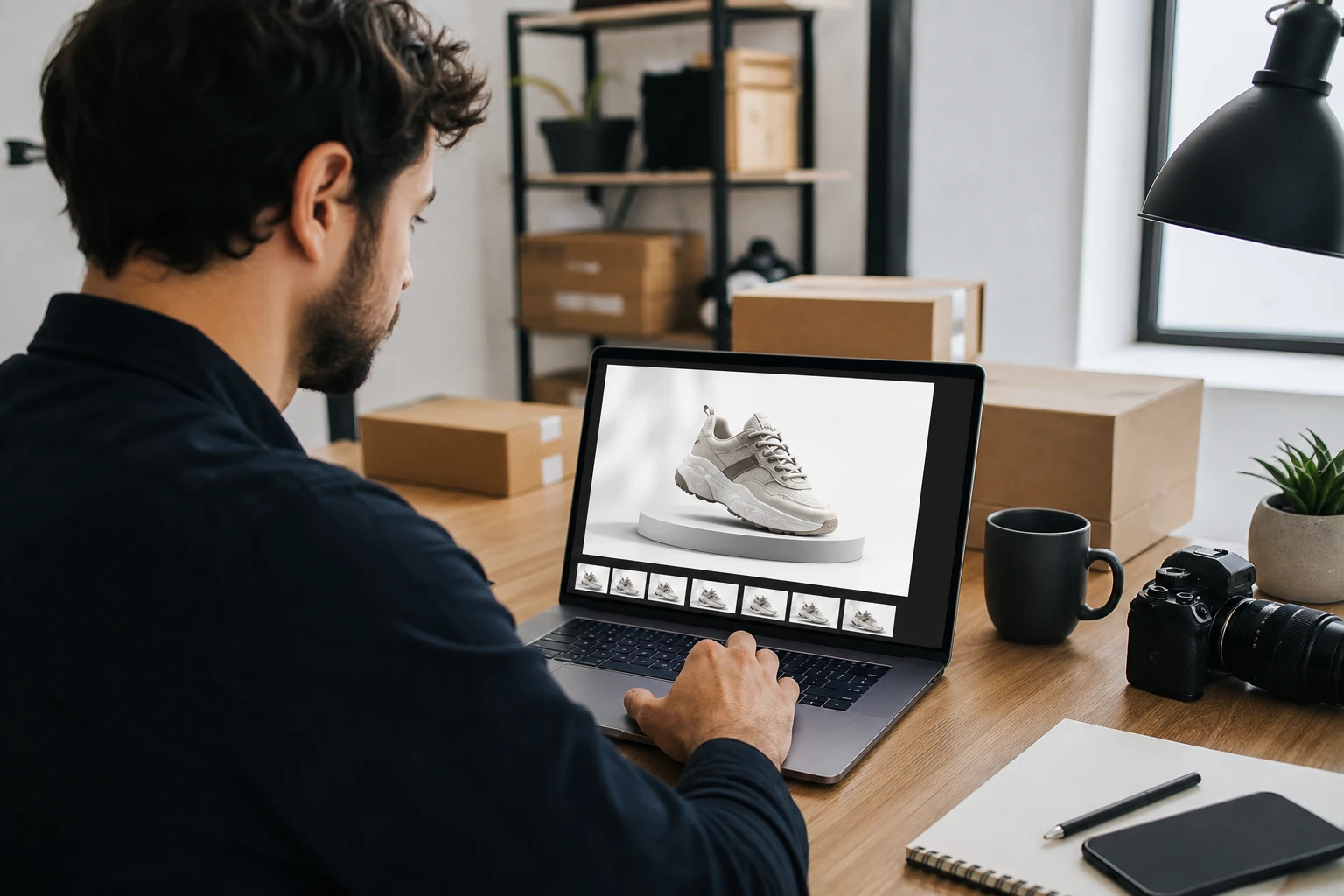
You need to turn photo into animation for daily social posts. Upload a product shot and PhotoGenerator AI adds a slow zoom. The animated photo grabs attention when you animate pictures.
How to Animate a Photo
Move from a static source file to a finished video clip in three steps.
Upload Your Static Image
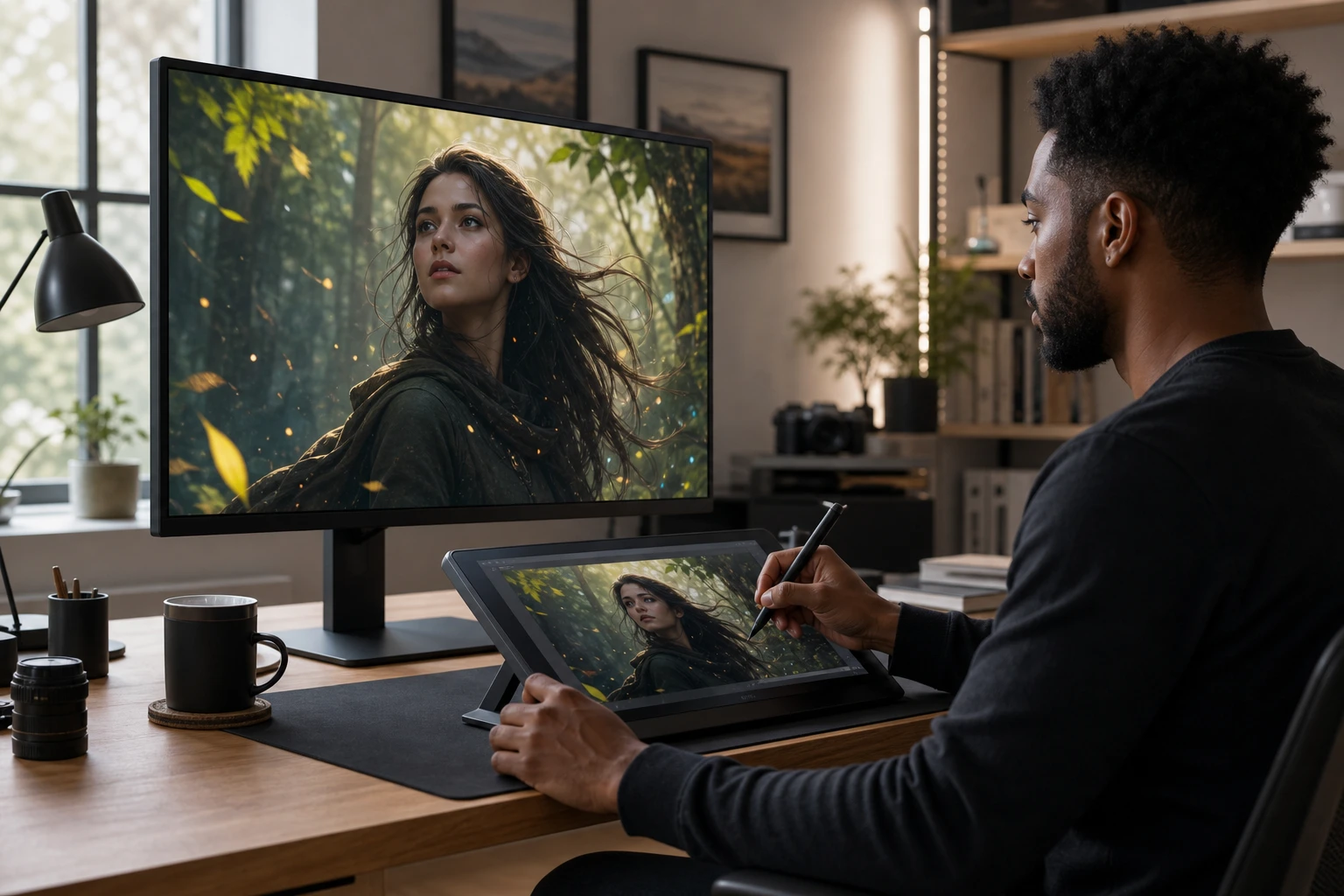
Start with a clear portrait or landscape. If your subject has clean edges, PhotoGenerator AI separates the foreground easily. Avoid images with heavy blur when you animate a photo with ai, because animating photos works best when the source has readable depth.
Select the Motion Strength
Choose between subtle breathing effects or wider camera sweeps when you animate photos. You can animate a picture ai style with precise control over the movement intensity. If you are comparing a best photo animation app search result, use motion strength as one of the criteria.
Preview and Export the Clip
Watch the ai picture animator generate the motion in your browser. Confirm the pacing and export your new video file for immediate sharing. It is easy to animate picture files.
Features to Animate Photos Precisely
Control exactly how your source image moves before you render the final file.
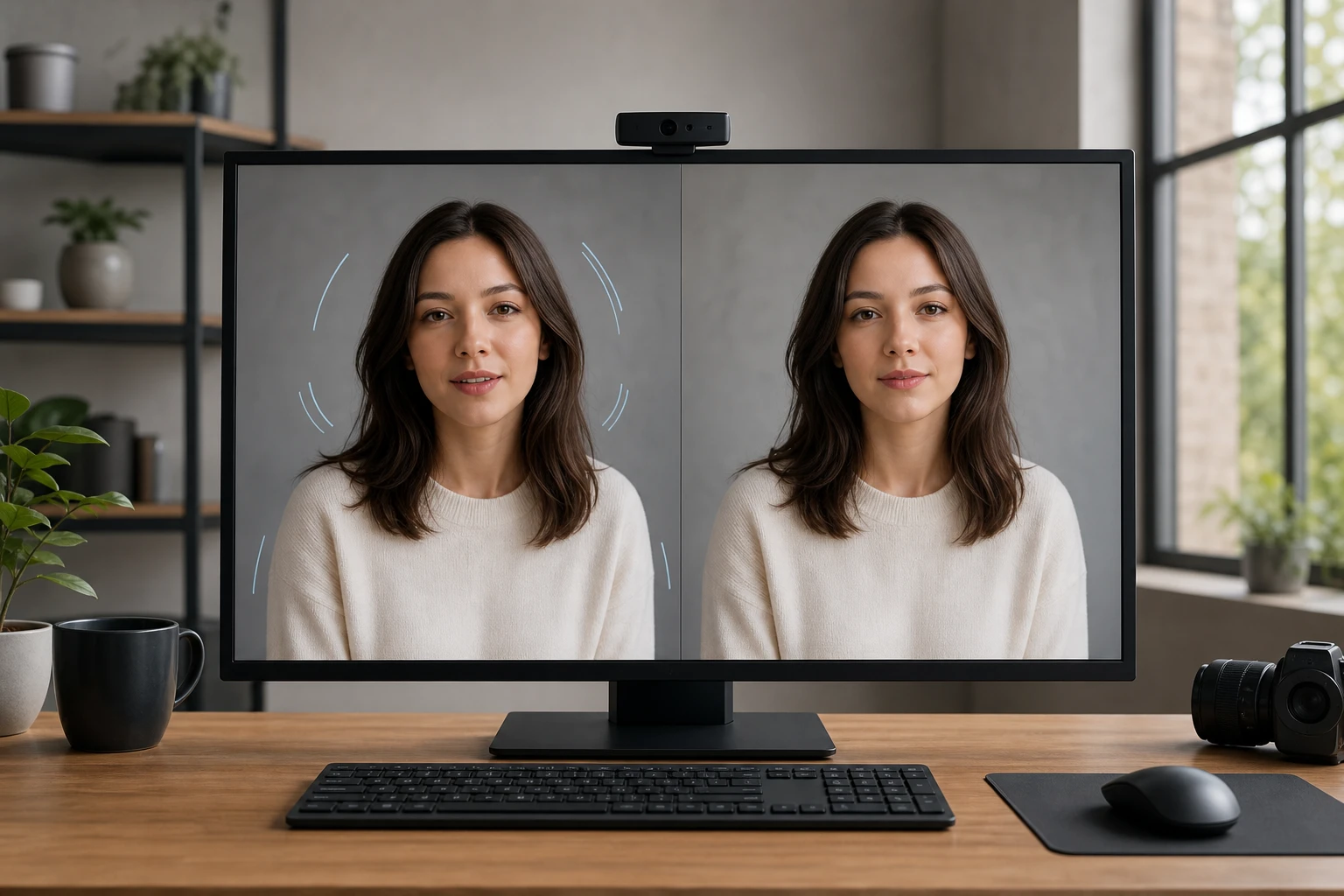
Subtle Subject Movement
PhotoGenerator AI identifies faces and bodies to apply gentle motion. You can animate my photo without distorting facial features. Works best with well lit portraits for photo animation and animate photo ai workflows.
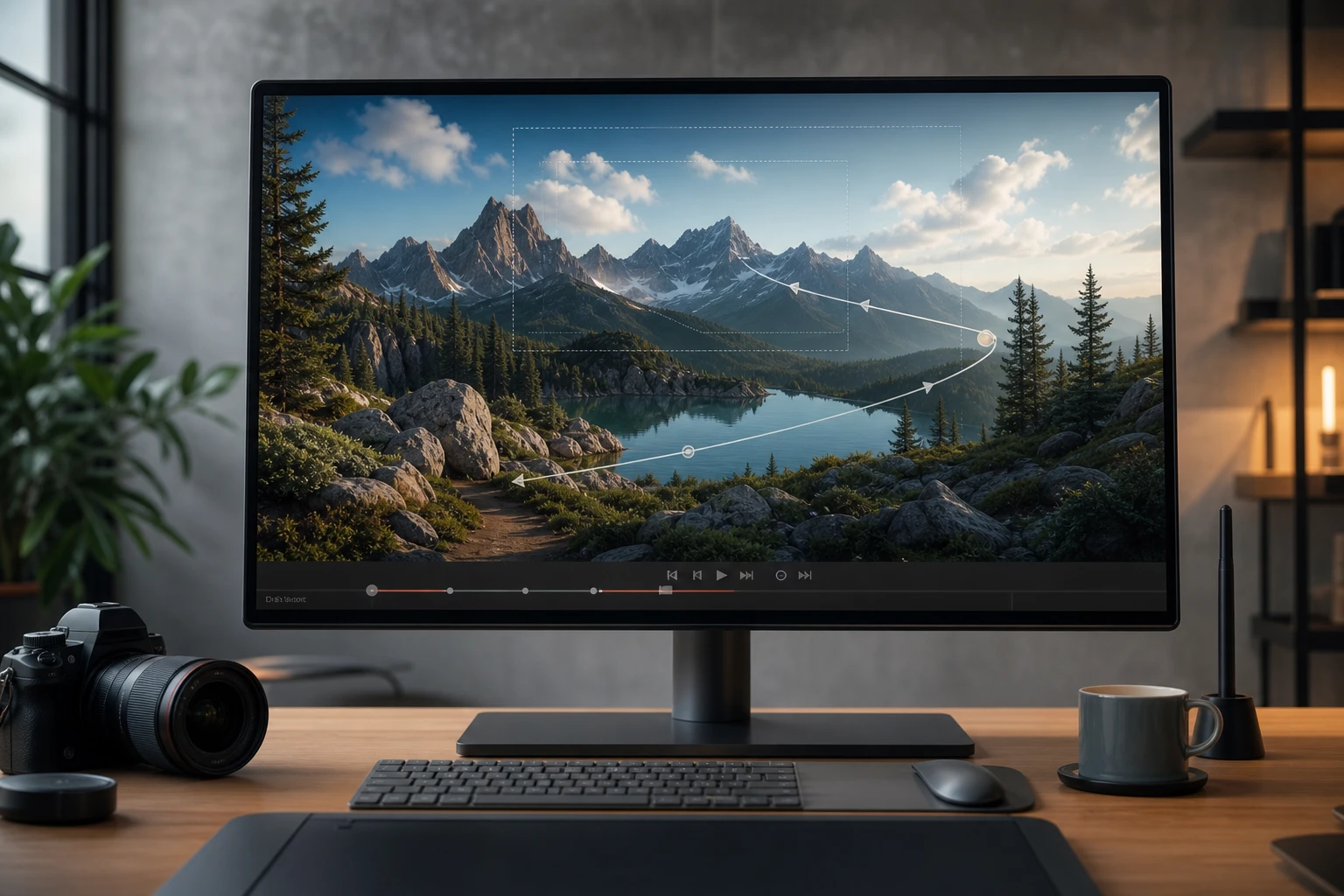
Natural Camera Drift
Add a slow pan or zoom to any landscape shot. When the background has distinct layers, the parallax effect feels incredibly realistic. Requires clear separation between sky and ground for your photo to animation ai project.
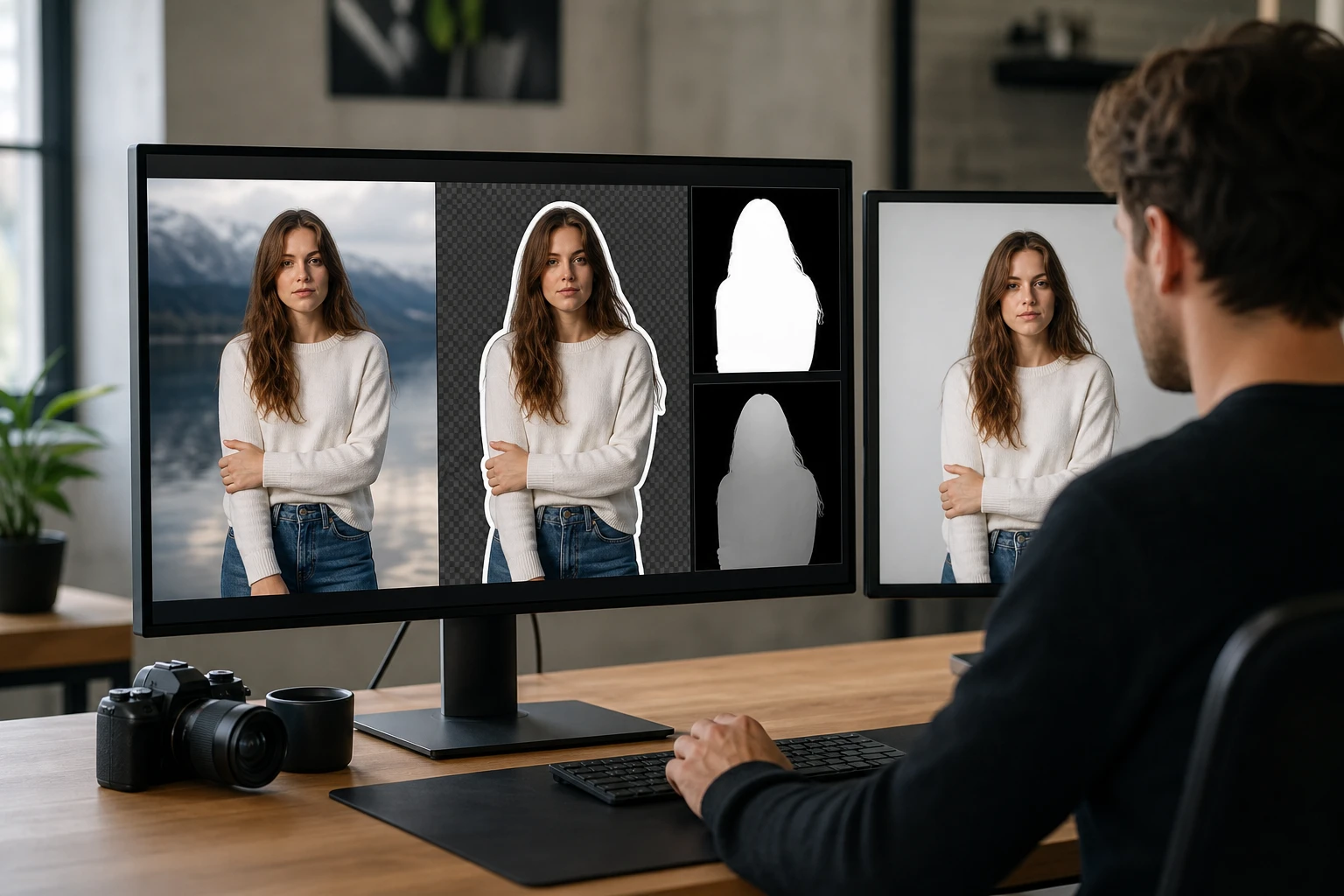
Clean Subject Separation
Use source photos where the main subject is visibly separated from the background. The ai that animates pictures can map motion more cleanly when hair, hands, product edges, and shadows are easy to read. A high contrast source image gives your picture to animation ai workflow a clearer starting point.
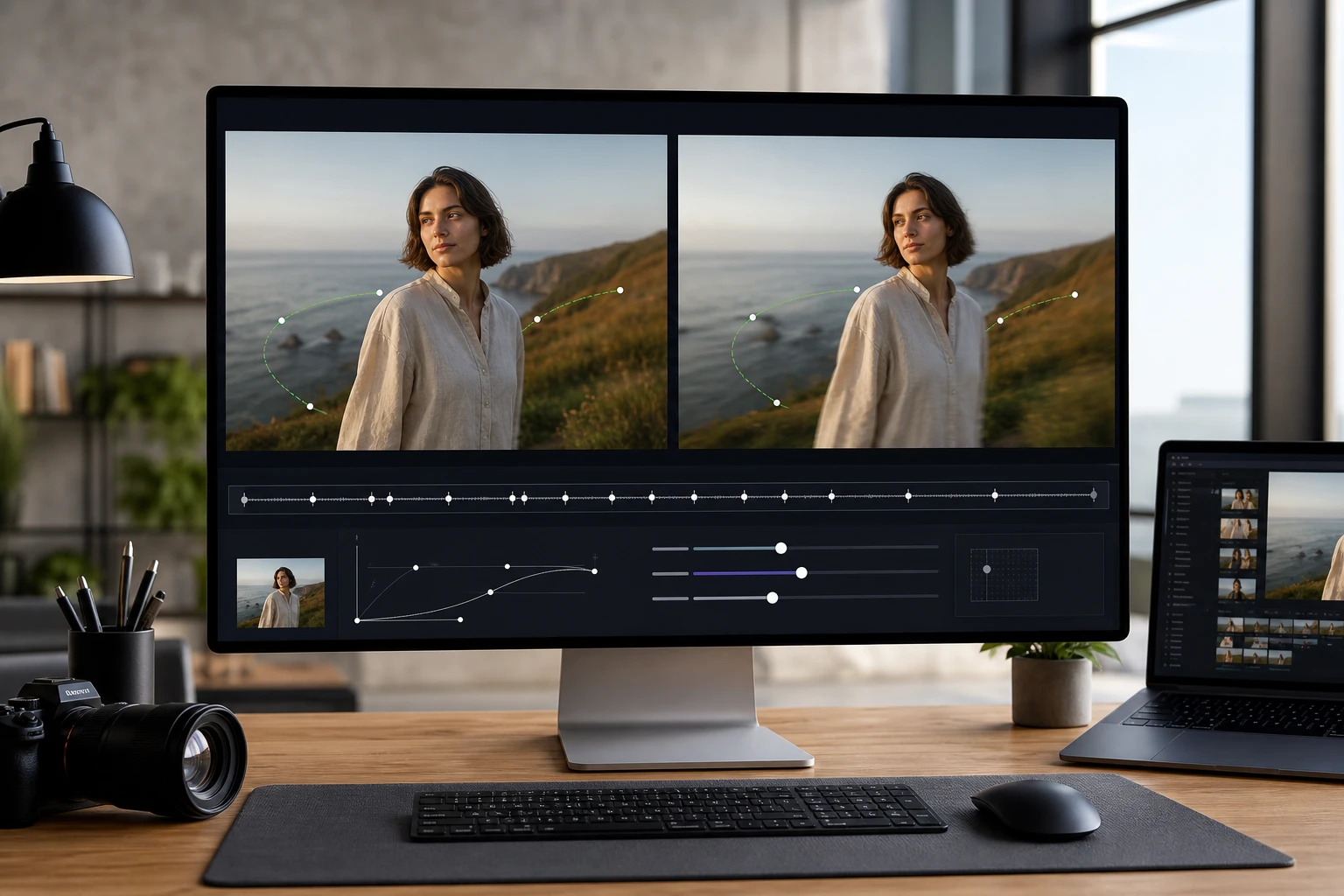
Motion Intensity Control
Dial the movement up or down to match your creative intent. The photo animator ai lets you preview different speeds to animate photos safely. Extreme settings may cause background artifacts when you animate photos ai style.
Questions About How to Animate Photos
Ready to Animate Photos Today
Upload your first static image and see how natural the motion looks. Adjust the camera drift, preview the result, and export your video clip. Use this workflow to ai animate a picture, compare motion strengths, and decide whether the source photo is ready for a final render.
Get Started