
Prompt To Photo Control
Use text to image ai prompts to define subject, lens feel, lighting, surface detail, and background. The ai image generator responds best when the prompt names the intended commercial use.

PhotoGenerator focuses on controlled commercial output. Write a prompt, choose the visual direction, and generate a high resolution image with consistent lighting, sharp detail, and a professional finish.
Generate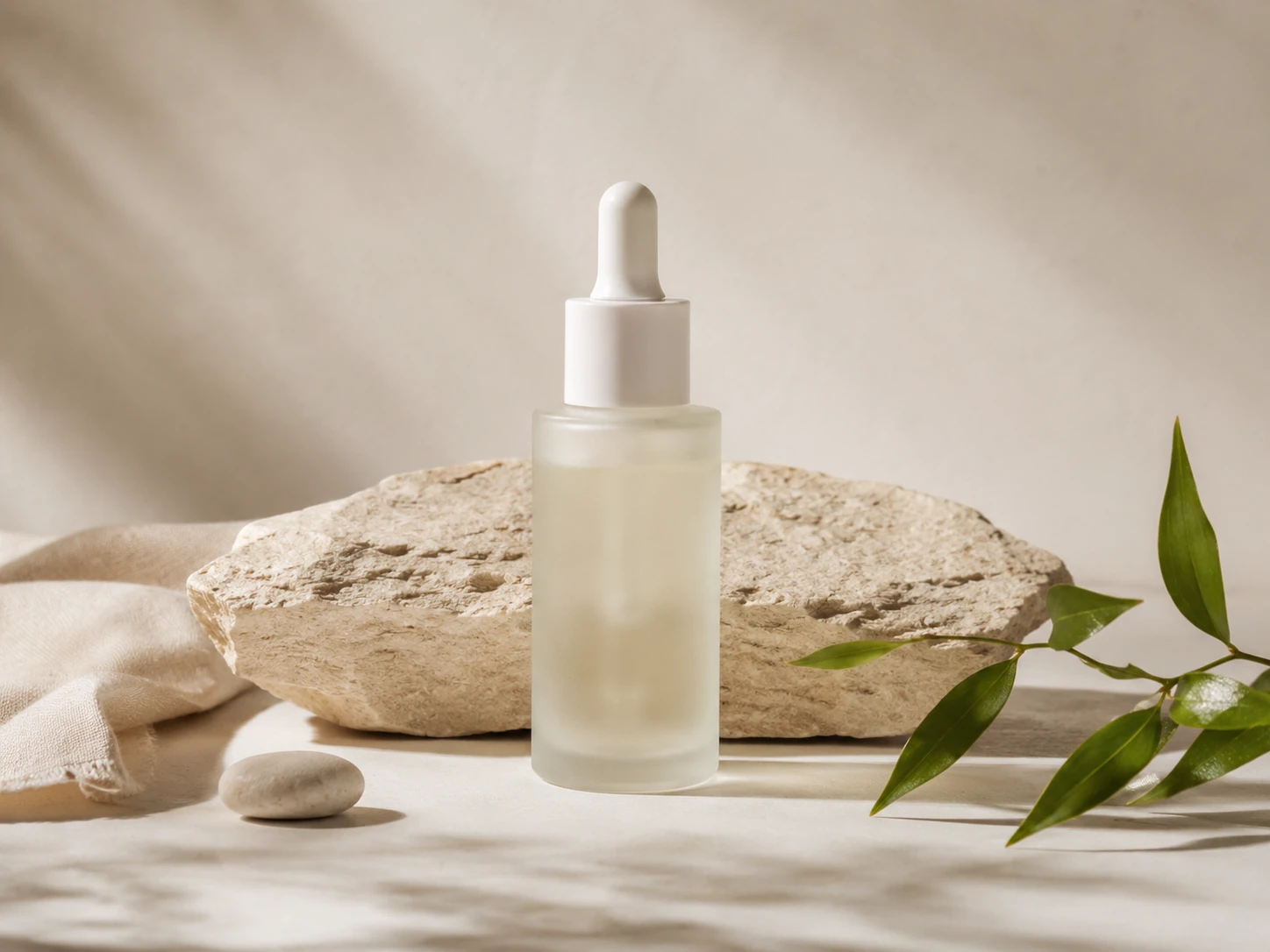
PhotoGenerator gives teams practical control before the render starts. The ai image generator connects prompt intent, reference guidance, size, and quality settings in one production flow.
Use text to image ai prompts to define subject, lens feel, lighting, surface detail, and background. The ai image generator responds best when the prompt names the intended commercial use.
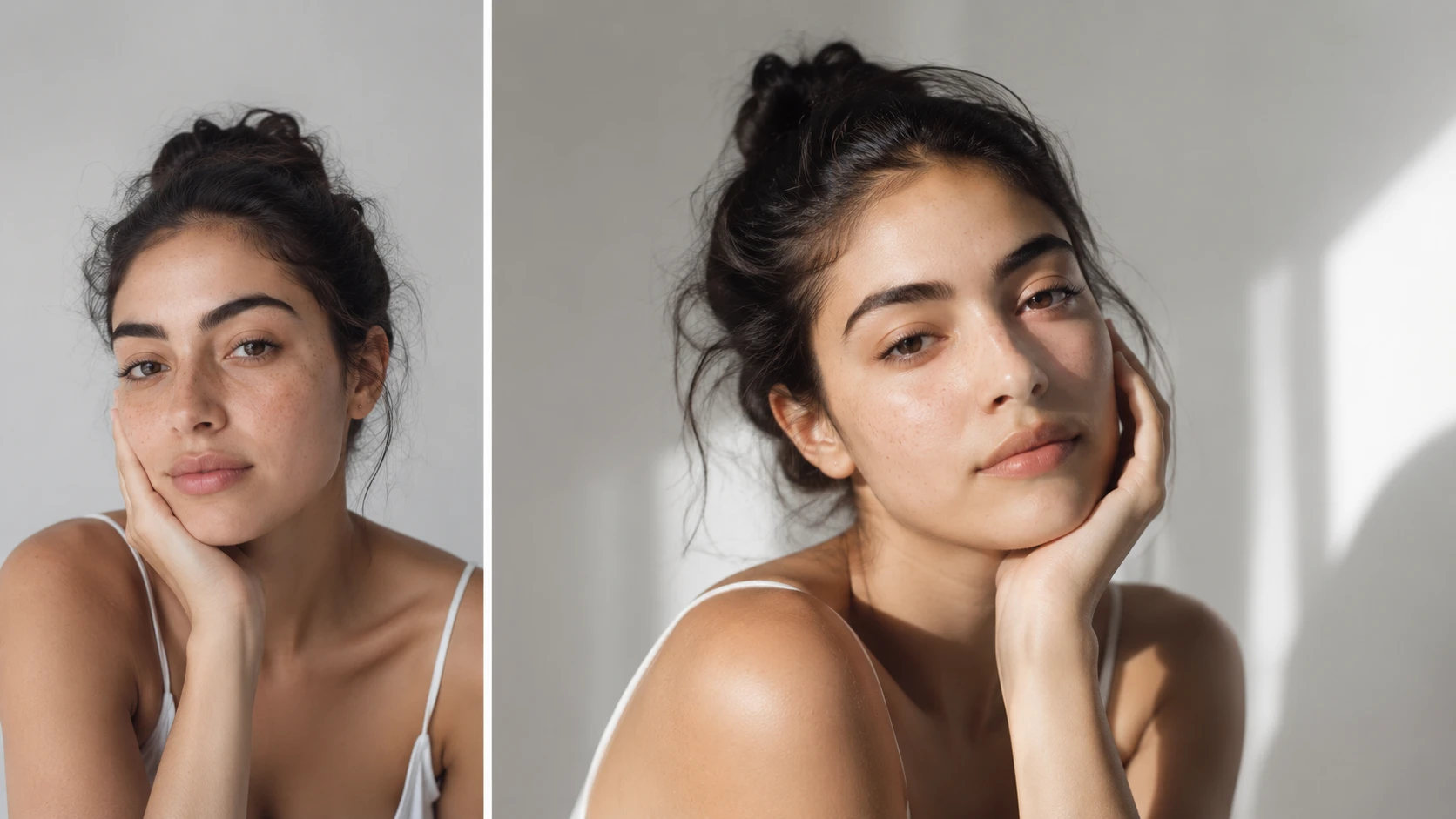
Upload a reference image when composition, color direction, or mood needs a clear anchor. The ai image generator can follow the reference while still generating a new photorealistic output.
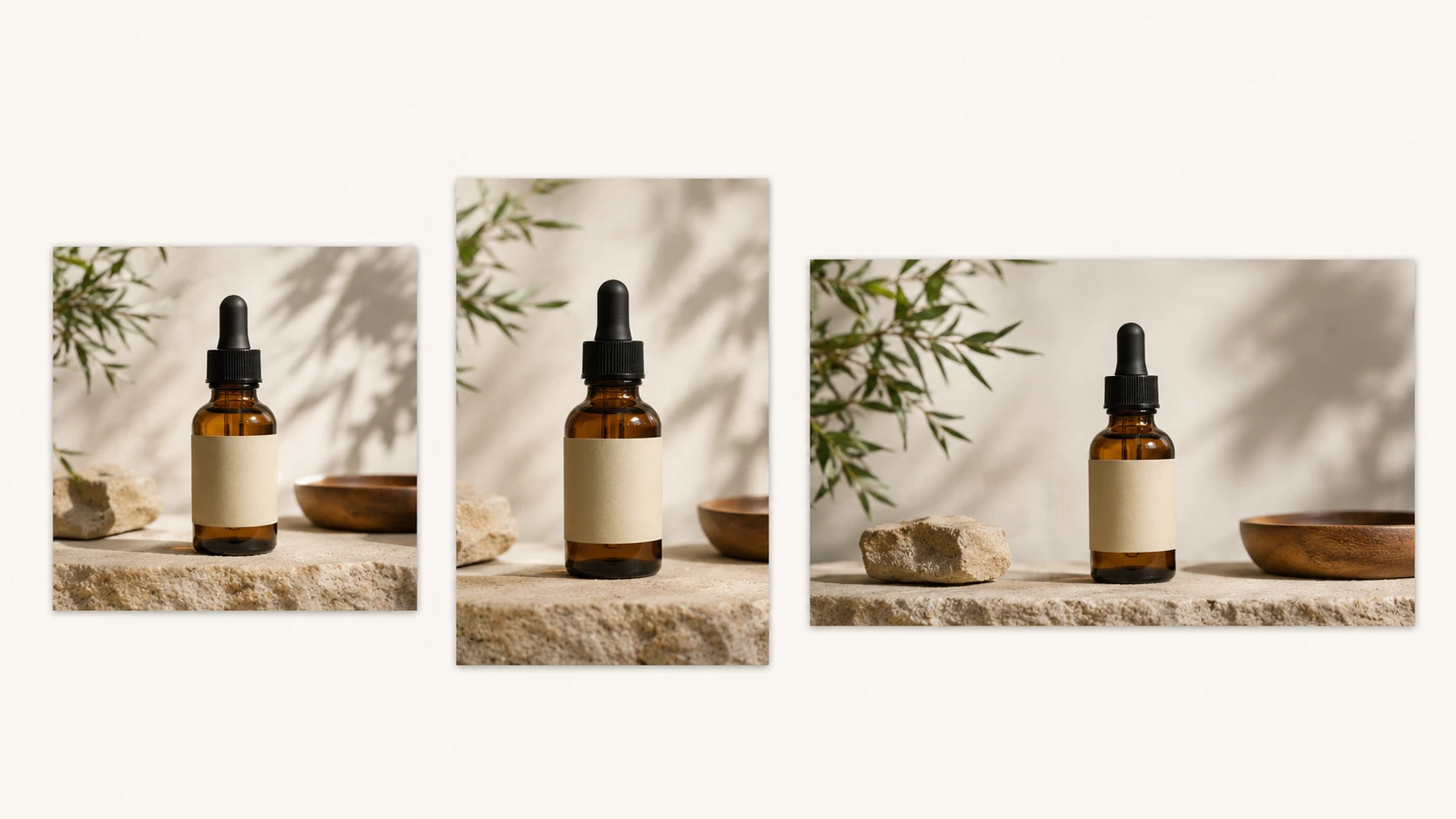
Set square, vertical, or landscape output for catalog pages, banners, covers, and social placements. The ai image generator keeps quality more consistent when size is chosen before final render.

Keep product angles, lighting temperature, background tone, and campaign atmosphere aligned across related images. This supports ai image generation for teams that need repeatable visual quality.
These examples show how PhotoGenerator can produce still images for real publishing needs. Each output starts from a prompt and ends as a usable commercial image.
Point 1
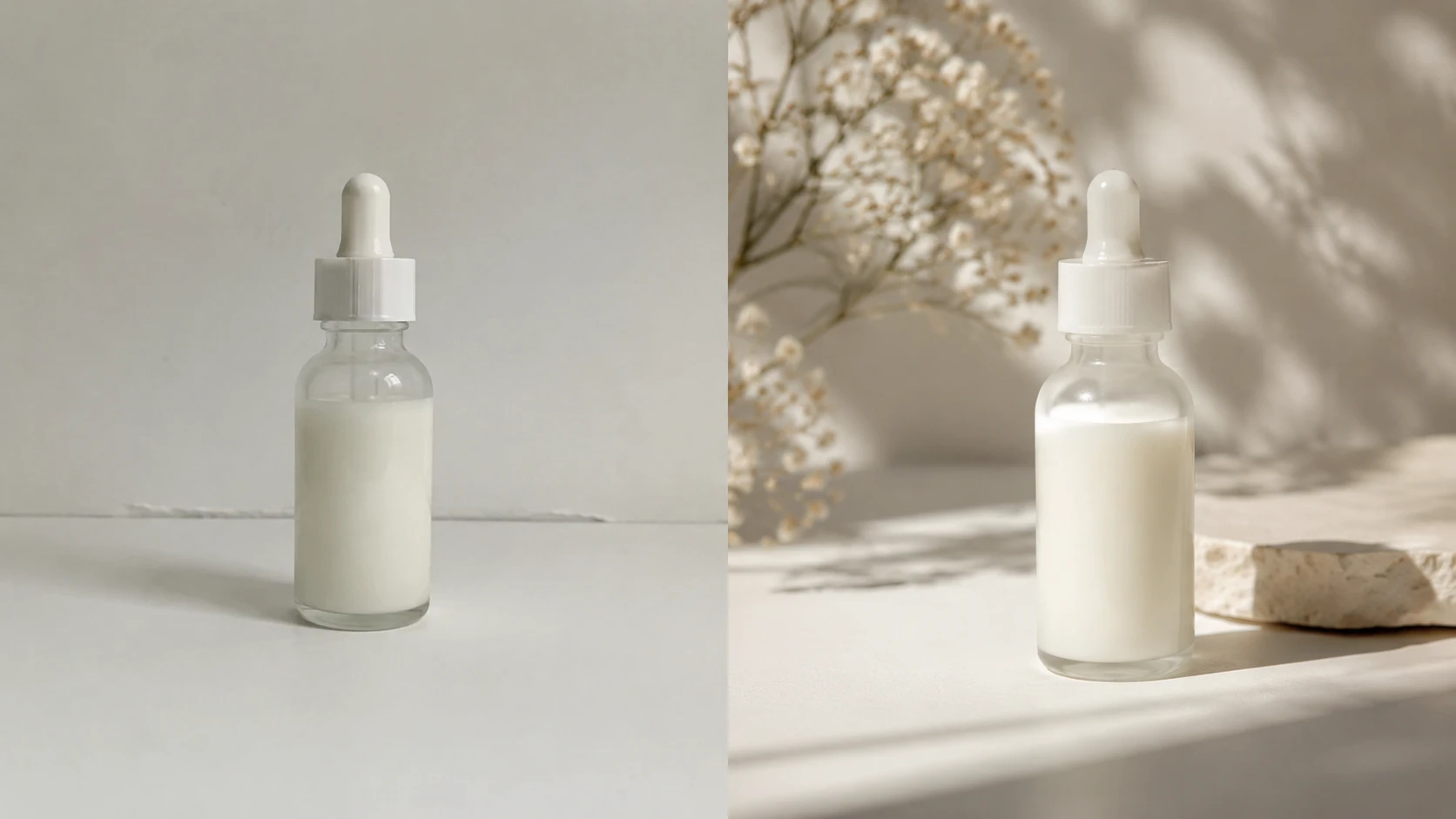
Generate a clean product scene with controlled reflections, natural shadows, and enough detail for a catalog listing. The ai image generator works well when packaging, surface, and camera angle are specified.
Point 2
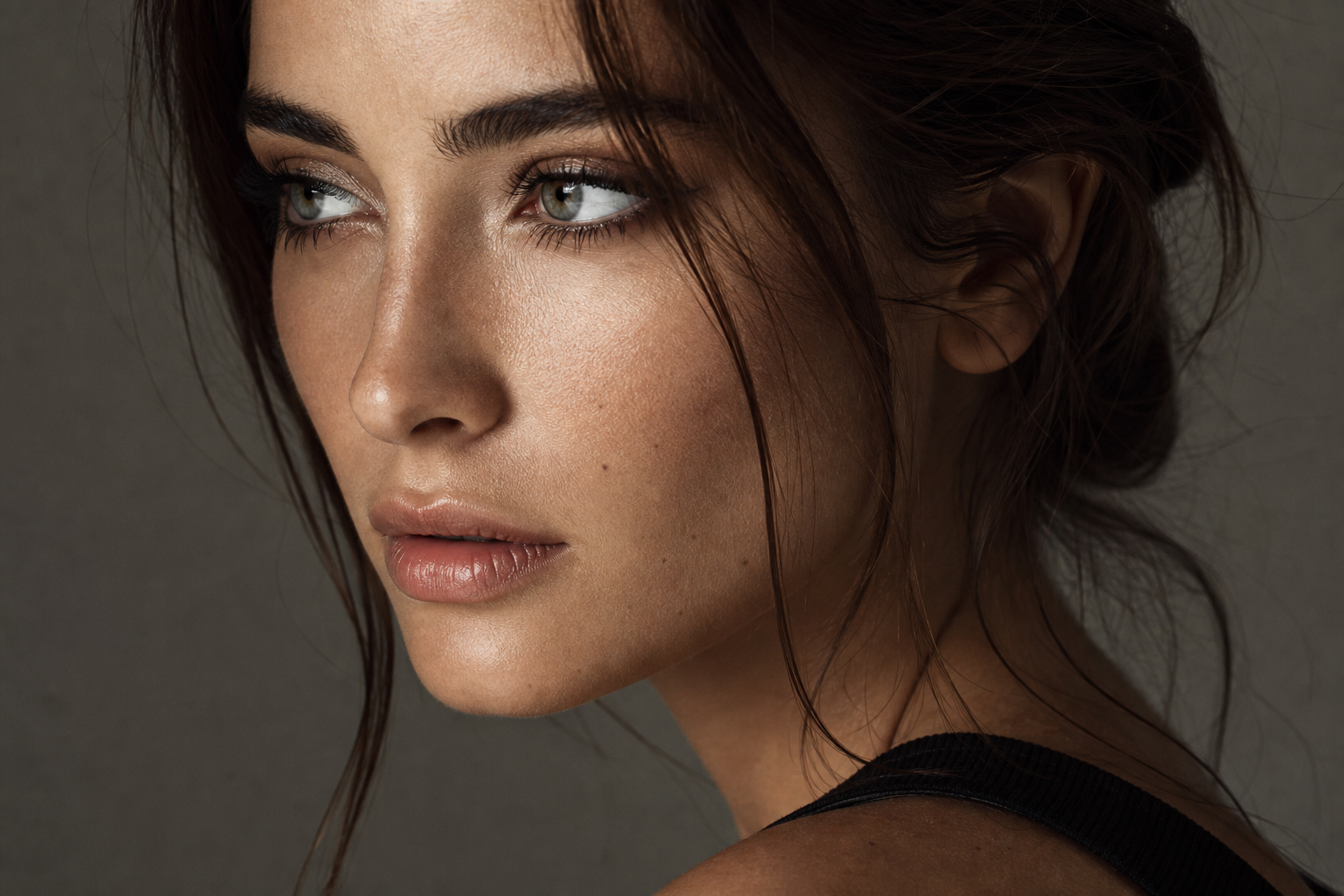
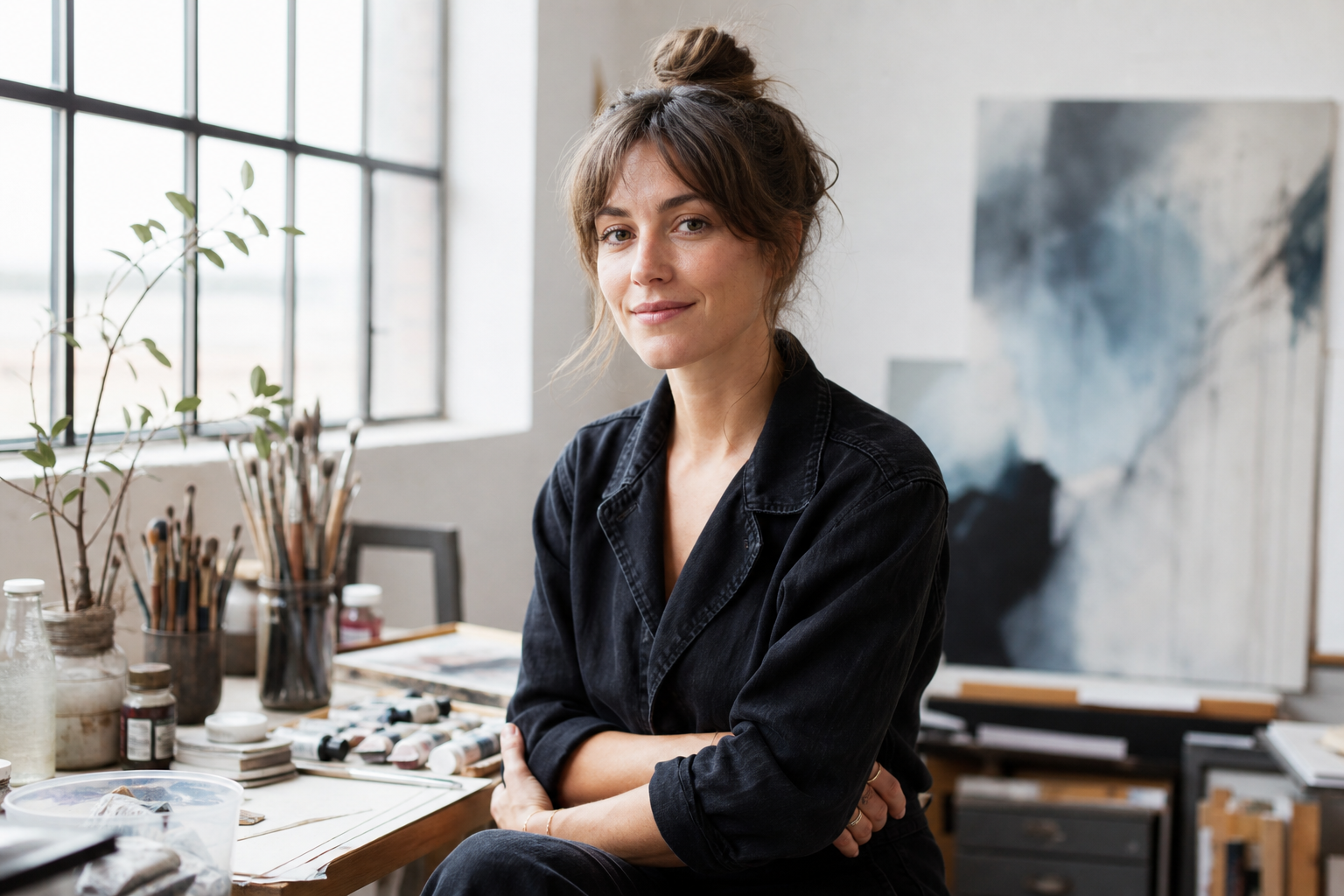
Create a polished headshot for author pages, team profiles, or campaign mockups. Define wardrobe, background, lighting, and expression so the output matches a professional context.
Point 3
Build a photorealistic hero visual for a landing page or paid campaign. The ai image generator can place the product in a setting that supports the message without requiring a new shoot.
Point 4
Turn an abstract brief into ai generated images for articles, reports, or education content. PhotoGenerator can also support ai art generator style exploration when the final direction is not yet fixed.
Sure, start with the placement. For catalogs, choose high resolution output and export in a format your production system accepts, then check edge detail, shadows, and product color before print approval.
For catalog work, the ai image generator performs best when each SKU uses the same prompt structure, ratio, background instruction, and lighting language. Reference images can help maintain a consistent family look.
You can build batches by preparing prompt variants for each SKU, then reviewing output quality before final selection. Throughput depends on resolution, prompt complexity, and how much refinement each image needs.
In practice, PhotoGenerator can create ai generated images for campaign briefs, landing pages, ads, and social posts. Use clear prompts for product role, scene, lighting, and brand tone.
Here is how to think about it: an ai picture generator may be broad and casual, while this ai image generator is tuned for photorealistic quality, resolution control, and commercial review.
PhotoGenerator can use image to image ai reference guidance when you need composition, color, or mood to follow an existing asset. The final output is still generated as a new image.
For planning, the ai image generator is useful for testing backgrounds, props, angles, and lighting before a studio booking. It helps narrow the brief with visual evidence.
Reference images and prompts can also guide illustration, abstract, oil paint, anime, or 3D styles. For this page, the ai image generator focus remains commercial still image output rather than video or restoration.
Use the prompt results as an early quality check, not the final approval step. PhotoGenerator requires login and gives teams a more controlled ai image creator workflow for detail, lighting, and resolution decisions.

Start with a prompt, add reference direction when needed, and produce photorealistic image output that your team can review for resolution, lighting, detail, and commercial use.
Generate