Product Page Motion
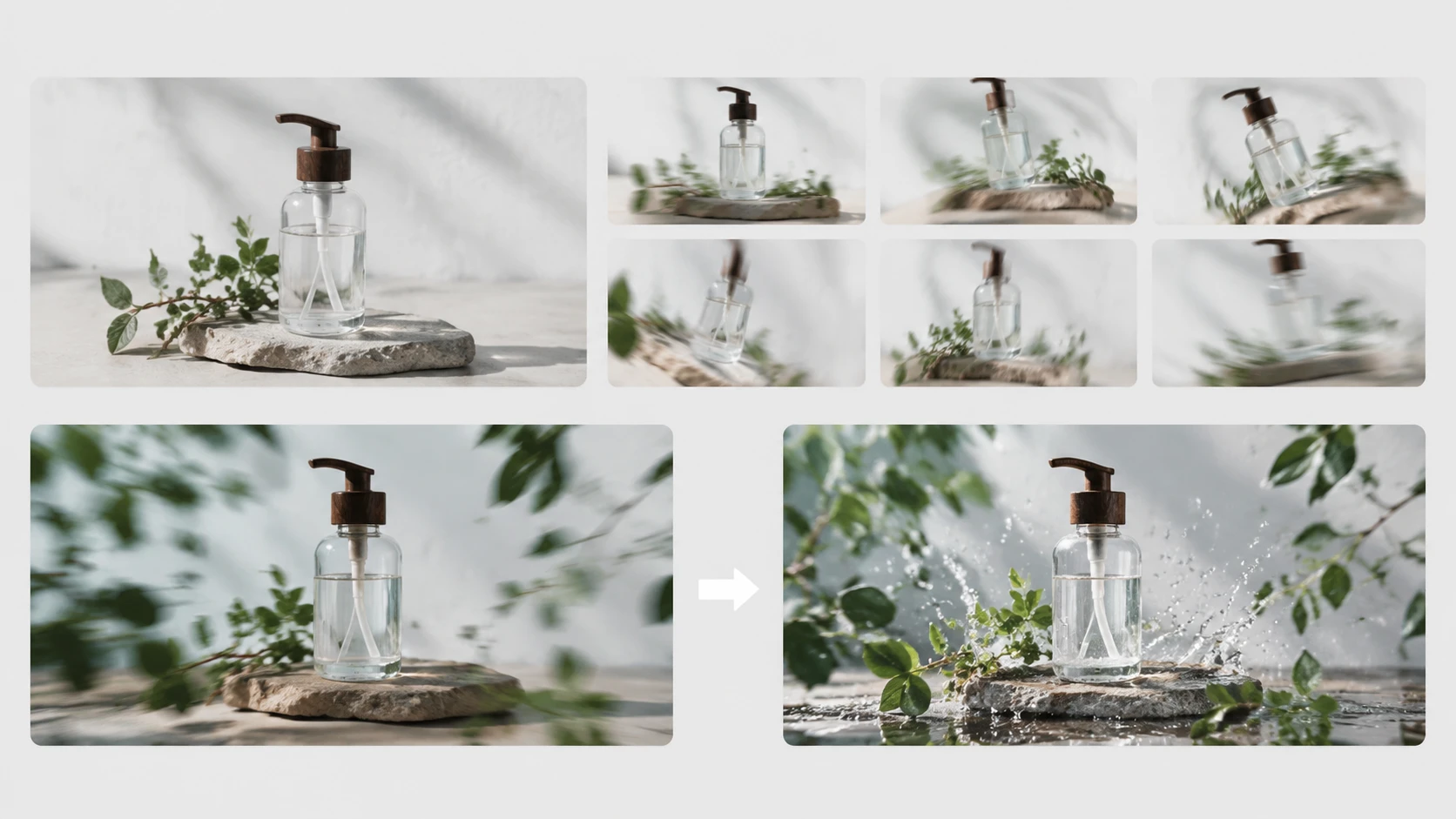
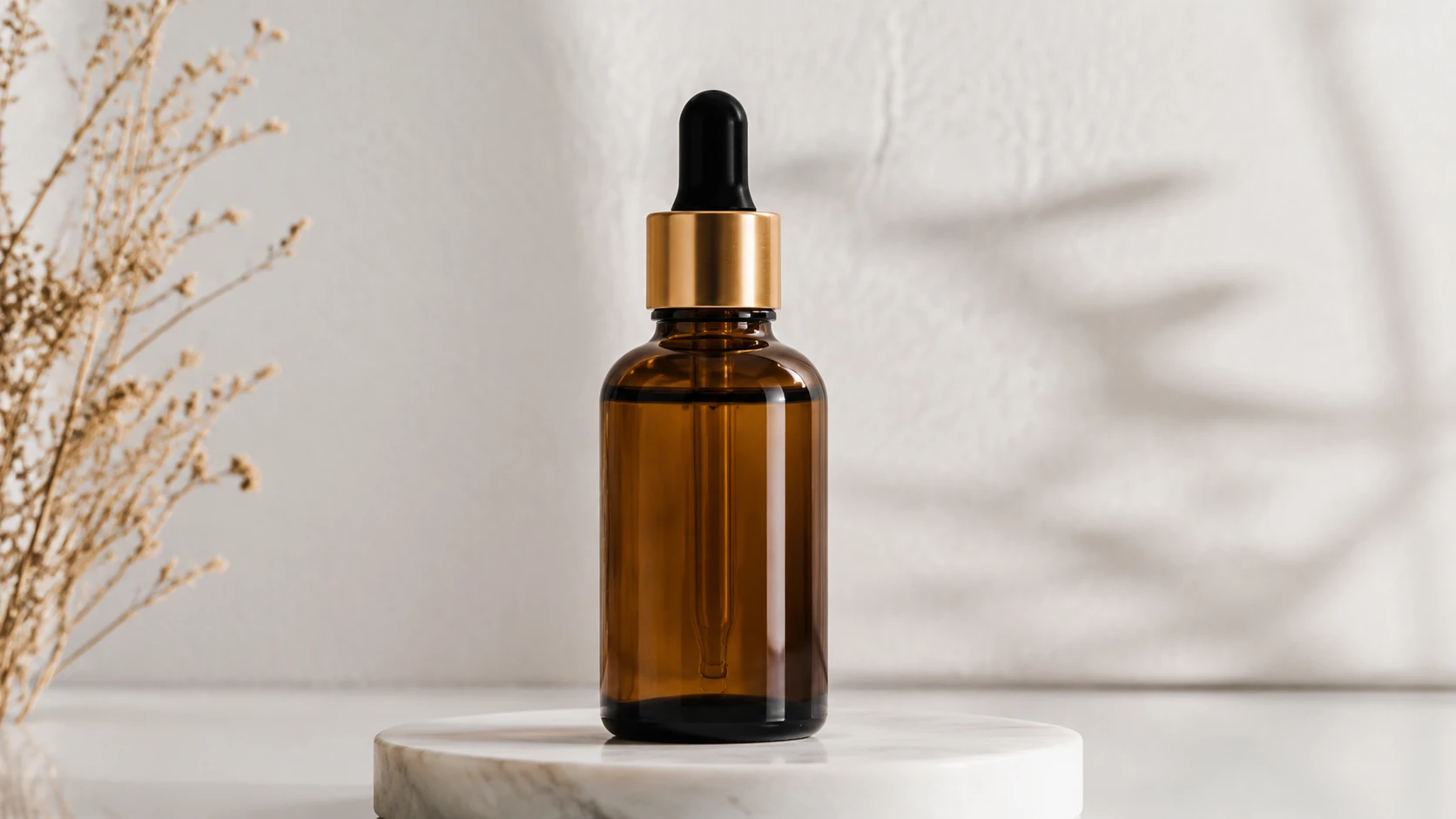
Use image to video ai to animate a pack shot with a slow turn, label reveal, or hand interaction. The clip can support a catalog page without changing the approved product look.

Use this ai video generator to generate short product, portrait, landscape, pet, and illustration videos from a written prompt. Set camera movement, subject action, mood, and style so the output feels consistent with a campaign.
Get Started
Turn product shots into short motion assets that show angle shifts, fabric movement, or package handling. The result helps a shopper understand form and quality without a full studio shoot.
Build campaign variants from approved stills while keeping color, lighting, and product presentation consistent. Prompt camera pace and mood for each channel brief.
Convert listing photos into short product clips for storefronts, ads, and seasonal updates. Use the ai video generator to keep motion simple, credible, and focused on the item.
Choose a product image, portrait, illustration, landscape, or pet photo with clean detail. Higher resolution source files give the video model more information to preserve.
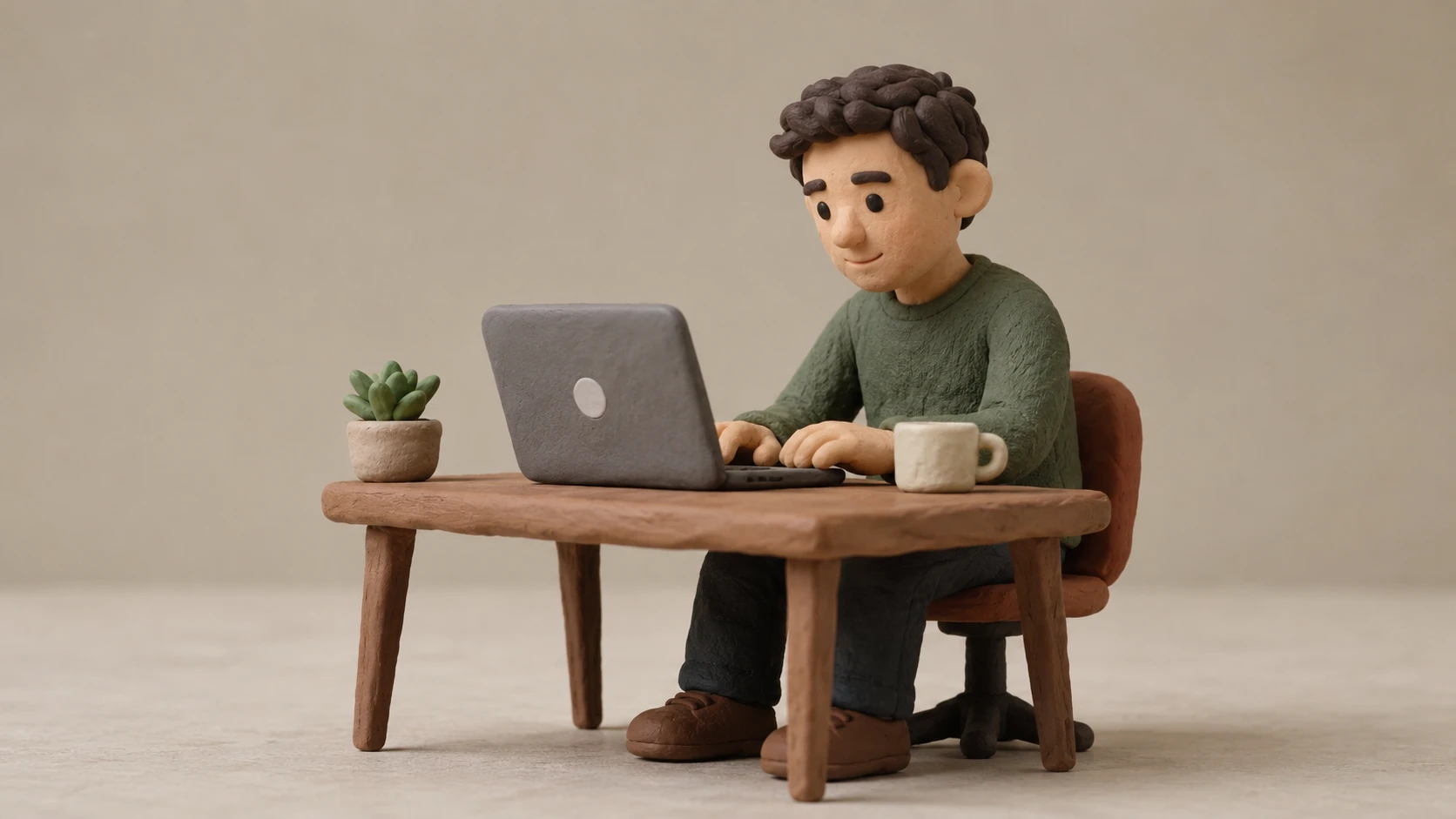
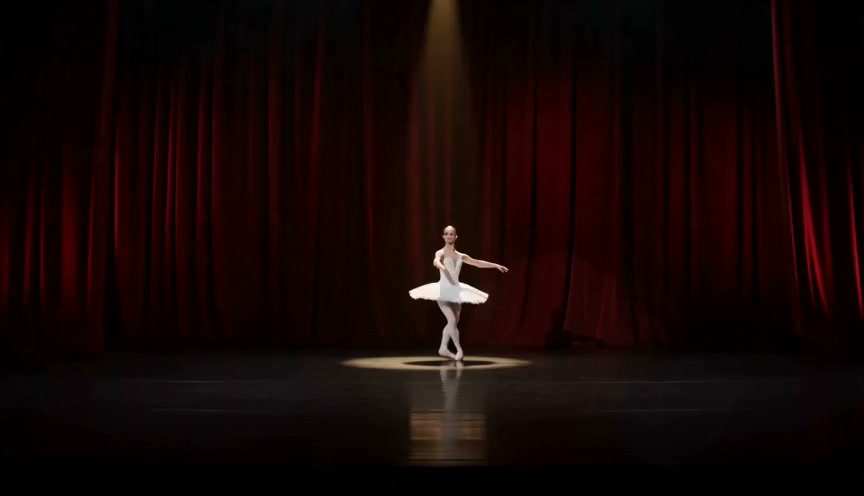
Write a prompt that names the subject action, camera movement, mood, and visual style. You can request cinematic movement, clay animation, or a restrained brand look.
The ai video generator returns a short moving clip for review. Select the version with the strongest lighting, subject continuity, and commercial usability.
Use PhotoGenerator when static assets need movement for a specific commercial placement. The ai video generator keeps the brief tied to source detail, lighting, and output quality.
Use image to video ai to animate a pack shot with a slow turn, label reveal, or hand interaction. The clip can support a catalog page without changing the approved product look.
In practice, start with a sharp JPG or PNG at the largest resolution you have. The ai video generator can preserve product detail better when the source image has clean edges, accurate color, and enough pixels for the target placement.
Sure, keep the prompt structure consistent and change only the SKU specific details. This helps batch product clips share camera pace, lighting direction, and presentation quality across a catalog.
Throughput depends on source quality, prompt complexity, and review standards. For ai video generation, the efficient workflow is to prepare approved stills first, then generate batches by shared motion brief.
You can specify zoom, pan, orbit, eye line, gesture, expression, and pace in the prompt. The ai video creator follows clearer direction when each instruction describes one visible action.
Absolutely, image to video ai can animate illustrations, product renders, landscapes, and pet photos. For this ai video generator, describe whether the result should feel cinematic, animated, or clay styled before generation.
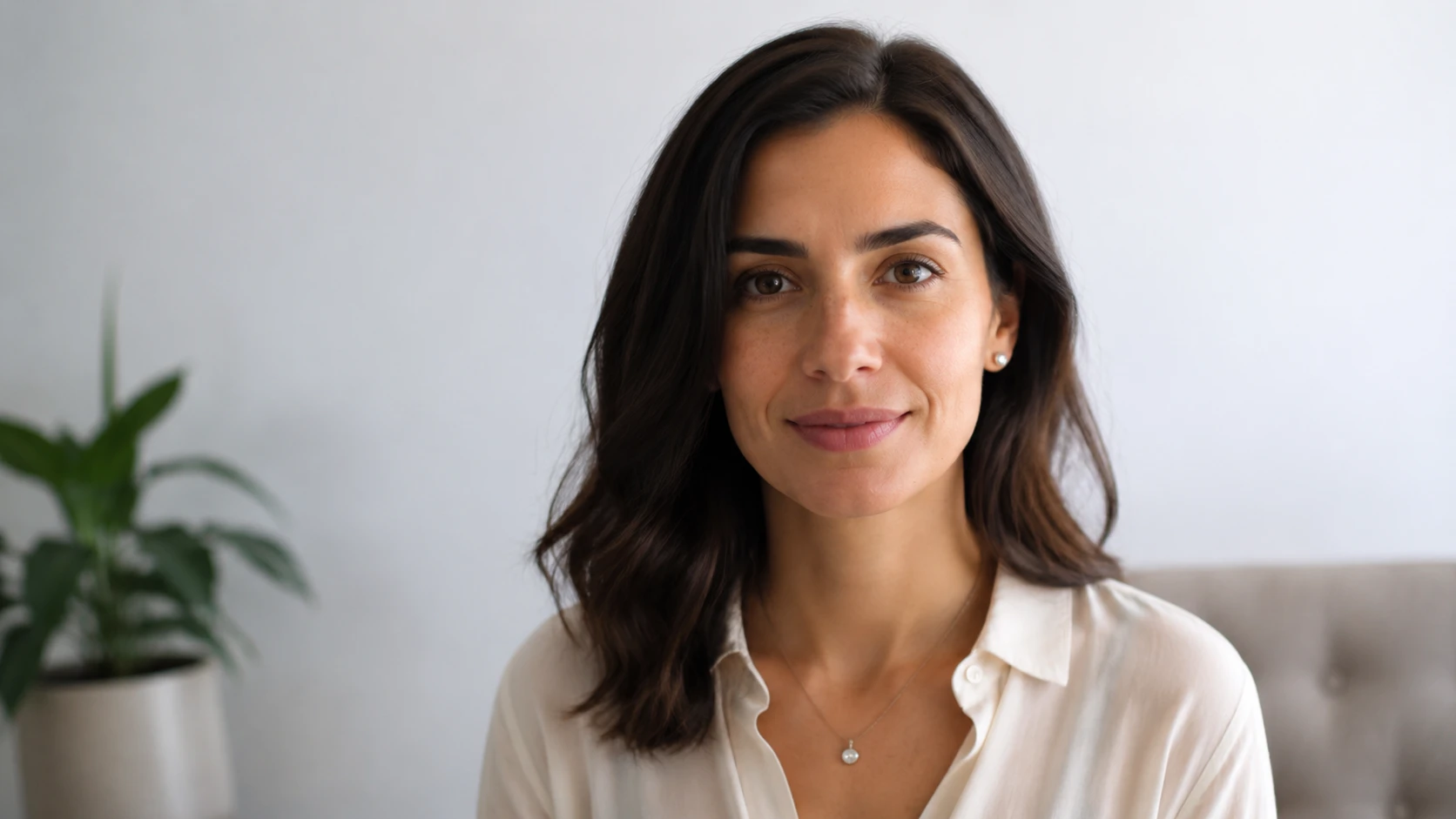
Here is how it works: upload the portrait, request subtle facial movement or camera drift, and keep the prompt professional. Photo to video ai is strongest when the headshot is well lit and front facing.
Quality depends on prompt clarity, source resolution, and review choices. A precise prompt helps the ai video generator avoid exaggerated motion and produce a more credible commercial clip.
Not for this page. The ai video generator creates the moving clip from a still image, while music, sound effects, voiceover, and final timeline edits can be added afterward in your production workflow.
Use the ai video generator to turn approved stills into controlled video output for product launches, ads, and profile content with PhotoGenerator.
Get Started