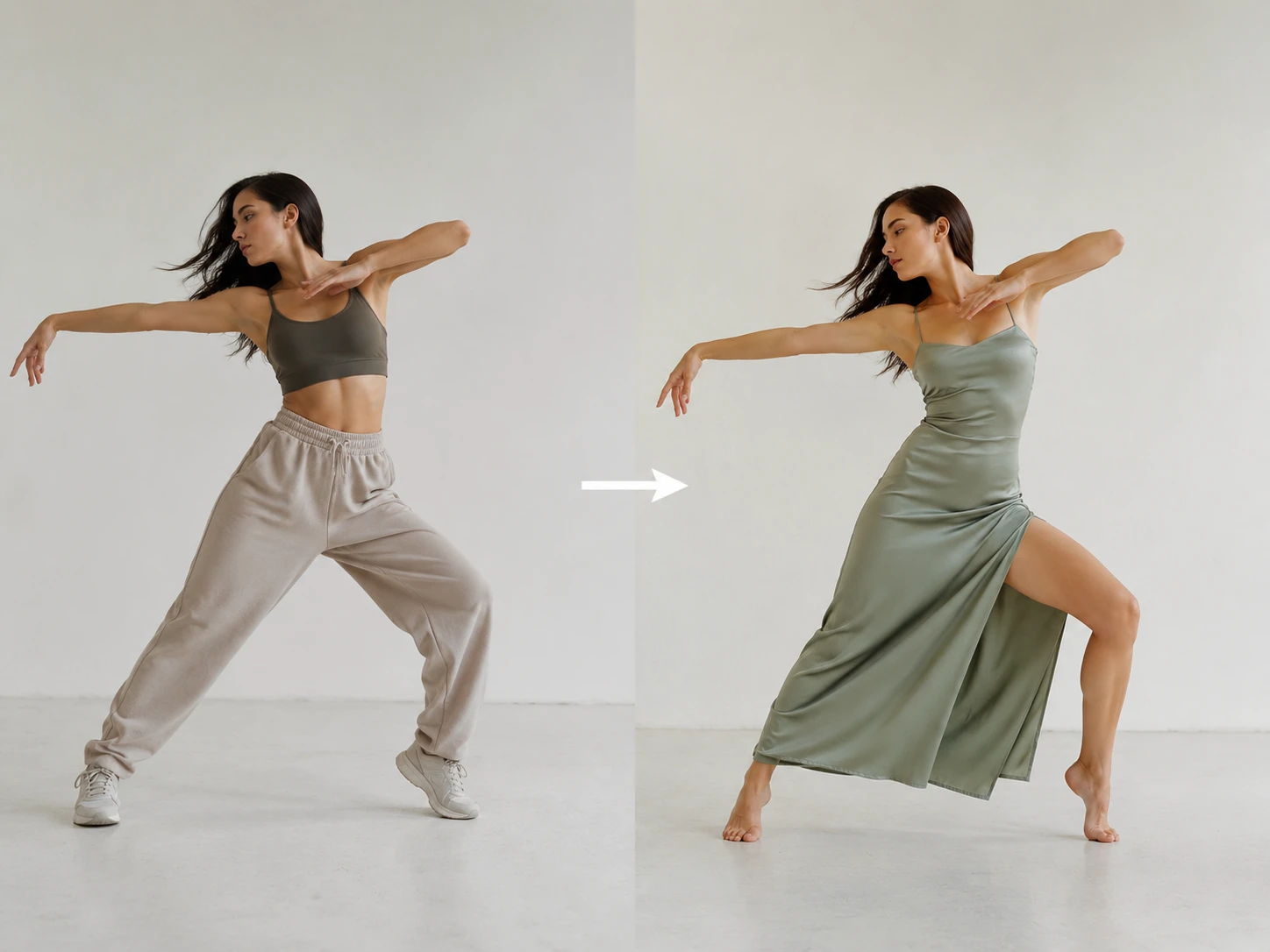
Body Path Transfer
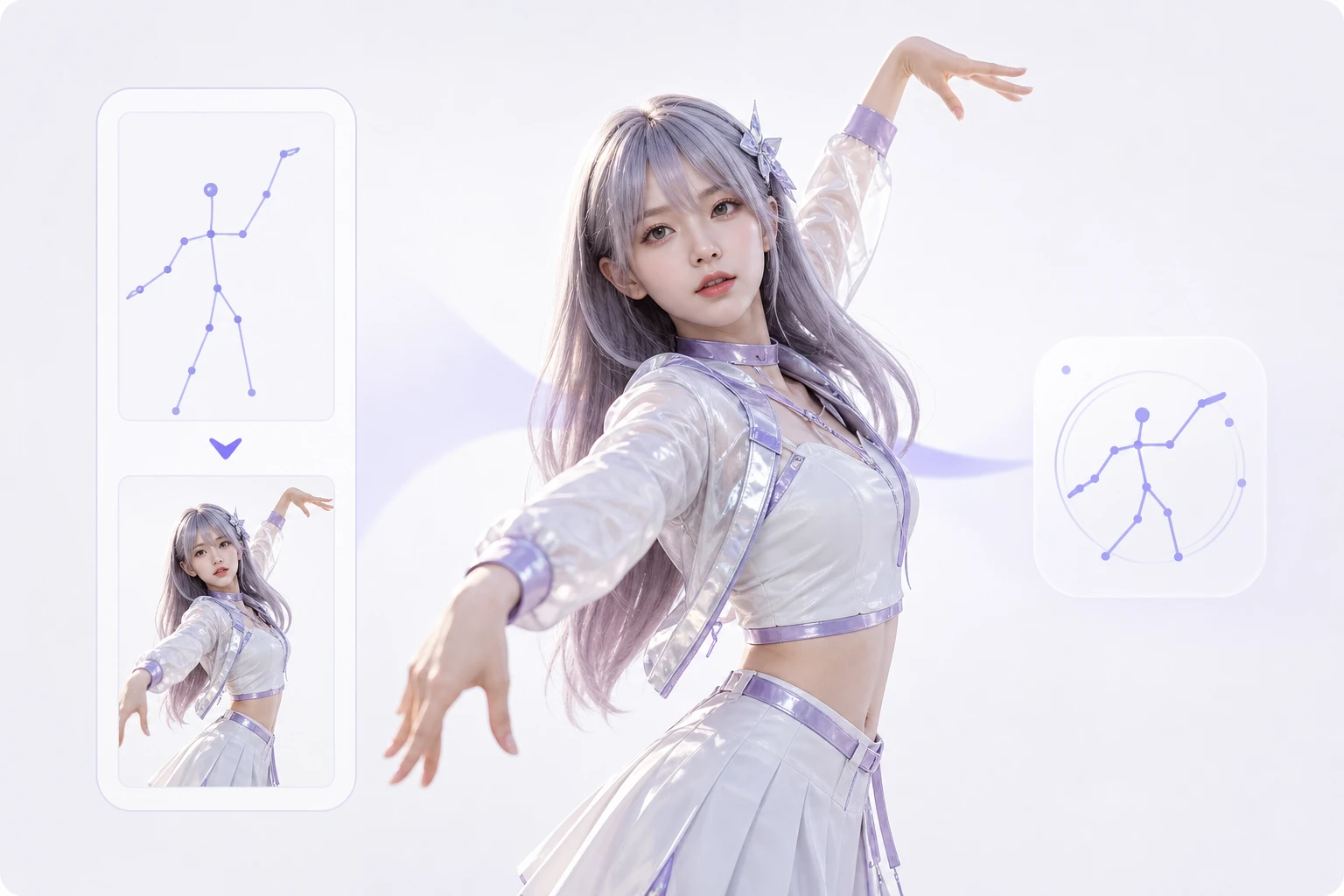
The feature follows the reference dancer's body path, pace, and pose timing. It works best when the source action is clearly visible and the still image has a compatible body angle.

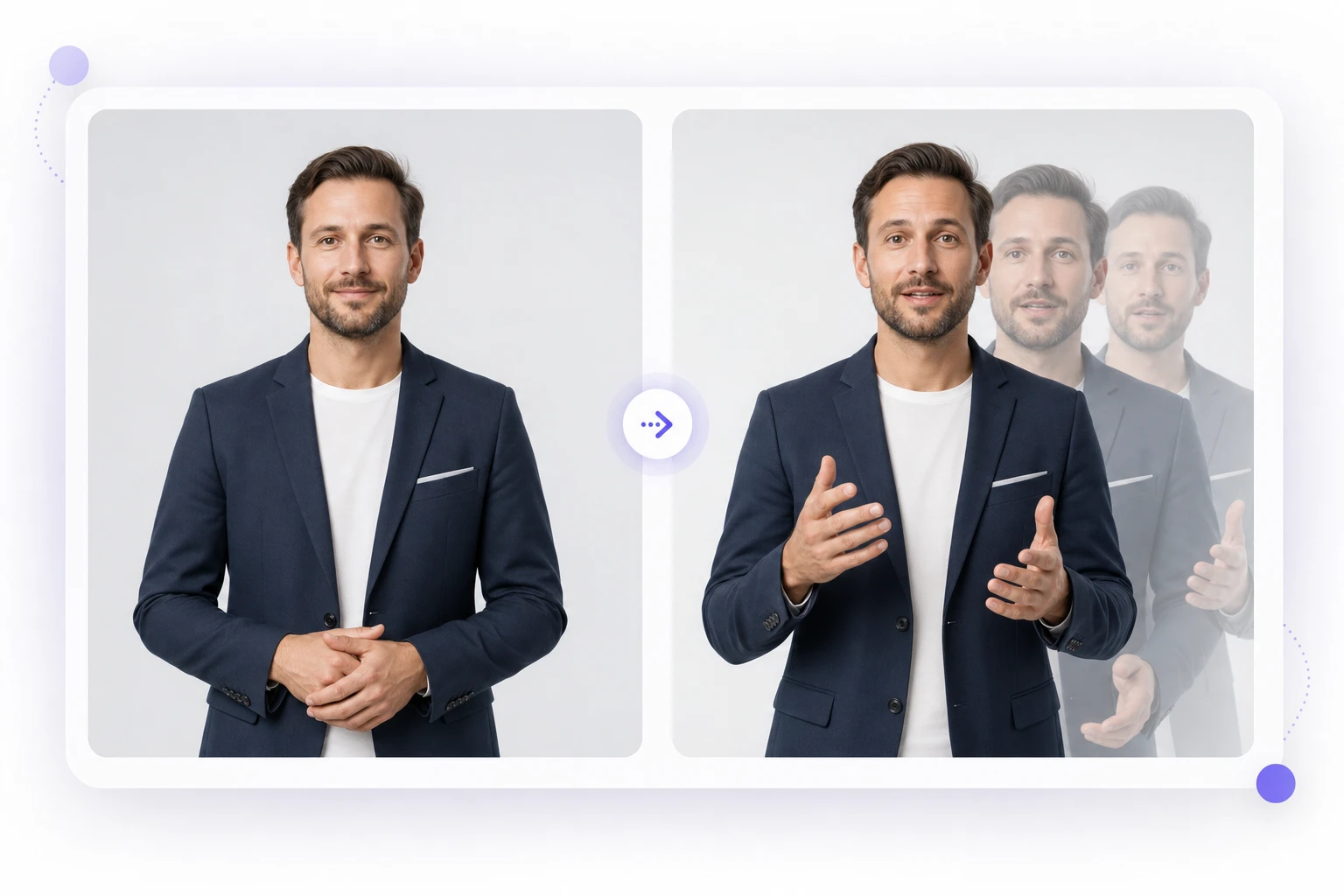
PhotoGenerator maps motion transfer from a reference video onto a still portrait, product mascot, or digital human so teams can generate photorealistic video output without a capture stage.
Get Started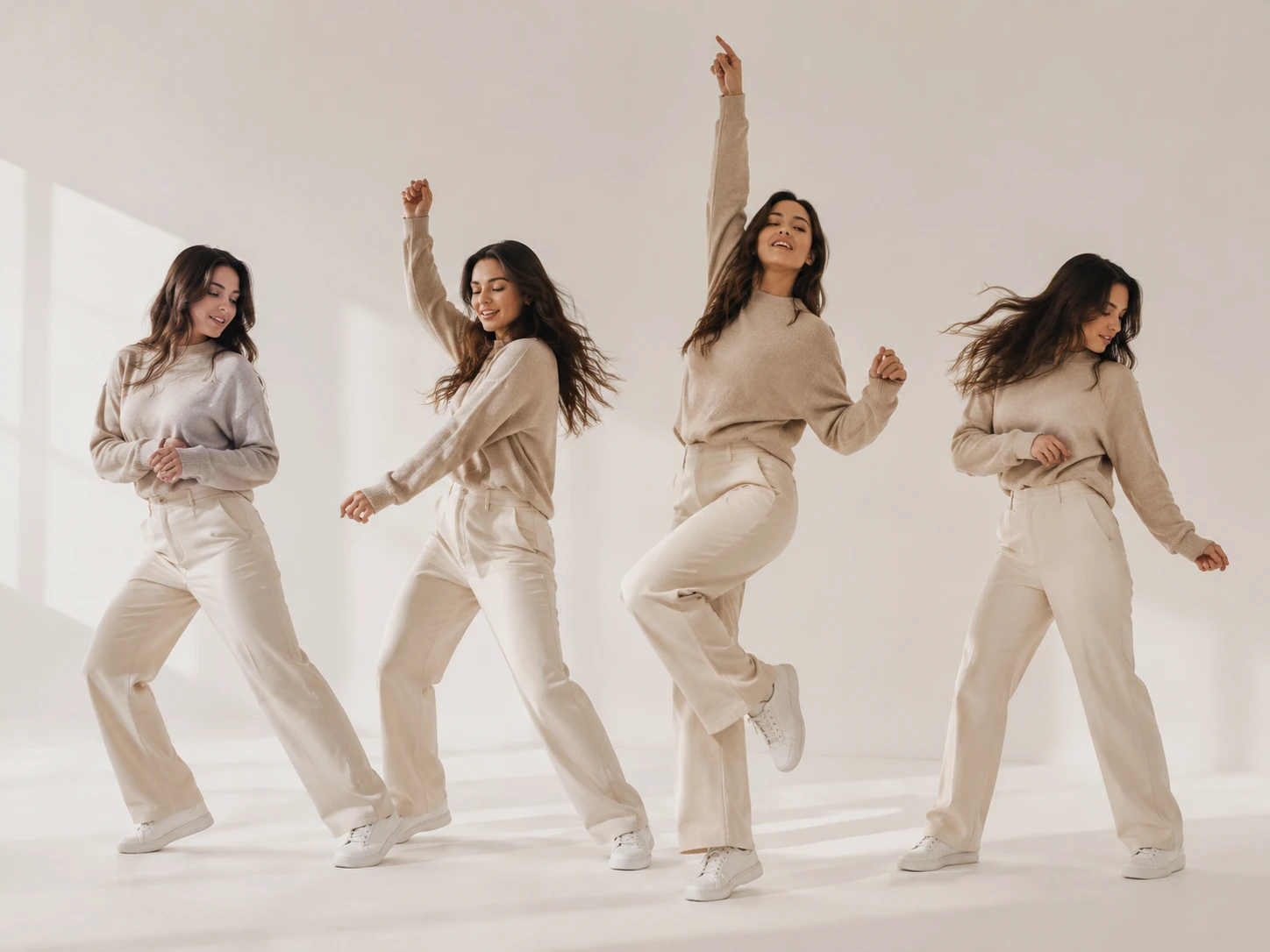
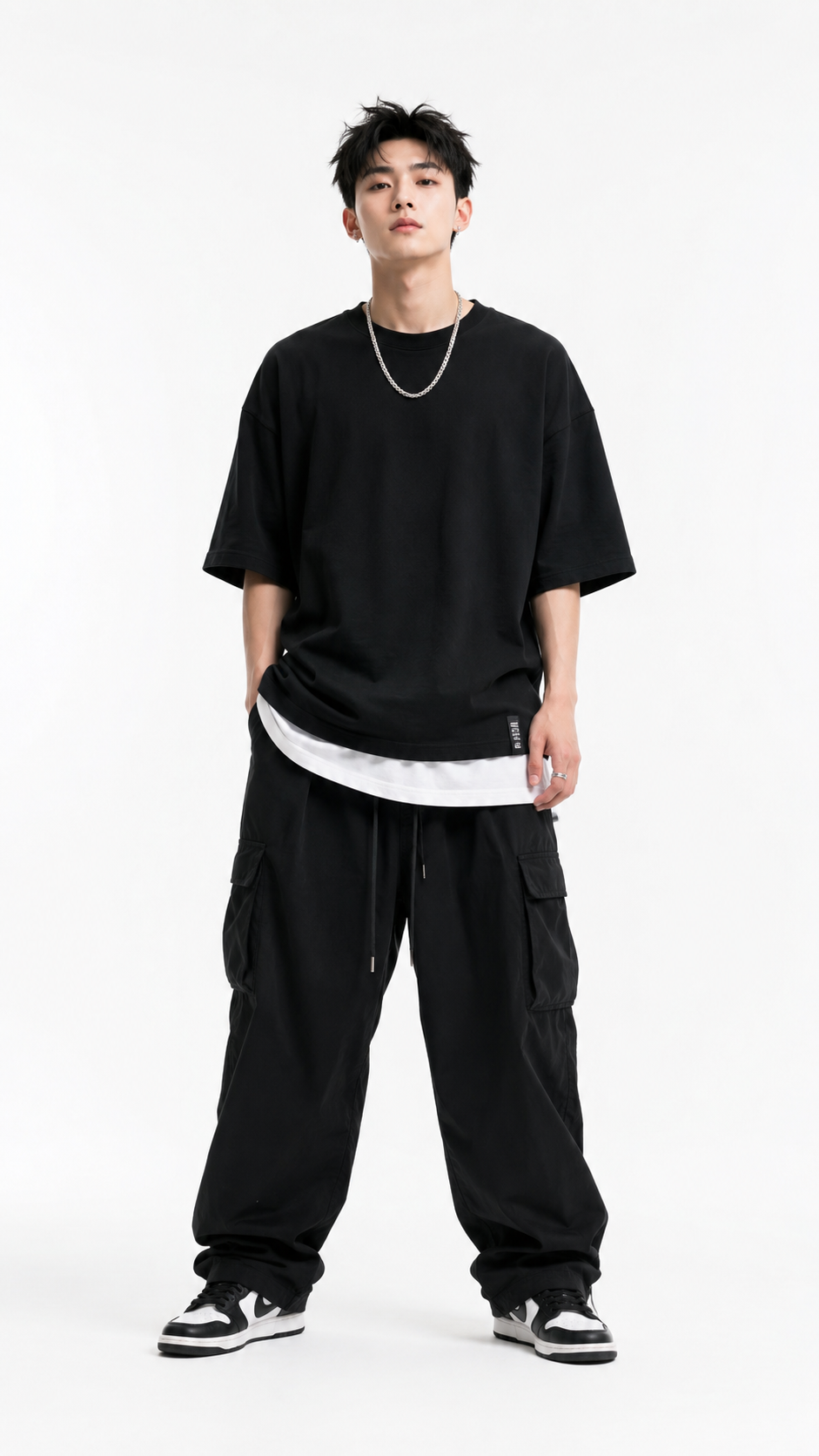
Upload or select the still image that defines the person, mascot, or virtual model. A sharper face and full body view help the ai dance generator preserve identity during motion transfer.
Choose a dance clip or action video with the rhythm you want. PhotoGenerator reads body position, hand movement, face direction, and posture so the generated video follows the same motion path.
Write a prompt for background, lighting, camera framing, and commercial usage. The ai dance generator then produces a reviewable video output with stable detail and a consistent character presence.
These controls help production teams guide motion capture ai output with enough precision for character marketing, virtual human content, and campaign review.
The feature follows the reference dancer's body path, pace, and pose timing. It works best when the source action is clearly visible and the still image has a compatible body angle.
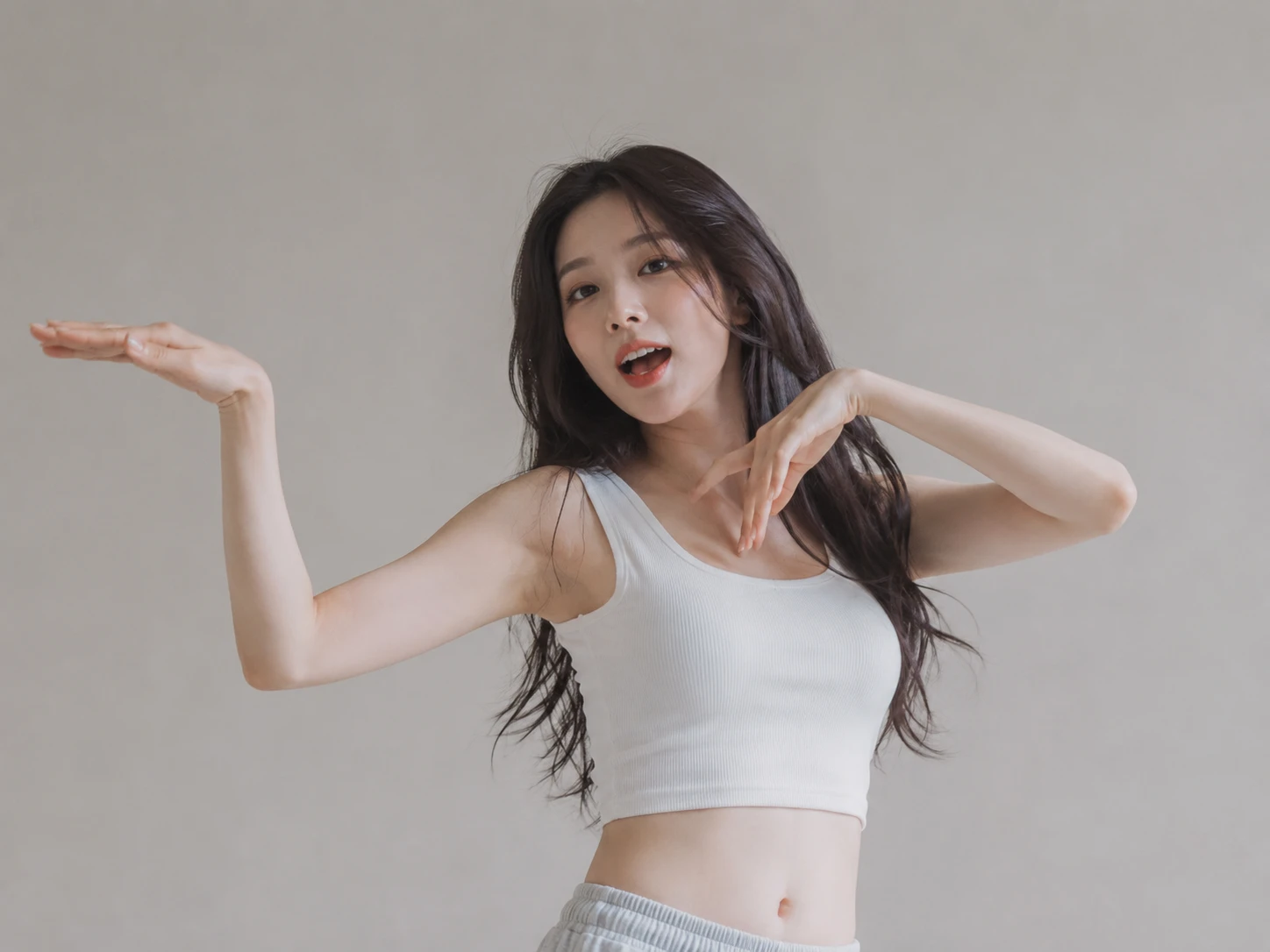
PhotoGenerator can carry facial direction and hand gesture detail into the moving output. The ai dance generator keeps fine motion more reliable when hands and face are not hidden in the reference.
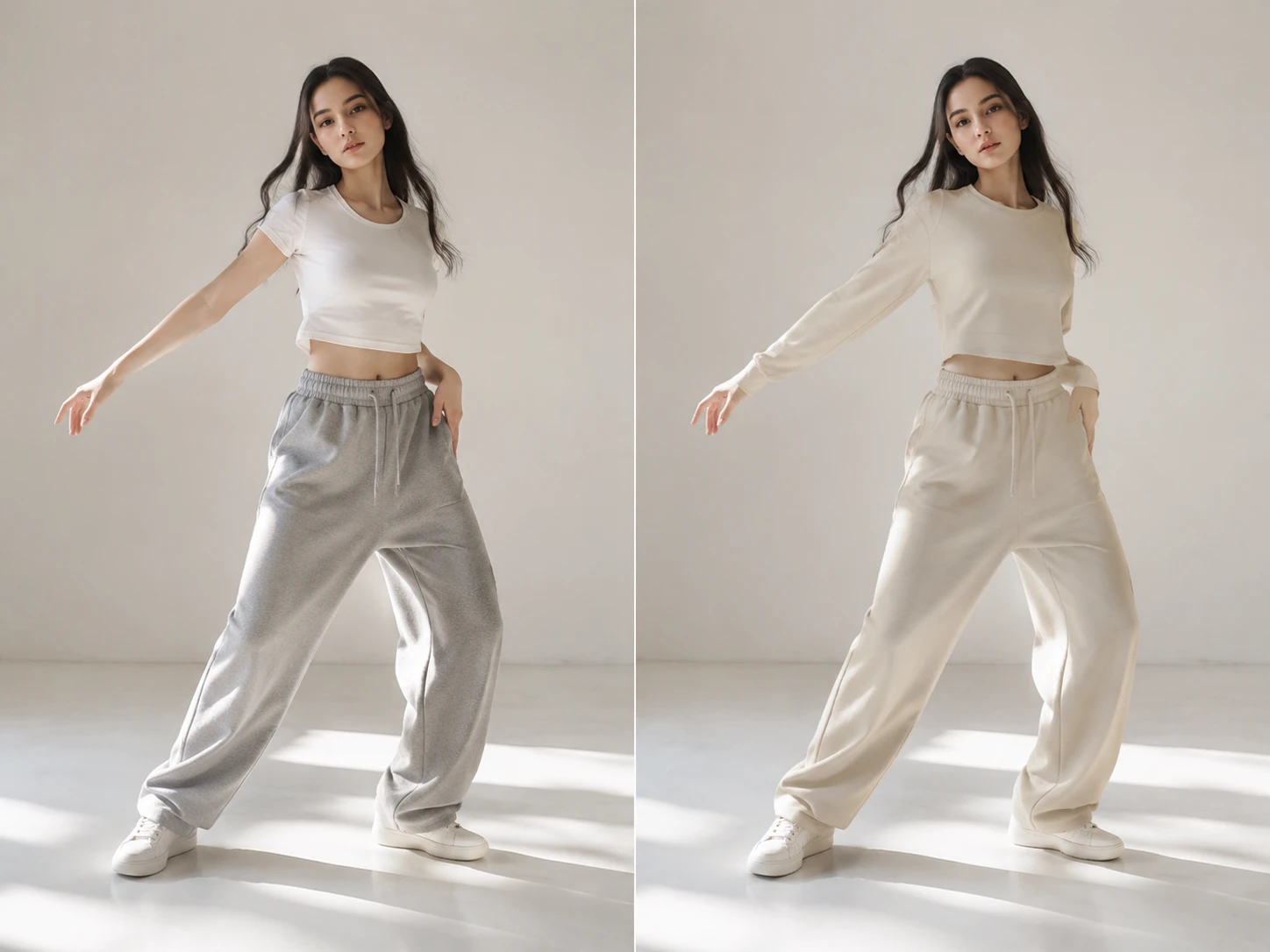
Use text to set lighting, background, camera distance, and wardrobe treatment. This keeps the generated video aligned with brand guidelines while the motion remains tied to the reference clip.
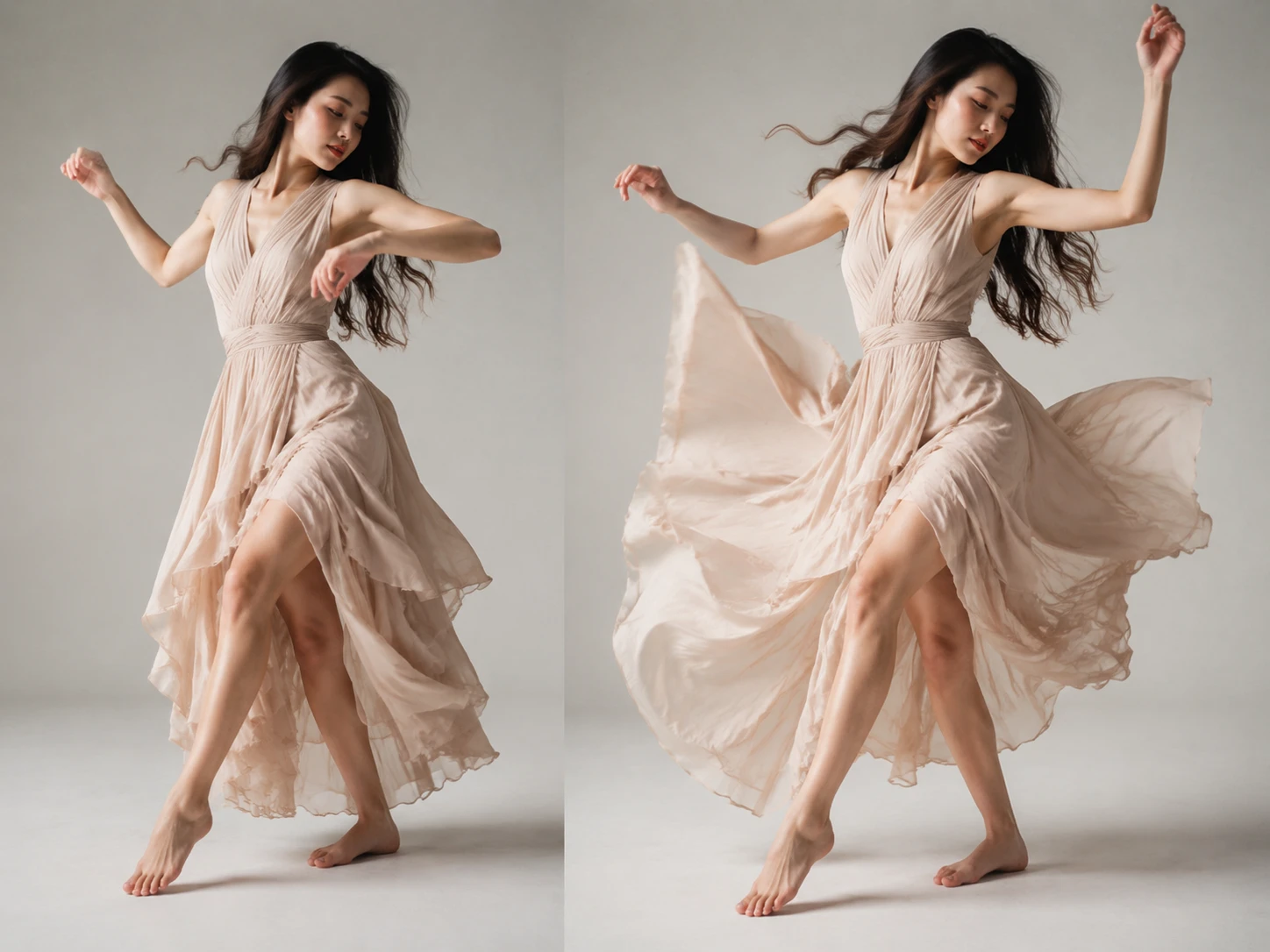
The output is judged by resolution, lighting, movement detail, and commercial usability. For demanding placements, generate a test pass before committing a full batch.
Use the ai dance generator when a static identity needs a controlled video performance, not a loose animation effect.
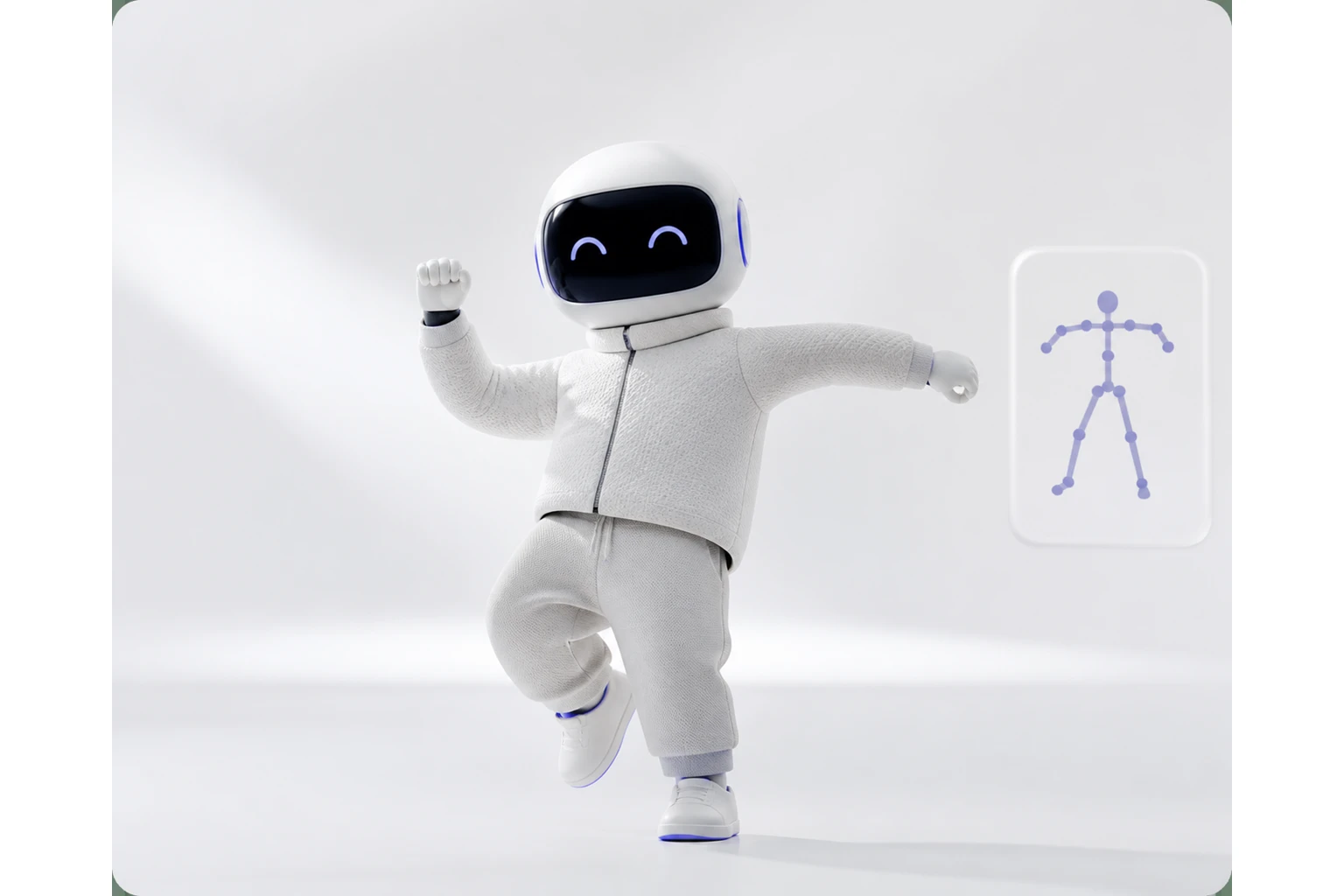
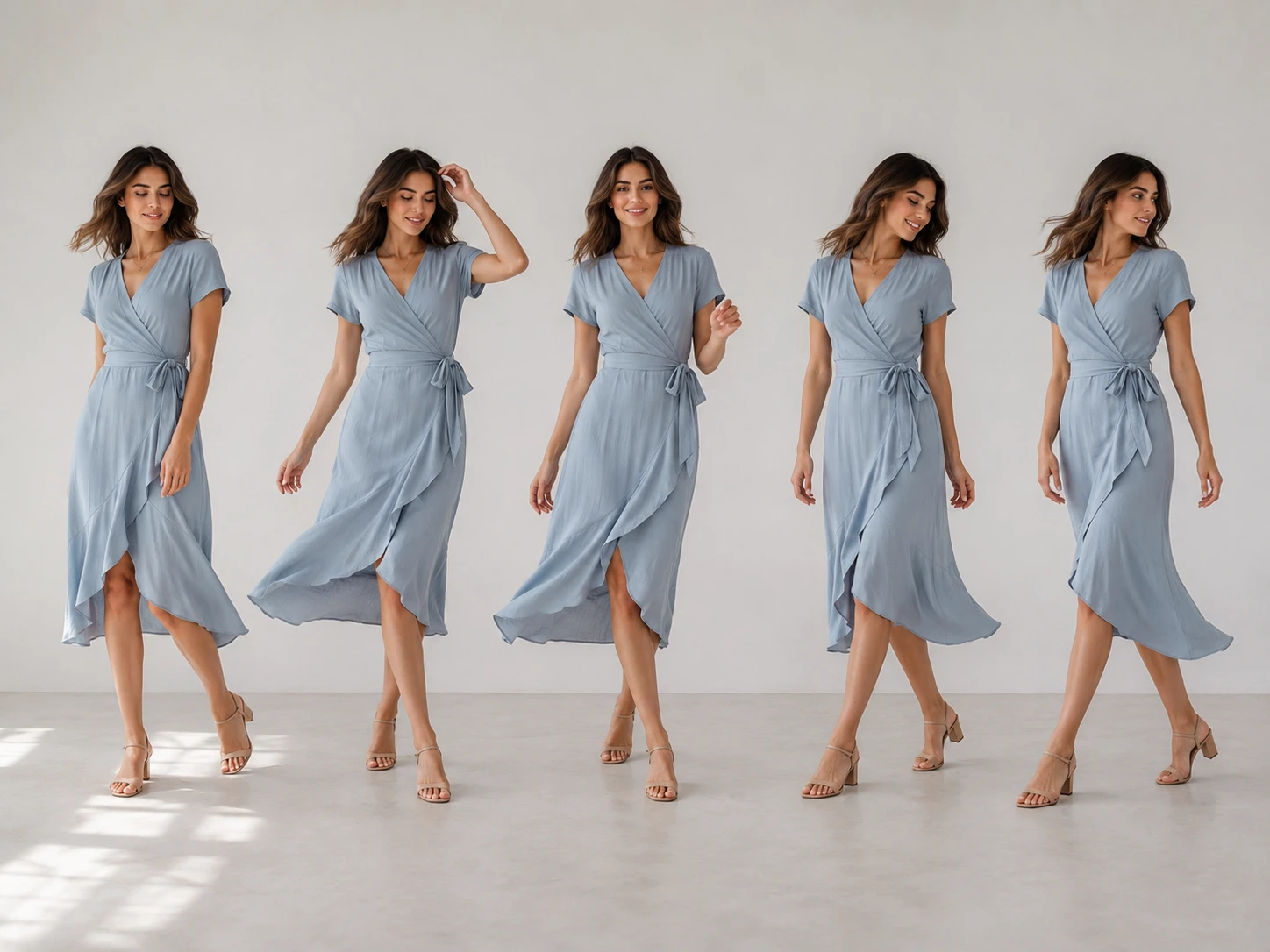
A marketing team can animate a mascot or spokesperson for a launch video. The reference dance sets the energy while the product scene stays controlled for commercial use.
The ai dance generator is built for teams that need controlled video output faster than a traditional capture shoot can usually support.
Point 1
A sensor suit records original movement with high precision, but it needs performers, equipment, and setup time. Reference based motion transfer uses existing footage to generate a usable commercial draft sooner.
Point 2
Reshooting a performer can change lighting, styling, and identity between sessions. With PhotoGenerator, the same character image can guide repeated outputs so campaign assets stay more consistent.
Point 3
Traditional edits often require multiple tools after capture. Here, the ai dance generator combines motion direction and prompt revision so background, lighting, and scene changes can be tested in one workflow.
Create photorealistic video from a still image and reference performance with ai dance generator controls for lighting, rhythm, resolution, and commercial review.