

Point 1
Looped Clip Replacement
Looping repeats the same motion and can make a product turntable or reel intro feel artificial. Generated continuation creates fresh frames instead of replaying the same second again.

PhotoGenerator analyzes the source video motion, color, pace, and detail before it adds new frames. Use the ai video extender for reels, product demos, vlog inserts, and paid social clips that need more length without visible repetition.
Get Started
PhotoGenerator treats the ai video extender as a production control, not a simple loop maker. Each setting protects the source quality while you generate more usable footage.
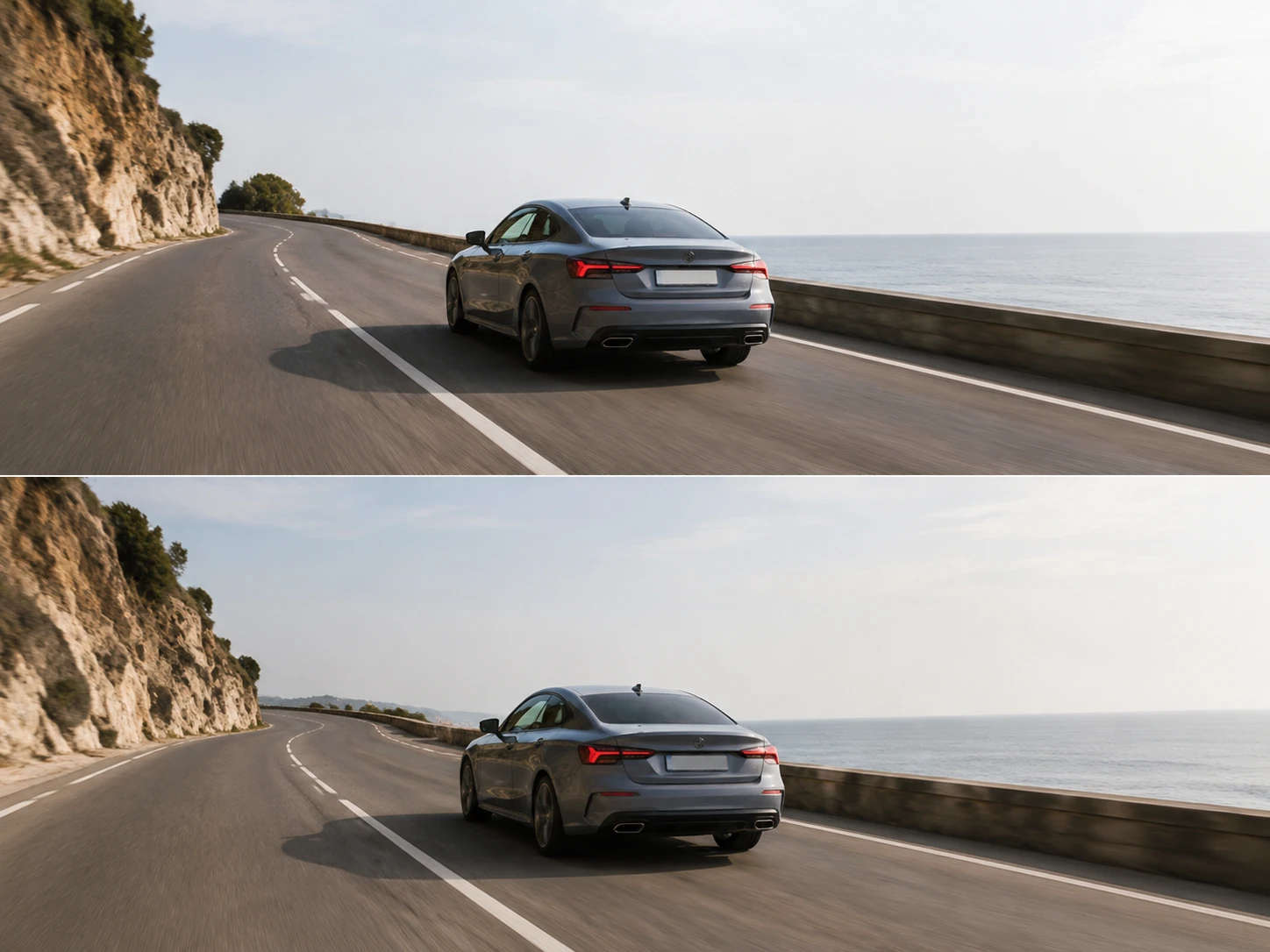
The ai video extender reads subject direction, camera movement, and scene rhythm before generating new frames. It is strongest when the source clip has clear movement and stable visual information.
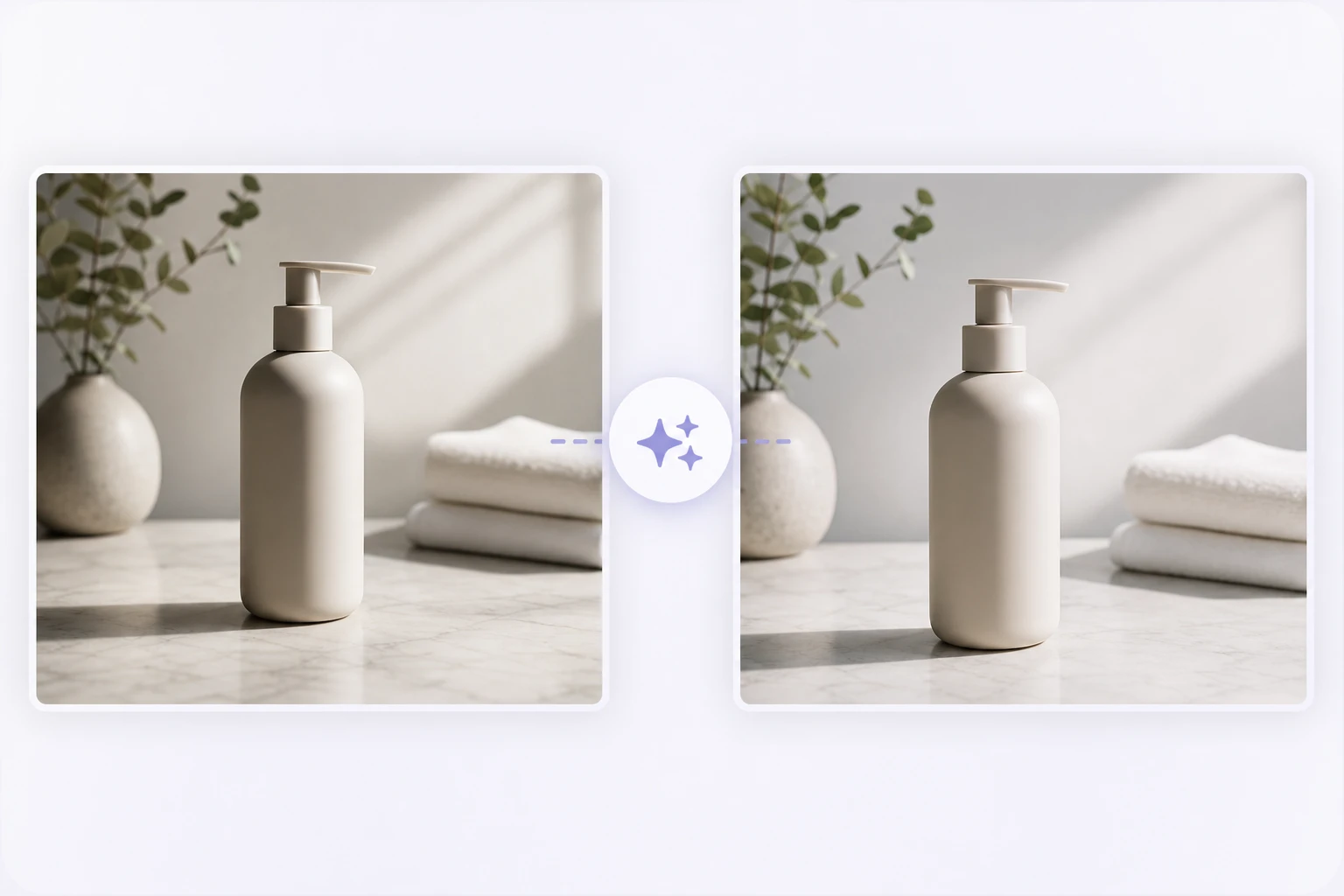
Lighting, shadows, and color temperature stay aligned with the original footage. This helps product shots, headshot intros, and indoor creator clips keep a consistent professional finish.
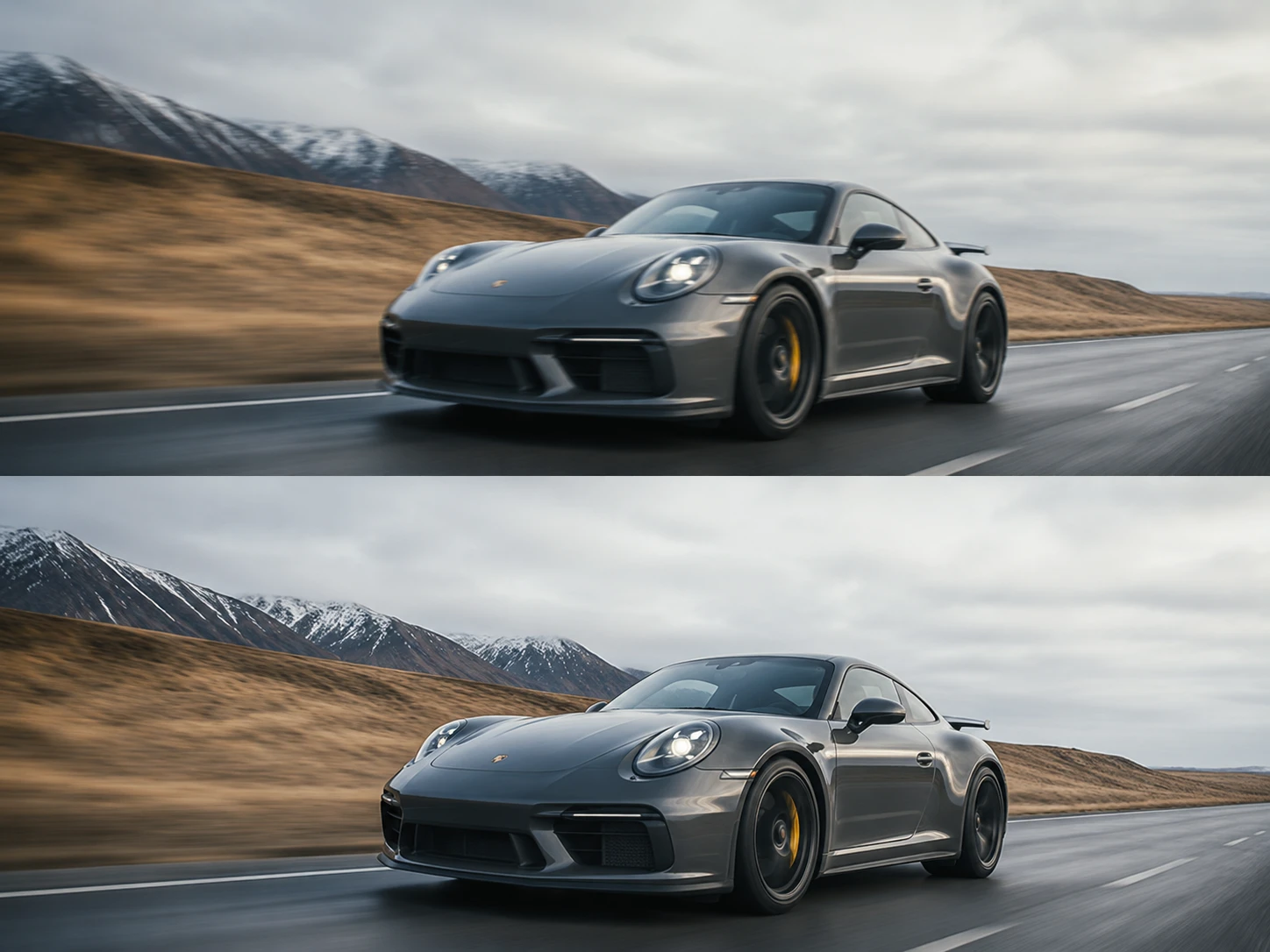
The ai video extender protects the source resolution during generation, so the output can stay ready for catalog previews, ad review, and platform publishing without obvious quality loss.
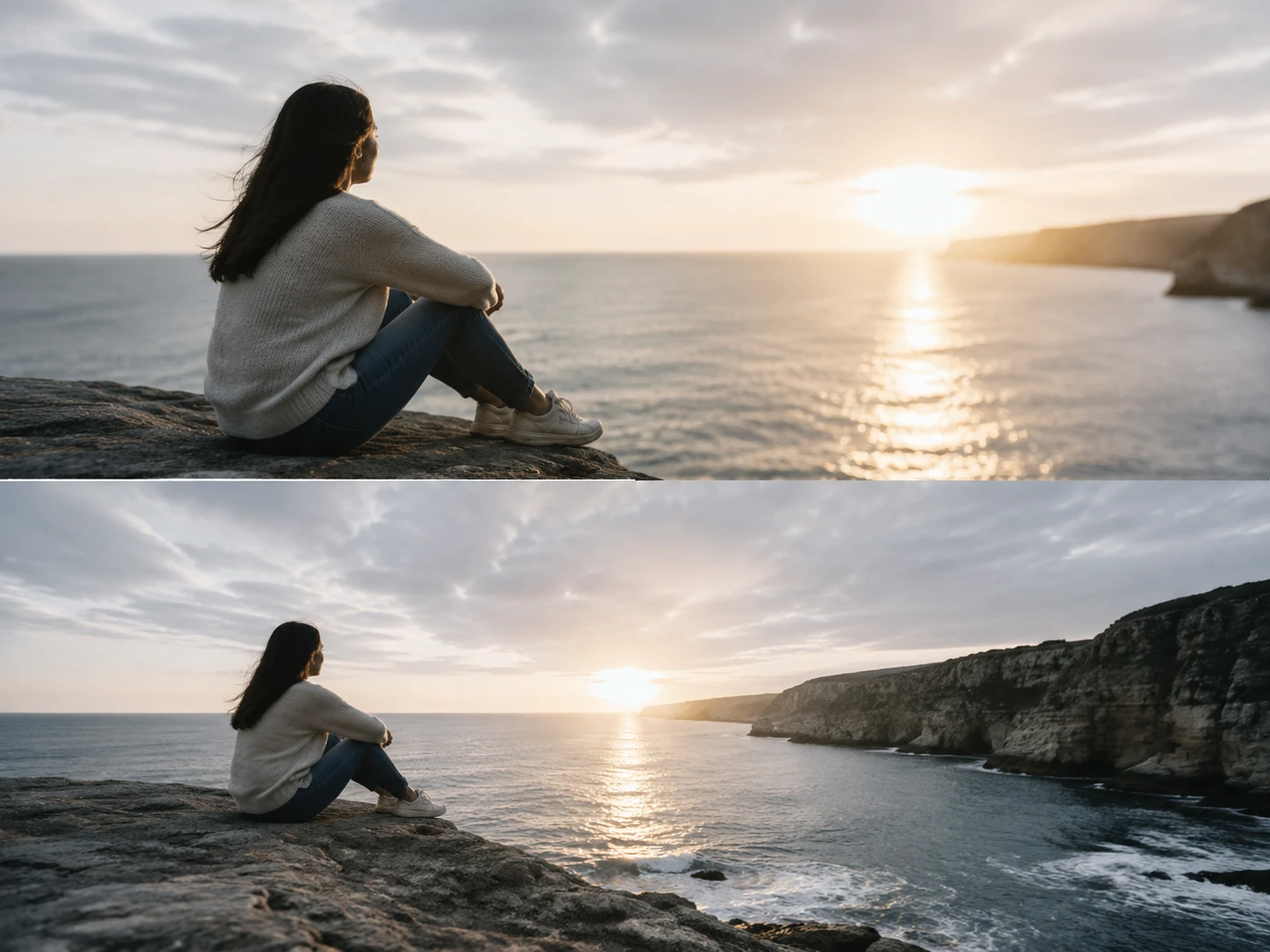
Set the added length to match a placement, intro, or outro requirement. Use a focused prompt when you extend video length for a specific scene outcome.
An ai video extender should add usable frames that feel connected to the source clip. That makes it different from older shortcuts that only stretch time or repeat footage.
Point 1
Looping repeats the same motion and can make a product turntable or reel intro feel artificial. Generated continuation creates fresh frames instead of replaying the same second again.
Point 2
A manual video extend workflow can slow the clip, freeze frames, or duplicate sections. That may help timing, but it rarely adds new visual detail that supports the message.
Point 3
Slow motion can make video longer, but it changes pace and can expose blur. The ai video extender keeps the intended rhythm while adding new visual material.
Teams use the ai video extender when a strong source shot is too short for a placement. These comments reflect practical production needs across commercial video work.
The ai video extender helped us turn four second demo clips into usable Shorts openings without making the product movement repeat.
I needed extra seconds at the end of a retail reveal. PhotoGenerator kept the lighting close enough for client review.
For class promos, the output gave me more breathing room before the title card while preserving the speaker motion.
The ai video extender was useful when paid social needed a longer hold on the product without rebuilding the shoot.
We extended client reels by a few seconds and kept the color and pace close to the approved source footage.
With the ai video extender, tutorial clips kept a natural hand movement before the final callout appeared.
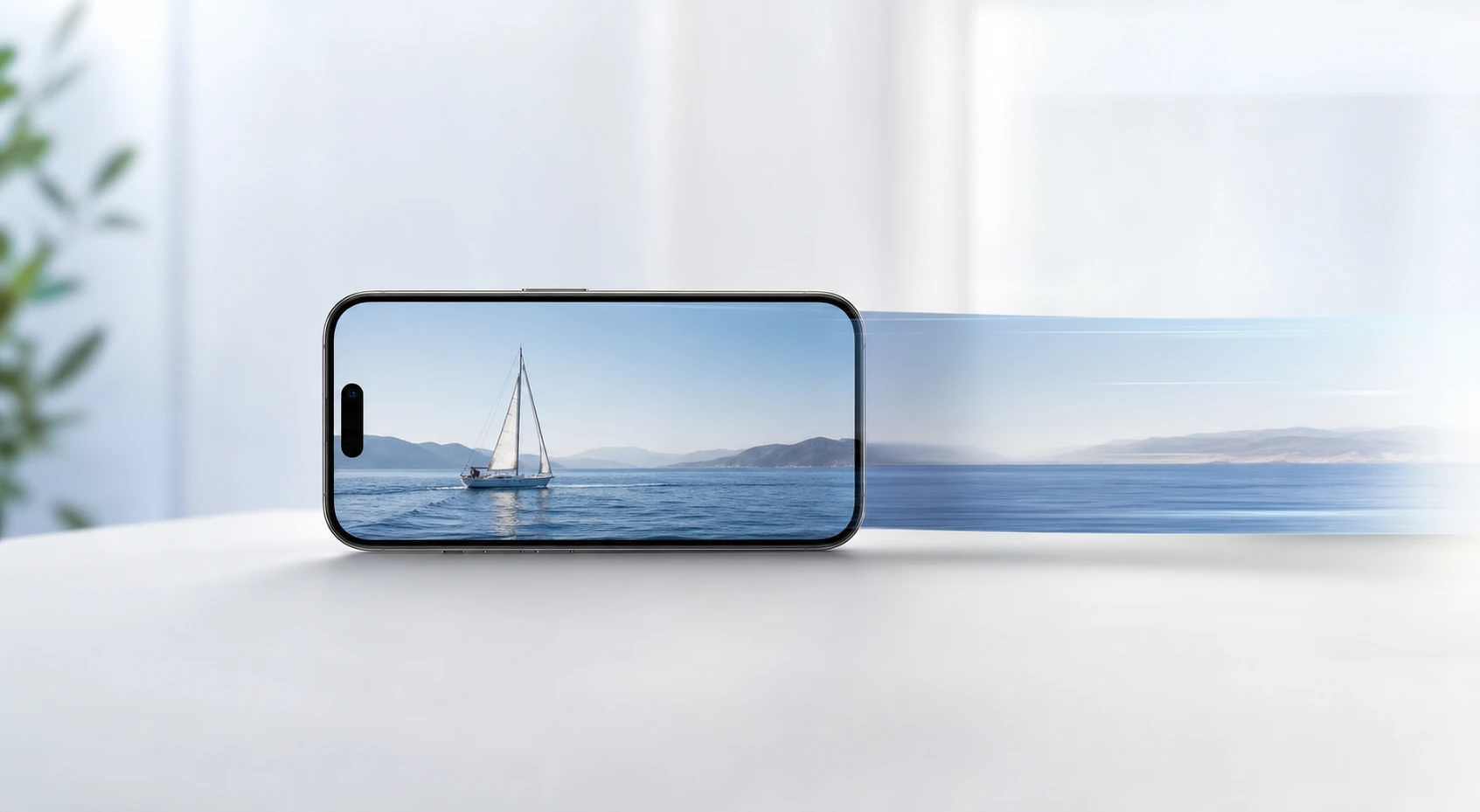
Use the ai video extender in PhotoGenerator to turn short source clips into extended, commercially usable video output with consistent motion, lighting, resolution, and detail.
Generate