Ecommerce Producer
Ecommerce Producer
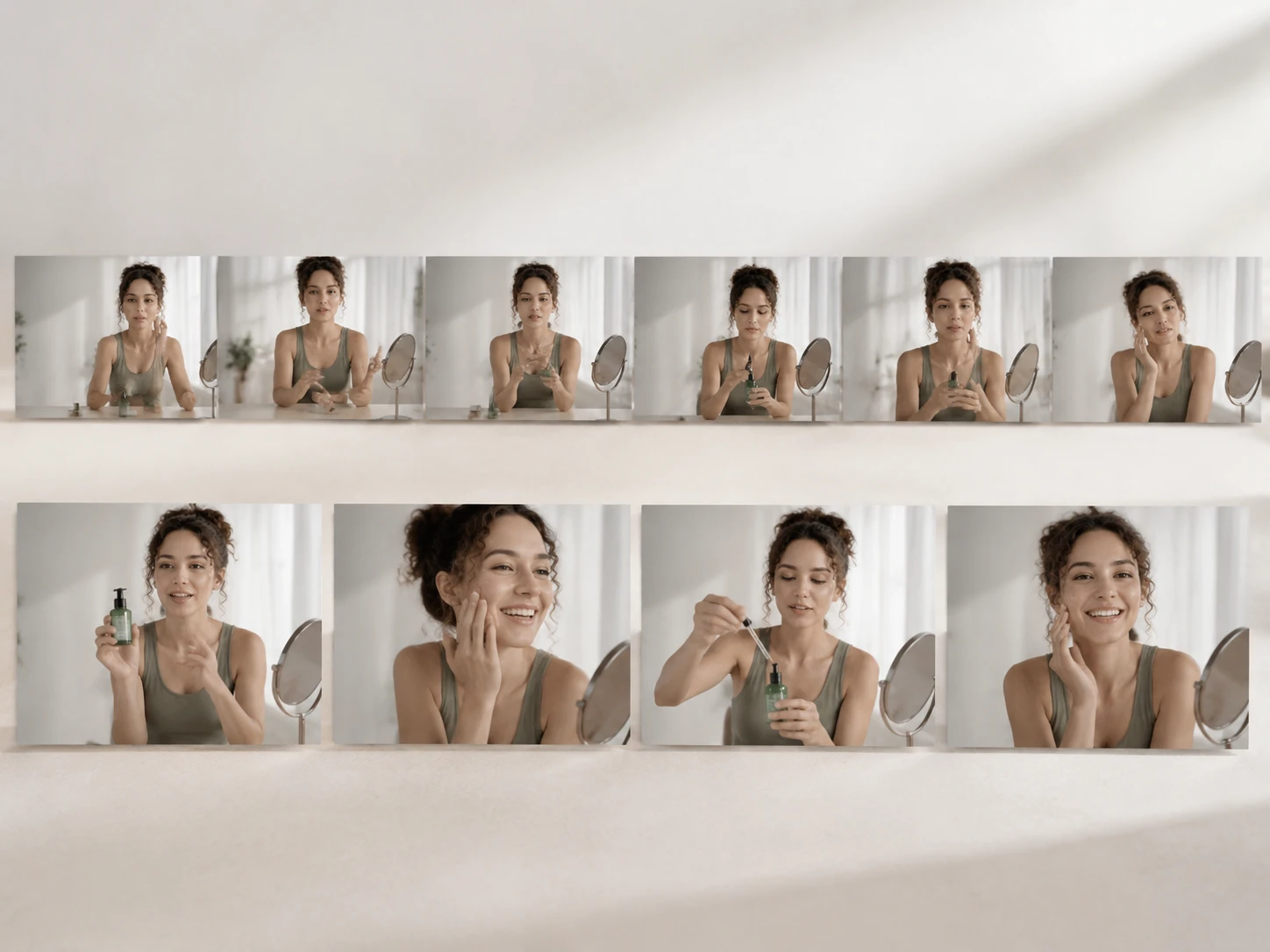
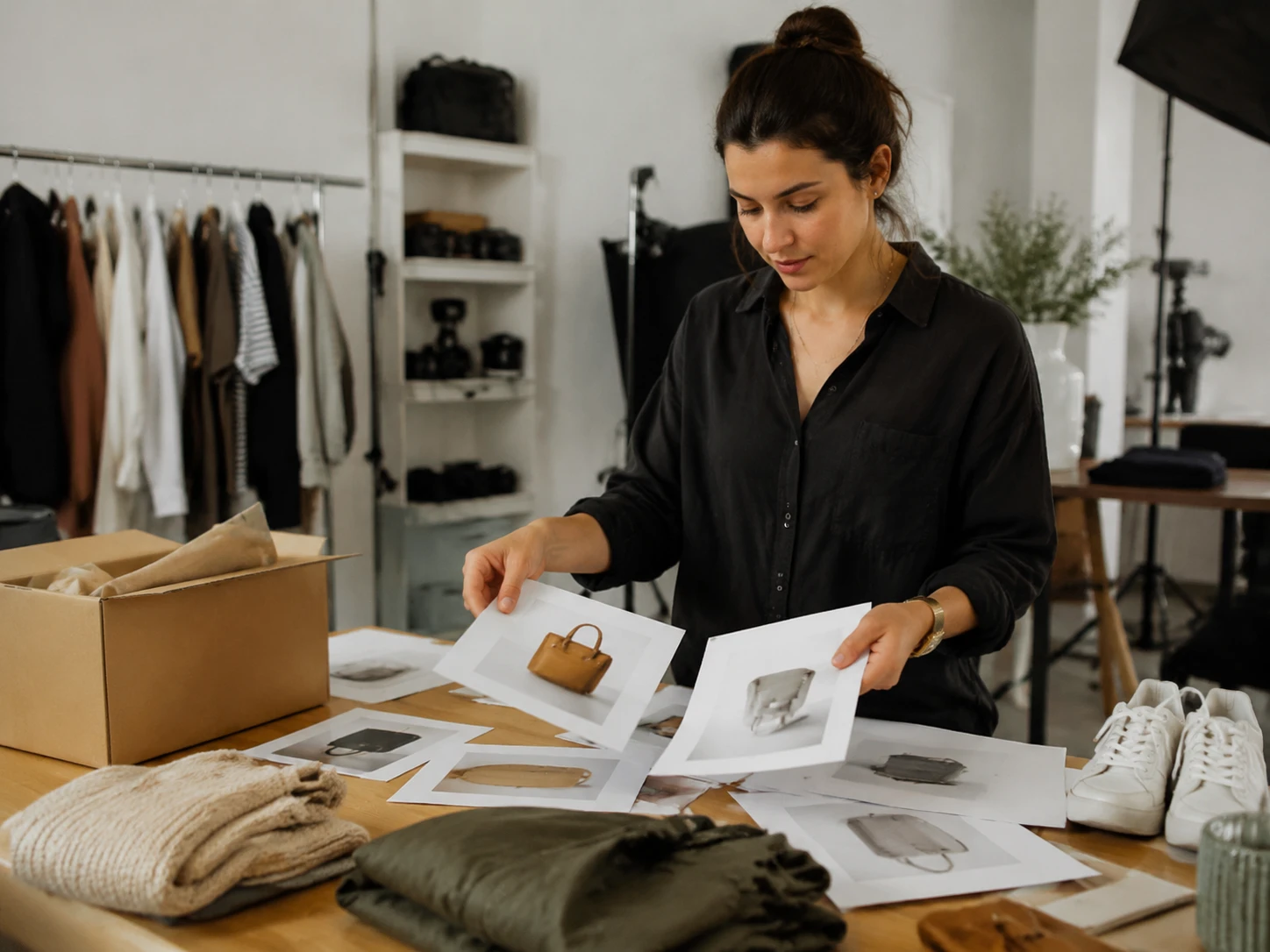
Build product clips from catalog assets, adjust framing, and keep SKU videos visually consistent. The ai video editor helps turn product motion into ready campaign output.

PhotoGenerator gives teams an ai video editor for crop, trim, reorder, object removal, background change, and generated clip assembly in one professional workflow.
Get Started
Ecommerce Producer
Build product clips from catalog assets, adjust framing, and keep SKU videos visually consistent. The ai video editor helps turn product motion into ready campaign output.
Growth Marketer
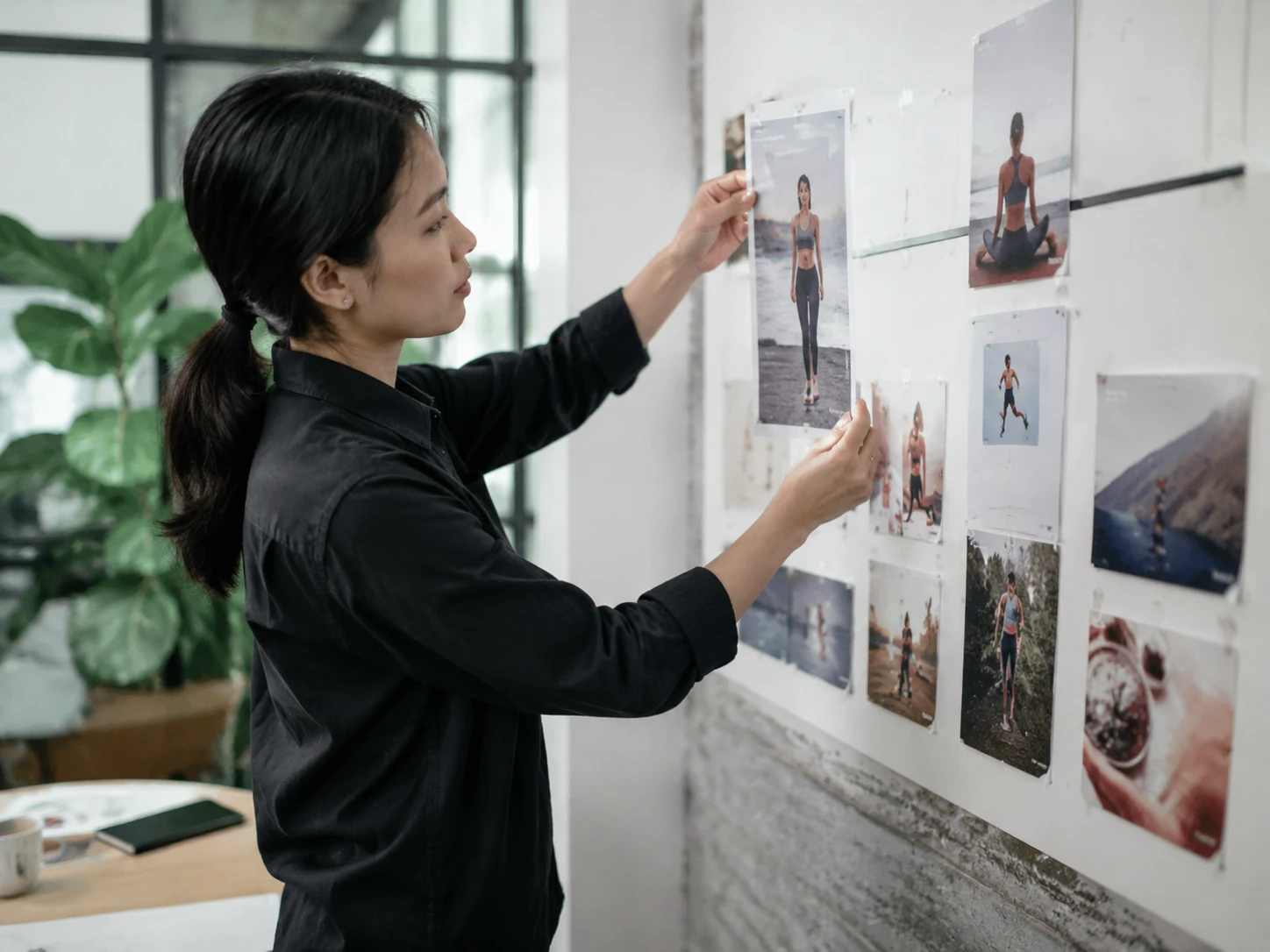
Draft vertical ads, test shorter cuts, and prepare platform specific versions from one source. PhotoGenerator works as an ai video maker for fast campaign iteration.

Solo Consultant
Record a service demo, remove distractions, and refine the visual style before sharing. The ai video editor app keeps client facing edits clear and professional.
These scenarios focus on commercial edits where a prompt, timeline action, and generated clip need to become a usable video deliverable.
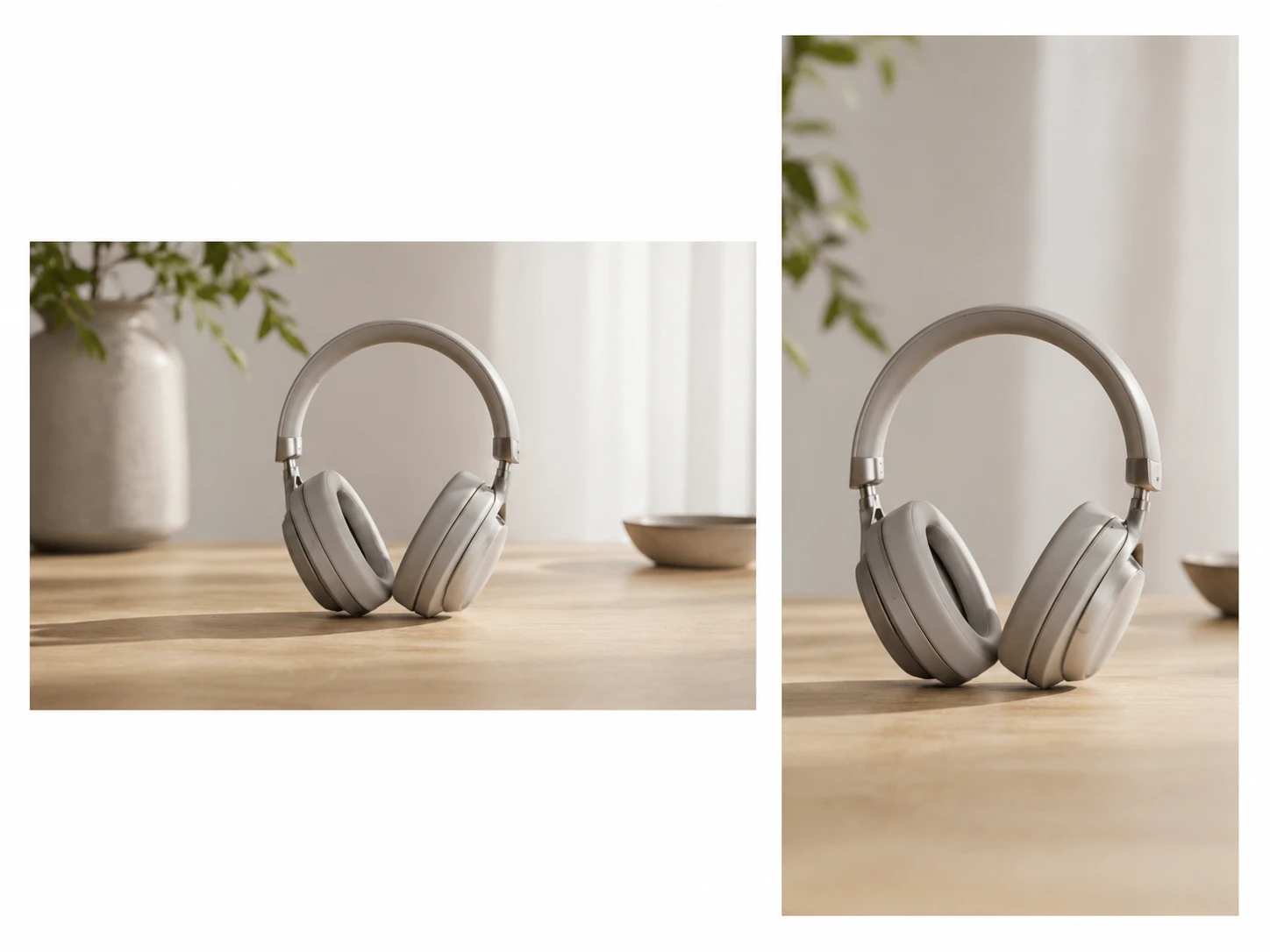
Crop and reframe a horizontal product walkthrough for mobile placement. The ai video editor keeps the product centered while preserving motion and caption space.
PhotoGenerator is designed for teams comparing prompt led editing with older post production steps and generic ai video editing software.
Point 1
Instead of searching every frame by hand, describe the change and review the suggested edit. The ai video editor keeps the decision visible in the timeline.
Point 2
Traditional masking can take repeated passes. With video editing ai, the unwanted object is detected across frames so the editor can focus on approval and detail.
Point 3
A standard video editor ai tool may stop at trimming. PhotoGenerator can connect generated product footage with existing footage, captions, layers, and final export review.
Sure. For video, choose export settings that match your catalog display, marketplace preview, or print linked QR campaign. For still frame pulls, check resolution and file format before final approval.
PhotoGenerator lets teams review output quality before download, including aspect ratio, resolution, and delivery format. The ai video editor is built for commercial review, not casual drafts only.
Here is how teams usually manage it. Use one prompt structure for background, lighting, captions, and crop rules, then apply the same review standard across every SKU video.
You can evaluate the workflow before committing to production volume, depending on the current plan shown in the product. Searchers comparing ai video editor free options should still check export limits and commercial rights.
In practice, the advantage is fewer repeated manual actions. The ai video editor can suggest trims, background changes, and highlight moments so the team spends more time reviewing finished cuts.
The better question is whether it matches your ad workflow. PhotoGenerator is strongest when product footage, generated clips, prompt edits, and vertical outputs need to stay in one review path.
For many campaign edits, the the tool can replace a manual first pass for trimming, cleanup, reframing, and style changes. Complex color grading or sound design may still need specialist tools.
Absolutely. PhotoGenerator can combine prompt based changes with AI generated scenes, so a team can build missing product moments and place them inside the same campaign video.

Use PhotoGenerator to generate clips, edit the timeline, replace backgrounds, and prepare campaign output with consistent quality control.