
Ecommerce Producer
Ecommerce Producer
Match product clips with taps, fabric movement, room tone, and clean music beds. Use PhotoGenerator to add sound to video for catalog reels that feel more complete.

PhotoGenerator helps teams add sound to video with scene aware effects, ambience, music, and balanced volume, so commercial output feels complete without a long audio edit.
Get Started
Ecommerce Producer
Match product clips with taps, fabric movement, room tone, and clean music beds. Use PhotoGenerator to add sound to video for catalog reels that feel more complete.

Marketing Manager
Turn raw campaign cuts into polished assets with video sound effects that support the message. Review the generated mix before sending clips to paid, organic, or retail channels.
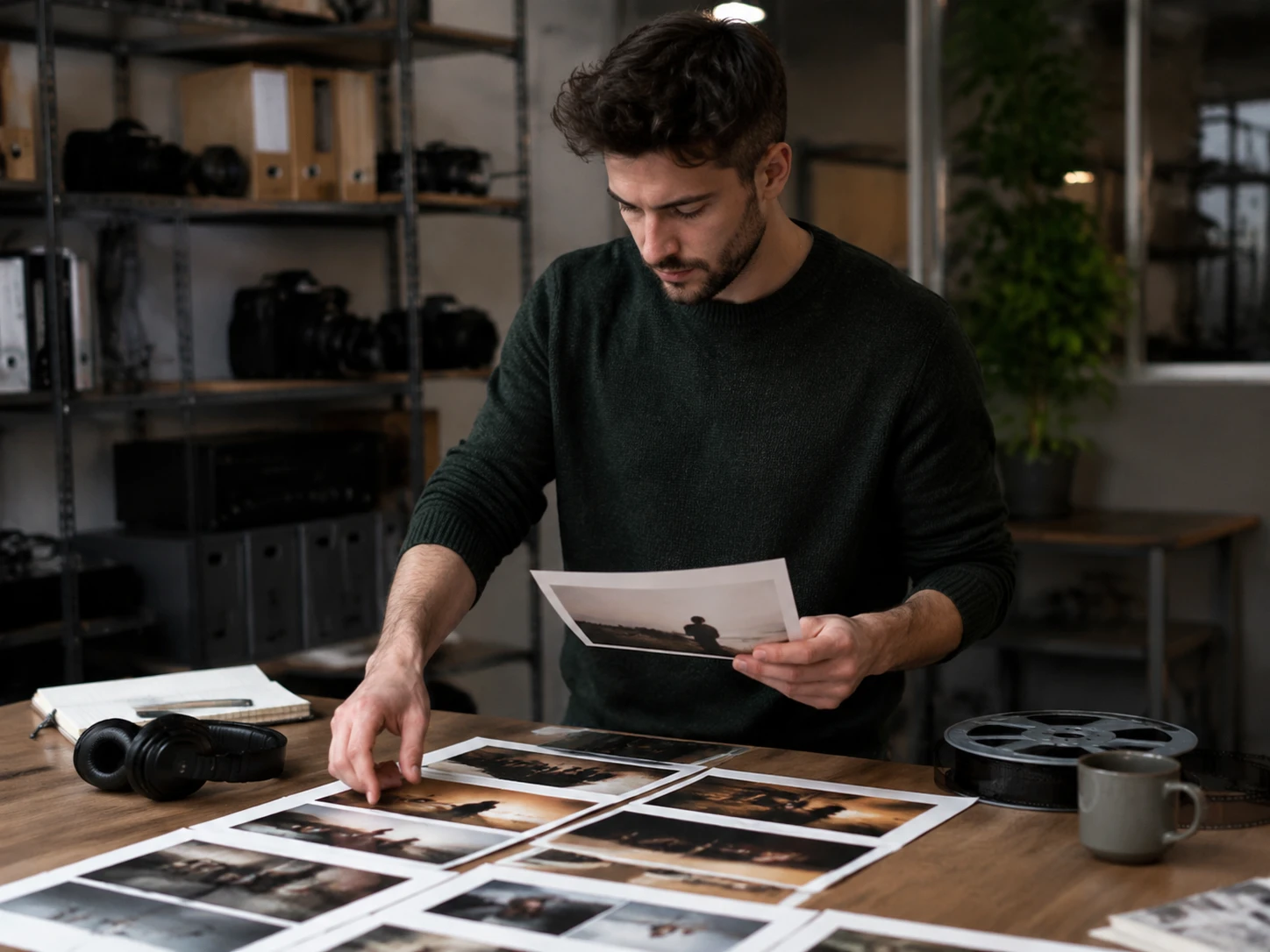
Video Editor
Create a first audio pass before detailed finishing. You can add sound to video in a reviewable timeline, then refine timing and volume for the final export.
PhotoGenerator focuses on timing, quality, and commercial usability when you add sound to video for short form or product led output.
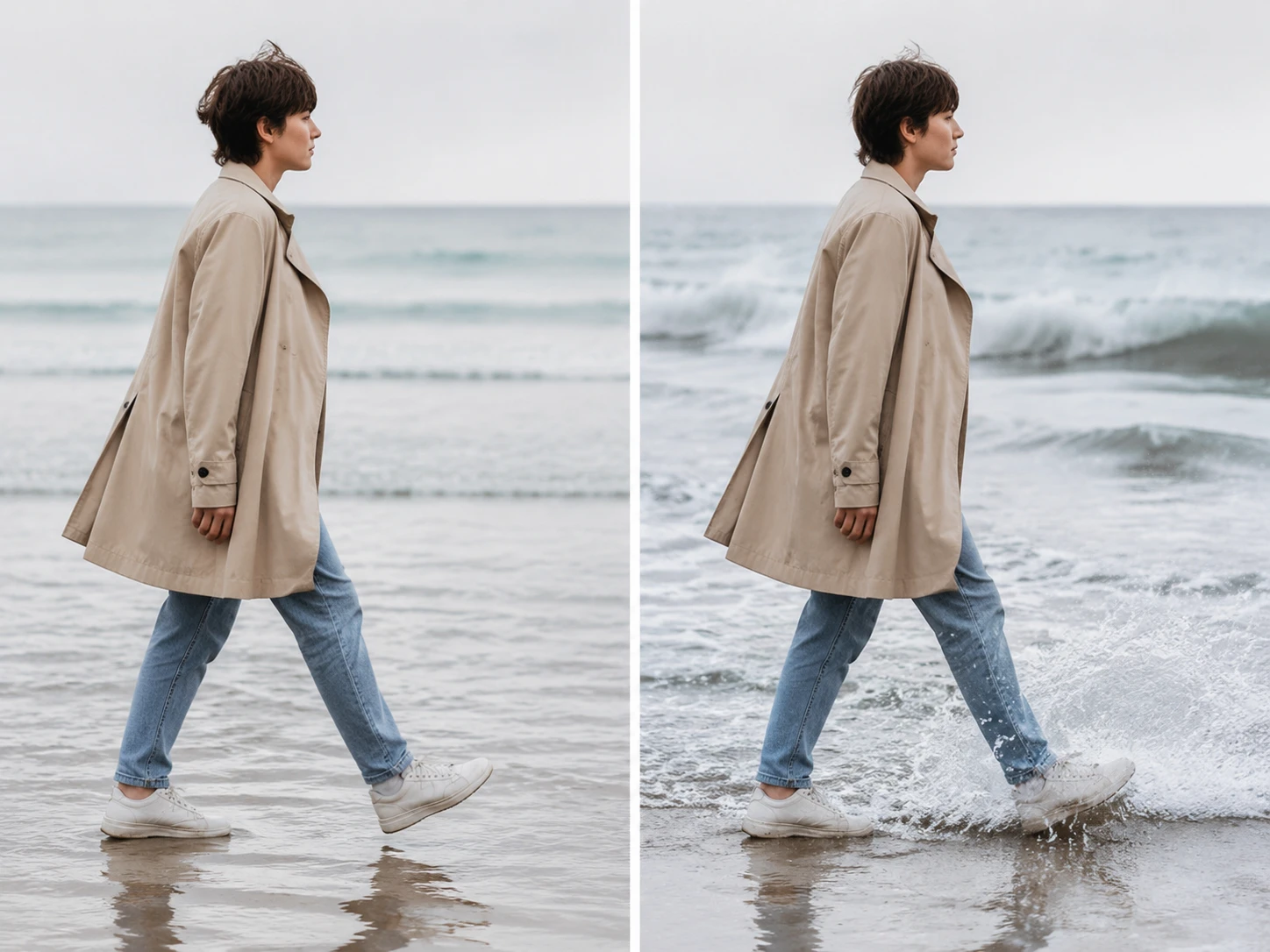
The model reads visible actions, movement, setting, and lighting cues, then suggests effects that fit the moment. Clear motion and readable subjects improve timing accuracy.
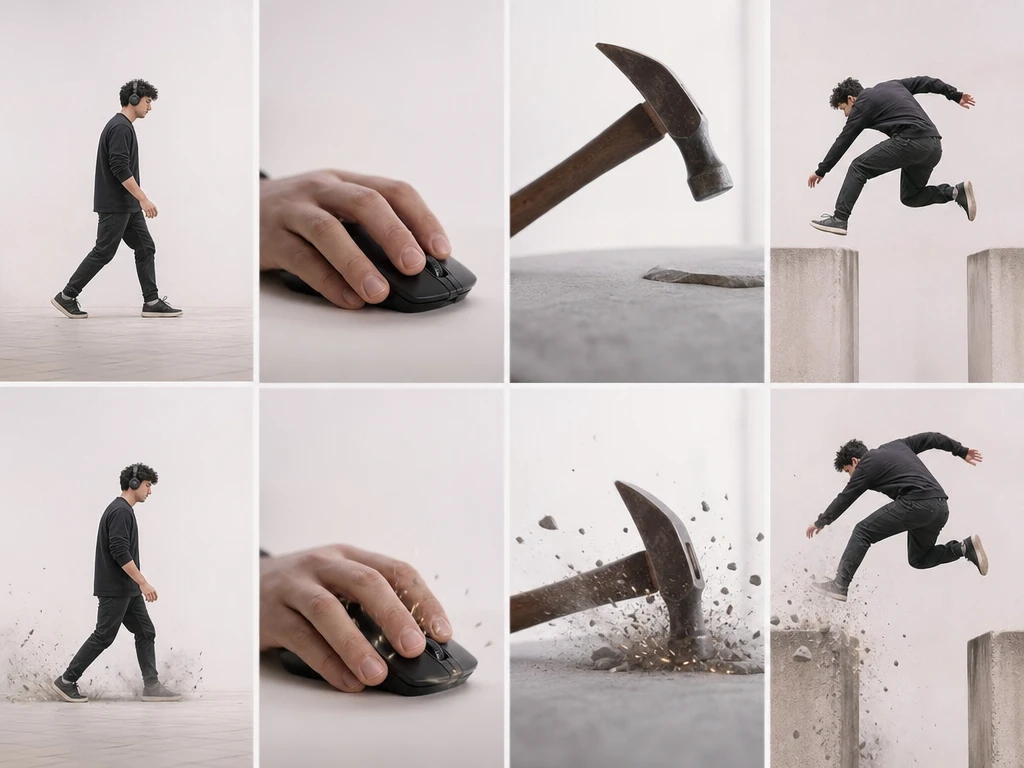
Use the sfx generator to place footsteps, clicks, impacts, whooshes, and transitions around the exact visual beat. It helps add sound to video without manual timeline searching.
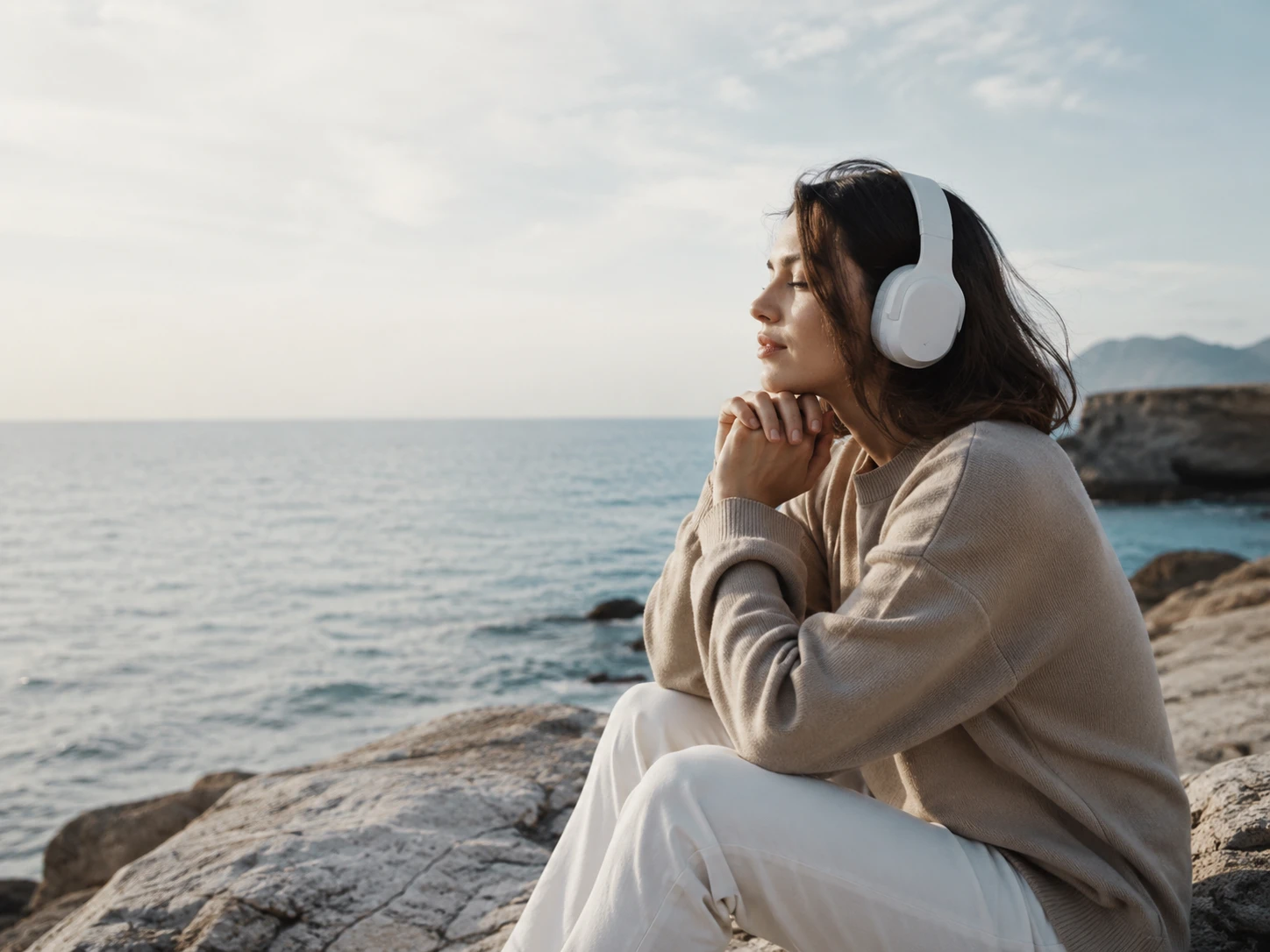
The mix balances ambience, music, voiceover, and video audio effects so one layer does not overpower another. You can still adjust volume when a brand needs a specific feel.

Choose from city, nature, indoor, product, and action categories with consistent quality. The sound effect generator keeps outputs practical for brand videos and catalog content.
These examples show how sound effects for videos can change the perceived pace, texture, and detail after you add sound to video.
Point 1
Generate subtle traffic, door movement, camera clicks, and a restrained music bed for a street filmed product spot. The result supports a professional launch edit.
Point 2
Use PhotoGenerator to add sound to video with wind, water, footsteps, and environmental ambience. The output makes location changes feel clearer without distracting from the visuals.
Point 3
Layer room tone, tool clicks, fabric handling, and simple voice support for a clean instructional video. The mix keeps speech and key actions easy to follow.
Point 4
Add movement accents, hits, crowd texture, and short risers around fast edits. When you add sound to video this way, motion reads with more energy and structure.
Teams use PhotoGenerator when they need quick sound direction, consistent output, and fewer hours spent looking for matching effects.
Lena Brooks
Product Content Lead
We use PhotoGenerator to add sound to video for product reels before stakeholder review. The first pass gives us timing, texture, and a cleaner sense of the final cut.
Marcus Hill
Campaign Strategist
The city ambience and transitions helped our campaign edits feel finished earlier. I still adjust the mix, but the starting point is far stronger than a silent cut.
Ava Chen
Video Editor
I can add sound to video for rough cuts, share options, and keep the better mix for final work. It reduces the blank audio problem at review stage.
Jon Bell
Startup Founder
Our launch videos needed quick polish without hiring audio support for every clip. PhotoGenerator gave us useful effects and background beds in one workflow.
Maya Patel
Social Producer
Short social edits move faster now because the audio draft matches the scene. I can focus on message, cuts, and approvals instead of hunting through libraries.
Chris Romero
Learning Designer
Training clips need clear cues, not loud effects. PhotoGenerator helped us place small sounds around actions so viewers understand each step more quickly.

Generate timed effects, ambience, music, and balanced mixes in PhotoGenerator so your next commercial video output sounds ready for review.
Get Started