
AI Video Generator from Image
PhotoGenerator AI generates cinematic motion from a single static image and lets you review the output for subject consistency before you commit to export. Upload one approved source, write a prompt that names the camera move, and check whether the generated clip preserves the original detail. This is the ai video generator from image workflow for creators who already know what they have and need to confirm the model output. Use the free ai video generator from image search intent as a reminder to check current plan limits before production work.
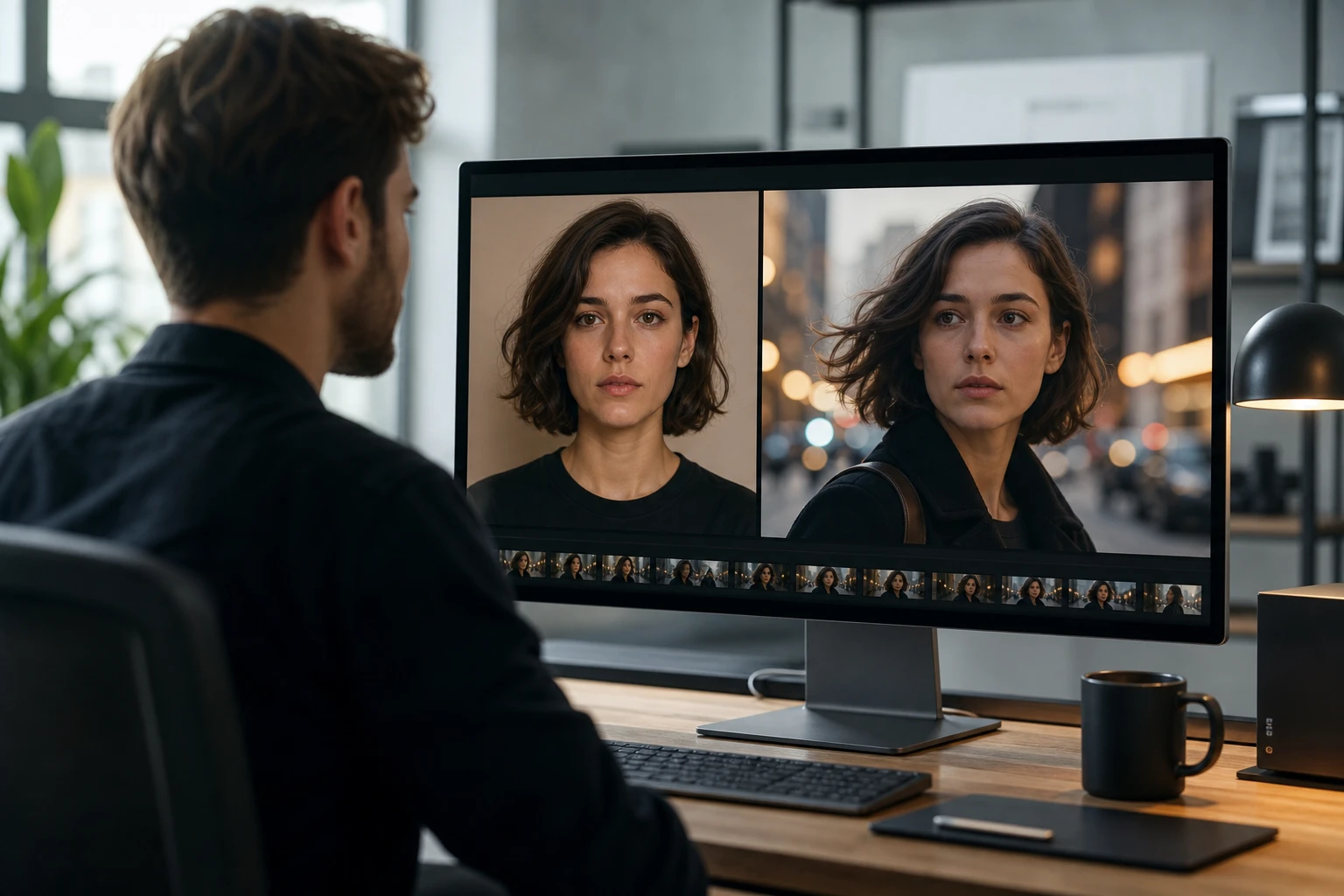
What The AI Video Generator From Image Preserves
Each capability targets a specific fidelity concern that appears when a static source image moves. The ai video generator from image helps you confirm that the detail in your source survives the generation process. Use the ai video from image preview to verify every element.
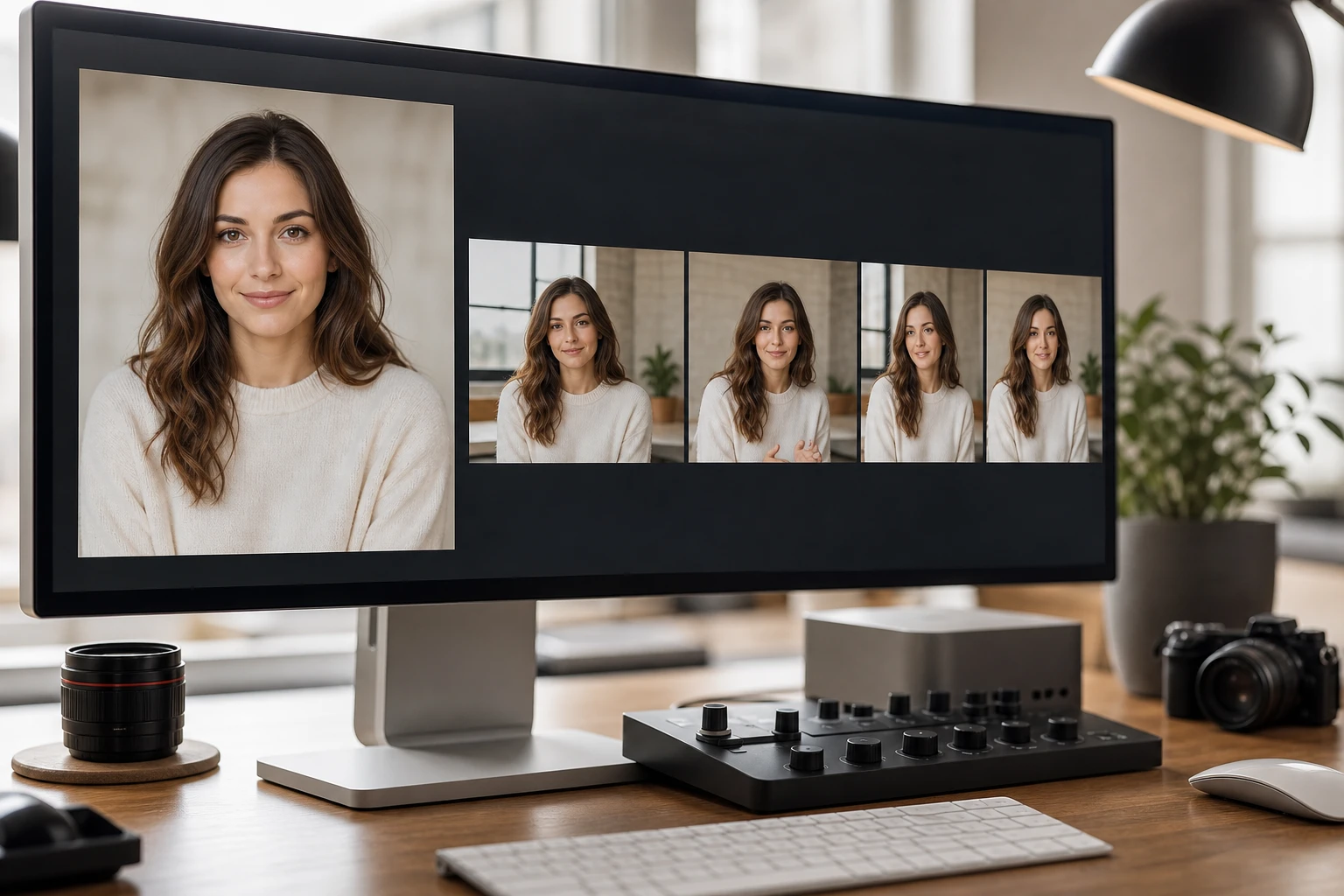
Face and Expression Hold
PhotoGenerator AI maps facial landmarks in your source before generating motion so the proportions stay consistent across the generated clip. You see the face in the preview at the same scale the prompt requested without manually checking every frame. Works best with source images where the face is unobstructed and evenly lit.
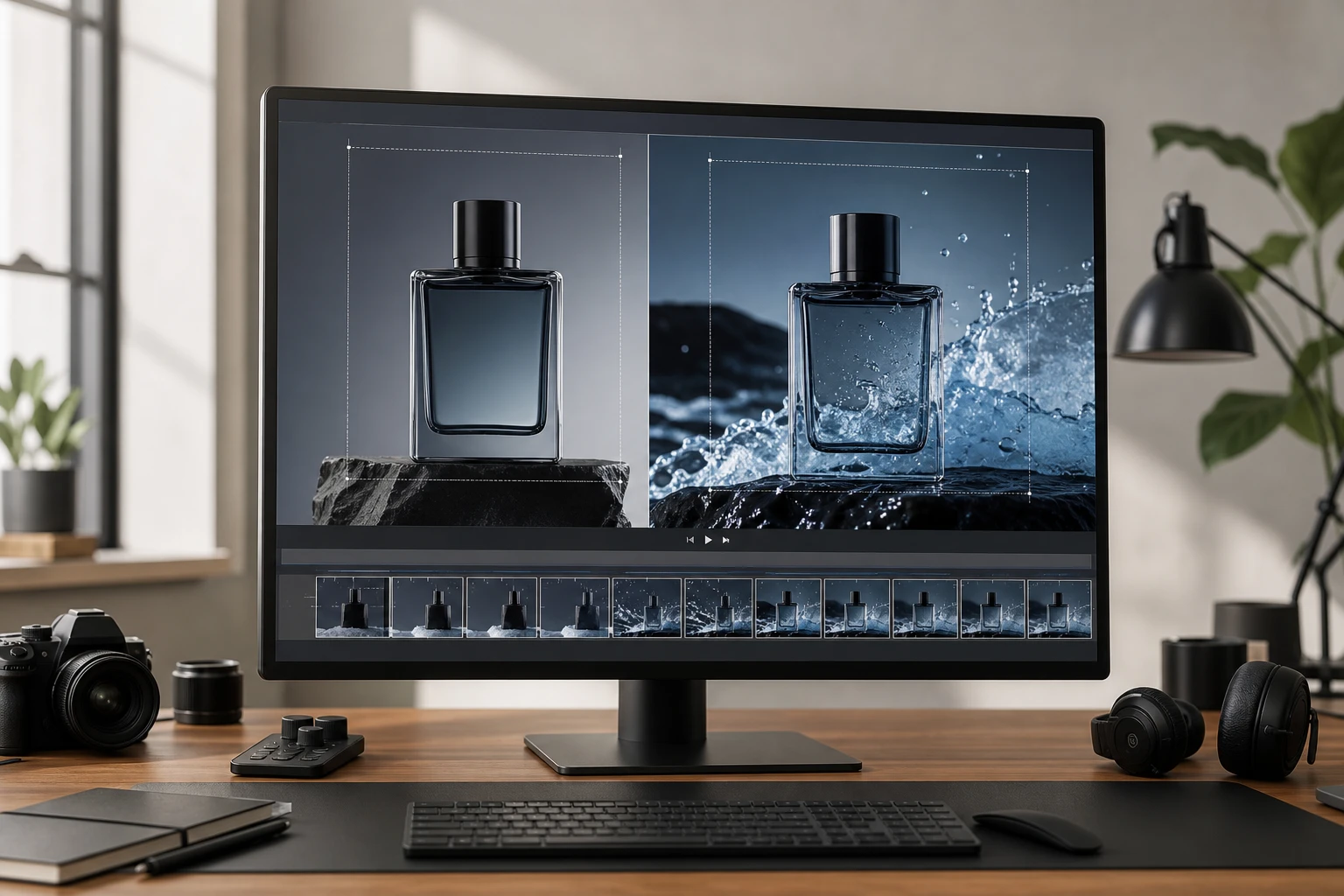
Product Edge Integrity
PhotoGenerator AI applies motion while holding the edge geometry rather than letting the outline soften during camera movement. The object boundary in the generated clip reads as intentional and clean for ad creative. If the source has a busy background, the model flags that condition so you can adjust the prompt.
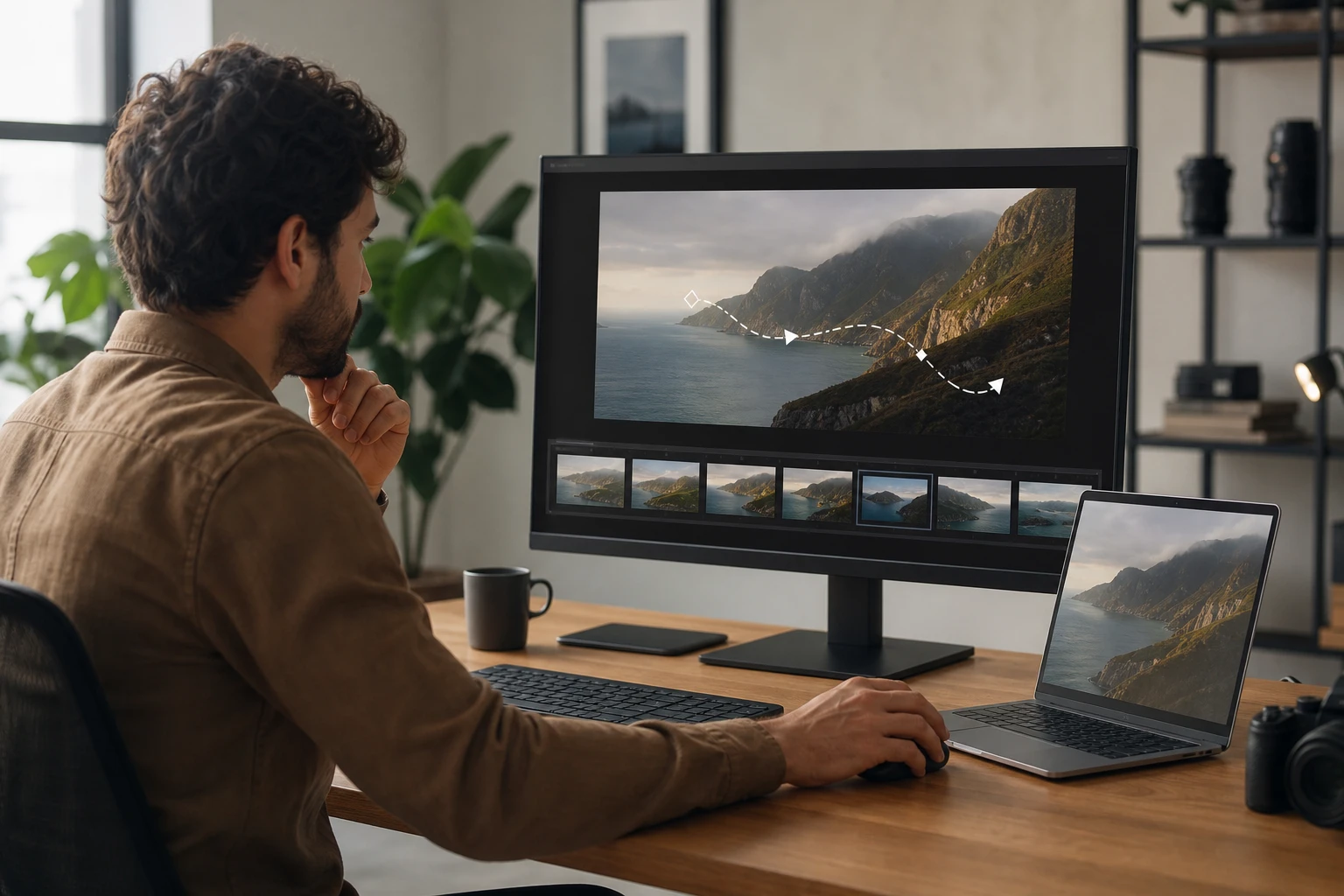
Camera Prompt Adherence
PhotoGenerator AI reads your camera movement instructions separately from your subject action instructions so a slow zoom does not become ambient motion. The preview player marks the motion type detected in the clip so you can compare it against what the prompt requested. Requires a prompt that clearly separates camera direction from subject action.
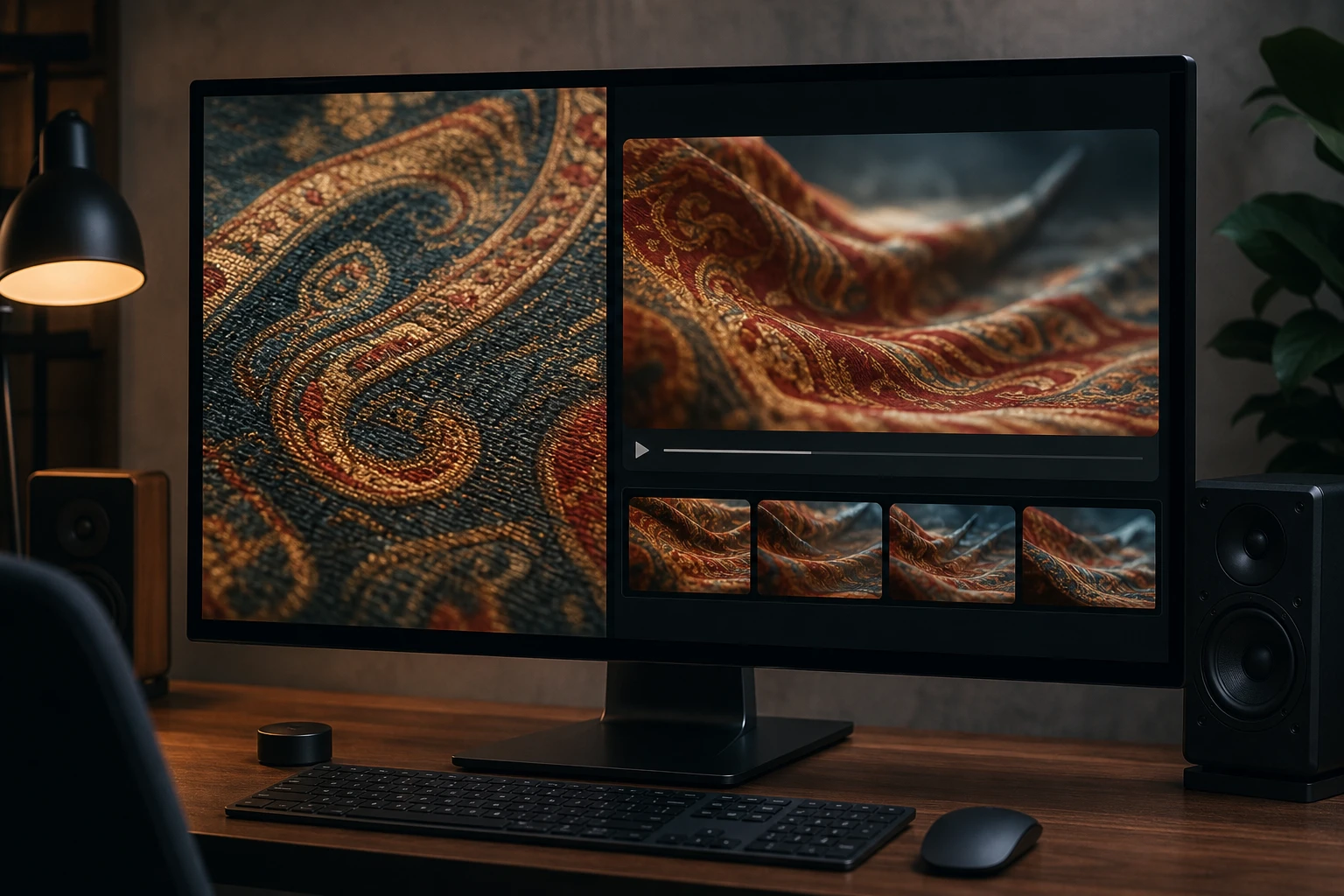
Texture Hold Under Motion
Fabric grain and fine illustration detail can smooth over when a static image moves during zoom sequences. PhotoGenerator AI preserves texture at the pixel level across the motion arc so the generated clip reads as the same material. When the subject is clear and well lit, the output is cleaner.
AI Video Generator From Image vs Generic Tools
Older motion workflows were not built around a single approved source. Understanding where they fall short helps clarify what the ai video generator from image actually changes for a production review. Compare the ai video generator from images against older methods.
PhotoGenerator AI vs Parallax Depth Tools
Parallax motion tools separate a static image into depth layers and shift those layers independently to simulate camera movement. The technique works for scenes with clear foreground separation but it does not generate new pixels. PhotoGenerator AI generates genuine motion across the full frame using the source image as a reference so the subject moves as a coherent object. The ai video generator from picture ensures the subject does not look like a shifted cutout layer.
PhotoGenerator AI vs General Video Editors
A standard video editing timeline can apply scale keyframes and position shifts to a still image. The result is a zoomed version of the original pixels rather than a generated scene with coherent subject motion. PhotoGenerator AI generates subject motion and camera movement as separate instruction outputs. The video from image ai approach allows a product to shift in place while the camera holds position.
PhotoGenerator AI vs Sequence Builders
Sequence tools build motion by assembling multiple images with transitions between them. That approach introduces consistency risk when the source images were shot at different times with different lighting. PhotoGenerator AI generates continuous motion from a single source so the lighting direction remains coherent across the full output clip. The ai video from images workflow avoids the jarring cuts of a sequence builder.
Creators Testing Source Fidelity With PhotoGenerator AI
These are the production situations where the ai video generator from image fidelity review made a difference to the final output decision. Read how professionals use an ai video generator from image free search as a starting point, then check plan limits before testing production assets.
Rosario Velden
Freelance Brand Content Producer
I had one approved product shot from the brand and no budget to reshoot. The ai video generator from image output held the label text and the bottle edge perfectly. Passed the client review without a single retake.
Tomas Benes
Portrait Photographer
The face consistency across the motion sequence was the deciding factor for me. I tested three prompts on the same portrait and the ai video generator from image held the expression across all three.
Yuki Haramoto
Digital Illustrator
My illustration style has a lot of hand drawn texture in it. Previous video from images tools would smooth over that texture completely. PhotoGenerator AI kept the grain so the output actually looks like my work.
Danielle Osei
Social Content Strategist
I use the camera prompt adherence check every time before I export. The ai video generator from image tells me whether the zoom registered cleanly so I can adjust the prompt rather than deliver a bad clip.
Marcus Albuquerque
Creative Director
Animating static images for ads used to mean accepting some edge blur around the product. The ai video from picture edge integrity feature in PhotoGenerator AI is the first time I have seen the silhouette hold through a slow pull.
Priya Menon
Video Editor
I ran the same source image through a parallax tool and through PhotoGenerator AI to compare. The ai hot video generator from image output looked like the subject was actually in motion rather than just a moving cutout.
Source Fidelity Questions For PhotoGenerator AI
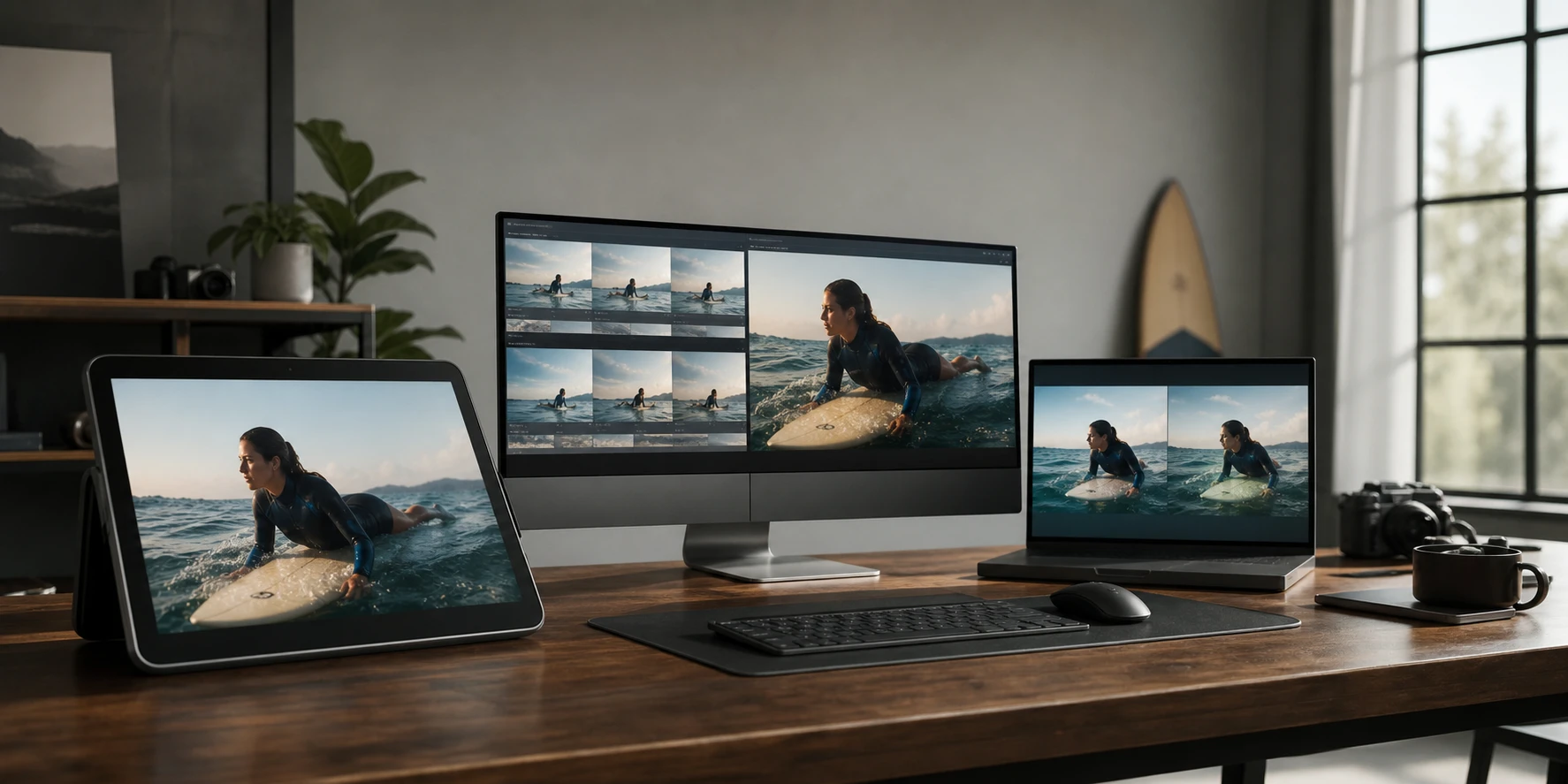
Test Your Source Image For Motion Fidelity
Upload one approved image to PhotoGenerator AI and write a prompt that names the camera move and subject action. Check the generated clip against your source before you export. The ai video generator from image review takes one generation cycle and the preview shows you exactly what the output holds.
Get Started