

Ecommerce Manager
Ecommerce Manager
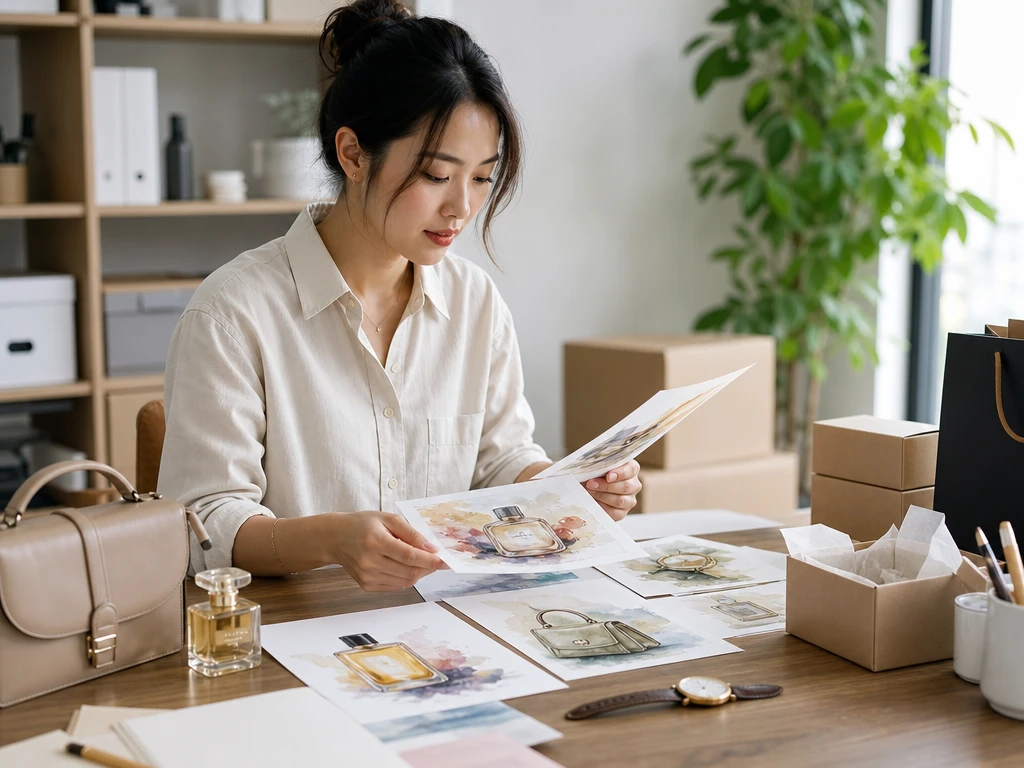
Create ai art style product images for seasonal catalog pages without losing the item shape. Use one visual direction across many SKUs so the range feels planned.

PhotoGenerator helps teams convert photo to art with prompt based direction, reference style transfer, and output checks for commercial use. Keep the subject recognizable while the ai art style changes color, brushwork, texture, and mood.
Create Image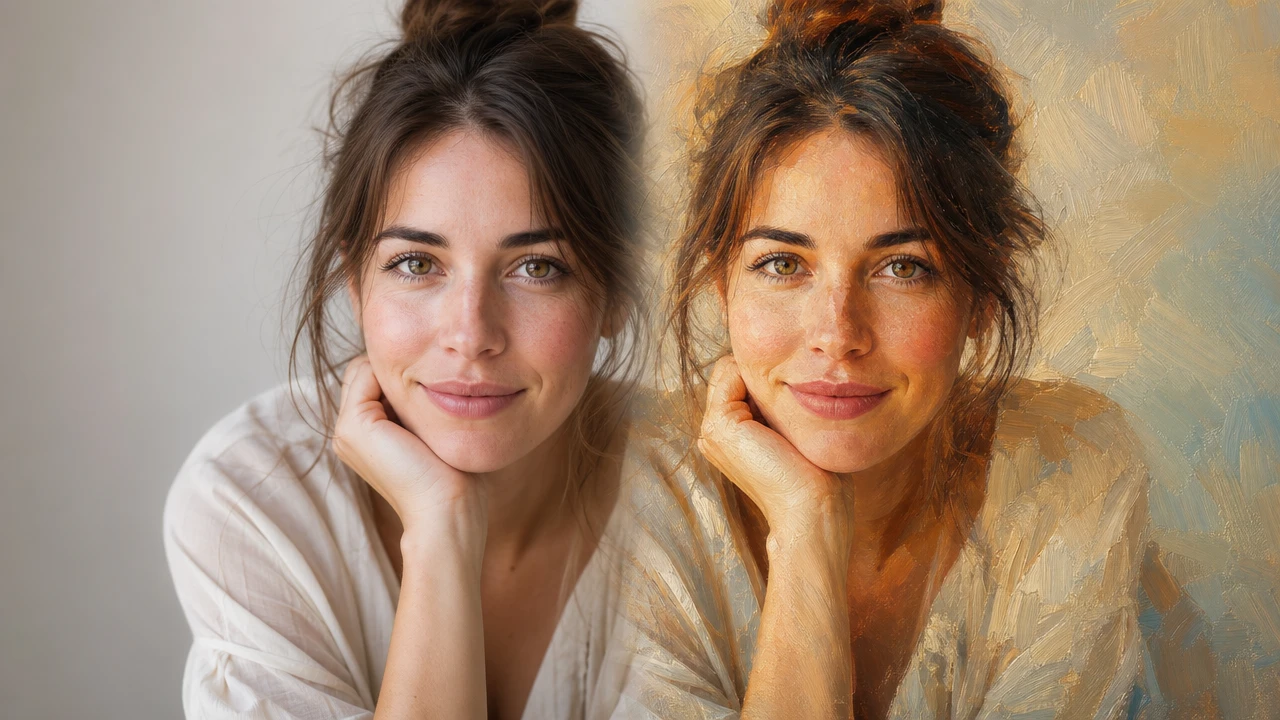
Ecommerce Manager
Create ai art style product images for seasonal catalog pages without losing the item shape. Use one visual direction across many SKUs so the range feels planned.

Brand Marketer
Build campaign assets that turn photo into art while keeping the product or spokesperson clear. The result gives social posts and ads a stronger visual language.

Independent Consultant
Style a headshot, workspace image, or service visual with ai art style control for a polished profile. Keep the output professional enough for proposals and public pages.
PhotoGenerator gives practical controls for image style transfer, so the result can match a brief instead of looking random.
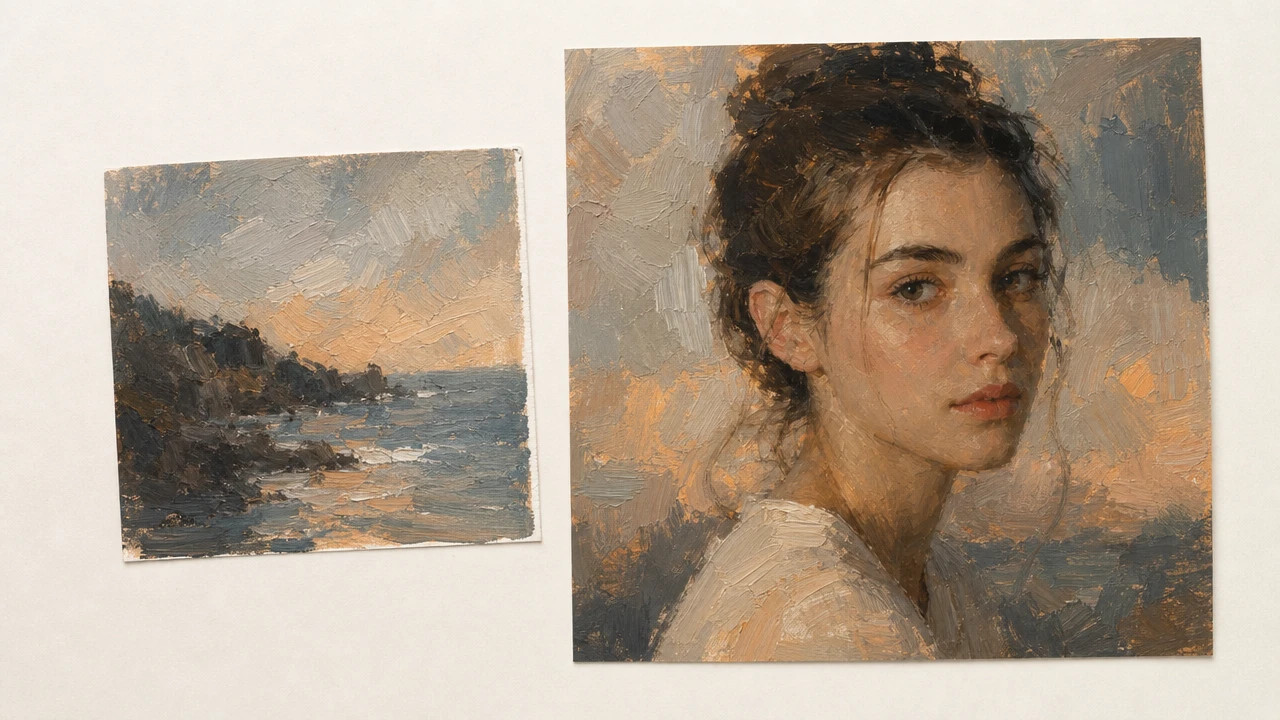
Upload a reference image so ai art style choices follow its palette, brushwork, texture, and composition mood. Strong references produce more consistent output.
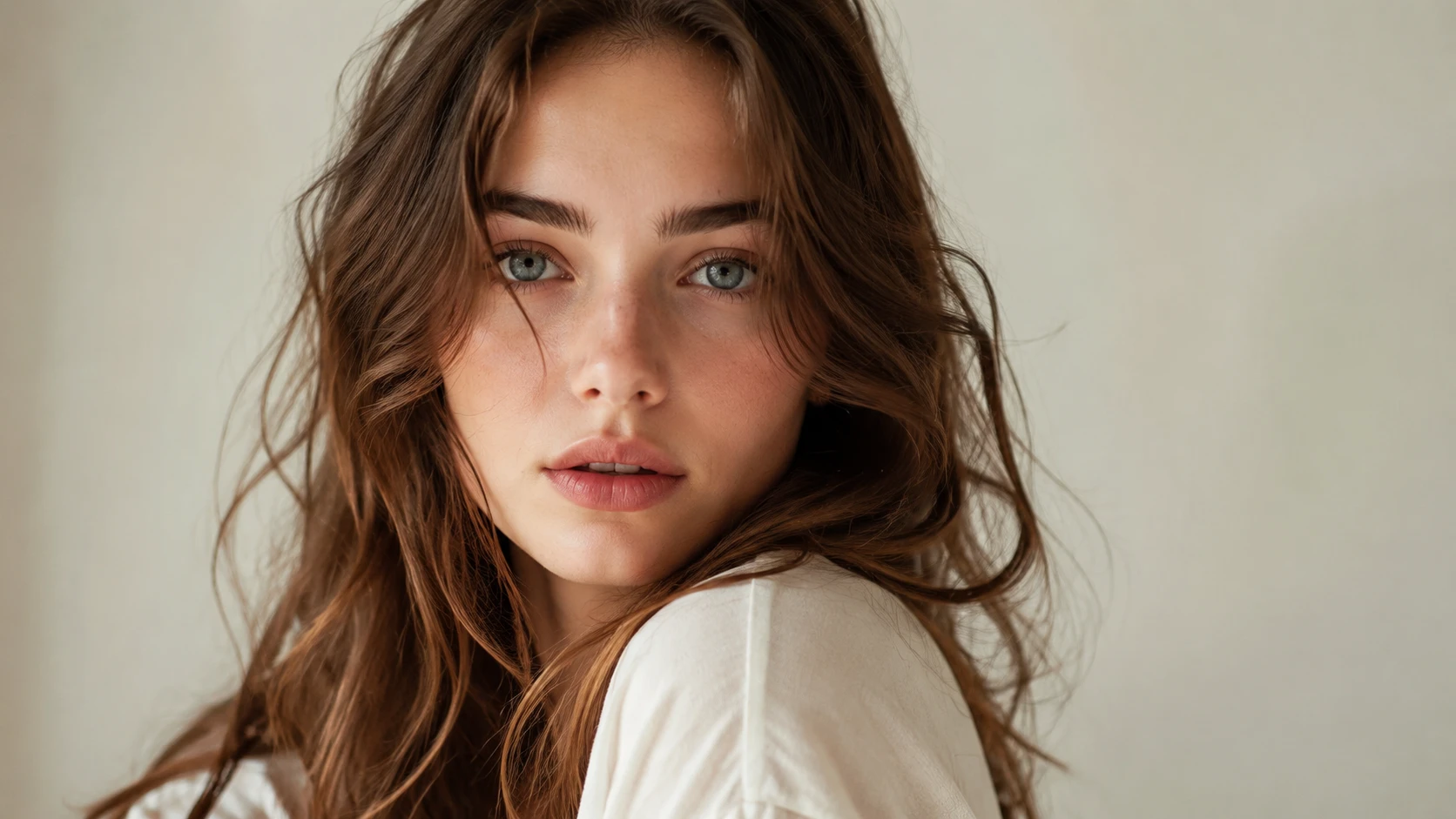
Keep the person, product, pet, or scene readable while the ai art filter changes the surface treatment. Clear source images help preserve detail.
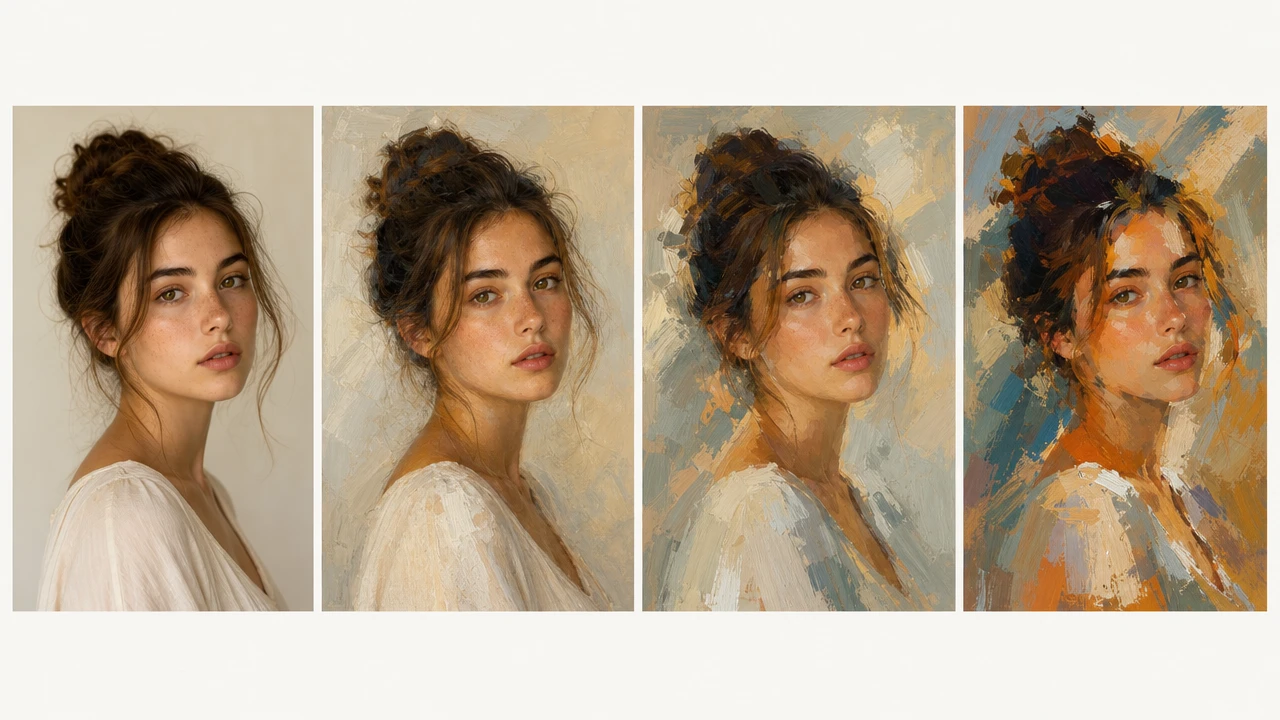
Set ai art style intensity from light finish to bold photo to painting ai output. Use subtle settings for commercial pages and stronger settings for campaign concepts.
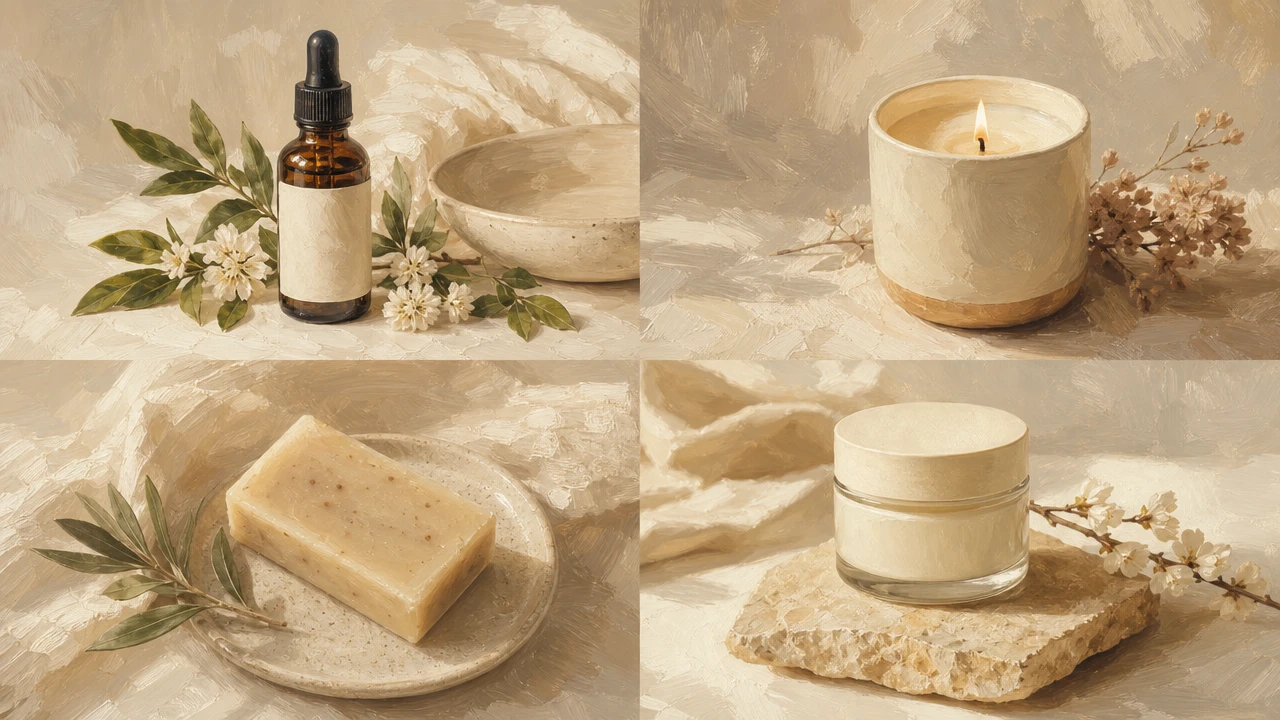
Apply the same visual settings across a group of images for a cleaner campaign set. This is useful when style transfer ai output must support one product story.
Teams use PhotoGenerator when ai art style output needs to look deliberate across commercial image sets.
We used one reference painting for a small catalog story, and the product shapes still read clearly.
The ai art style pass helped us test campaign directions before booking a full shoot.
I needed a speaker portrait with more character, but it still had to feel suitable for a conference page.
The pet portrait outputs kept the expression and added enough texture for a gift print mockup.
For paid social, we could compare several visual treatments without rebuilding the image brief each time.
The package concept images felt consistent enough to share in a client review deck.
Sure. PhotoGenerator can convert photo to art while keeping product shape, color cues, and composition clear. Use ai art style settings with a clean source image when the catalog still needs recognizable merchandise.
Absolutely. You can turn photo into art and preserve the main person, object, pet, or scene. The ai art style changes surface treatment, lighting mood, and texture while the subject remains the anchor.
Here is how it works. The reference guides color, brush feel, texture, and overall visual language, then PhotoGenerator applies that direction to the target image. Clear references make ai art style output more predictable.
In practice, ai style transfer reads more than a preset color overlay. It can follow composition mood, line weight, and painterly detail, which helps when a commercial image needs a custom look.
Style transfer ai is useful during concept testing, social asset production, and visual direction reviews. It gives the team image options before committing to final shoot planning or design production.
You can use neural style transfer for portraits when the face is clear and the style strength is chosen carefully. Lower strength usually protects identity, while stronger settings create a more expressive result.
For catalog and print work, check the file format, pixel dimensions, and target resolution before publishing. PhotoGenerator output should be reviewed at the intended size so ai art style detail and lighting hold up.
Use an ai art filter when you need a fast visual treatment for a post, profile image, gift print, or campaign draft. For commercial use, review the output for clean edges, readable detail, and consistent lighting.
Batch work is practical when the images share similar framing and quality. Image style transfer can keep a group visually consistent, but SKU sets still need review for subject accuracy and throughput limits.
Write a prompt, choose a reference direction, and generate ai art style output that is ready to review for resolution, lighting, detail, and commercial use.
Get Started