
Ecommerce Producer
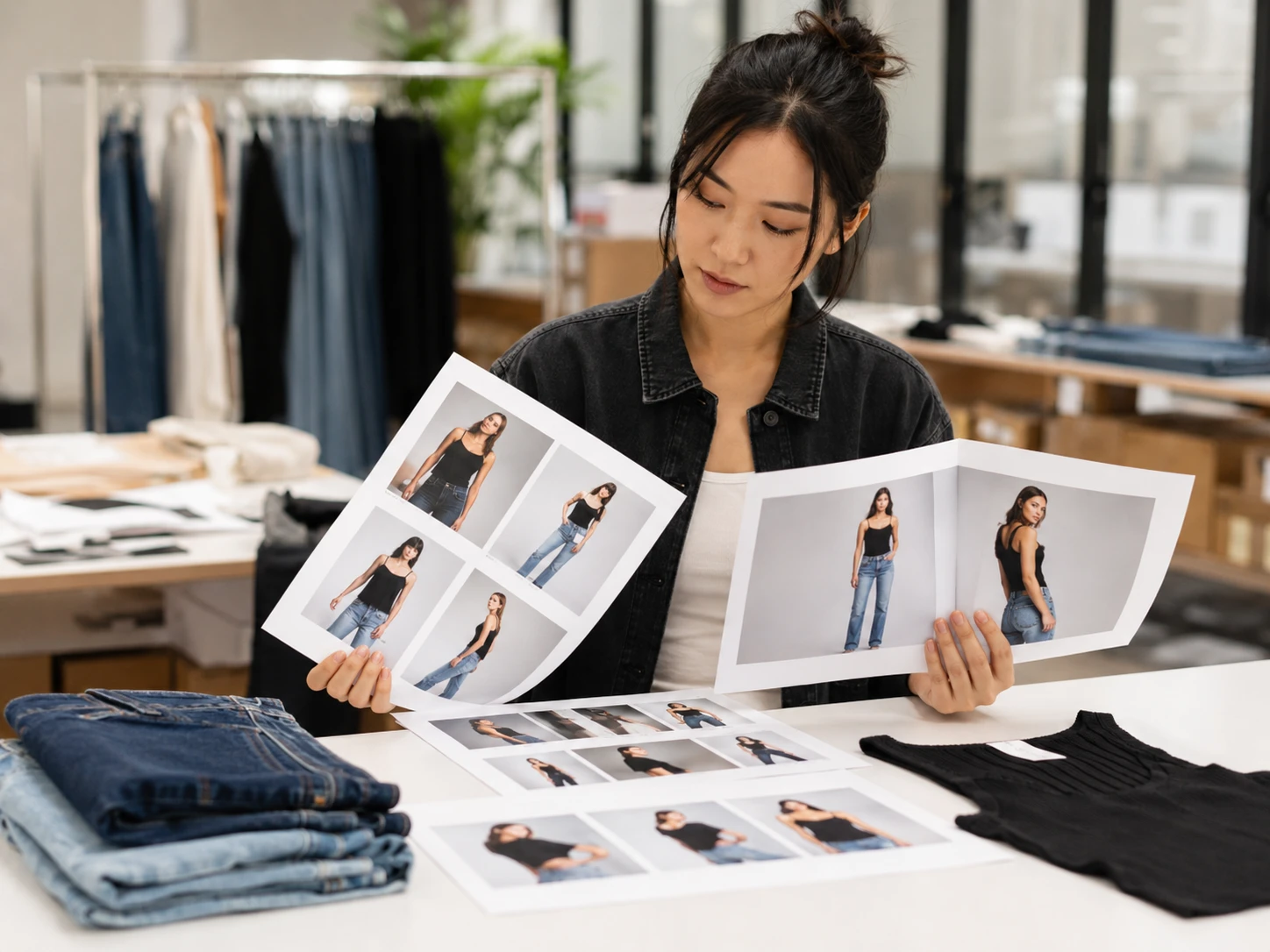
A producer can test model variations for catalog visuals before planning a shoot. The face swap workflow keeps the pose and product framing stable while exploring a different on model look.

PhotoGenerator helps teams swap faces in still images while preserving gaze, head angle, posture, and emotional expression. Write the prompt, set the target identity or style direction, and generate a clean output for social posts, campaign mockups, avatars, or marketing tests.
Get Started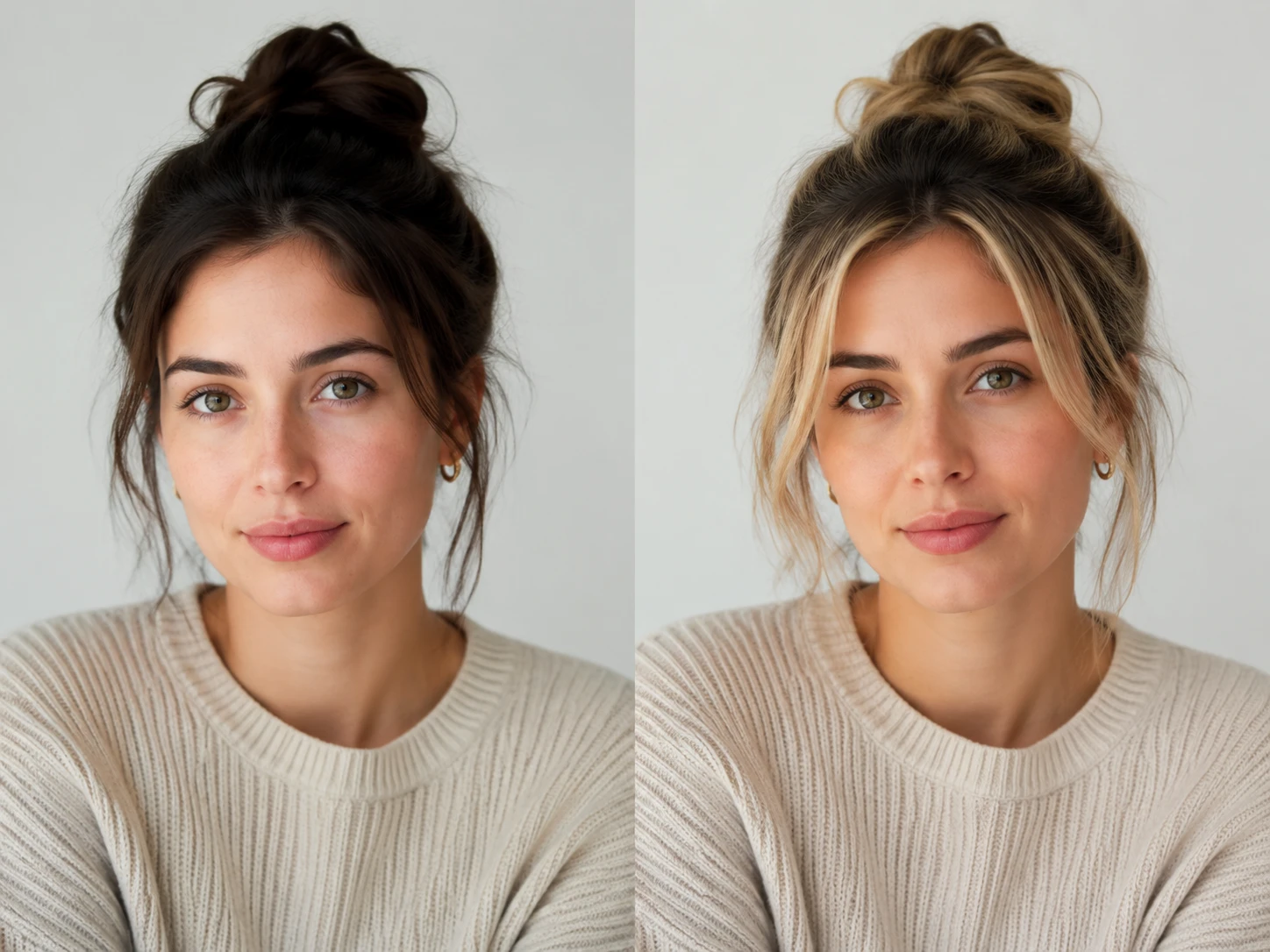
A producer can test model variations for catalog visuals before planning a shoot. The face swap workflow keeps the pose and product framing stable while exploring a different on model look.

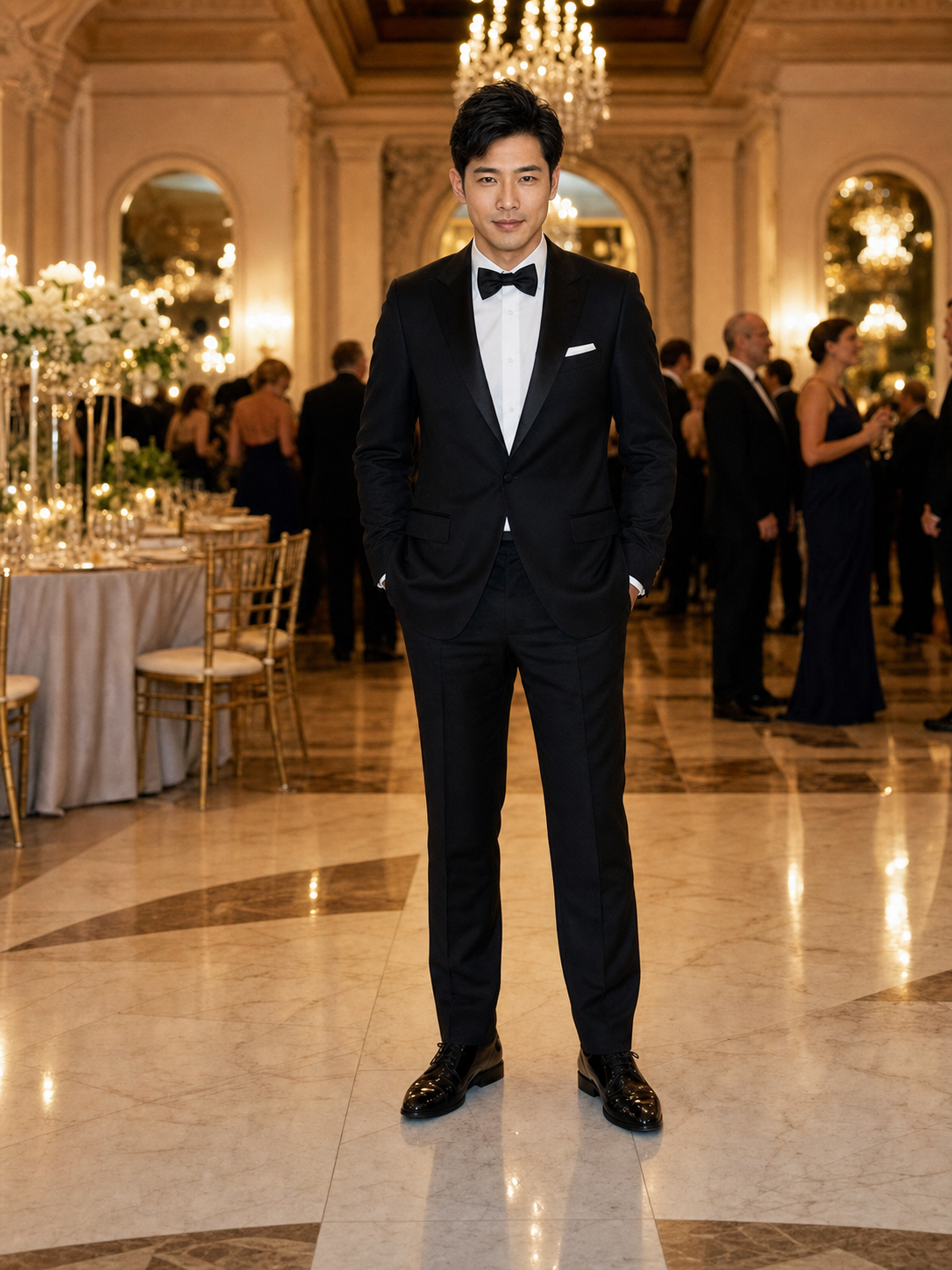
A marketer can generate concept images for seasonal ads, influencer drafts, or TikTok stills. PhotoGenerator gives the team a fast visual reference without rebuilding the entire scene.

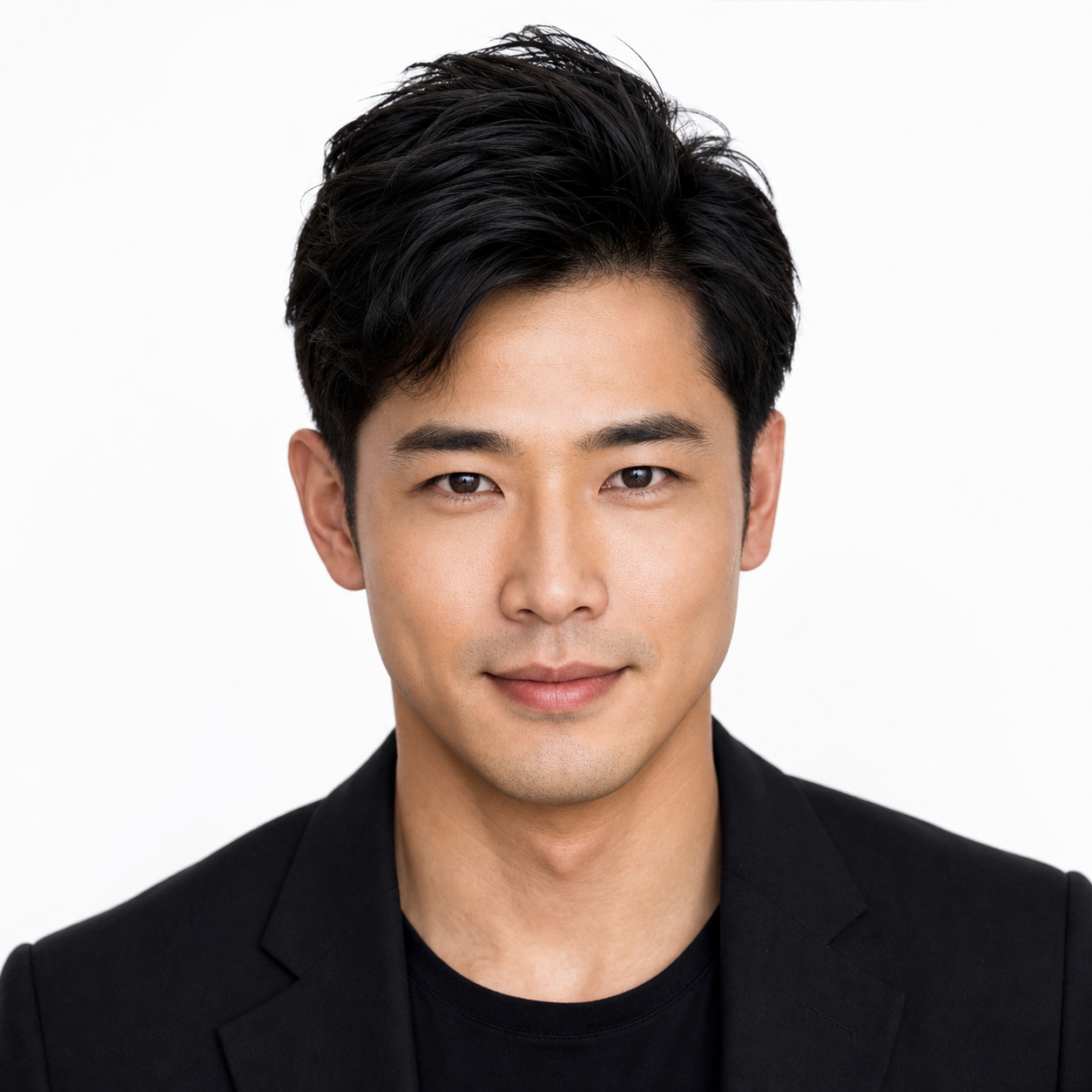
A consultant, creator, or photographer can create a polished headshot direction from a prompt. The face swap result can align clothing, expression, and background with a professional profile need.
PhotoGenerator is built for specification led generation. Each ai face swap should keep the original photo readable while making the replacement face feel native to the lighting and camera angle.

The tool keeps the smile, eye direction, and emotion from the source image so the face swap does not flatten the performance. Strong source detail improves the final expression.
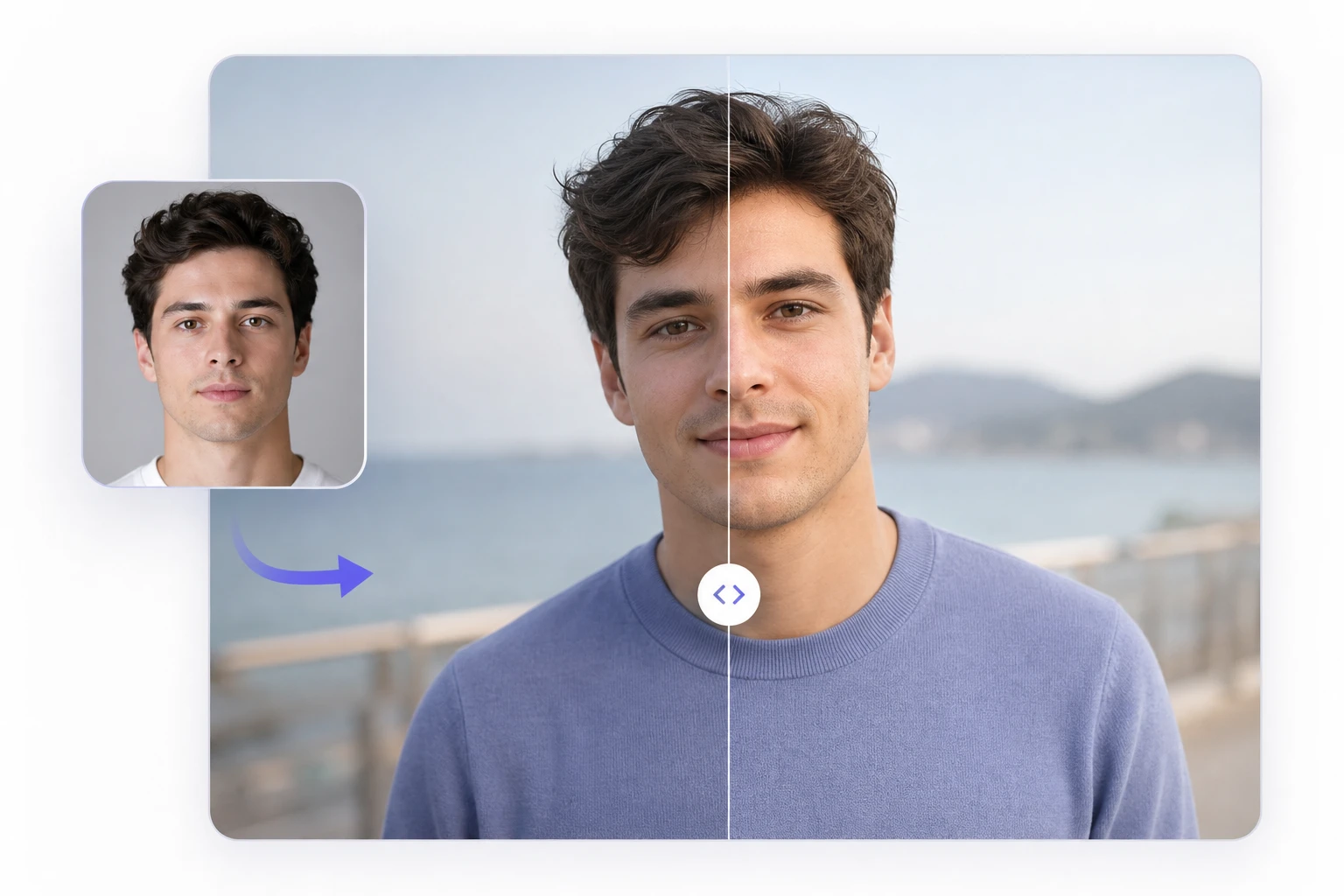
PhotoGenerator adapts brightness, shadow direction, and facial highlights to the original scene. This helps the face swap sit inside the photo instead of looking pasted on.
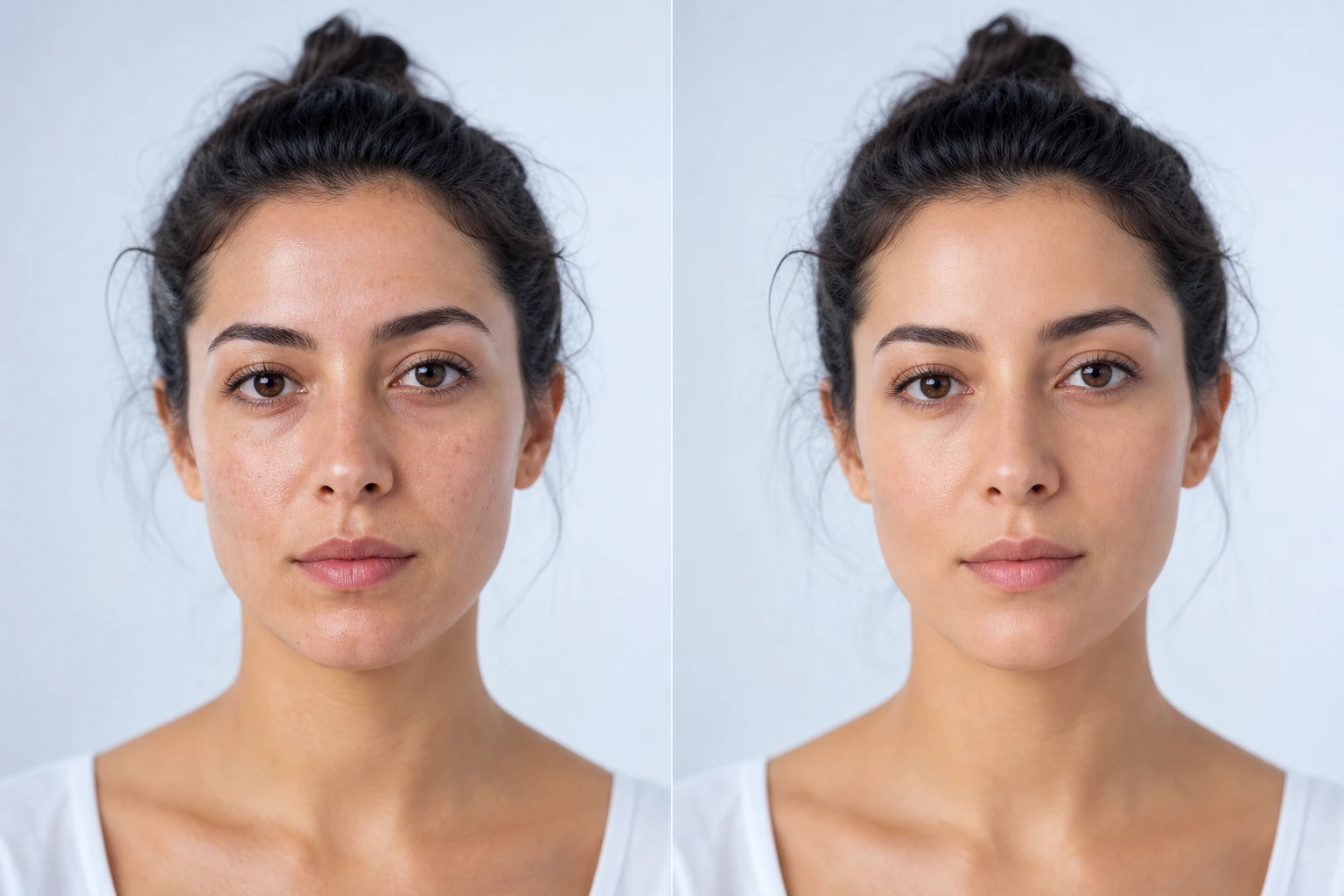
The system blends skin tone, facial contour, and local contrast around the cheeks, jaw, and forehead. A clear prompt helps define how natural or styled the output should be.
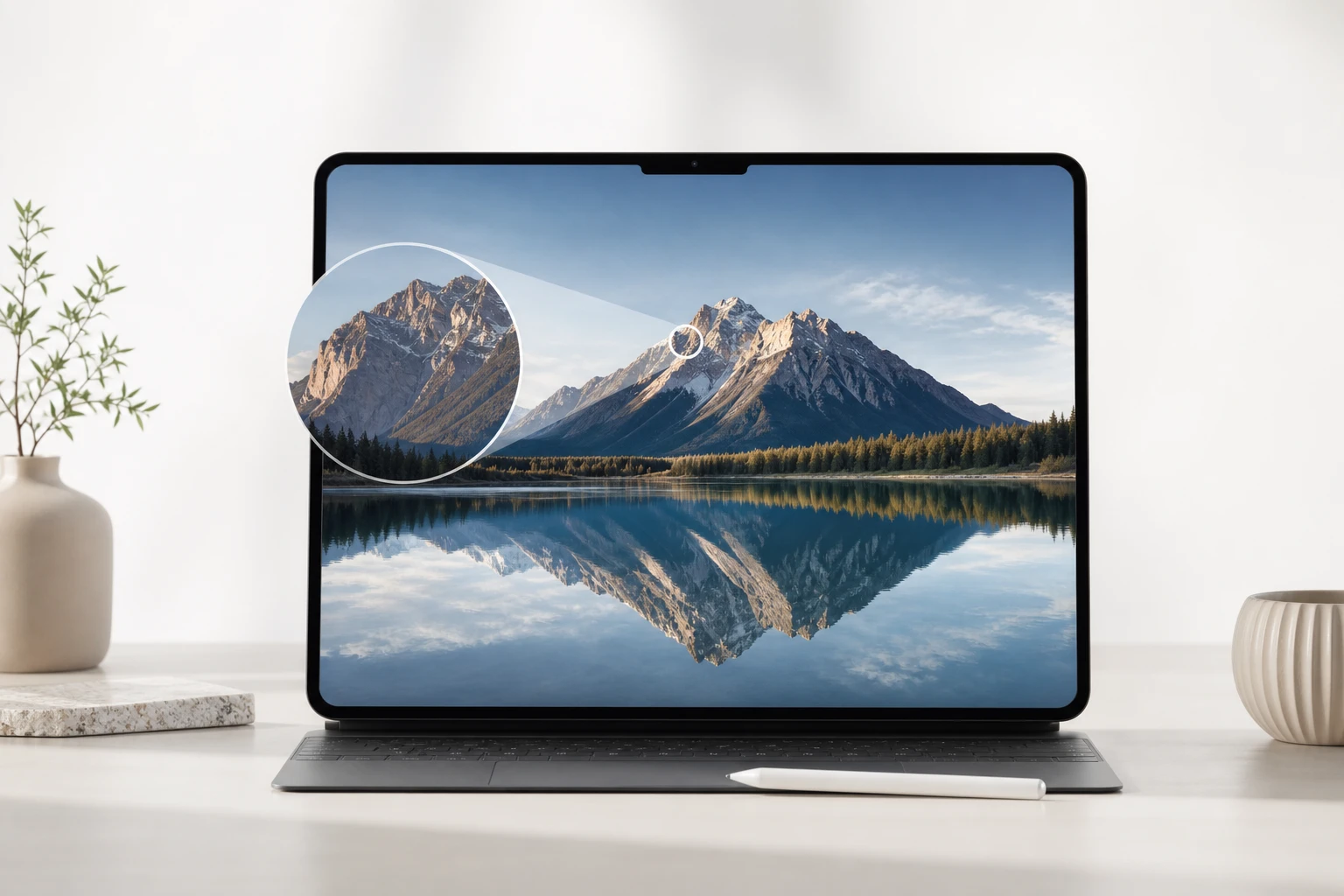
Generate a still image with enough resolution for review, web publishing, and campaign layout checks. For print work, start with a sharp source and specify the needed output size.
A photo face swap can support fast creative testing when the scene, pose, and brand context are already clear. These outputs are still images made for review, sharing, or publishing.
Point 1
Generate a recognizable meme style image while keeping the face angle and reaction credible. The face swap should preserve the joke without damaging image quality.
Point 2
Create a sharp cover frame for a short form idea before producing motion assets. If the project needs face swap video, handle that as a separate video workflow.
Point 3
Build a profile image direction for a creator, team member, or branded persona. The output can show a different age, gender presentation, or style while staying photorealistic.
Point 4
Create a private concept mockup that explores a famous face direction for visual planning. Commercial publication should use proper rights, consent, and approved talent assets.
Teams use PhotoGenerator when they need fast image output that can survive a professional review. The strongest results come from clear prompts, sharp references, and practical expectations.
The face swap kept the model pose and product framing intact, which made our catalog test easy to compare with the original shot.
I used it for campaign concept boards where the lighting had to look consistent across several talent directions.
The output was useful for a headshot refresh brief because the expression stayed professional instead of looking over edited.
For paid social drafts, I could test different faces without losing the original hand pose, wardrobe, or camera angle.
The skin tone matching saved time during review because the first version already looked close enough for client feedback.
I tested faceswap ideas for creator thumbnails and could quickly reject weak prompts before building the final post.
Use the highest quality source image you can provide, then export at the resolution needed for the channel. For catalog pages, social ads, and print review, sharper input usually gives cleaner facial detail and more reliable lighting.
In practice, batch work is strongest when the photos share similar framing, camera distance, and lighting. PhotoGenerator can help teams produce consistent image variations, but each final face swap should still be reviewed before publishing.
The face swap process reads the original gaze, head angle, mouth shape, and visible emotion, then adapts the new identity to those cues. This is why a sharp source portrait gives better results than a low detail crop.
Absolutely. Ecommerce teams can test talent looks while keeping product position, wardrobe, and pose stable. That makes the output useful for review meetings before committing budget to a full shoot.
Lighting direction, skin tone, contour, and shadow softness matter most. PhotoGenerator matches those details so a face swap can feel integrated with the original photo instead of sitting above it.
PhotoGenerator is focused on photorealistic still image output for professional use. A casual face swap app may prioritize quick sharing, while this workflow gives more attention to prompt control, resolution, and review quality.
You can create private mockups for planning, but public or commercial use needs proper rights, consent, and accurate disclosure where required. PhotoGenerator is best used with approved assets and responsible creative direction.
Review the eyes, teeth, jawline, hair boundary, and shadow edges at full size. Teams often compare face swap ai output against the original scene to check whether the replacement face follows the same camera logic.
For the tool video, use a workflow built for frames, motion, and temporal consistency. This page is for still image generation, so the output is better suited to covers, ads, thumbnails, and review boards.
Write a clear prompt, define the target look, and generate a photorealistic face swap with professional lighting, usable resolution, and clean detail for commercial review.
Get Started